Qwen Image API
Alibaba Qwen-Image — 20B MMDiT next-gen text-to-image and editing toolkit with bilingual Chinese/English support, multi-image editing, LoRA customization, layered compositing, and a 96-pose camera-angle system.
Text-to-image at base, enhanced 2512, and 2.0-pro variants. Edit endpoints include Edit, Edit-Plus (multi-image, ControlNet), Edit-LoRA, Edit-Multiple-Angles (96-pose camera system), and Layered (prompt-guided decomposition). Qwen Image 2.0 family variants included under the same prefix.





About the Qwen Image API
What Qwen Image does, how it fits in the Alibaba model lineup, and why teams reach for it.
Qwen Image is a image generation and editing model from Alibaba, available through the WaveSpeedAI REST API. Alibaba Qwen-Image — 20B MMDiT next-gen text-to-image and editing toolkit with bilingual Chinese/English support, multi-image editing, LoRA customization, layered compositing, and a 96-pose camera-angle system.
Text-to-image at base, enhanced 2512, and 2.0-pro variants. Edit endpoints include Edit, Edit-Plus (multi-image, ControlNet), Edit-LoRA, Edit-Multiple-Angles (96-pose camera system), and Layered (prompt-guided decomposition). Qwen Image 2.0 family variants included under the same prefix.
The Qwen Image family on WaveSpeedAI ships 21 REST endpoints covering Image-To-Image, Text-To-Image, Training, Lora-Support workflows. Each variant carries its own pricing, parameter knobs, and example outputs — pick the one that matches your input modality and production constraints, or call several from the same API key to compose multi-step pipelines.
Run Qwen Image through the same API key, billing account, and rate-limit envelope you use for the other 1,000+ AI models on WaveSpeedAI. No separate vendor setup, no per-provider SDKs, no per-vendor rate-limit envelopes — one integration covers everything from text-to-image and text-to-video through audio synthesis, 3D generation, upscaling, and editing.
All Qwen Image API endpoints
21 endpoints available now on WaveSpeedAI — pick the variant that matches your workflow.

Edit
Qwen Image 2.0 Edit is an advanced image-editing model with improved quality and better understanding of instructions. Up to 2k. Ready-to-use REST inference API, best performance, no coldstarts, affordable pricing.

Edit
Qwen Image 2.0 Pro Edit is a professional-grade image editing model with superior quality and advanced instruction understanding. Up to 2k. Ready-to-use REST inference API, best performance, no coldstarts, affordable pricing.

Text To Image
Qwen Image 2.0 is an advanced text-to-image model with enhanced image quality and improved prompt understanding. Up to 2k. Ready-to-use REST inference API, best performance, no coldstarts, affordable pricing.

Text To Image
Qwen Image 2.0 Pro is a professional-grade text-to-image model with superior quality and advanced prompt understanding. Up to 2k. Ready-to-use REST inference API, best performance, no coldstarts, affordable pricing.

Edit 2509 Multiple Angles
Qwen Image Edit 2509 Multiple Angles is an AI image editing model that generates multiple-angle views of objects or scenes from a single image. Transform perspectives and create diverse viewpoints with text prompts. Ready-to-use REST inference API, best performance, no coldstarts, affordable pricing.

Edit
Qwen Image Max Edit is an AI model for image editing with text prompts, supporting both Chinese and English languages. Ready-to-use REST inference API, best performance, no coldstarts, affordable pricing.
Text To Image
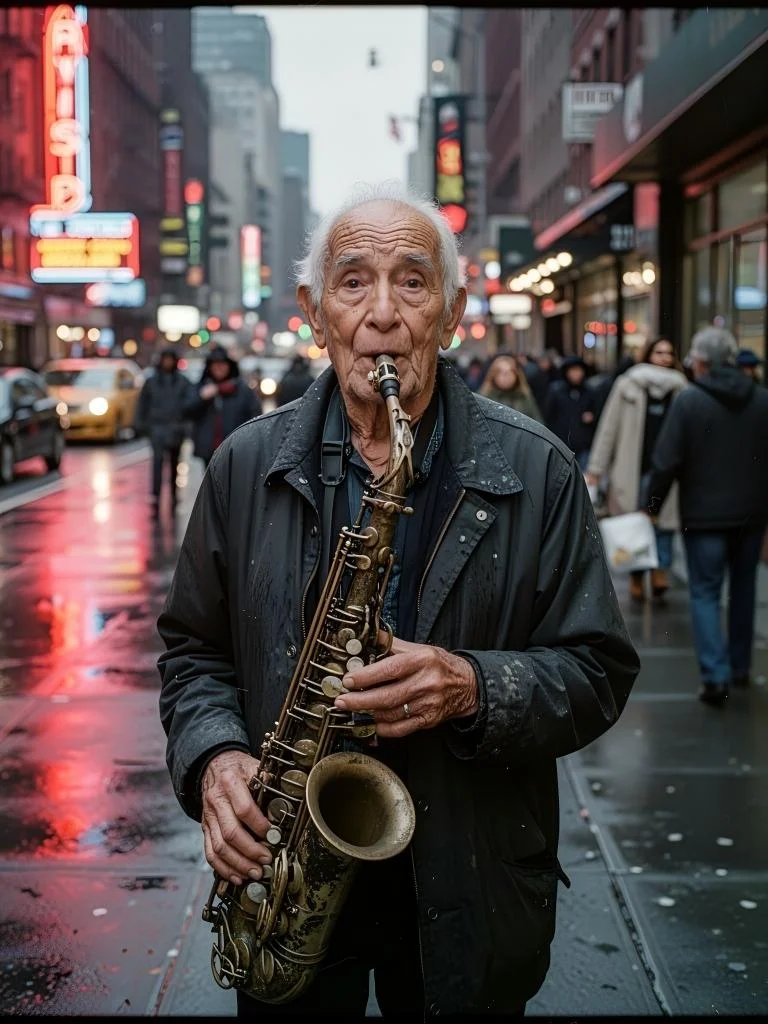
Qwen Image Max is a text-to-image model with high-quality image generation supporting Chinese and English prompts. Ready-to-use REST inference API, best performance, no coldstarts, affordable pricing.

Edit Multiple Angles
Generate specific camera angles from a single image using a 96-pose camera system. Control horizontal rotation, vertical tilt, and zoom to create front, side, back views and more. Ready-to-use REST inference API, best performance, no coldstarts, affordable pricing.
Qwen Image 2512 Lora Trainer
Qwen-Image-2512 LoRA Trainer lets you train custom LoRA models 10x faster with style, character, and object training. From concept to model in minutes, not hours—upload a ZIP file containing images to start. Ready-to-use REST inference API, best performance, no cold starts, affordable pricing.

Text To Image 2512 Lora
Qwen-Image-2512 LoRA is an enhanced 20B MMDiT text-to-image model with LoRA support for fast customization and refined image generation. Ready-to-use REST inference API, best performance, no cold starts, affordable pricing.

Text To Image 2512
Qwen Image 2512 is Qwen's latest text-to-image model with enhanced prompt understanding, superior text rendering, and versatile aspect ratio support. Ready-to-use REST inference API, best performance, no cold starts, affordable pricing.

Edit 2511 Lora
Qwen Image Edit 2511 LoRA is an enhanced version with custom LoRA support for personalized styles. It delivers stronger edit consistency, robust multi-person identity/pose consistency, custom LoRA styles, enhanced industrial/product design, and improved geometric reasoning for structure-preserving edits. Built for stable production use with a ready-to-use REST API, no cold starts, and predictable pricing.

Edit 2511
Qwen Image Edit 2511 is a major upgrade over 2509 for real-world image editing and design. It delivers stronger edit consistency, robust multi-person identity/pose consistency, built-in LoRA styles, enhanced industrial/product design, and improved geometric reasoning for structure-preserving edits. Built for stable production use with a ready-to-use REST API, no cold starts, and predictable pricing.

Layered
Qwen-Image Layered is a unified image-layer decomposition model for prompt-guided compositing. Provide points, boxes, or rough masks to isolate subjects and regions, and the model splits a single image into multiple RGBA layers with clean alpha, soft edges, and correct occlusion order. Ready-to-use REST inference API with fast response, no cold starts, and affordable pricing.

Edit Plus Lora
Qwen-Image-Edit-Plus (2509) is 20B MMDiT image-to-image editor supporting multi-image edits, single-image consistency, and native ControlNet. Ready-to-use REST inference API, best performance, no coldstarts, affordable pricing.

Edit Plus
Qwen-Image-Edit-Plus (2509) is a 20B MMDiT image editor with multi-image editing, single-image consistency and native ControlNet support. Ready-to-use REST inference API, best performance, no coldstarts, affordable pricing.

Edit Lora
Qwen-Image-Edit LoRA (20B) enables bilingual Chinese/English image-to-image editing with style preservation and semantic and appearance edits. Ready-to-use REST API, best performance, no coldstarts, affordable pricing.

Edit
Qwen-Image-Edit is a 20B MMDiT image-to-image model offering precise bilingual (Chinese & English) text edits while preserving style. Ready-to-use REST inference API, best performance, no coldstarts, affordable pricing.
Qwen Image Lora Trainer
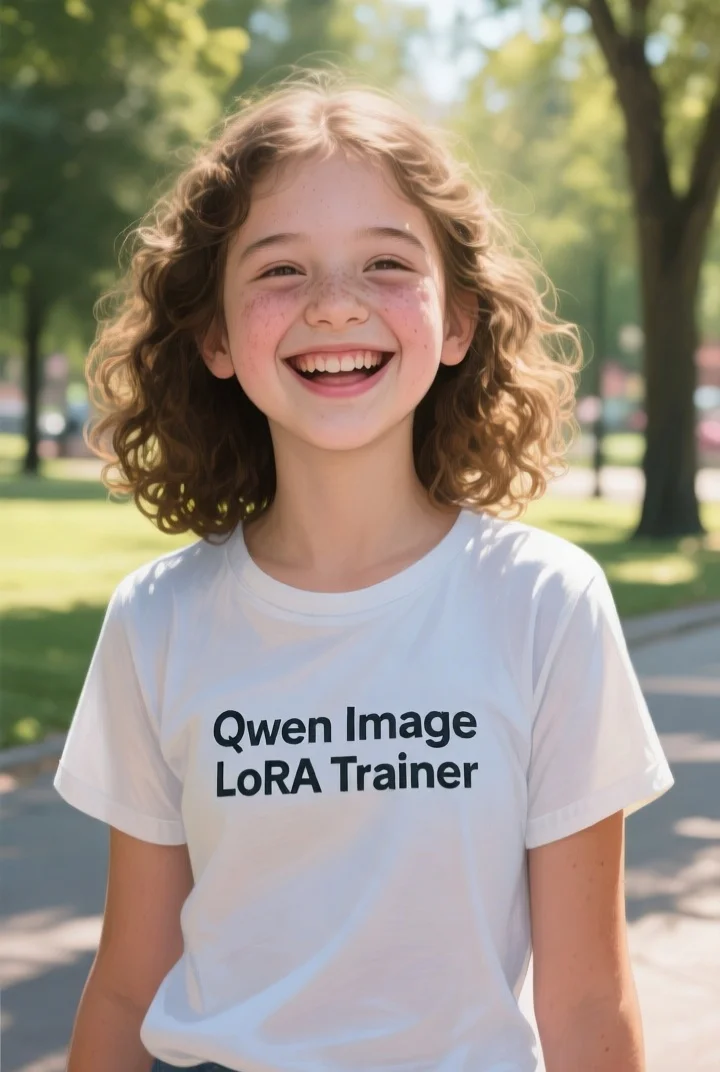
Train custom Qwen-Image LoRA models 10x faster. Style training, character training, object training. From concept to model in minutes, not hours. Upload a ZIP file containing images to start!

Text To Image Lora
Qwen-Image LoRA is a 20B MMDiT next-gen text-to-image model with LoRA support for fast customization and refined image generation. Ready-to-use REST inference API, best performance, no coldstarts, affordable pricing.
Text To Image
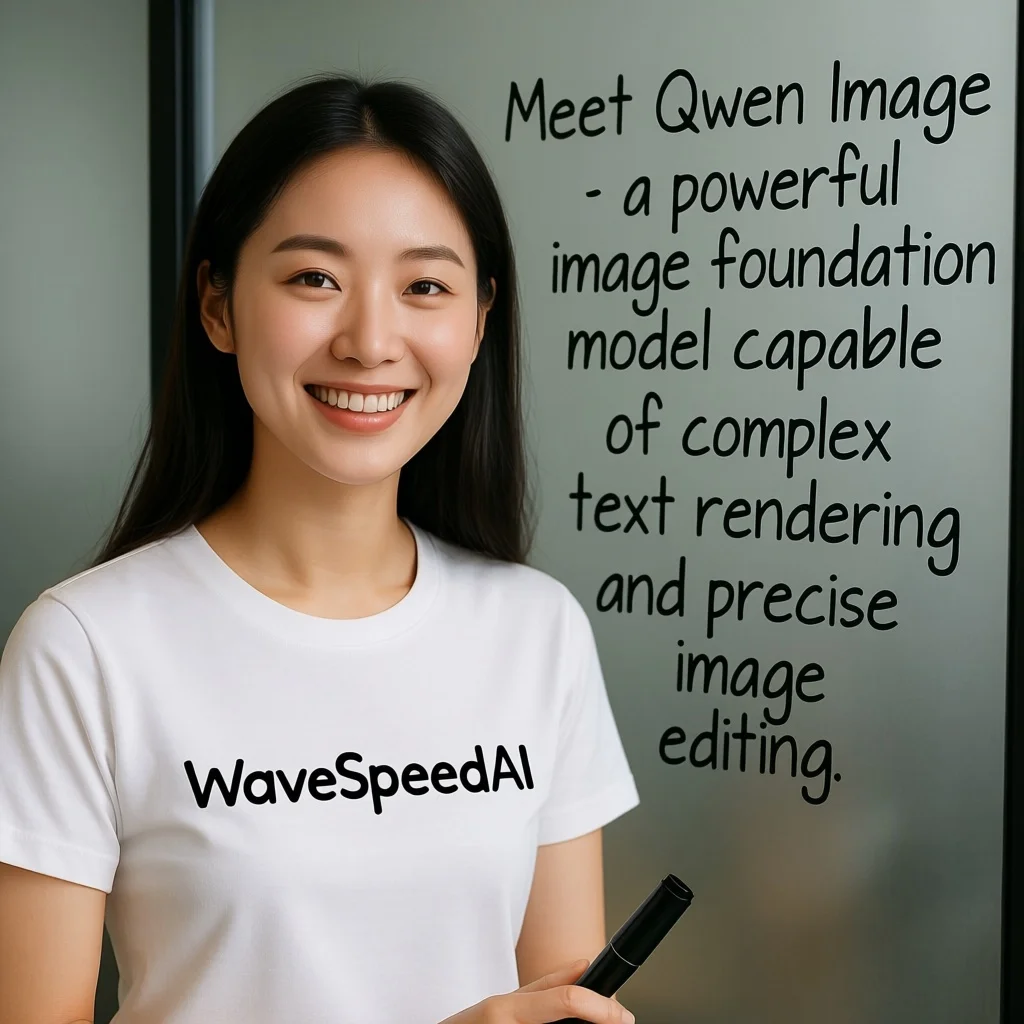
Qwen-Image is a 20B MMDiT next-gen text-to-image model that generates images from text prompts. Ready-to-use REST inference API, best performance, no coldstarts, affordable pricing.
See Qwen Image in action
Real outputs generated by the Qwen Image API. Hover any video to preview, click to open the full-size viewer.
How to use the Qwen Image API
Four steps from signup to a finished generation. Full Python, Node.js, and cURL examples are in the API section below.
- 1
Get an API key
Sign up for a WaveSpeedAI account and copy your API key from the dashboard. New accounts come with free starter credits — enough to run the playground a few dozen times before billing kicks in.
- 2
Submit a prediction
POST your input as JSON to https://api.wavespeed.ai/api/v3/wavespeed-ai/qwen-image/text-to-image. The endpoint returns a prediction id immediately — generations are async so you don't hold an open connection during inference.
- 3
Poll for completion
GET https://api.wavespeed.ai/api/v3/predictions/{request_id}/result every 1-2 seconds. The response includes a status field; keep polling until it flips from"queued" or"processing" to"completed".
- 4
Read the output URL
Once status is"completed", read the URL from data.outputs[0]. The URL points to your generated media on the WaveSpeedAI CDN — image, video, audio, or 3D file depending on the Qwen Image variant you called.
What you can build with Qwen Image
Common workflows developers and creators use the Qwen Image API for.
20B MMDiT text-to-image
wavespeed-ai/qwen-image/text-to-image is a 20B MMDiT next-gen text-to-image model that generates images from text prompts — the base generation endpoint in the Qwen Image family.
Enhanced 2512 with superior text rendering
wavespeed-ai/qwen-image/text-to-image-2512 is Qwen's latest text-to-image model with enhanced prompt understanding, superior text rendering, and versatile aspect ratio support per the catalog.
Multi-image editing with Edit-Plus
wavespeed-ai/qwen-image/edit-plus is a 20B MMDiT editor with multi-image editing, single-image consistency, and native ControlNet support — useful for complex edits that reference multiple source images.
96-pose camera angle control
wavespeed-ai/qwen-image/edit-multiple-angles generates specific camera angles from a single image using a 96-pose camera system — control horizontal rotation, vertical tilt, and zoom for front, side, back views and more.
Layered compositing decomposition
wavespeed-ai/qwen-image/layered is a unified image-layer decomposition model for prompt-guided compositing — provide points, boxes, or rough masks to isolate subjects and split a single image into layers.
LoRA customization
LoRA-supported variants (text-to-image-2512-lora, edit-lora, edit-plus-lora) enable fast customization and refined generation — train or apply LoRA checkpoints for style, character, or brand consistency.
Tips for prompting Qwen Image
Practical advice for getting better outputs from Qwen Image — drawn from the patterns that work across image models in production pipelines.
Use 2512 for latest text rendering
text-to-image-2512 is the enhanced variant with superior text rendering and prompt understanding — pick over base text-to-image when typography matters.
Edit-Multiple-Angles for product views
edit-multiple-angles generates front, side, back, and custom camera angles from a single product photo — useful for e-commerce catalogs without a multi-camera shoot.
Edit-Plus for multi-image references
When an edit depends on multiple source images, use edit-plus with native ControlNet support rather than single-image edit.
Layered for compositing workflows
Use layered to decompose an image into prompt-guided layers — isolate subjects with points, boxes, or rough masks for downstream compositing.
LoRA variants for brand consistency
Apply trained LoRA checkpoints via text-to-image-2512-lora or edit-plus-lora for recurring style, character, or brand identity across generations.
Bilingual Chinese/English editing
Edit and Edit-LoRA support bilingual Chinese/English image-to-image editing with style preservation — useful for localization workflows.
Qwen Image API pricing
Pricing is per-output. The final charge scales with the parameters you set in each variant's playground (resolution, duration, output count, references).
Call the Qwen Image API
Sign up for an API key at wavespeed.ai/accesskey, then submit a prediction via REST. The playground generates ready-to-paste samples for any combination of inputs.
HTTP example
# 1. Submit a prediction
curl -X POST "https://api.wavespeed.ai/api/v3/wavespeed-ai/qwen-image/text-to-image" \
  -H "Content-Type: application/json" \
  -H "Authorization: Bearer $WAVESPEED_API_KEY" \
  -d '{}'

# 2. Poll the result until status = "completed"
curl -X GET "https://api.wavespeed.ai/api/v3/predictions/{request_id}/result" \
  -H "Authorization: Bearer $WAVESPEED_API_KEY"

# Read the output URL from data.outputs[0].
Node.js example
// npm install wavespeed
const WaveSpeed = require('wavespeed');
const client = new WaveSpeed(); // reads WAVESPEED_API_KEY

const result = await client.run("wavespeed-ai/qwen-image/text-to-image", {});
console.log(result.outputs[0]); // → URL of the generated output
Python example
# pip install wavespeed
import wavespeed

output = wavespeed.run(
    "wavespeed-ai/qwen-image/text-to-image",
    {}
)
print(output["outputs"][0])  # → URL of the generated output
Qwen Image vs alternatives
When to pick Qwen Image over similar models on WaveSpeedAI.
Qwen Image vs Seedream 4.5
Seedream 4.5 emphasizes typography and ships Sequential variants for multi-image identity locking. Qwen Image covers a broader editing surface — Edit-Plus, multiple-angles, layered compositing, and bilingual Chinese/English editing.
Qwen Image vs GPT Image 2
GPT Image 2 has explicit quality tiers and reference-image edit workflow. Qwen Image ships native ControlNet support, 96-pose camera angles, and layered decomposition — different editing primitives at a lower per-call cost.
Qwen Image vs Nano Banana 2
Nano Banana 2 ships multi-character consistency (up to 5) and web-search grounding. Qwen Image wins on editing depth — multi-image Edit-Plus, camera-angle generation, and prompt-guided layer decomposition.
Qwen Image API — Frequently asked questions
Pricing, license, integration — common questions about running Qwen Image on WaveSpeedAI.
What is the Qwen Image API?
Qwen Image is a Alibaba image generation model exposed as a REST API on WaveSpeedAI. Alibaba Qwen-Image — 20B MMDiT next-gen text-to-image and editing toolkit with bilingual Chinese/English support, multi-image editing, LoRA customization, layered compositing, and a 96-pose camera-angle system. You can call it programmatically or try it from the playground linked above.
How do I call the Qwen Image API?
Sign up for a WaveSpeedAI account, copy your API key from /accesskey, then POST to https://api.wavespeed.ai/api/v3/wavespeed-ai/qwen-image/text-to-image with your input as JSON. The endpoint returns a prediction id; poll the prediction endpoint until status flips to "completed", then read the output URL from data.outputs[0]. Full Python / Node.js / cURL examples are above.
How much does the Qwen Image API cost?
Qwen Image starts at $0.020 per run. The exact cost scales with the parameters you set (resolution, duration, output count, references). The live cost preview next to the Generate button in the playground shows the exact price for your current input.
Which Qwen Image variants are available?
WaveSpeedAI hosts 21 Qwen Image endpoints: wavespeed-ai/qwen-image-2.0/edit, wavespeed-ai/qwen-image-2.0-pro/edit, wavespeed-ai/qwen-image-2.0/text-to-image, wavespeed-ai/qwen-image-2.0-pro/text-to-image, wavespeed-ai/qwen-image/edit-2509-multiple-angles, wavespeed-ai/qwen-image-max/edit, wavespeed-ai/qwen-image-max/text-to-image, wavespeed-ai/qwen-image/edit-multiple-angles, and more. Each variant has its own playground page and pricing.
Can I use Qwen Image outputs commercially?
Commercial usage rights follow the Alibaba model license. Most Alibaba models permit commercial output use; see each model's playground page for the specific license summary, and WaveSpeedAI's Terms of Service for platform-level conditions.
Why use Qwen Image on WaveSpeedAI instead of going direct?
One API key + one billing account across Qwen Image AND 1,000+ other AI models from other providers. No per-vendor SDK setup, no separate rate-limit envelopes, no rewrite-per-vendor integration code. Pricing is typically at parity with or below Alibaba's direct API.
About Alibaba
The team behind Qwen Image and the broader Alibaba model lineup on WaveSpeedAI.
Alibaba's Tongyi Lab produces the Wan family of video models and the Qwen family of LLMs. Wan is notable for being released with open weights, broad variant coverage (text-to-video, image-to-video, reference-to-video, video-edit, video-extend, image-edit, text-to-image), and consistent strength on motion stability and prompt adherence across multilingual prompts.
Start building with Qwen Image on WaveSpeedAI
Free starter credits on signup. One API key across 1,000+ AI models from Alibaba and every other provider.