Hunyuan3D V2 Multi-View generates accurate 3D reconstructions from multiple images. Tencent-developed and available on WaveSpeedAI. Ready-to-use REST inference API, best performance, no coldstarts, affordable pricing.
Idle
$0.02per run·~50 / $1
ExamplesView all



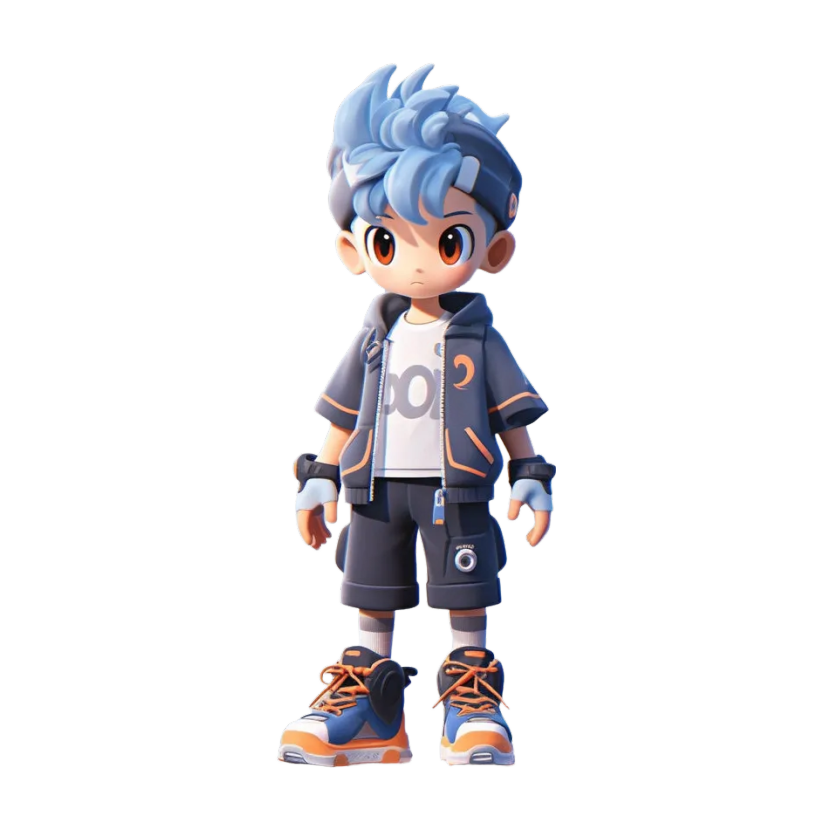

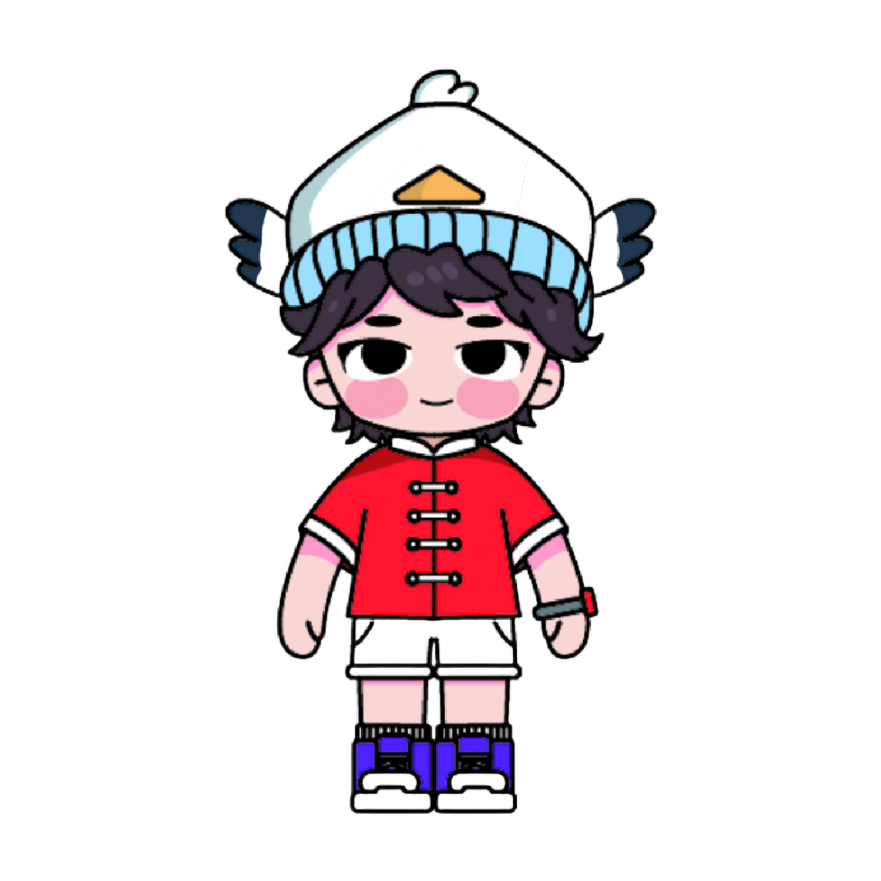
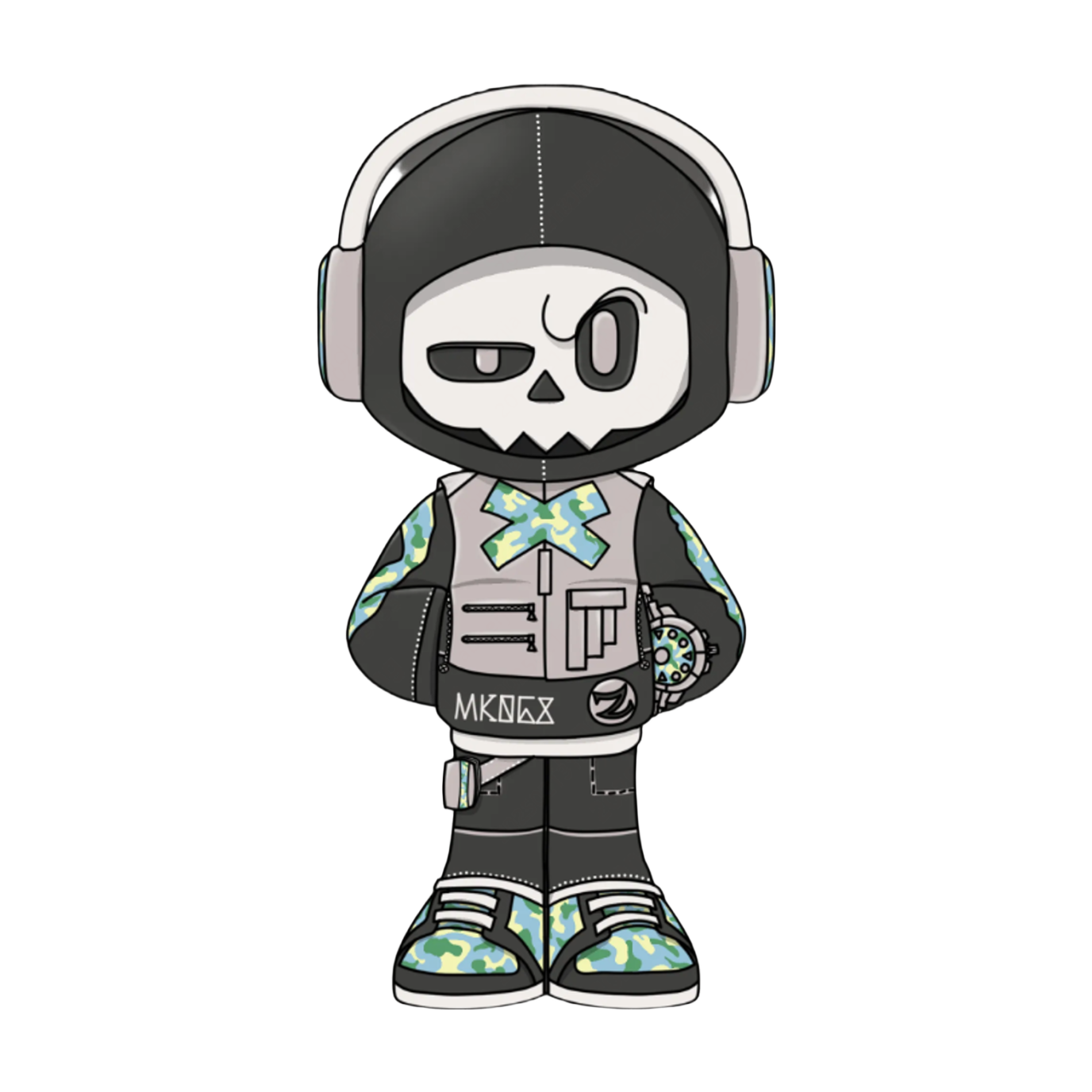
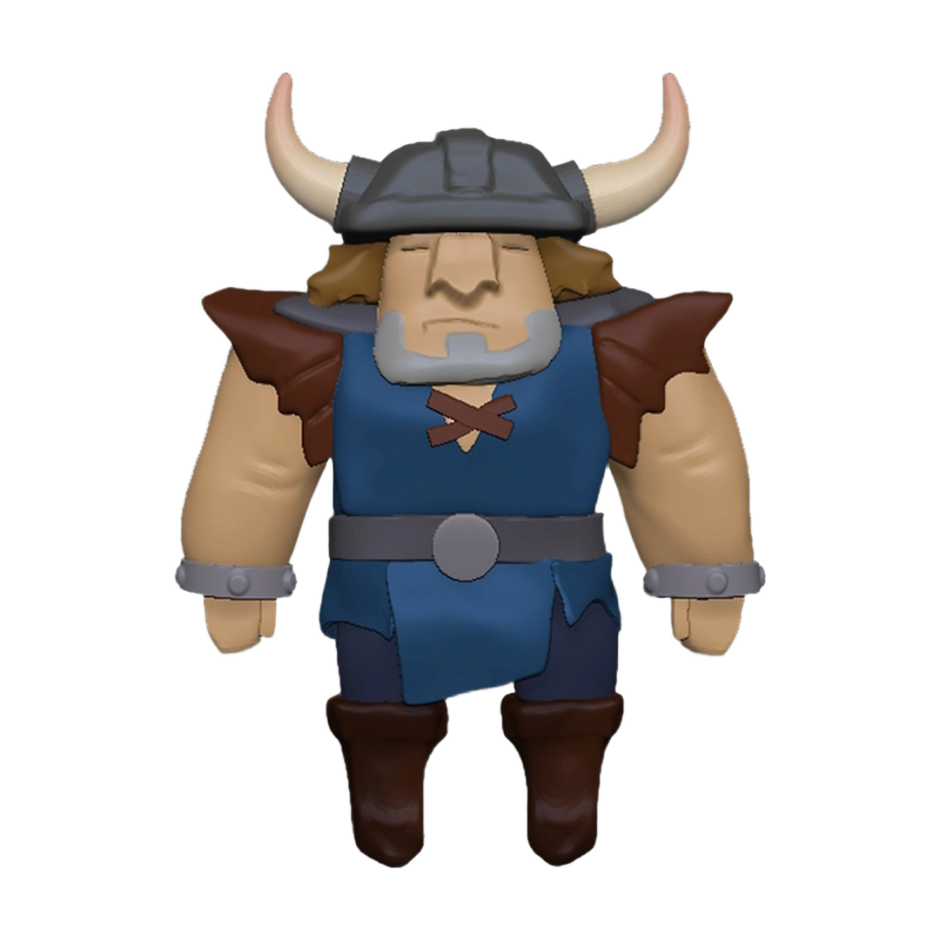

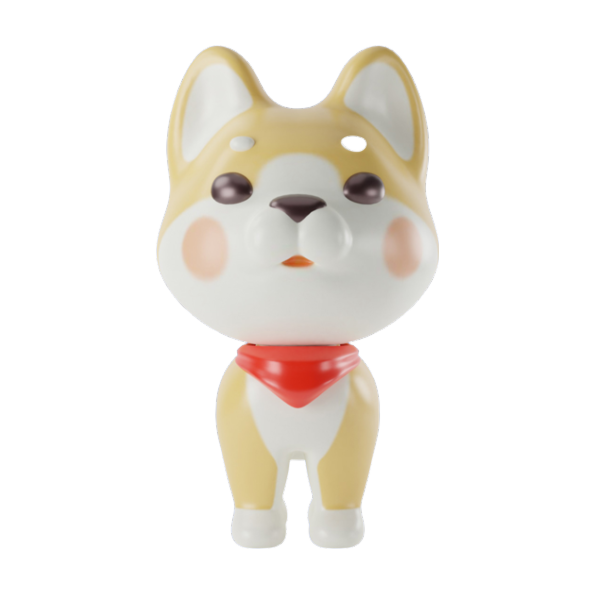
Related Models

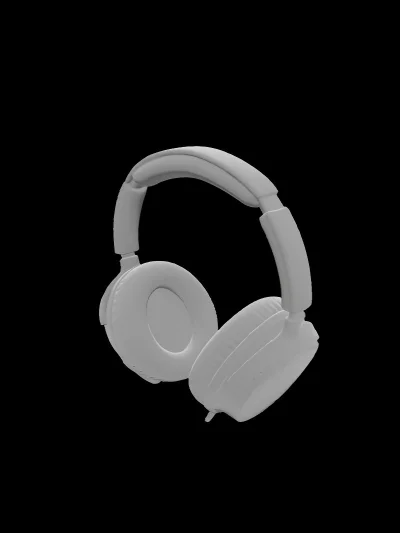
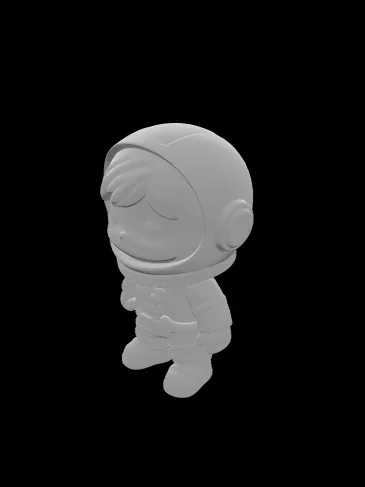
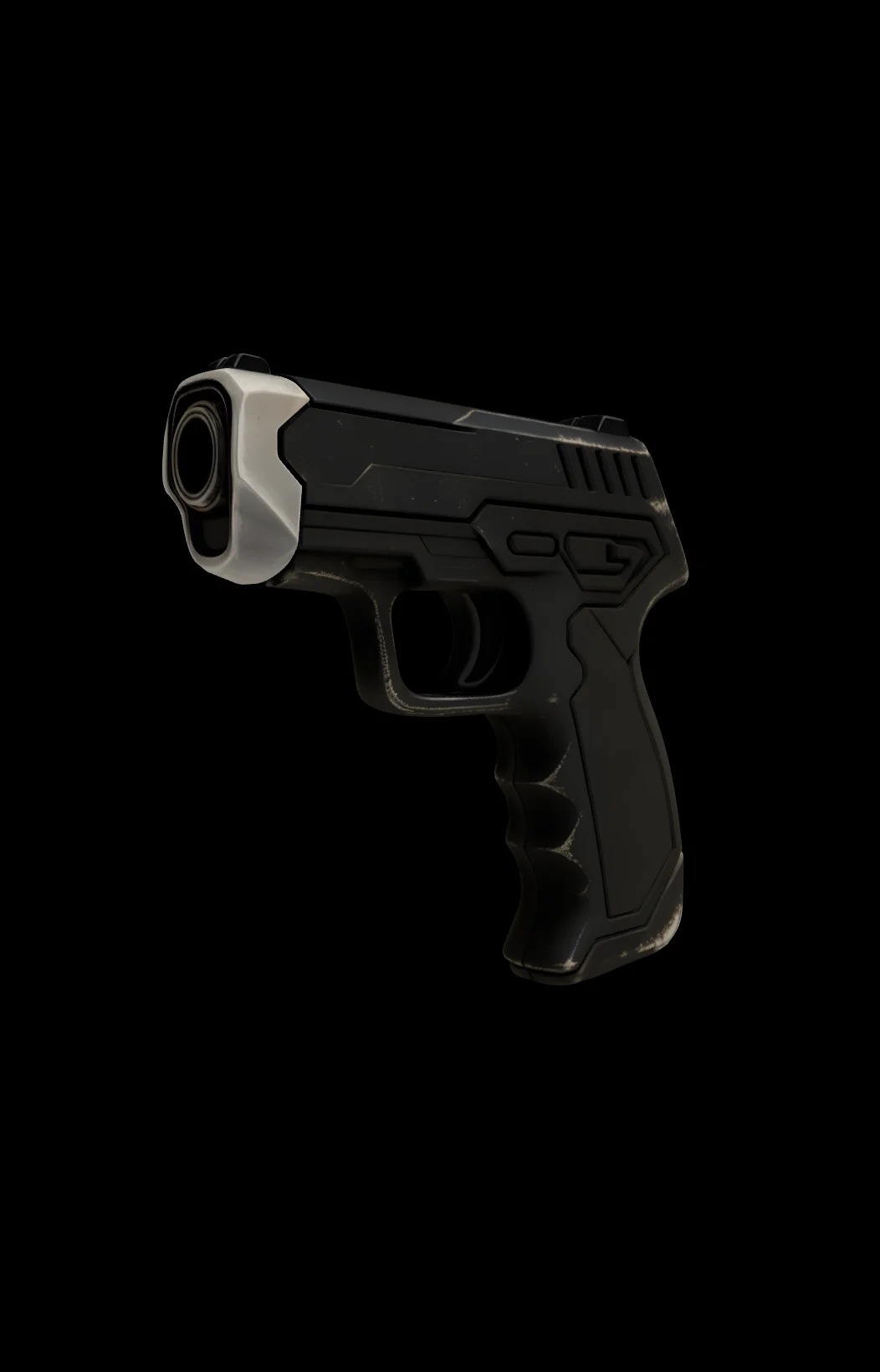

README
Hunyuan3D V2 Multi-View — Images-to-3D
Hunyuan3D V2 Multi-View is part of Tencent's open-source Hunyuan3D-2 series — a state-of-the-art 3D generation system that creates high-fidelity 3D models from multiple reference images. Provide front, back, and left views of your subject for accurate 3D reconstruction with detailed geometry.
Why It Stands Out
- Multi-view input: Uses front, back, and left images for more accurate 3D reconstruction.
- High-precision geometry: Multiple viewpoints enable better shape capture and detail.
- High-fidelity output: Produces detailed 3D models with accurate geometry and high-resolution (4K) textures.
- Fast generation: Completes model generation in as fast as 30 seconds.
- Decoupled architecture: Separates geometry generation and texture synthesis for improved quality.
Technical Highlights
The Hunyuan3D-2 system adopts a separated process of geometry generation + texture synthesis:
-
Geometry Generation (Hunyuan3D-DiT): Based on a flow diffusion model that generates untextured 3D geometric models, with 2.6B parameters, capable of precisely extracting geometric information from input images.
-
Texture Synthesis (Hunyuan3D-Paint): Adds high-resolution (4K) textures to geometric models, with 1.3B parameters, supporting multi-view diffusion generation technology to ensure realistic textures and consistent lighting.
By decoupling shape and texture generation, the system effectively reduces complexity and improves generation quality.
Performance and Efficiency
- Fast Generation: Completes model generation in as fast as 30 seconds.
- Accelerated Inference: The optimized version shortens inference time by 50% through guidance distillation techniques.
- Multi-modal Support: Compatible with various integrations including Blender plugins and Gradio applications.
Parameters
| Parameter | Required | Description |
|---|---|---|
| front_image_url | Yes | Front view image of the subject (upload or public URL). |
| back_image_url | Yes | Back view image of the subject (upload or public URL). |
| left_image_url | Yes | Left view image of the subject (upload or public URL). |
How to Use
- Upload front view image — the front-facing view of your subject.
- Upload back view image — the back-facing view of your subject.
- Upload left view image — the left side view of your subject.
- Click Run and wait for your 3D model to generate.
- Preview and download the result.
Best Use Cases
- Character Modeling — Create 3D characters from reference artwork or photos.
- Game Assets — Generate game-ready 3D models from concept art.
- Product Visualization — Generate 3D models of products from multiple angles.
- 3D Printing — Generate printable models from multi-view references.
- AR/VR Content — Create 3D objects for immersive experiences.
- Animation — Build 3D characters and props from design sheets.
Pricing
| Output | Price |
|---|---|
| Per 3D model | $0.02 |
Pro Tips for Best Quality
- Use consistent lighting across all three reference images.
- Ensure the subject is centered and at similar scale in each view.
- Use clean backgrounds (ideally transparent or solid color) for better results.
- Align viewpoints accurately — front, back, and left should be 90° apart.
- For characters, include clear details of face, clothing, and accessories in each view.
Notes
- Ensure all uploaded image URLs are publicly accessible.
- Processing time varies based on current queue load.
- Please ensure your content complies with usage guidelines.
Hunyuan3d v2 Multi View API — Quick start
Grab a WaveSpeedAI API key, then call POST https://api.wavespeed.ai//api/v3/wavespeed-ai/hunyuan3d/v2-multi-view with your input as JSON. The endpoint returns a prediction id; poll the prediction endpoint until status flips to completed, then read the output URL from data.outputs[0]. Examples for Hunyuan3d v2 Multi View below.
HTTP example
# Submit the prediction
curl -X POST "https://api.wavespeed.ai//api/v3/wavespeed-ai/hunyuan3d/v2-multi-view" \
  -H "Content-Type: application/json" \
  -H "Authorization: Bearer $WAVESPEED_API_KEY" \
  -d '{}'

# Response includes a prediction id. Poll for the result:
curl -X GET "https://api.wavespeed.ai/api/v3/predictions/{request_id}/result" \
  -H "Authorization: Bearer $WAVESPEED_API_KEY"

# When status is "completed", read the output from data.outputs[0].
Node.js example
// npm install wavespeed
const WaveSpeed = require('wavespeed');

const client = new WaveSpeed(); // reads WAVESPEED_API_KEY from env

const result = await client.run("wavespeed-ai/hunyuan3d/v2-multi-view", {});

console.log(result.outputs[0]); // → URL of the generated output
Python example
# pip install wavespeed
import wavespeed

output = wavespeed.run(
    "wavespeed-ai/hunyuan3d/v2-multi-view",
    {}
)

print(output["outputs"][0])  # → URL of the generated output
Hunyuan3d v2 Multi View API — Frequently asked questions
What is the Hunyuan3d v2 Multi View API?
Hunyuan3d v2 Multi View is a WaveSpeedAI model for 3D asset generation from images, exposed as a REST API on WaveSpeedAI. Hunyuan3D V2 Multi-View generates accurate 3D reconstructions from multiple images. Tencent-developed and available on WaveSpeedAI. Ready-to-use REST inference API, best performance, no coldstarts, affordable pricing. You can call it programmatically or try it from the playground above.
How do I call the Hunyuan3d v2 Multi View API?
POST your input parameters to the model's REST endpoint (shown in the API tab of this playground) with your WaveSpeedAI API key in the Authorization header. Submission returns a prediction ID; poll the prediction endpoint until status flips to "completed", then read the output URL from the result. The playground generates a ready-to-paste code sample in Python, JavaScript, or cURL for whatever inputs you've set. Full request/response shape is documented at https://wavespeed.ai/docs/docs-api/wavespeed-ai/hunyuan3d-v2-multi-view.
How much does Hunyuan3d v2 Multi View cost per run?
Hunyuan3d v2 Multi View starts at $0.020 per run. That figure is the base price — the final charge scales with the parameters you set in the form (output size, length, count, references, or whatever knobs this model exposes), so a higher-quality or larger output costs more than a minimal one. The exact cost for your current input is shown live next to the Generate button before you submit, and the actual per-call charge is recorded on the prediction afterwards.
What inputs does Hunyuan3d v2 Multi View accept?
Key inputs: `back_image_url`, `front_image_url`, `left_image_url`. The full JSON schema (types, defaults, allowed values) is rendered above the Generate button and mirrored in the API reference at https://wavespeed.ai/docs/docs-api/wavespeed-ai/hunyuan3d-v2-multi-view.
How long does Hunyuan3d v2 Multi View take to generate?
Average end-to-end generation time on WaveSpeedAI is around 430 seconds per request — measured across recent runs. Queue time scales with global demand; live status is visible in the prediction record.
Can I use Hunyuan3d v2 Multi View outputs commercially?
Commercial usage rights depend on the model's license, set by its provider (WaveSpeedAI). The license summary appears on the model card above; see WaveSpeedAI's Terms of Service for platform-level conditions.