Transform your sketches into detailed 3D models with Tencent's Hunyuan3D V3. Convert hand-drawn sketches and concept art into high-quality 3D assets with textures, perfect for rapid prototyping and game development. Ready-to-use REST inference API, best performance, no coldstarts, affordable pricing.
Idle

$0.375per run·~26 / $10
Related Models

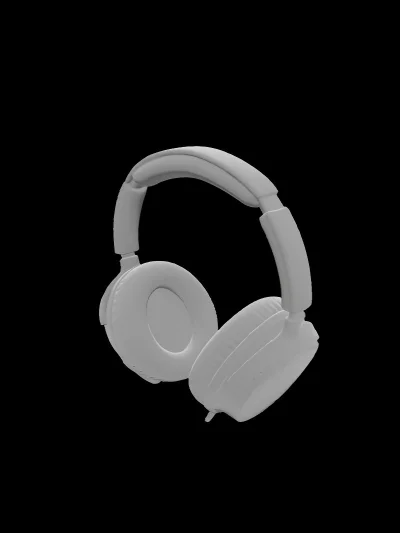
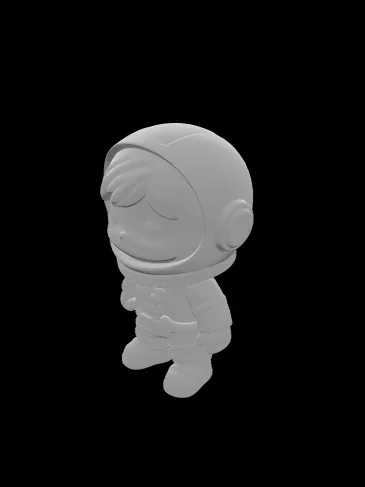
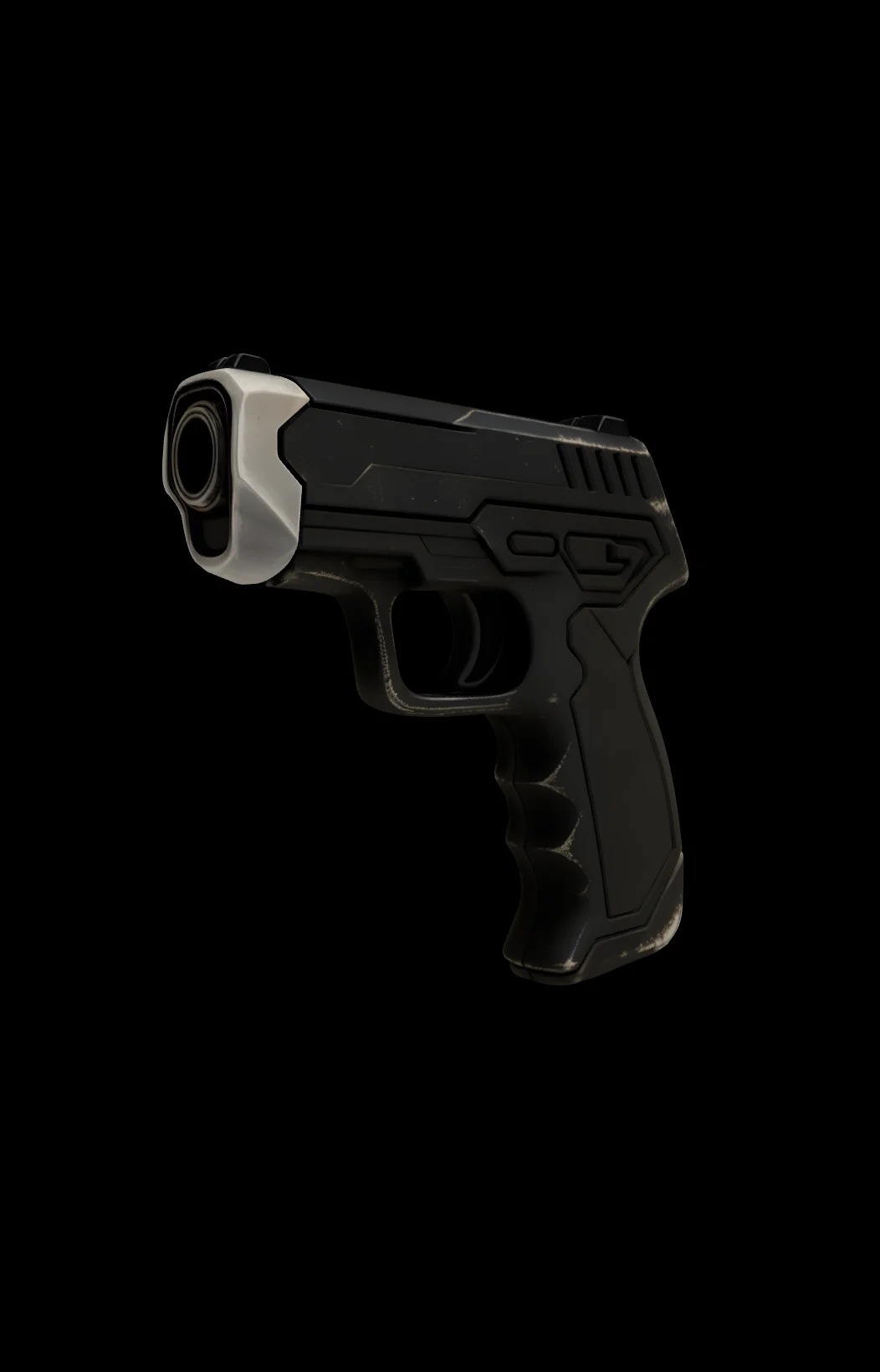
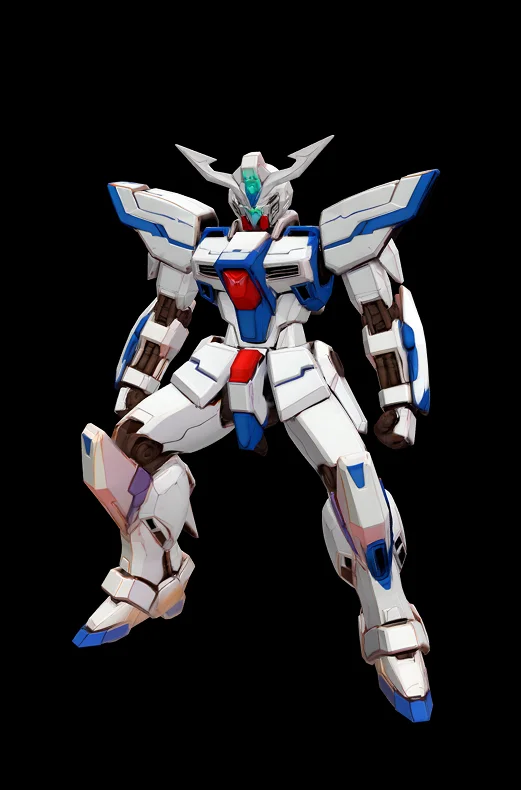

README
WaveSpeedAI Hunyuan3D v3 Sketch-to-3D
Hunyuan3D v3 Sketch-to-3D turns a sketch or line drawing into a 3D asset you can preview and download. It’s designed for fast iteration: provide a clear sketch, optionally add a short text description (materials, colors, style), and get back a mesh you can refine.
This wrapper uses the Sketch task type, where a sketch image and a prompt can be provided together to guide both shape and appearance.
Key capabilities
-
Sketch-conditioned 3D generation Generates a 3D model from a sketch/line drawing input.
-
Prompt-guided appearance control Add a prompt to clarify object identity, material, and style. In Sketch mode, prompt + image work together.
-
Optional PBR materials Enable PBR output when you need more realistic materials (typical metallic/roughness workflows).
-
Mesh complexity control Set a target
face_countto trade off detail vs. runtime and editability. -
Asynchronous job workflow Submit a job, then poll status until it finishes. Results include downloadable files and preview URLs.
Parameters and how to use
- input_image_url: (required) A URL to the sketch / line drawing image.
- prompt: A short text description to guide object identity and appearance.
- enable_pbr: Whether to generate PBR materials.
- face_count: Target face count for the generated mesh.
Prompt
Sketches often don’t contain enough information for materials, color, and surface detail. Use prompt to fill in what the sketch doesn’t say.
Tips:
- Start with what it is + what it’s made of + key visual traits.
- If the sketch is ambiguous, specify front/back, symmetry, and proportions.
- Keep it single-subject. Avoid prompts that describe multiple objects.
Example prompts:
- “single ceramic coffee mug, matte white glaze, slight lip on rim, minimal style”
- “sports sneaker, rubber sole, mesh upper, black and neon green accents, product-style lighting”
Media (Images)
Input
- Provide a publicly accessible image URL (or upload via your media pipeline and paste the resulting URL).
- Supported formats: JPG / JPEG / PNG / WEBP.
Other parameters
enable_pbr
-
Type: boolean
-
Default:
false -
What it does: generates PBR materials when enabled.
-
When to use:
-
falsefor faster previews, simpler assets, or when you’ll re-shade in a 3D tool. -
truewhen you want more realistic materials out of the box.
face_count
-
Type: integer
-
Default:
500000 -
Range:
40000–1500000 -
What it does: requests a target face count for the generated mesh.
-
Typical guidance:
-
40000–150000: mobile / real-time previews -
150000–600000: general-purpose assets -
600000–1500000: close-ups or heavier editing
After you finish configuring the parameters, click Run, preview the result, and iterate if needed.
Pricing
$0.375 per run.
Notes
- Use prompt + sketch together. If your sketch is minimal, a short prompt can significantly improve interpretation of parts and materials.
- Download outputs promptly. Result URLs may expire, so persist assets you want to keep.
- Batching considerations. For pipelines, plan around concurrency and rate limits.
- Cost/latency trade-offs. Enabling PBR and specifying a custom
face_countmay take longer to finish.
Related Models
- Hunyuan3D V2 Base – Image-to-3D baseline when you have a clean reference image instead of a sketch.
- Hunyuan3D V2 Mini – Faster / lighter image-to-3D option for rapid iteration and previews.
- Hunyuan3D V2 Multi-View – Best when you can provide multiple views to improve reconstruction stability and shape fidelity.
- SAM 3D Objects Generator – Image-to-3D with optional mask guidance for cleaner object isolation from complex backgrounds.
Hunyuan3d v3 Sketch To 3d API — Quick start
Grab a WaveSpeedAI API key, then call POST https://api.wavespeed.ai/api/v3/wavespeed-ai/hunyuan3d-v3/sketch-to-3d with your input as JSON. The endpoint returns a prediction id; poll the prediction endpoint until status flips to completed, then read the output URL from data.outputs[0]. Examples for Hunyuan3d v3 Sketch To 3d below.
HTTP example
# Submit the prediction
curl -X POST "https://api.wavespeed.ai/api/v3/wavespeed-ai/hunyuan3d-v3/sketch-to-3d" \
  -H "Content-Type: application/json" \
  -H "Authorization: Bearer $WAVESPEED_API_KEY" \
  -d '{
    "prompt": "A cinematic shot of a city at sunset, soft golden light",
    "image": "https://example.com/your-input.jpg",
    "enable_pbr": false,
    "face_count": 500000
}'

# Response includes a prediction id. Poll for the result:
curl -X GET "https://api.wavespeed.ai/api/v3/predictions/{request_id}/result" \
  -H "Authorization: Bearer $WAVESPEED_API_KEY"

# When status is "completed", read the output from data.outputs[0].
Node.js example
// npm install wavespeed
const WaveSpeed = require('wavespeed');

const client = new WaveSpeed(); // reads WAVESPEED_API_KEY from env

const result = await client.run("wavespeed-ai/hunyuan3d-v3/sketch-to-3d", {
        "prompt": "A cinematic shot of a city at sunset, soft golden light",
        "image": "https://example.com/your-input.jpg",
        "enable_pbr": false,
        "face_count": 500000
});

console.log(result.outputs[0]); // → URL of the generated output
Python example
# pip install wavespeed
import wavespeed

output = wavespeed.run(
    "wavespeed-ai/hunyuan3d-v3/sketch-to-3d",
    {
    "prompt": "A cinematic shot of a city at sunset, soft golden light",
    "image": "https://example.com/your-input.jpg",
    "enable_pbr": false,
    "face_count": 500000
}
)

print(output["outputs"][0])  # → URL of the generated output
Hunyuan3d v3 Sketch To 3d API — Frequently asked questions
What is the Hunyuan3d v3 Sketch To 3d API?
Hunyuan3d v3 Sketch To 3d is a WaveSpeedAI model for 3D asset generation from images, exposed as a REST API on WaveSpeedAI. Transform your sketches into detailed 3D models with Tencent's Hunyuan3D V3. Convert hand-drawn sketches and concept art into high-quality 3D assets with textures, perfect for rapid prototyping and game development. Ready-to-use REST inference API, best performance, no coldstarts, affordable pricing. You can call it programmatically or try it from the playground above.
How do I call the Hunyuan3d v3 Sketch To 3d API?
POST your input parameters to the model's REST endpoint (shown in the API tab of this playground) with your WaveSpeedAI API key in the Authorization header. Submission returns a prediction ID; poll the prediction endpoint until status flips to "completed", then read the output URL from the result. The playground generates a ready-to-paste code sample in Python, JavaScript, or cURL for whatever inputs you've set. Full request/response shape is documented at https://wavespeed.ai/docs/docs-api/wavespeed-ai/hunyuan3d-v3-sketch-to-3d.
How much does Hunyuan3d v3 Sketch To 3d cost per run?
Hunyuan3d v3 Sketch To 3d starts at $0.38 per run. That figure is the base price — the final charge scales with the parameters you set in the form (output size, length, count, references, or whatever knobs this model exposes), so a higher-quality or larger output costs more than a minimal one. The exact cost for your current input is shown live next to the Generate button before you submit, and the actual per-call charge is recorded on the prediction afterwards.
What inputs does Hunyuan3d v3 Sketch To 3d accept?
Key inputs: `prompt`, `image`, `enable_pbr`, `face_count`. The full JSON schema (types, defaults, allowed values) is rendered above the Generate button and mirrored in the API reference at https://wavespeed.ai/docs/docs-api/wavespeed-ai/hunyuan3d-v3-sketch-to-3d.
How long does Hunyuan3d v3 Sketch To 3d take to generate?
Average end-to-end generation time on WaveSpeedAI is around 165 seconds per request — measured across recent runs. Queue time scales with global demand; live status is visible in the prediction record.
Can I use Hunyuan3d v3 Sketch To 3d outputs commercially?
Commercial usage rights depend on the model's license, set by its provider (WaveSpeedAI). The license summary appears on the model card above; see WaveSpeedAI's Terms of Service for platform-level conditions.