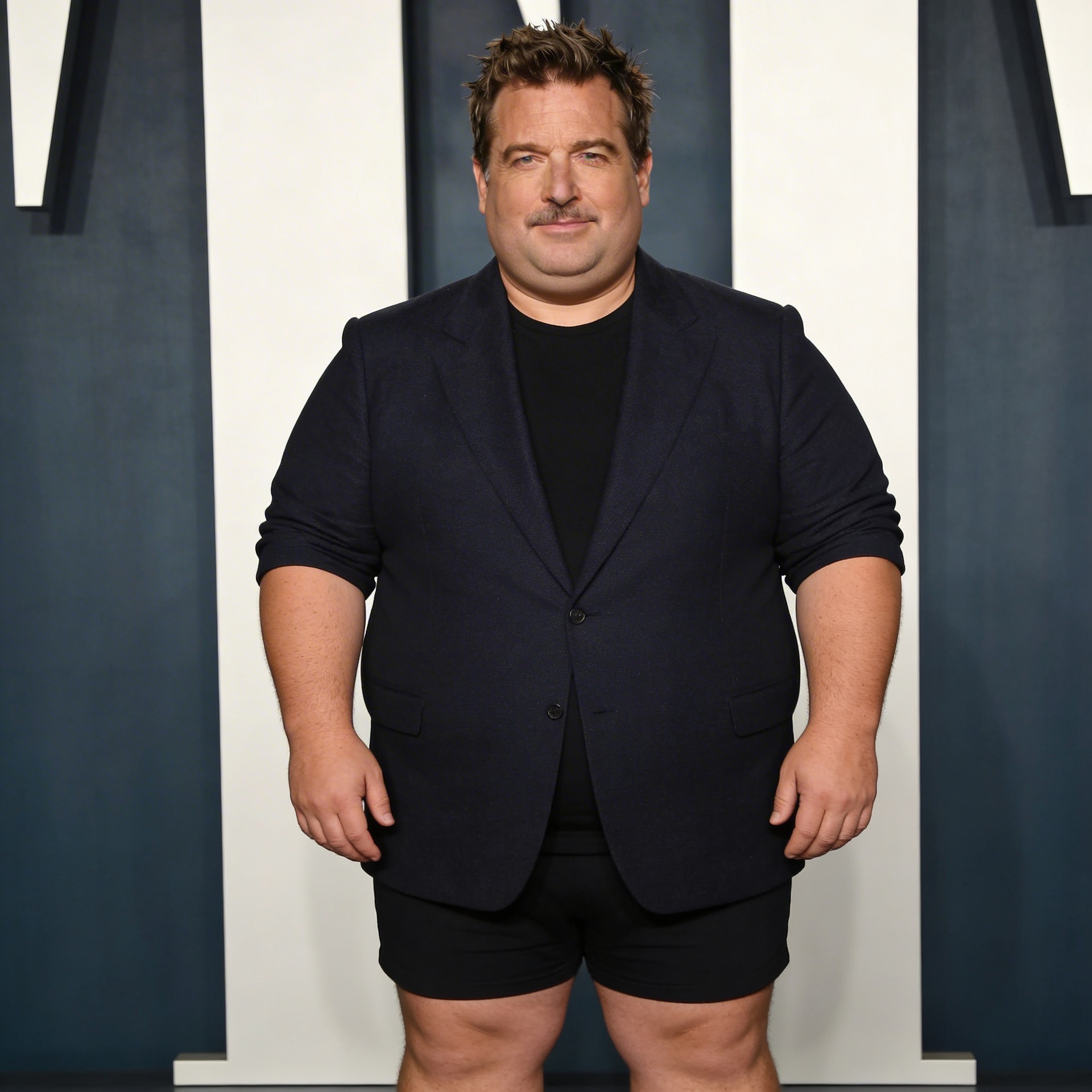
AI Fat Filter transforms a portrait image into a fun, exaggerated fat version. Upload a face photo and get an entertaining result. Ready-to-use REST inference API, no coldstarts, affordable pricing.
Idle
$0.05per run·~20 / $1
ExamplesView all

Related Models




README
AI Fat Filter
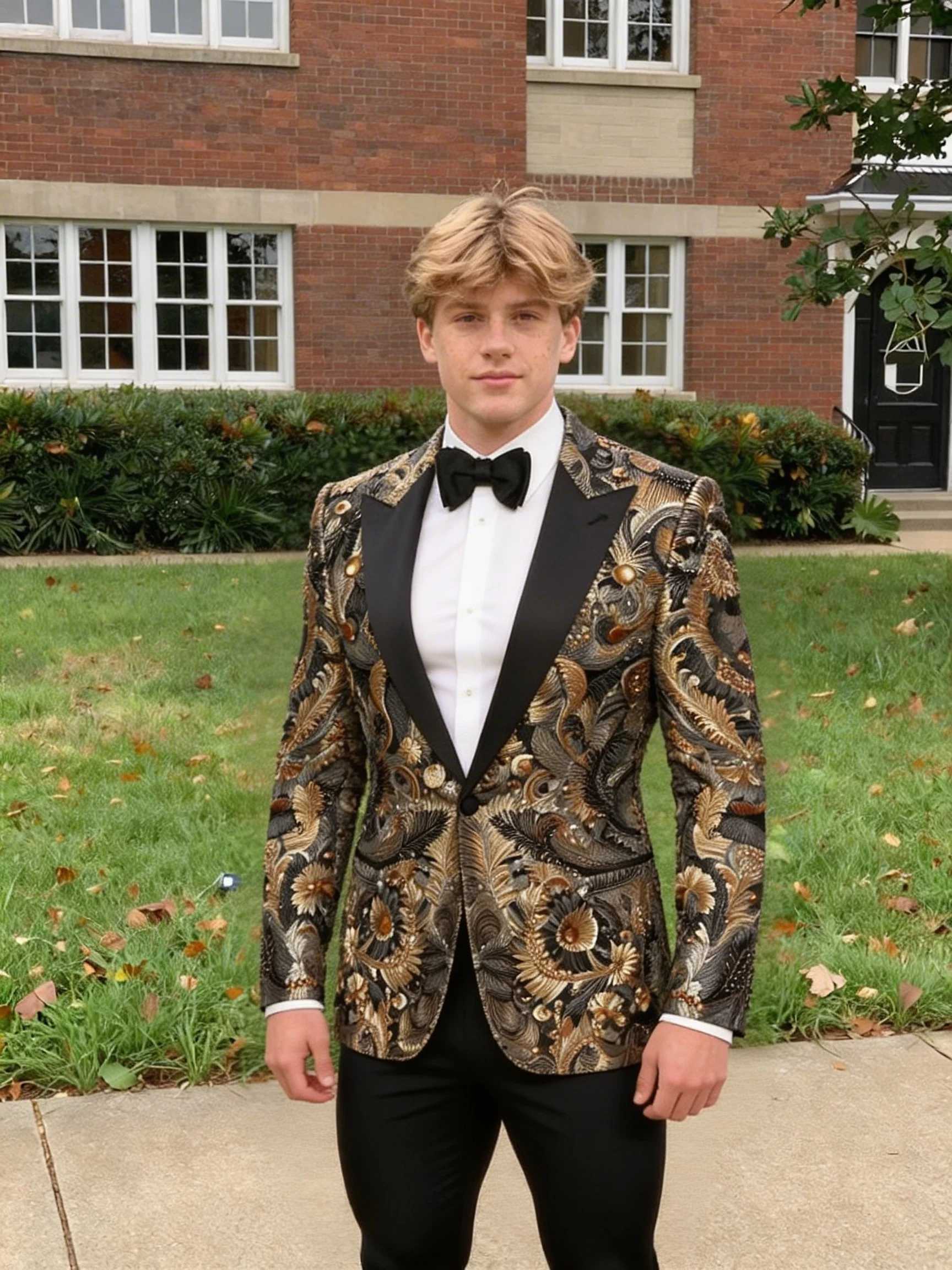
AI Fat Filter adds a hilarious twist to any portrait — transforming faces into fun, chubby versions that are guaranteed to get laughs. Perfect for pranks, memes, and those "what if" moments. Upload a photo and prepare to giggle.
Why Choose This?
-
Instant transformation See a hilariously exaggerated version of any face in seconds.
-
Realistic yet funny AI creates natural-looking transformations that are amusing without being uncanny.
-
Meme-ready output Results are perfect for sharing, pranking friends, or creating viral content.
-
Works on any face Selfies, group photos, celebrity pics — transform anyone (with their permission, of course).
-
Quick laughs Upload → Transform → Laugh → Share. Simple as that.
Parameters
| Parameter | Required | Description |
|---|---|---|
| image | Yes | Portrait photo to transform (URL or upload) |
How to Use
- Upload a photo — any clear face photo works.
- Run — AI works its magic.
- Laugh — enjoy the transformation.
- Share — send it to friends (and maybe run).
Pricing
| Output | Cost |
|---|---|
| Per image | $0.05 |
Best Use Cases
- Friend pranks — Send them their "alternate universe" self.
- Party entertainment — Transform everyone at the party and vote on the funniest.
- Meme creation — Content gold for social media.
- Birthday gags — Add to birthday cards for extra laughs.
- Group chat fun — Guaranteed reactions in any group chat.
Pro Tips
- Clear, front-facing photos with good lighting work best.
- Full face visibility = better transformation.
- Higher resolution photos give funnier, more detailed results.
- Try it on yourself first before pranking others!
- Works great with celebrity photos too (for personal entertainment).
Notes
- Image is the only required field.
- Ensure uploaded image URLs are publicly accessible.
- For entertainment purposes only.
- Please use responsibly — only transform photos of people who would find it funny.
Ai Fat Filter API — Quick start
Grab a WaveSpeedAI API key, then call POST https://api.wavespeed.ai/api/v3/wavespeed-ai/ai-fat-filter with your input as JSON. The endpoint returns a prediction id; poll the prediction endpoint until status flips to completed, then read the output URL from data.outputs[0]. Examples for Ai Fat Filter below.
HTTP example
# Submit the prediction
curl -X POST "https://api.wavespeed.ai/api/v3/wavespeed-ai/ai-fat-filter" \
  -H "Content-Type: application/json" \
  -H "Authorization: Bearer $WAVESPEED_API_KEY" \
  -d '{
    "image": "https://example.com/your-input.jpg"
}'

# Response includes a prediction id. Poll for the result:
curl -X GET "https://api.wavespeed.ai/api/v3/predictions/{request_id}/result" \
  -H "Authorization: Bearer $WAVESPEED_API_KEY"

# When status is "completed", read the output from data.outputs[0].
Node.js example
// npm install wavespeed
const WaveSpeed = require('wavespeed');

const client = new WaveSpeed(); // reads WAVESPEED_API_KEY from env

const result = await client.run("wavespeed-ai/ai-fat-filter", {
        "image": "https://example.com/your-input.jpg"
});

console.log(result.outputs[0]); // → URL of the generated output
Python example
# pip install wavespeed
import wavespeed

output = wavespeed.run(
    "wavespeed-ai/ai-fat-filter",
    {
    "image": "https://example.com/your-input.jpg"
}
)

print(output["outputs"][0])  # → URL of the generated output
Ai Fat Filter API — Frequently asked questions
What is the Ai Fat Filter API?
Ai Fat Filter is a WaveSpeedAI model for image editing, exposed as a REST API on WaveSpeedAI. AI Fat Filter transforms a portrait image into a fun, exaggerated fat version. Upload a face photo and get an entertaining result. Ready-to-use REST inference API, no coldstarts, affordable pricing. You can call it programmatically or try it from the playground above.
How do I call the Ai Fat Filter API?
POST your input parameters to the model's REST endpoint (shown in the API tab of this playground) with your WaveSpeedAI API key in the Authorization header. Submission returns a prediction ID; poll the prediction endpoint until status flips to "completed", then read the output URL from the result. The playground generates a ready-to-paste code sample in Python, JavaScript, or cURL for whatever inputs you've set. Full request/response shape is documented at https://wavespeed.ai/docs/docs-api/wavespeed-ai/ai-fat-filter.
How much does Ai Fat Filter cost per run?
Ai Fat Filter starts at $0.050 per run. That figure is the base price — the final charge scales with the parameters you set in the form (output size, length, count, references, or whatever knobs this model exposes), so a higher-quality or larger output costs more than a minimal one. The exact cost for your current input is shown live next to the Generate button before you submit, and the actual per-call charge is recorded on the prediction afterwards.
What inputs does Ai Fat Filter accept?
Key inputs: `image`. The full JSON schema (types, defaults, allowed values) is rendered above the Generate button and mirrored in the API reference at https://wavespeed.ai/docs/docs-api/wavespeed-ai/ai-fat-filter.
How do I get started with the Ai Fat Filter API?
Sign up for a free WaveSpeedAI account to claim starter credits, copy your API key from /accesskey, then call the endpoint shown in the API tab of the playground. The playground also auto-generates a code sample in Python, JavaScript, or cURL for the parameters you've set.
Can I use Ai Fat Filter outputs commercially?
Commercial usage rights depend on the model's license, set by its provider (WaveSpeedAI). The license summary appears on the model card above; see WaveSpeedAI's Terms of Service for platform-level conditions.