AI Clothes Changer swaps clothing on a person using reference clothing images. Upload a portrait and up to 8 clothing images to try on. Ready-to-use REST inference API, no coldstarts, affordable pricing.
Idle
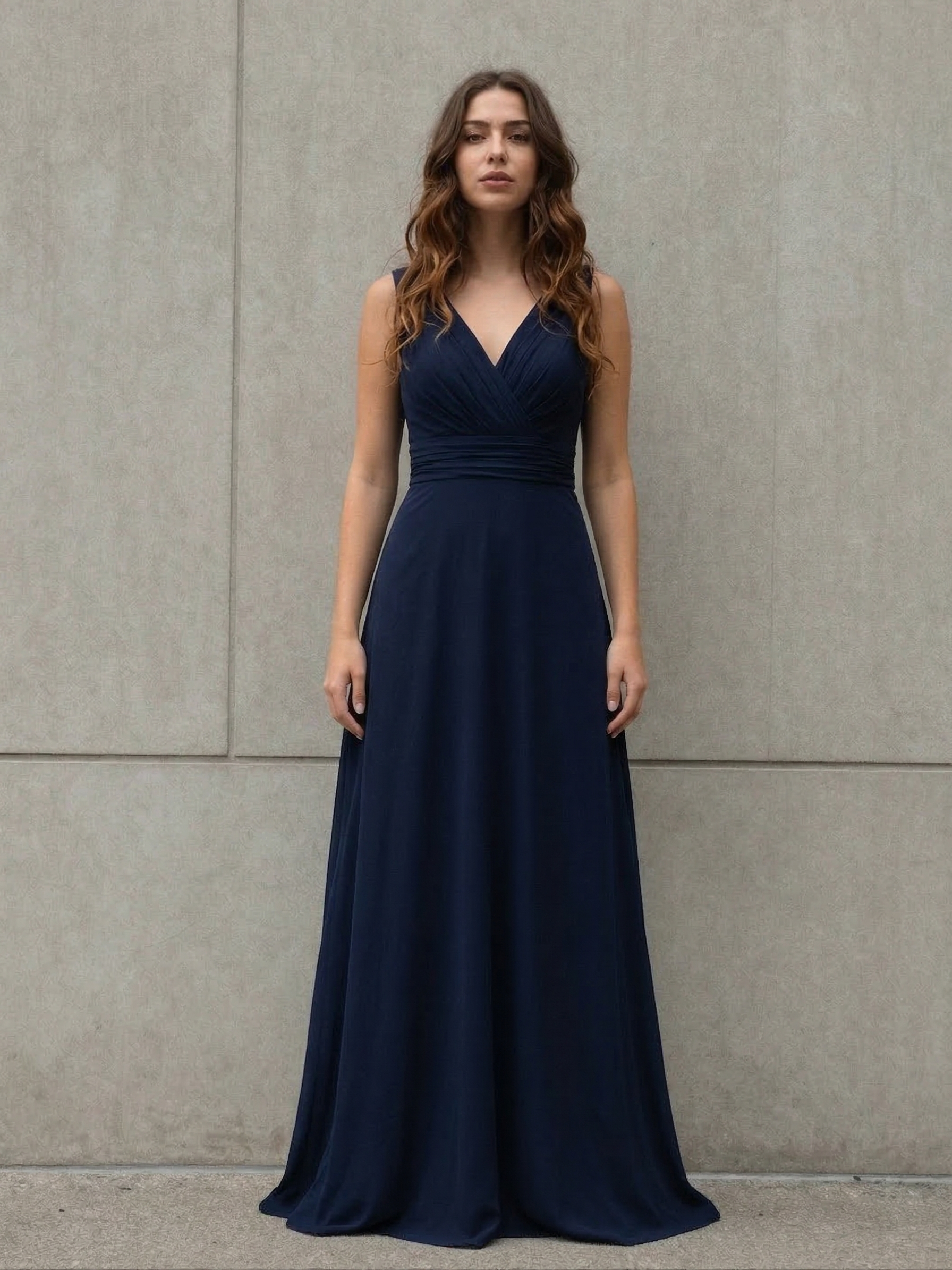
$0.12per run·~83 / $10
ExamplesView all
Related Models
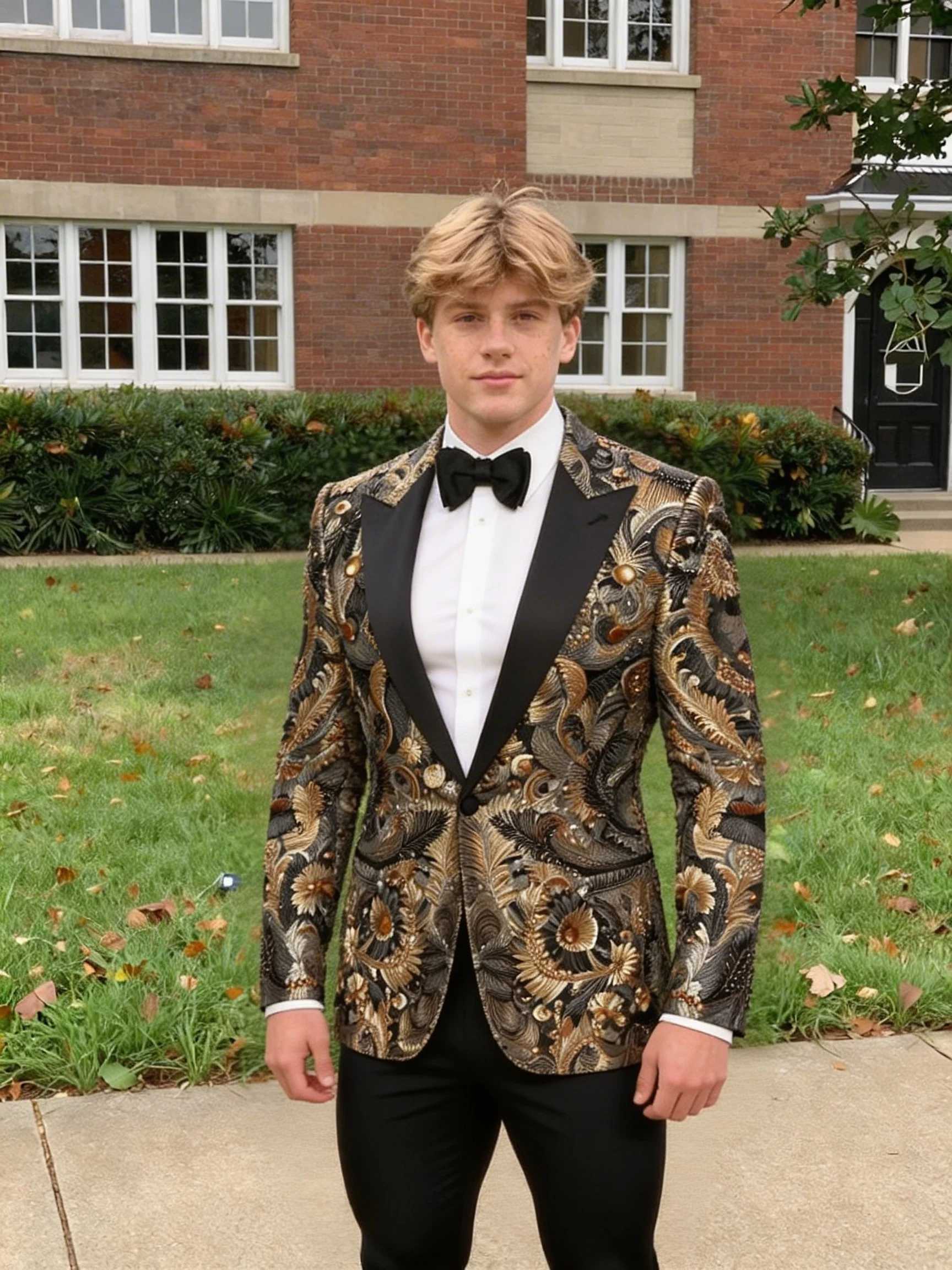





README
AI Clothes Changer
AI Clothes Changer is your virtual fitting room — no lines, no hassle. Upload a portrait and any clothing image, and watch the AI seamlessly dress you in seconds. Try on outfits before you buy, visualize your wardrobe, or just have fun experimenting with looks you'd never dare try in real life.
Why Choose This?
-
Instant virtual try-on See how any outfit looks on you without changing clothes. Shopping from the couch just got real.
-
Up to 8 items at once Mix and match — upload multiple clothing images and try them all in one go.
-
Realistic fitting AI adapts clothing to your body shape, pose, and lighting for natural-looking results.
-
Any clothing, any style Dresses, suits, casual wear, costumes, vintage fits — if you can photograph it, you can try it on.
-
Works with any portrait Front-facing photos, casual selfies, professional headshots — all welcome.
Parameters
| Parameter | Required | Description |
|---|---|---|
| image | Yes | Your portrait photo (URL or upload) |
| clothes | Yes | Clothing images to try on (up to 8) |
How to Use
- Upload your portrait — a clear, front-facing photo works best.
- Add clothing images — upload up to 8 garment photos you want to try on.
- Run — AI works its magic.
- Download — save your new looks and share with friends.
Pricing
| Output | Cost |
|---|---|
| Per image | $0.12 |
Best Use Cases
- Online shopping — Try before you buy. See how that jacket actually looks on you.
- Wardrobe planning — Visualize outfit combinations without opening your closet.
- Fashion content — Create lookbooks, style guides, or social media content.
- Costume preview — Halloween, cosplay, themed parties — see it before you commit.
- Gift shopping — Will that sweater look good on them? Now you can check.
- Just for fun — Ever wondered how you'd look in a tuxedo? A vintage dress? A superhero cape?
Pro Tips
- Portrait quality matters — clear, well-lit, front-facing photos give the best results.
- Clothing images should show the full garment against a clean background.
- For best fit, use photos where clothing is laid flat or on a mannequin.
- Try different poses in your portrait for varied results.
- The more visible your body in the portrait, the more realistic the try-on.
Notes
- Both portrait and clothing images are required.
- Maximum 8 clothing images per request.
- Ensure uploaded image URLs are publicly accessible.
- Results are for visualization — actual fit may vary.
Ai Clothes Changer API — Quick start
Grab a WaveSpeedAI API key, then call POST https://api.wavespeed.ai/api/v3/wavespeed-ai/ai-clothes-changer with your input as JSON. The endpoint returns a prediction id; poll the prediction endpoint until status flips to completed, then read the output URL from data.outputs[0]. Examples for Ai Clothes Changer below.
HTTP example
# Submit the prediction
curl -X POST "https://api.wavespeed.ai/api/v3/wavespeed-ai/ai-clothes-changer" \
  -H "Content-Type: application/json" \
  -H "Authorization: Bearer $WAVESPEED_API_KEY" \
  -d '{
    "image": "https://example.com/your-input.jpg"
}'

# Response includes a prediction id. Poll for the result:
curl -X GET "https://api.wavespeed.ai/api/v3/predictions/{request_id}/result" \
  -H "Authorization: Bearer $WAVESPEED_API_KEY"

# When status is "completed", read the output from data.outputs[0].
Node.js example
// npm install wavespeed
const WaveSpeed = require('wavespeed');

const client = new WaveSpeed(); // reads WAVESPEED_API_KEY from env

const result = await client.run("wavespeed-ai/ai-clothes-changer", {
        "image": "https://example.com/your-input.jpg"
});

console.log(result.outputs[0]); // → URL of the generated output
Python example
# pip install wavespeed
import wavespeed

output = wavespeed.run(
    "wavespeed-ai/ai-clothes-changer",
    {
    "image": "https://example.com/your-input.jpg"
}
)

print(output["outputs"][0])  # → URL of the generated output
Ai Clothes Changer API — Frequently asked questions
What is the Ai Clothes Changer API?
Ai Clothes Changer is a WaveSpeedAI model for image editing, exposed as a REST API on WaveSpeedAI. AI Clothes Changer swaps clothing on a person using reference clothing images. Upload a portrait and up to 8 clothing images to try on. Ready-to-use REST inference API, no coldstarts, affordable pricing. You can call it programmatically or try it from the playground above.
How do I call the Ai Clothes Changer API?
POST your input parameters to the model's REST endpoint (shown in the API tab of this playground) with your WaveSpeedAI API key in the Authorization header. Submission returns a prediction ID; poll the prediction endpoint until status flips to "completed", then read the output URL from the result. The playground generates a ready-to-paste code sample in Python, JavaScript, or cURL for whatever inputs you've set. Full request/response shape is documented at https://wavespeed.ai/docs/docs-api/wavespeed-ai/ai-clothes-changer.
How much does Ai Clothes Changer cost per run?
Ai Clothes Changer starts at $0.12 per run. That figure is the base price — the final charge scales with the parameters you set in the form (output size, length, count, references, or whatever knobs this model exposes), so a higher-quality or larger output costs more than a minimal one. The exact cost for your current input is shown live next to the Generate button before you submit, and the actual per-call charge is recorded on the prediction afterwards.
What inputs does Ai Clothes Changer accept?
Key inputs: `image`, `clothes_images`. The full JSON schema (types, defaults, allowed values) is rendered above the Generate button and mirrored in the API reference at https://wavespeed.ai/docs/docs-api/wavespeed-ai/ai-clothes-changer.
How do I get started with the Ai Clothes Changer API?
Sign up for a free WaveSpeedAI account to claim starter credits, copy your API key from /accesskey, then call the endpoint shown in the API tab of the playground. The playground also auto-generates a code sample in Python, JavaScript, or cURL for the parameters you've set.
Can I use Ai Clothes Changer outputs commercially?
Commercial usage rights depend on the model's license, set by its provider (WaveSpeedAI). The license summary appears on the model card above; see WaveSpeedAI's Terms of Service for platform-level conditions.