Ideogram V3 Generate Transparent creates high-quality images with transparent backgrounds from text prompts, perfect for logos, stickers, and design assets. Ready-to-use REST inference API, best performance, no cold starts, affordable pricing.
Idle

$0.06per run·~16 / $1
ExamplesView all
A delicate watercolor illustration of a red panda curled on a mossy branch, soft bleeding edges, muted earth tones, loose brushwork, white paper texture showing through

A low-poly 3D wolf howling at the moon, deep navy blue and silver geometric facets, minimalist mountain landscape background, sharp angular shadows, render style

A plump tabby cat sleeping in a wicker basket surrounded by dried lavender and sunflowers, warm golden hour light, illustrated storybook style, soft grain texture
Related Models
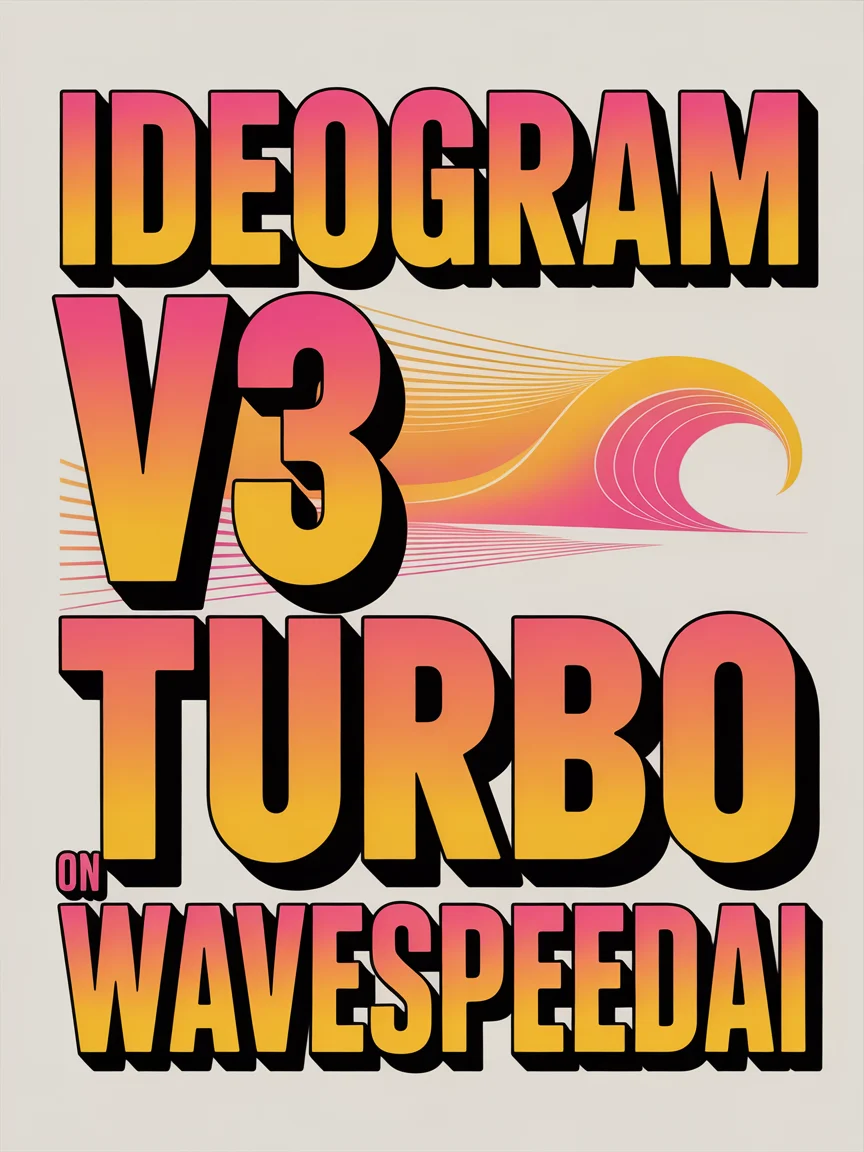

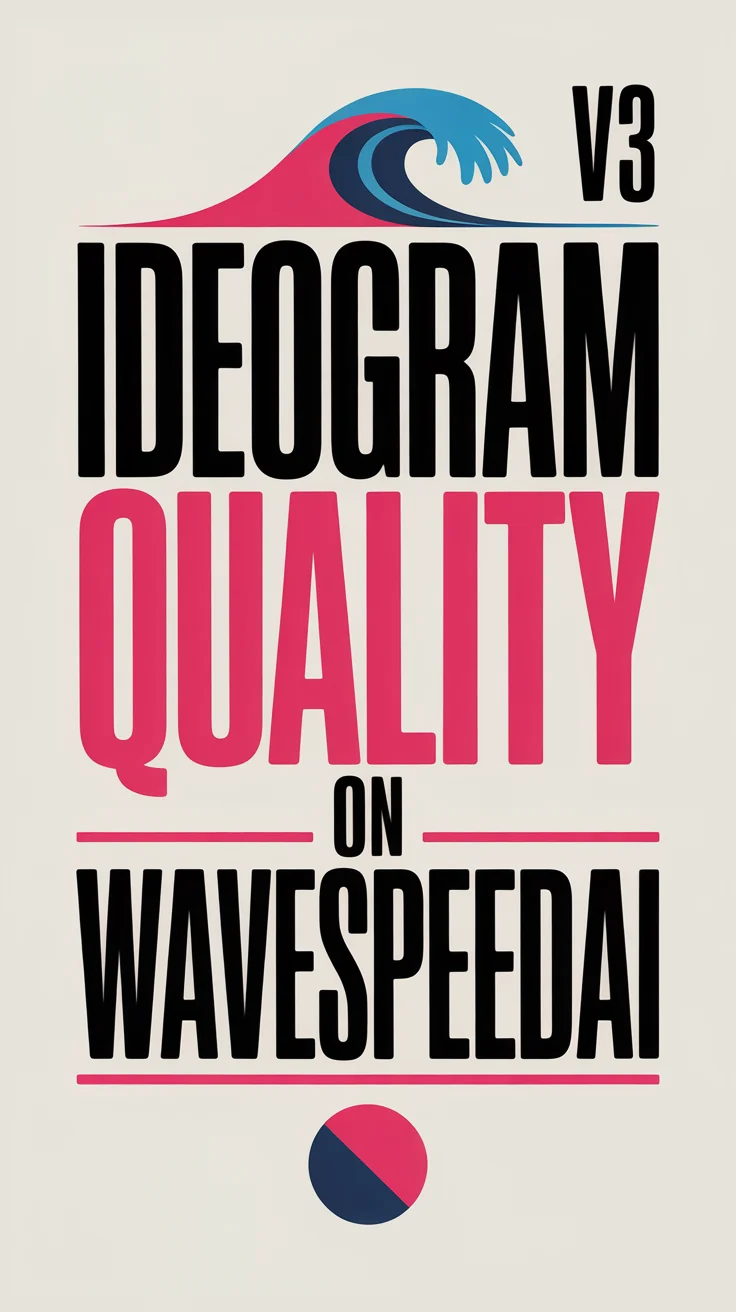

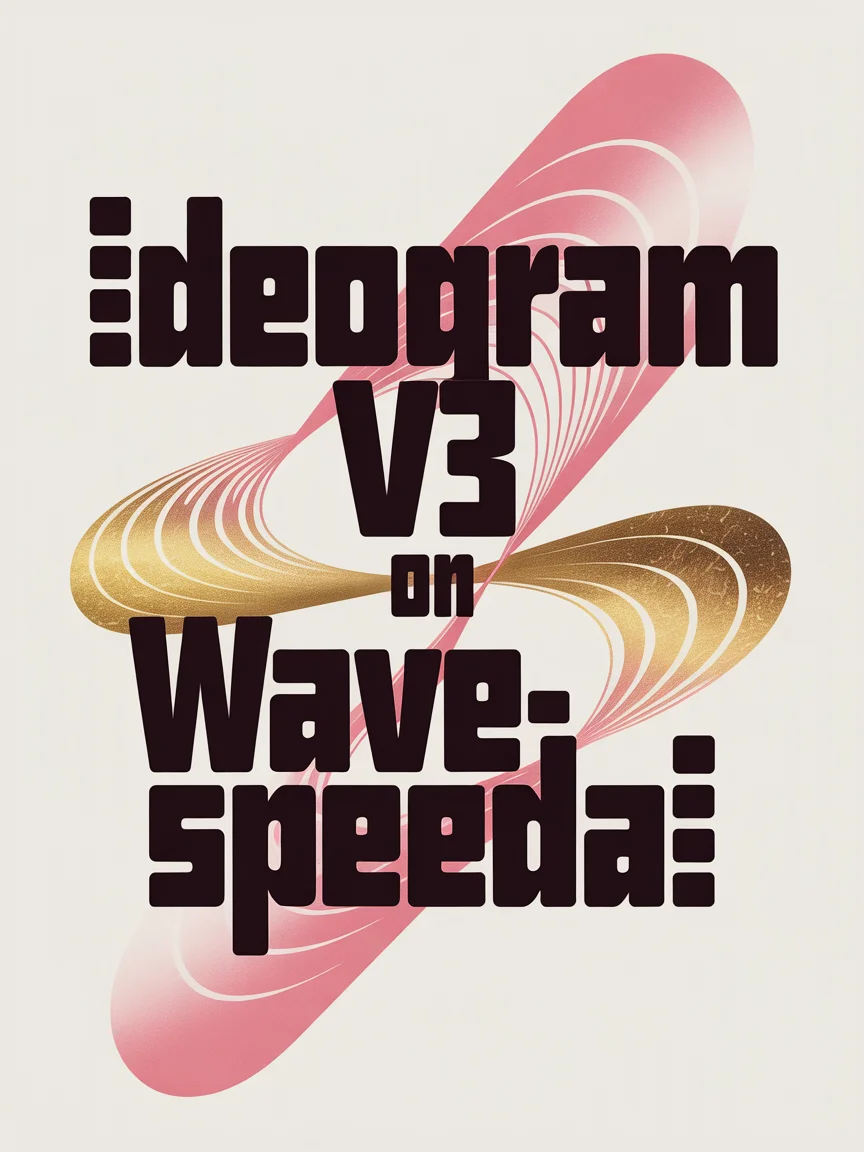
README
Ideogram V3 Generate Transparent
Ideogram V3 Generate Transparent generates high-quality images with a transparent background directly from text prompts. No manual background removal needed — the model outputs clean, isolated subjects ready for compositing, overlays, and design workflows from the start.
Why Choose This?
-
Native transparent background output Generates images with a clean alpha channel in a single step — no post-processing or background removal required.
-
Multiple rendering speed tiers Choose between flash, turbo, balanced, or quality to balance speed and output fidelity based on your workflow needs.
-
Flexible aspect ratios Supports multiple orientations for any platform or design format.
-
Strong prompt adherence Ideogram V3 delivers accurate text rendering and detailed scene composition from natural language descriptions.
-
Prompt Enhancer Built-in tool to automatically improve your text descriptions for richer results.
Parameters
| Parameter | Required | Description |
|---|---|---|
| prompt | Yes | Text description of the image subject, style, and mood. |
| aspect_ratio | No | Output aspect ratio. Default: 1:1. |
| rendering_speed | No | Generation speed and quality tier: flash, turbo, balanced (default), or quality. |
How to Use
- Write your prompt — describe the subject, style, and visual details. Use the Prompt Enhancer for better results.
- Select aspect ratio — choose the format that fits your target design or platform.
- Select rendering_speed — flash or turbo for fastest output, balanced for standard use, quality for highest fidelity.
- Submit — download your transparent PNG image ready for compositing.
Pricing
| Rendering Speed | Cost per Image |
|---|---|
| flash | $0.03 |
| turbo | $0.03 |
| balanced | $0.06 |
| quality | $0.09 |
Best Use Cases
- Graphic Design & Compositing — Generate isolated subjects ready to place directly into any background or layout.
- Product Photography — Create clean product images on transparent backgrounds for e-commerce and marketing.
- Stickers & Overlays — Produce illustration and character assets for social media, messaging, and streaming overlays.
- Print & Merchandise — Generate transparent artwork for apparel, packaging, and print-on-demand workflows.
- UI & App Design — Create icons, illustrations, and visual elements with clean edges for digital interfaces.
Pro Tips
- Describe the subject clearly and avoid mentioning backgrounds — the model will handle transparency automatically.
- Use quality mode for detailed illustrations or fine-textured subjects where edge accuracy matters most.
- Use flash or turbo for rapid iteration when testing prompt directions before a final quality render.
- Include style cues like "watercolor", "vector illustration", or "3D render" to control the visual treatment of the transparent subject.
Notes
- Only prompt is required; all other parameters are optional.
- Output is a PNG file with a transparent background (alpha channel).
- Please ensure your content complies with Ideogram's usage policies.
Ideogram v3 Generate Transparent API — Quick start
Grab a WaveSpeedAI API key, then call POST https://api.wavespeed.ai/api/v3/ideogram-ai/ideogram-v3/generate-transparent with your input as JSON. The endpoint returns a prediction id; poll the prediction endpoint until status flips to completed, then read the output URL from data.outputs[0]. Examples for Ideogram v3 Generate Transparent below.
HTTP example
# Submit the prediction
curl -X POST "https://api.wavespeed.ai/api/v3/ideogram-ai/ideogram-v3/generate-transparent" \
  -H "Content-Type: application/json" \
  -H "Authorization: Bearer $WAVESPEED_API_KEY" \
  -d '{
    "prompt": "A cinematic shot of a city at sunset, soft golden light",
    "aspect_ratio": "1:1",
    "rendering_speed": "balanced"
}'

# Response includes a prediction id. Poll for the result:
curl -X GET "https://api.wavespeed.ai/api/v3/predictions/{request_id}/result" \
  -H "Authorization: Bearer $WAVESPEED_API_KEY"

# When status is "completed", read the output from data.outputs[0].
Node.js example
// npm install wavespeed
const WaveSpeed = require('wavespeed');

const client = new WaveSpeed(); // reads WAVESPEED_API_KEY from env

const result = await client.run("ideogram-ai/ideogram-v3/generate-transparent", {
        "prompt": "A cinematic shot of a city at sunset, soft golden light",
        "aspect_ratio": "1:1",
        "rendering_speed": "balanced"
});

console.log(result.outputs[0]); // → URL of the generated output
Python example
# pip install wavespeed
import wavespeed

output = wavespeed.run(
    "ideogram-ai/ideogram-v3/generate-transparent",
    {
    "prompt": "A cinematic shot of a city at sunset, soft golden light",
    "aspect_ratio": "1:1",
    "rendering_speed": "balanced"
}
)

print(output["outputs"][0])  # → URL of the generated output
Ideogram v3 Generate Transparent API — Frequently asked questions
What is the Ideogram v3 Generate Transparent API?
Ideogram v3 Generate Transparent is a Ideogram model for image generation, exposed as a REST API on WaveSpeedAI. Ideogram V3 Generate Transparent creates high-quality images with transparent backgrounds from text prompts, perfect for logos, stickers, and design assets. Ready-to-use REST inference API, best performance, no cold starts, affordable pricing. You can call it programmatically or try it from the playground above.
How do I call the Ideogram v3 Generate Transparent API?
POST your input parameters to the model's REST endpoint (shown in the API tab of this playground) with your WaveSpeedAI API key in the Authorization header. Submission returns a prediction ID; poll the prediction endpoint until status flips to "completed", then read the output URL from the result. The playground generates a ready-to-paste code sample in Python, JavaScript, or cURL for whatever inputs you've set. Full request/response shape is documented at https://wavespeed.ai/docs/docs-api/ideogram-ai/ideogram-ai-ideogram-v3-generate-transparent.
How much does Ideogram v3 Generate Transparent cost per run?
Ideogram v3 Generate Transparent starts at $0.060 per run. That figure is the base price — the final charge scales with the parameters you set in the form (output size, length, count, references, or whatever knobs this model exposes), so a higher-quality or larger output costs more than a minimal one. The exact cost for your current input is shown live next to the Generate button before you submit, and the actual per-call charge is recorded on the prediction afterwards.
What inputs does Ideogram v3 Generate Transparent accept?
Key inputs: `prompt`, `aspect_ratio`, `rendering_speed`. The full JSON schema (types, defaults, allowed values) is rendered above the Generate button and mirrored in the API reference at https://wavespeed.ai/docs/docs-api/ideogram-ai/ideogram-ai-ideogram-v3-generate-transparent.
How do I get started with the Ideogram v3 Generate Transparent API?
Sign up for a free WaveSpeedAI account to claim starter credits, copy your API key from /accesskey, then call the endpoint shown in the API tab of the playground. The playground also auto-generates a code sample in Python, JavaScript, or cURL for the parameters you've set.
Can I use Ideogram v3 Generate Transparent outputs commercially?
Commercial usage rights depend on the model's license, set by its provider (Ideogram). The license summary appears on the model card above; see WaveSpeedAI's Terms of Service for platform-level conditions.