Ideogram V3 Turbo produces the highest-quality Ideogram v3 images with photorealistic detail, creative designs, and consistent style. Ready-to-use REST inference API, best performance, no coldstarts, affordable pricing.
Idle
$0.03per run·~33 / $1
ExamplesView all
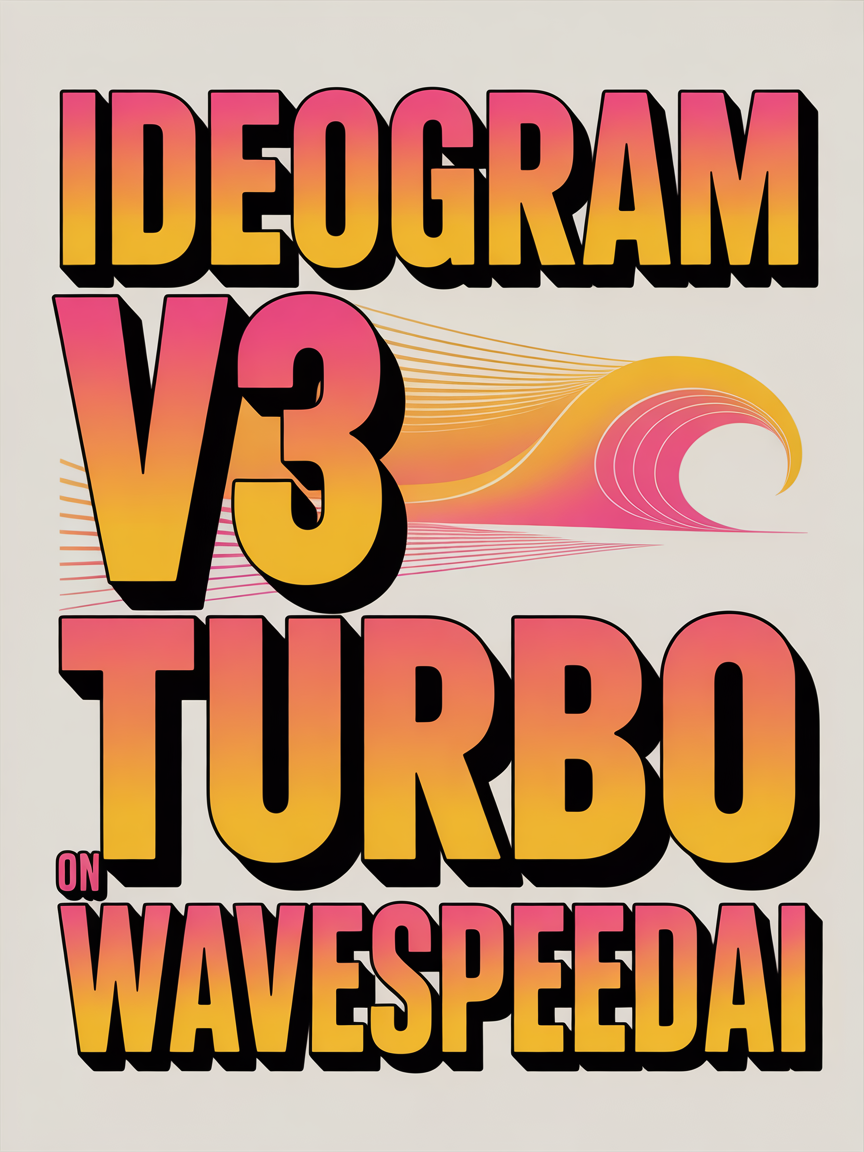
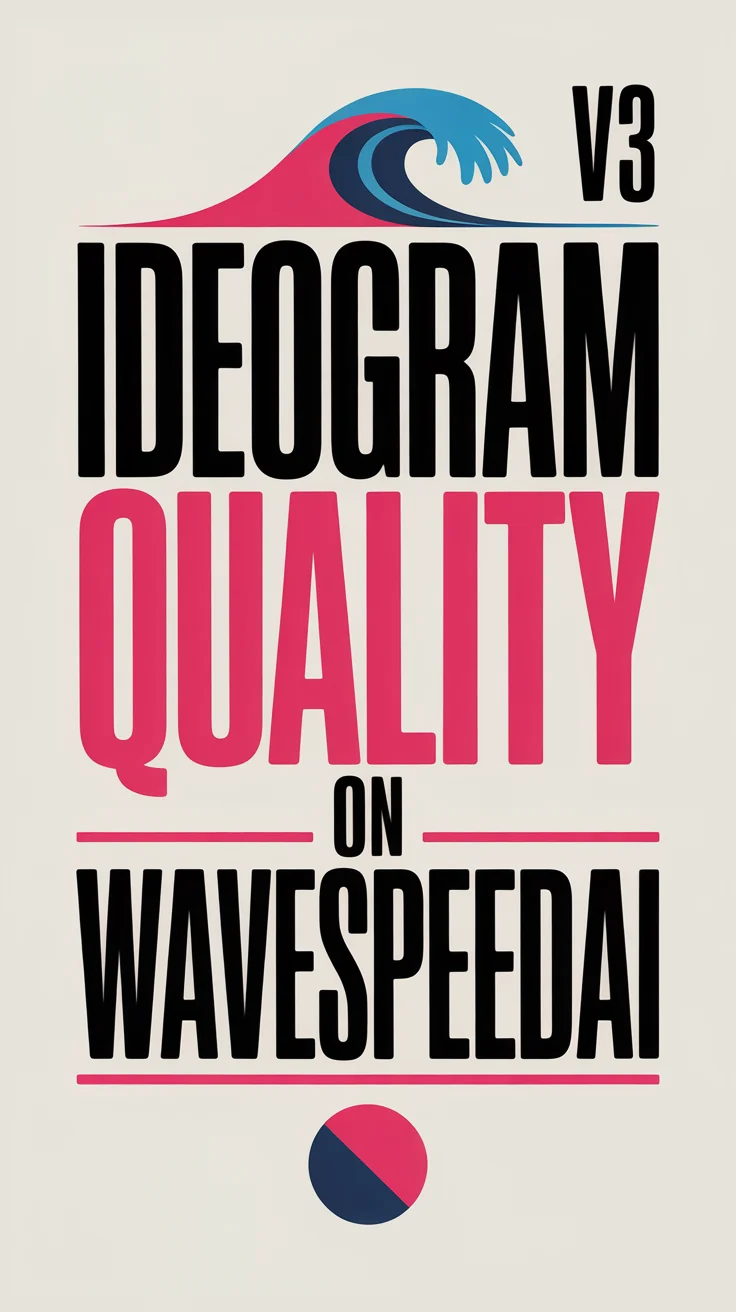
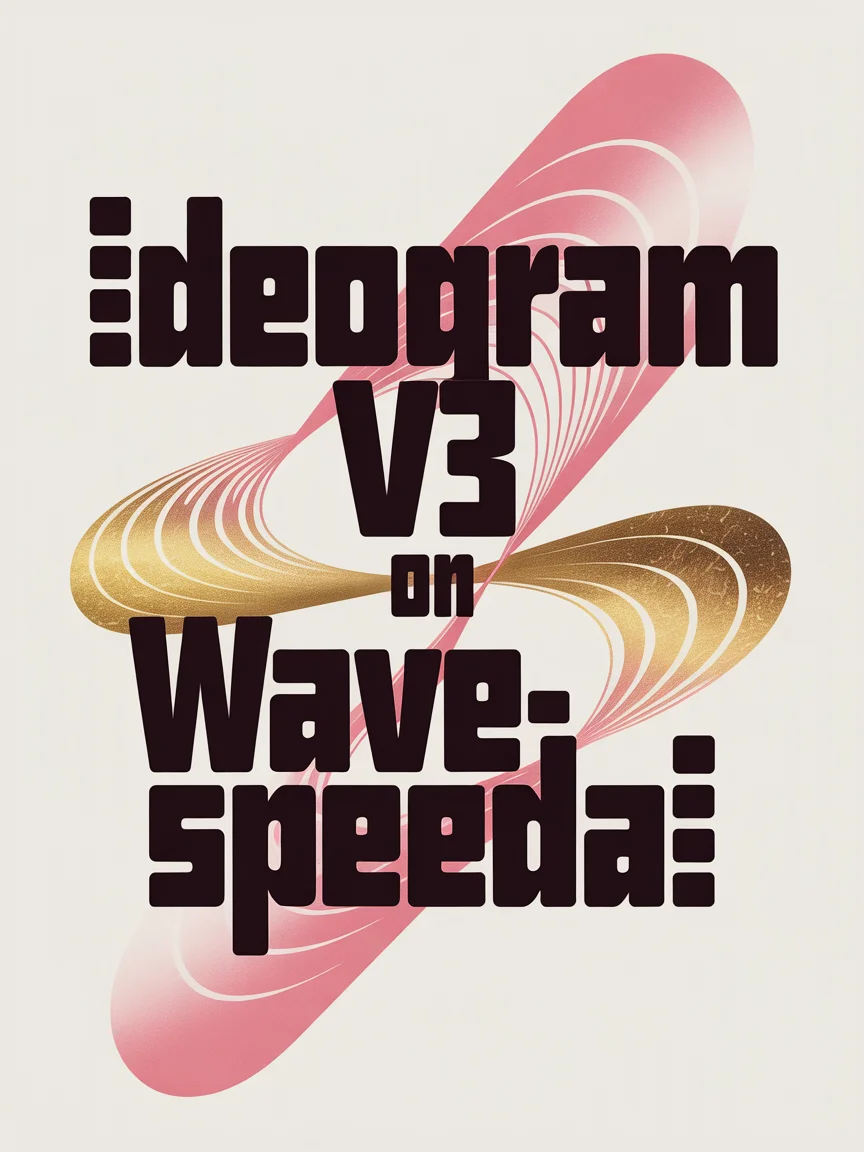
beautiful bauhaus stark typographic poster saying "Ideogram v3 turbo on WaveSpeedAI", pink and yellow
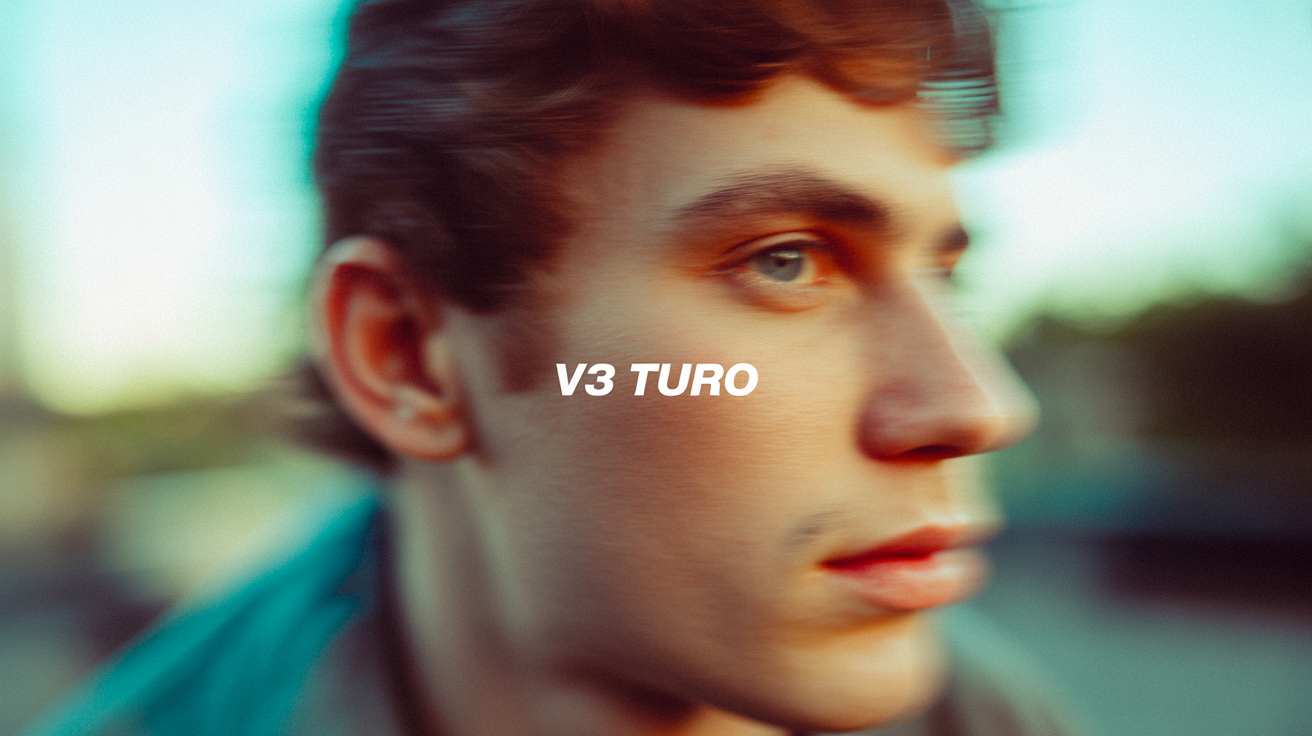
The text "V3 Turbo" in the center middle. A color film-inspired portrait of a young man looking to the side with a shallow depth of field that blurs the surrounding elements, drawing attention to his eye. The fine grain and cast suggest a high ISO film stock, while the wide aperture lens creates a motion blur effect, enhancing the candid and natural documentary style.

Stylized male character with long hair and red cloak standing on a cliff, wind blowing, anime fantasy world background, Ghibli-inspired
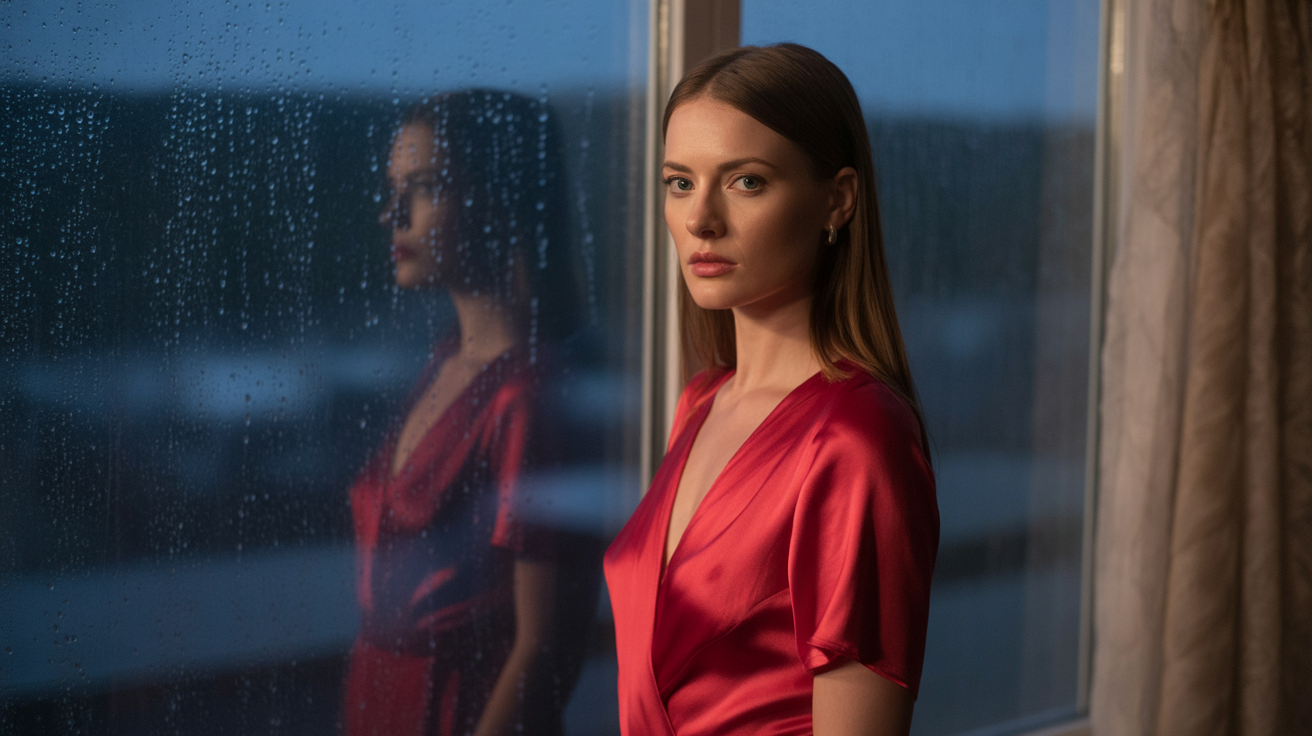
A woman in a red silk dress standing beside a rainy window, soft reflections, moody cinematic lighting, ultra-detailed, 85mm photography style

Anime-style schoolgirl under cherry blossoms, soft pastel palette, glowing petals, 2D cel-shaded style, dramatic lighting
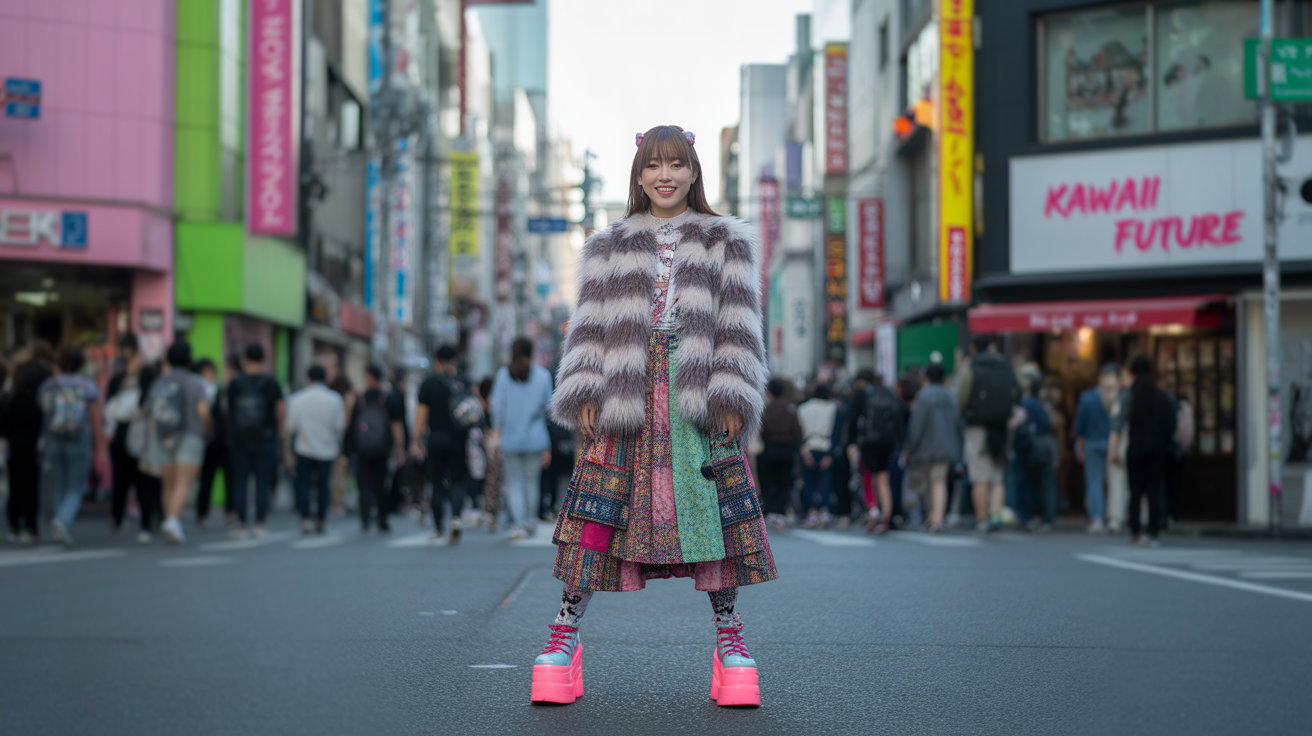
Japanese street fashion model in Harajuku, eccentric outfit with vivid colors, layered accessories, candid urban scene, Tokyo vibes

Modern African woman in bold patterned Ankara dress, standing in a desert with a sunset backdrop, fashion editorial style, rich textures
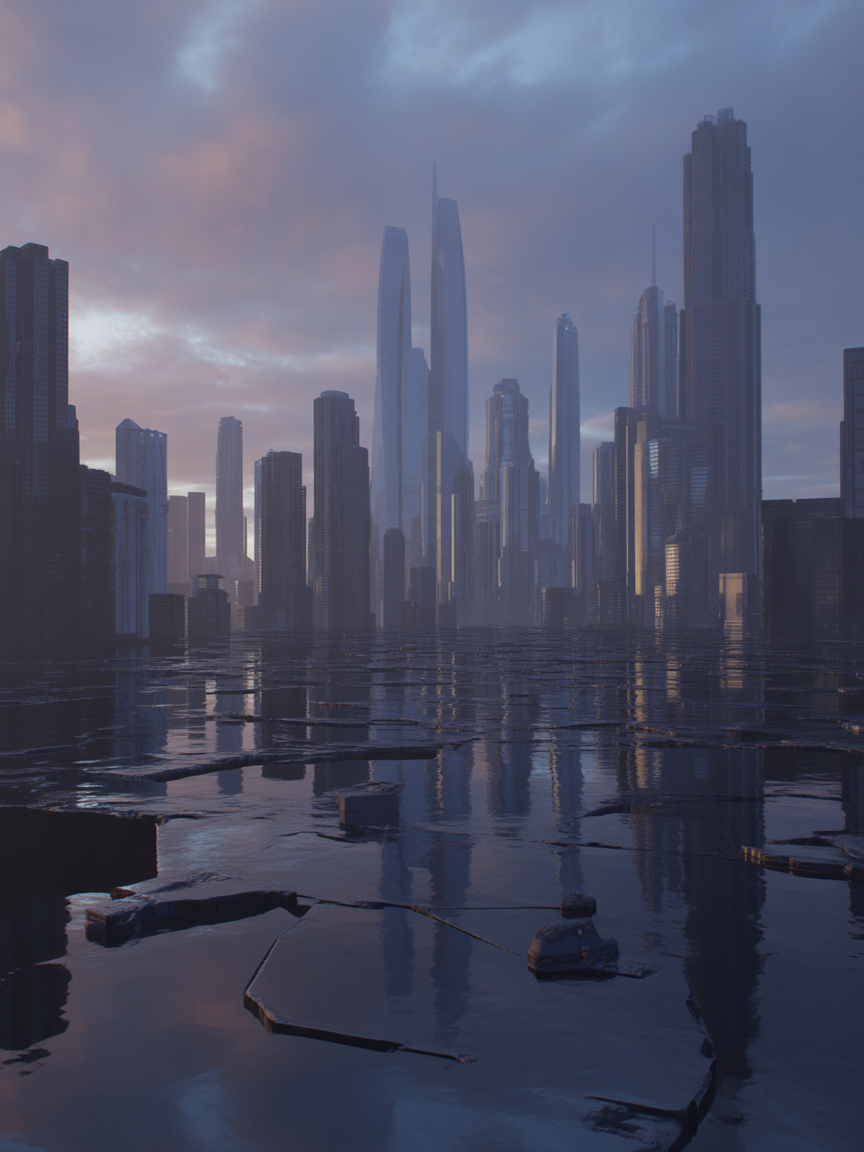
A sprawling futuristic cityscape at dusk, with floating platforms, tall neon-lit skyscrapers, flying cars, moody atmosphere, ultra high detail, cybernetic design, rendered in Unreal Engine style

A futuristic soldier walks through a battlefield full of smoke and debris, camera tracking from behind, slight slow motion, strong contrast lighting, high detail, sci-fi cinematic style

A cute clay-style bunny riding a skateboard through a miniature city, colorful lighting, stop-motion look, playful atmosphere, smooth camera follow, toy-like aesthetic

A magical deer with glowing antlers walks through an enchanted forest, bioluminescent plants lighting the scene, dreamy lighting, fantasy world, fairytale-like animation, slow camera zoom
Related Models

README
Ideogram V3 Turbo
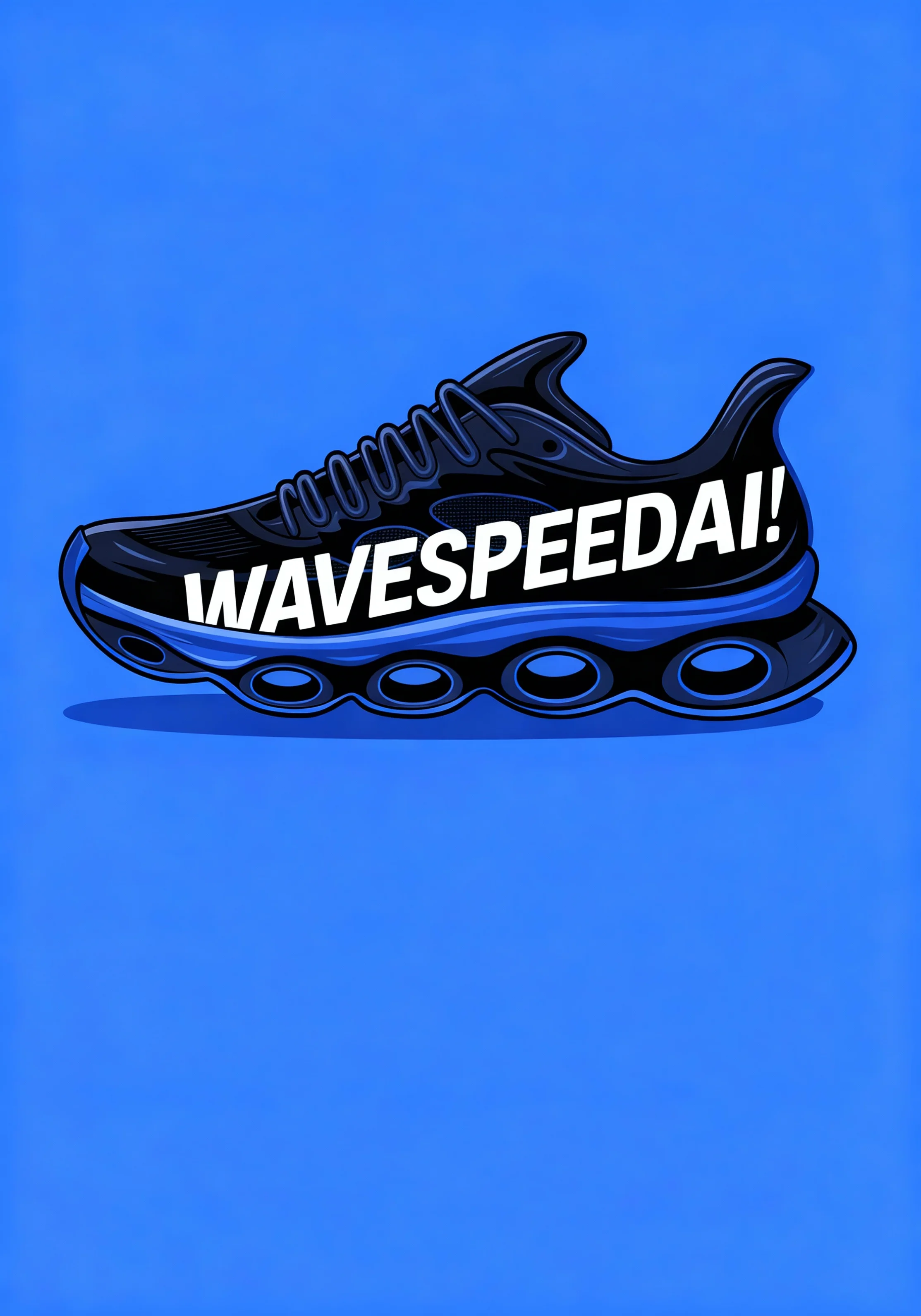
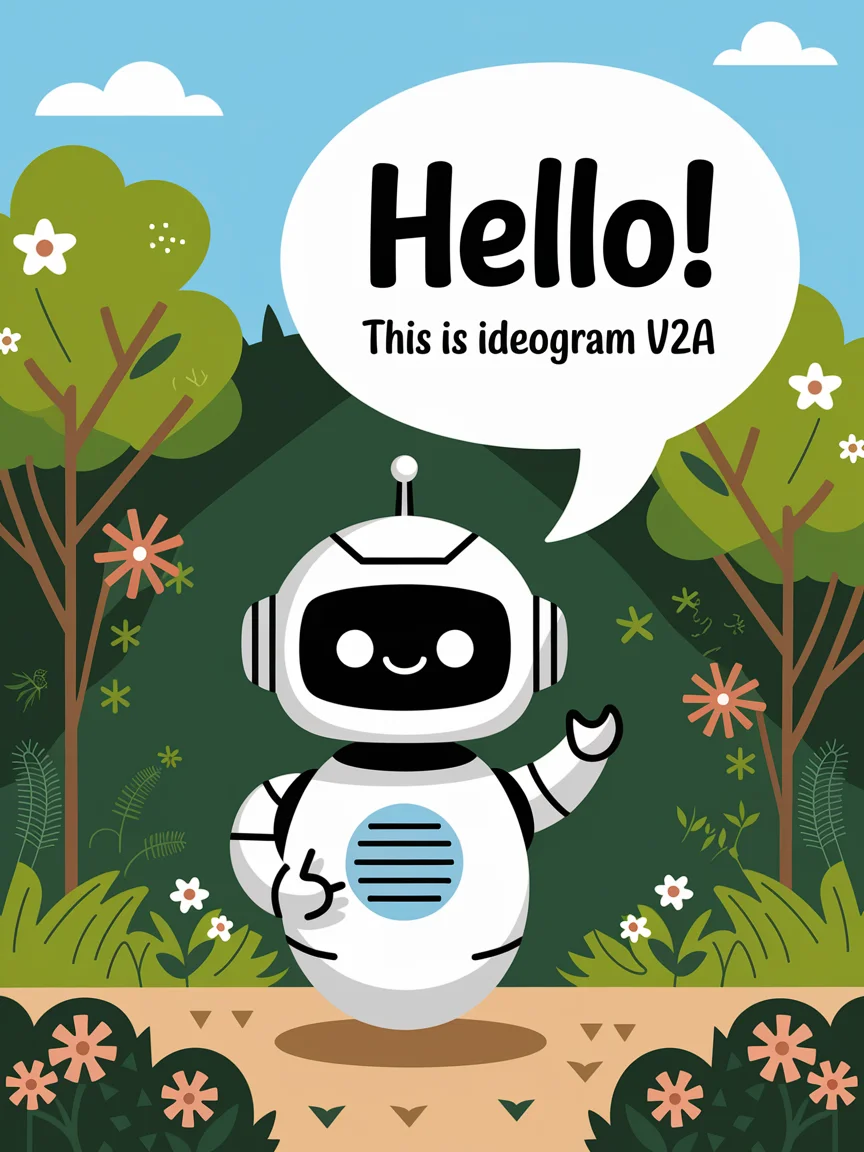
Generate stunning images with exceptional typography using Ideogram V3 Turbo. This versatile model excels at rendering text within images — perfect for posters, logos, marketing materials, and design work. With support for image editing, mask-based inpainting, and up to 3 reference images, it's a complete creative toolkit.
Why It Looks Great
- Superior typography: Industry-leading text rendering for posters, logos, and designs.
- Multiple modes: Text-to-image generation, image editing, and masked inpainting.
- Style presets: Choose from Auto, General, Realistic, or Design styles.
- Reference images: Use up to 3 reference images to guide generation.
- Mask support: Precise regional editing with custom masks.
- Flexible aspect ratios: Five format options for any use case.
- Safety Checker: Optional content filtering for appropriate output.
Parameters
| Parameter | Required | Description |
|---|---|---|
| prompt | Yes | Text description of the image you want to generate. |
| image | No | Source image for editing (upload or public URL). |
| mask_image | No | Mask to specify edit regions — white areas will be regenerated. |
| style | No | Output style: Auto, General, Realistic, or Design. Default: Auto. |
| aspect_ratio | No | Output format: 1:1, 16:9, 9:16, 4:3, or 3:4. Default: 1:1. |
| reference_images | No | Up to 3 reference images to guide style and composition. |
| enable_base64_output | No | API only: Returns base64 string instead of URL. |
| Enable Safety Checker | No | Toggle content safety filtering. |
How to Use
Text-to-Image Generation
- Write your prompt — describe the image including any text you want rendered.
- Choose style — select Auto, General, Realistic, or Design.
- Set aspect ratio — pick the format that fits your use case.
- Add reference images (optional) — click "+ Add Item" to include style references.
- Run — click the button to generate.
- Download — preview and save your image.
Image Editing
- Upload source image — the image you want to edit.
- Upload mask (optional) — white areas indicate regions to regenerate.
- Write your prompt — describe the desired changes or new elements.
- Run — click the button to apply edits.
Pricing
Flat rate per image generation.
| Output | Cost |
|---|---|
| Per image | $0.03 |
Style Guide
| Style | Description | Best For |
|---|---|---|
| Auto | Automatically selects the best style | General use, when unsure |
| General | Balanced, versatile output | Wide range of subjects |
| Realistic | Photorealistic, natural appearance | Photos, portraits, products |
| Design | Graphic design aesthetic | Posters, logos, marketing materials |
Best Use Cases
- Typography & Posters — Create designs with perfectly rendered text and lettering.
- Logo Design — Generate logo concepts with clean, readable text.
- Marketing Materials — Produce banners, ads, and promotional graphics.
- Social Media Graphics — Design eye-catching posts with integrated text.
- Product Mockups — Visualize packaging and branded materials.
Example Prompts
- "beautiful bauhaus stark typographic poster saying 'Ideogram v3 turbo on WaveSpeedAI', pink and yellow"
- "minimalist logo design for a coffee shop called 'Morning Brew', earth tones, clean typography"
- "movie poster for a sci-fi film titled 'NEXUS', dramatic lighting, futuristic cityscape"
- "Instagram story template with text 'SALE 50% OFF', bold modern typography, gradient background"
- "vintage travel poster for Tokyo, retro illustration style, Japanese text integration"
Reference Images Tips
| Number of References | Best Use Case |
|---|---|
| 0 | Pure generation from prompt |
| 1 | Match a specific style or composition |
| 2-3 | Combine multiple style elements or ensure consistency |
Pro Tips for Best Results
- For typography, put the exact text in quotes within your prompt.
- Use the Design style for graphic design work with text elements.
- Realistic style works best for photographic content without heavy text.
- Reference images help maintain consistency across multiple generations.
- Use masks to selectively edit only specific areas of an image.
- Describe typography style: "bold", "minimalist", "vintage", "modern", "serif", "sans-serif".
Notes
- Ideogram is renowned for best-in-class text rendering in AI-generated images.
- If using URLs for images, ensure they are publicly accessible.
- The enable_base64_output option is only available through the API.
- Enable Safety Checker for content that will be publicly shared.
- Reference images (up to 3) help guide style without directly copying content.
Ideogram v3 Turbo API — Quick start
Grab a WaveSpeedAI API key, then call POST https://api.wavespeed.ai/api/v3/ideogram-ai/ideogram-v3-turbo with your input as JSON. The endpoint returns a prediction id; poll the prediction endpoint until status flips to completed, then read the output URL from data.outputs[0]. Examples for Ideogram v3 Turbo below.
HTTP example
# Submit the prediction
curl -X POST "https://api.wavespeed.ai/api/v3/ideogram-ai/ideogram-v3-turbo" \
  -H "Content-Type: application/json" \
  -H "Authorization: Bearer $WAVESPEED_API_KEY" \
  -d '{
    "prompt": "A cinematic shot of a city at sunset, soft golden light",
    "image": "https://example.com/your-input.jpg",
    "style": "Auto",
    "aspect_ratio": "1:1",
    "enable_base64_output": false
}'

# Response includes a prediction id. Poll for the result:
curl -X GET "https://api.wavespeed.ai/api/v3/predictions/{request_id}/result" \
  -H "Authorization: Bearer $WAVESPEED_API_KEY"

# When status is "completed", read the output from data.outputs[0].
Node.js example
// npm install wavespeed
const WaveSpeed = require('wavespeed');

const client = new WaveSpeed(); // reads WAVESPEED_API_KEY from env

const result = await client.run("ideogram-ai/ideogram-v3-turbo", {
        "prompt": "A cinematic shot of a city at sunset, soft golden light",
        "image": "https://example.com/your-input.jpg",
        "style": "Auto",
        "aspect_ratio": "1:1",
        "enable_base64_output": false
});

console.log(result.outputs[0]); // → URL of the generated output
Python example
# pip install wavespeed
import wavespeed

output = wavespeed.run(
    "ideogram-ai/ideogram-v3-turbo",
    {
    "prompt": "A cinematic shot of a city at sunset, soft golden light",
    "image": "https://example.com/your-input.jpg",
    "style": "Auto",
    "aspect_ratio": "1:1",
    "enable_base64_output": false
}
)

print(output["outputs"][0])  # → URL of the generated output
Ideogram v3 Turbo API — Frequently asked questions
What is the Ideogram v3 Turbo API?
Ideogram v3 Turbo is a Ideogram model for image generation, exposed as a REST API on WaveSpeedAI. Ideogram V3 Turbo produces the highest-quality Ideogram v3 images with photorealistic detail, creative designs, and consistent style. Ready-to-use REST inference API, best performance, no coldstarts, affordable pricing. You can call it programmatically or try it from the playground above.
How do I call the Ideogram v3 Turbo API?
POST your input parameters to the model's REST endpoint (shown in the API tab of this playground) with your WaveSpeedAI API key in the Authorization header. Submission returns a prediction ID; poll the prediction endpoint until status flips to "completed", then read the output URL from the result. The playground generates a ready-to-paste code sample in Python, JavaScript, or cURL for whatever inputs you've set. Full request/response shape is documented at https://wavespeed.ai/docs/docs-api/ideogram-ai/ideogram-ai-ideogram-v3-turbo.
How much does Ideogram v3 Turbo cost per run?
Ideogram v3 Turbo starts at $0.030 per run. That figure is the base price — the final charge scales with the parameters you set in the form (output size, length, count, references, or whatever knobs this model exposes), so a higher-quality or larger output costs more than a minimal one. The exact cost for your current input is shown live next to the Generate button before you submit, and the actual per-call charge is recorded on the prediction afterwards.
What inputs does Ideogram v3 Turbo accept?
Key inputs: `prompt`, `image`, `aspect_ratio`, `reference_images`, `enable_base64_output`, `mask_image`. The full JSON schema (types, defaults, allowed values) is rendered above the Generate button and mirrored in the API reference at https://wavespeed.ai/docs/docs-api/ideogram-ai/ideogram-ai-ideogram-v3-turbo.
How long does Ideogram v3 Turbo take to generate?
Average end-to-end generation time on WaveSpeedAI is around 7 seconds per request — measured across recent runs. Queue time scales with global demand; live status is visible in the prediction record.
Can I use Ideogram v3 Turbo outputs commercially?
Commercial usage rights depend on the model's license, set by its provider (Ideogram). The license summary appears on the model card above; see WaveSpeedAI's Terms of Service for platform-level conditions.