Bria Relight modifies the lighting setup (direction and atmosphere) of an image. Ready-to-use REST inference API, best performance, no cold starts, affordable pricing.
Idle

$0.04per run·~25 / $1
ExamplesView all
Related Models
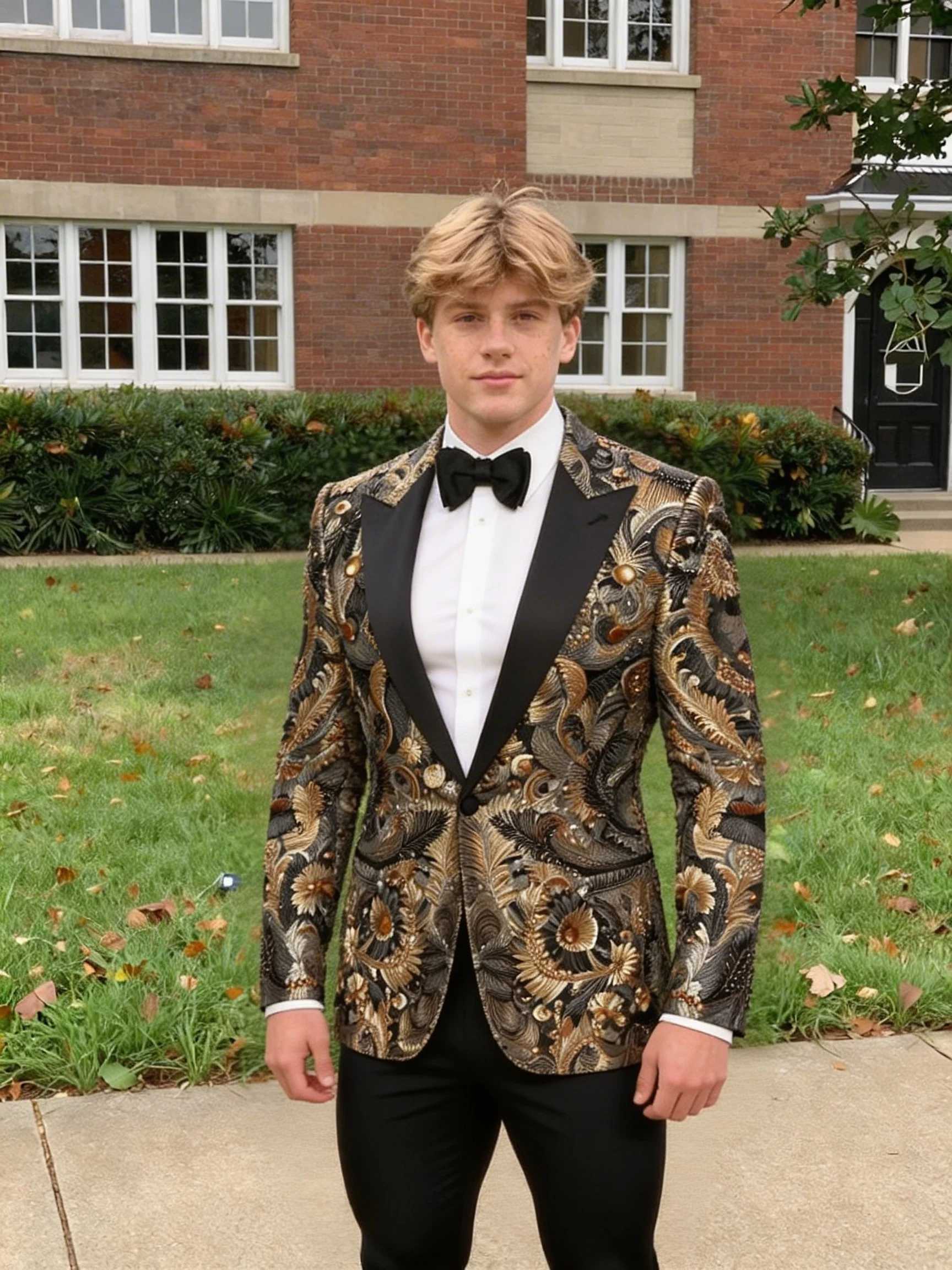
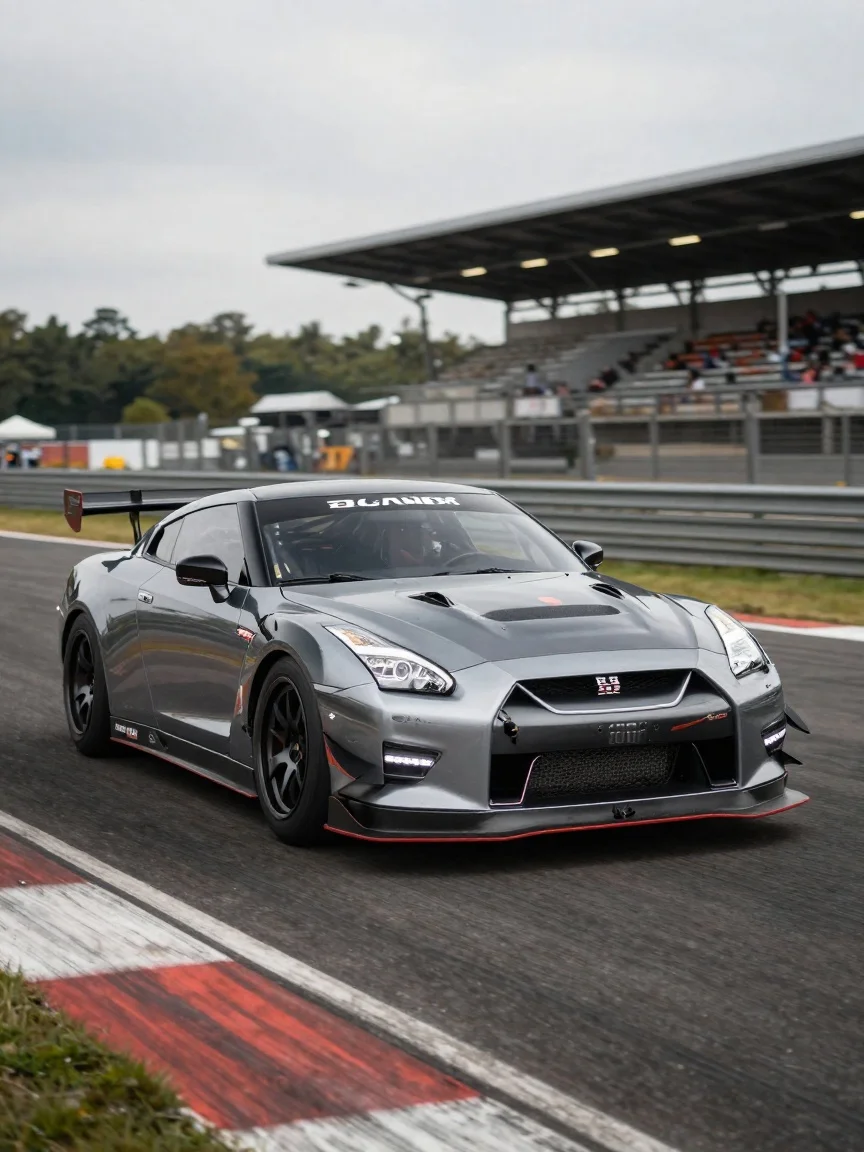



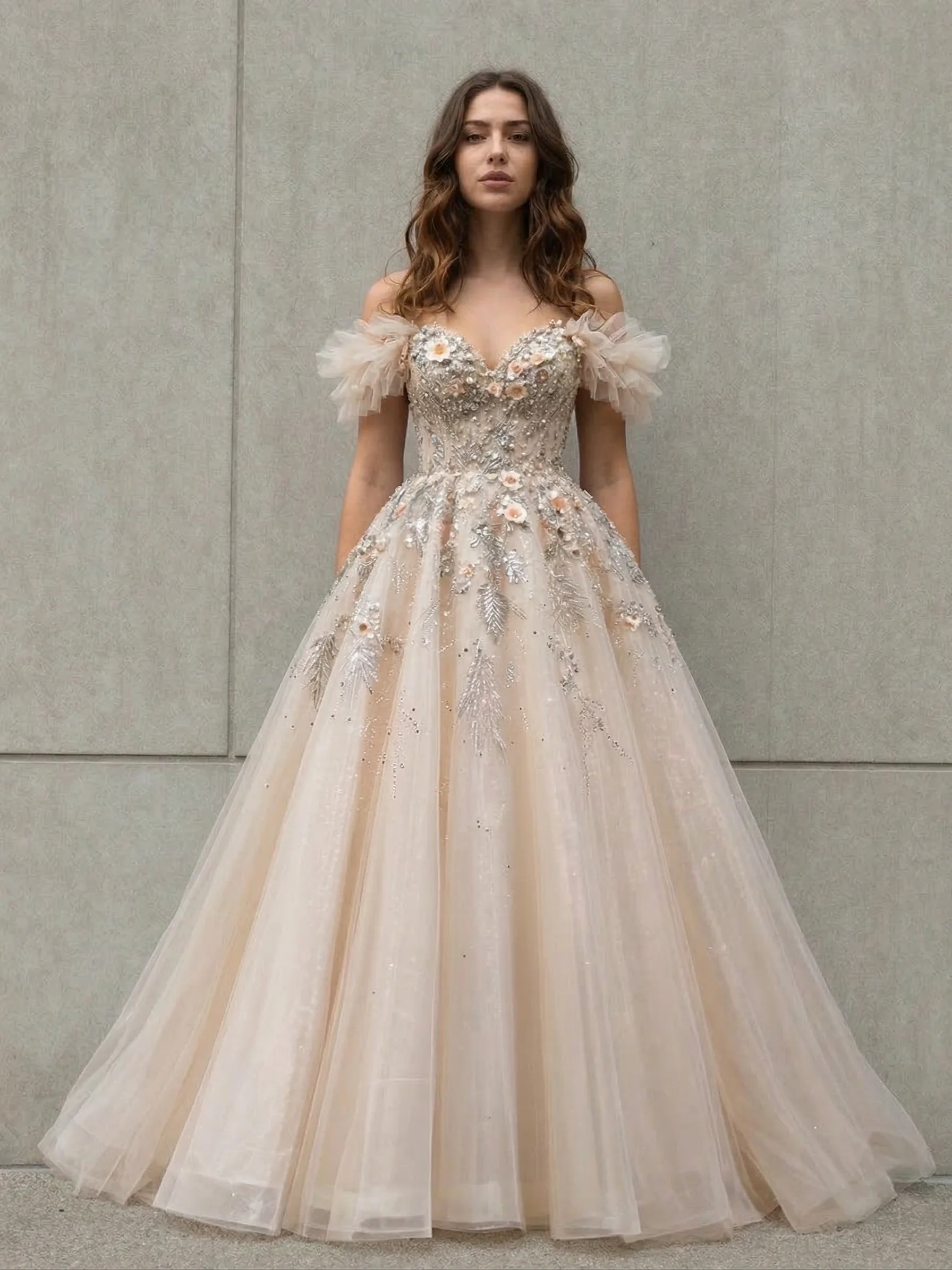
README
Bria Fibo Relight
Bria Fibo Relight is an AI-powered image relighting model that transforms the lighting conditions of any photo. Choose from a wide variety of lighting styles — from golden sunrise to moonlit nights — and control the light direction for professional-quality results.
Why Choose This?
-
Extensive lighting options Over 10 distinct lighting styles covering all times of day and weather conditions.
-
Directional control Adjust light direction from front, side, bottom, or top-down.
-
Natural results AI understands scene structure for realistic lighting transformations.
-
Simple workflow Upload an image, select lighting style and direction, and get instant results.
-
Versatile applications Perfect for portraits, product photos, and creative projects.
Parameters
| Parameter | Required | Description |
|---|---|---|
| image | Yes | Source image to relight (URL or upload) |
| light_type | Yes | Lighting style to apply (see options below) |
| light_direction | No | Light direction: front, side, bottom, top-down |
Lighting Options
| Light Type | Description |
|---|---|
| midday | Bright, overhead sunlight |
| blue hour light | Cool, soft light just before sunrise/after sunset |
| low-angle sunlight | Warm, dramatic light from a low sun angle |
| sunrise light | Golden, warm morning light |
| spotlight on subject | Focused dramatic lighting on the subject |
| overcast light | Soft, diffused cloudy day lighting |
| soft overcast daylight lighting | Gentle, even illumination |
| cloud-filtered lighting | Subtle, filtered sunlight through clouds |
| fog-diffused lighting | Atmospheric, misty lighting |
| moonlight lighting | Cool, bluish nighttime illumination |
| starlight nighttime | Dim, ambient night lighting |
And more.
How to Use
- Upload your image — provide the image you want to relight.
- Select light type — choose the desired lighting style.
- Set light direction (optional) — choose where the light comes from.
- Run — submit and download your relit image.
Pricing
| Output | Cost |
|---|---|
| Per image | $0.04 |
Best Use Cases
- Portrait Enhancement — Add golden hour glow or dramatic studio lighting to portraits.
- Product Photography — Apply consistent, professional lighting to product shots.
- Social Media Content — Create mood-specific visuals with different lighting styles.
- Creative Projects — Transform daytime photos to nighttime scenes or vice versa.
- Photo Correction — Fix poorly lit images with better lighting conditions.
Pro Tips
- Combine "sunrise light" or "low-angle sunlight" with "side" direction for dramatic portraits.
- Use "soft overcast daylight lighting" for even, flattering light on faces.
- "Moonlight lighting" and "starlight nighttime" can transform daytime shots into night scenes.
- "Spotlight on subject" creates professional studio-style lighting effects.
- Experiment with different light directions to find the most flattering angle for your subject.
Notes
- Both image and light_type are required fields.
- Light direction defaults to a balanced setting if not specified.
- Ensure uploaded image URLs are publicly accessible.
- Works best with images that have clear subjects and defined backgrounds.
Related Models
- Bria Fibo Colorize — Apply color styles and colorize B&W images.
- Bria Fibo Reseason — Change the season or weather of images.
- Bria Fibo Image Blend — Blend multiple images together.
- Bria Fibo Restore — Restore and enhance old or damaged photos.
Fibo Relight API — Quick start
Grab a WaveSpeedAI API key, then call POST https://api.wavespeed.ai/api/v3/bria/fibo/relight with your input as JSON. The endpoint returns a prediction id; poll the prediction endpoint until status flips to completed, then read the output URL from data.outputs[0]. Examples for Fibo Relight below.
HTTP example
# Submit the prediction
curl -X POST "https://api.wavespeed.ai/api/v3/bria/fibo/relight" \
  -H "Content-Type: application/json" \
  -H "Authorization: Bearer $WAVESPEED_API_KEY" \
  -d '{
    "image": "https://example.com/your-input.jpg",
    "light_type": "midday",
    "light_direction": "front"
}'

# Response includes a prediction id. Poll for the result:
curl -X GET "https://api.wavespeed.ai/api/v3/predictions/{request_id}/result" \
  -H "Authorization: Bearer $WAVESPEED_API_KEY"

# When status is "completed", read the output from data.outputs[0].
Node.js example
// npm install wavespeed
const WaveSpeed = require('wavespeed');

const client = new WaveSpeed(); // reads WAVESPEED_API_KEY from env

const result = await client.run("bria/fibo/relight", {
        "image": "https://example.com/your-input.jpg",
        "light_type": "midday",
        "light_direction": "front"
});

console.log(result.outputs[0]); // → URL of the generated output
Python example
# pip install wavespeed
import wavespeed

output = wavespeed.run(
    "bria/fibo/relight",
    {
    "image": "https://example.com/your-input.jpg",
    "light_type": "midday",
    "light_direction": "front"
}
)

print(output["outputs"][0])  # → URL of the generated output
Fibo Relight API — Frequently asked questions
What is the Fibo Relight API?
Fibo Relight is a Bria model for image editing, exposed as a REST API on WaveSpeedAI. Bria Relight modifies the lighting setup (direction and atmosphere) of an image. Ready-to-use REST inference API, best performance, no cold starts, affordable pricing. You can call it programmatically or try it from the playground above.
How do I call the Fibo Relight API?
POST your input parameters to the model's REST endpoint (shown in the API tab of this playground) with your WaveSpeedAI API key in the Authorization header. Submission returns a prediction ID; poll the prediction endpoint until status flips to "completed", then read the output URL from the result. The playground generates a ready-to-paste code sample in Python, JavaScript, or cURL for whatever inputs you've set. Full request/response shape is documented at https://wavespeed.ai/docs/docs-api/bria/bria-fibo-relight.
How much does Fibo Relight cost per run?
Fibo Relight starts at $0.040 per run. That figure is the base price — the final charge scales with the parameters you set in the form (output size, length, count, references, or whatever knobs this model exposes), so a higher-quality or larger output costs more than a minimal one. The exact cost for your current input is shown live next to the Generate button before you submit, and the actual per-call charge is recorded on the prediction afterwards.
What inputs does Fibo Relight accept?
Key inputs: `image`, `light_direction`, `light_type`. The full JSON schema (types, defaults, allowed values) is rendered above the Generate button and mirrored in the API reference at https://wavespeed.ai/docs/docs-api/bria/bria-fibo-relight.
How long does Fibo Relight take to generate?
Average end-to-end generation time on WaveSpeedAI is around 42 seconds per request — measured across recent runs. Queue time scales with global demand; live status is visible in the prediction record.
Can I use Fibo Relight outputs commercially?
Commercial usage rights depend on the model's license, set by its provider (Bria). The license summary appears on the model card above; see WaveSpeedAI's Terms of Service for platform-level conditions.