Wan-2.2/image-to-video-lora enables unlimited image-to-video generation from a single image, producing smooth, cinematic motion with clean detail. Supports custom LoRAs for style and character consistency. Ready-to-use REST inference API, best performance, no cold starts, affordable pricing.
Idle
$0.2per run·~50 / $10
ExamplesView all
A breathtaking futuristic cityscape, featuring a floating city with glowing translucent buildings reflecting on the ground. Sleek flying vehicles with light trails gracefully navigate around. In the background, a colossal ring-shaped space station or warp gate glows with intricate details, with large spacecraft docked. On the desolate ground, bright blue energy pillars emit light from circular platforms. The scene is bathed in cool blue and cyan tones, with atmospheric haze, suggesting a highly advanced and serene future.
An intense sci-fi battle between a soldier and a Xenomorph in a ruined city. The soldier, in tactical gear, fires his glowing assault rifle with muzzle flash and laser blasts. A massive explosion erupts behind them, sending sparks and debris flying. The highly detailed Xenomorph lunges forward with sharp claws and teeth, its glossy skin glistening. Dramatic lighting, smoke, dust, and dynamic action, capturing the chaos and urgency of the fight. Slight camera shake and debris movement.
Optimus Prime in a ruined city, standing in an action pose, with smoke and debris, cinematic.
An anthropomorphic fox character, wearing casual clothes, standing confidently in a magical and vibrant enchanted forest. The background features luminous plants and glowing foliage in shades of purple, pink, blue, and green, with a soft bokeh effect and ethereal lighting. The scene has a cheerful and whimsical animated style, with subtle character breathing motion and gentle swaying of the magical leaves.
ATOMIC EXPLOSION
Related Models
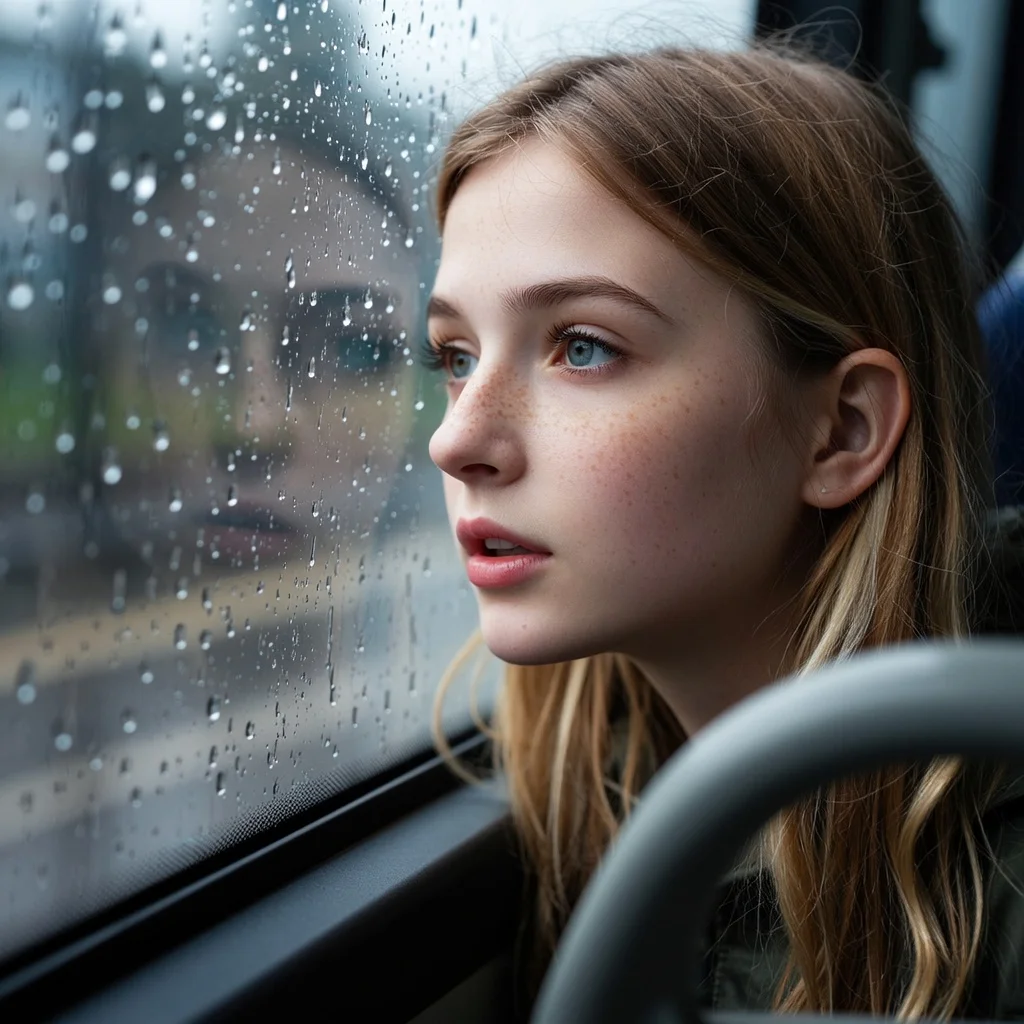

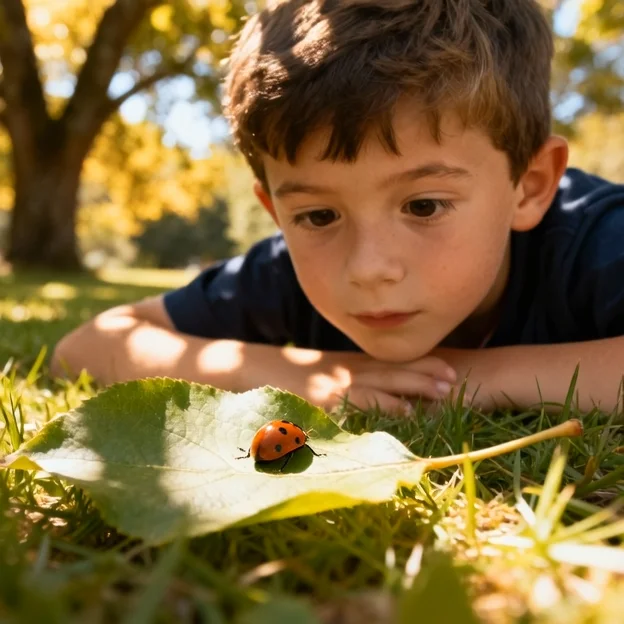
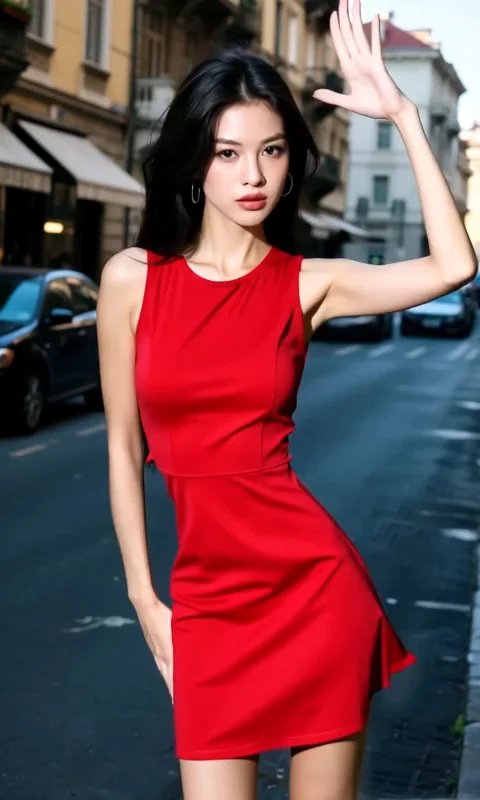
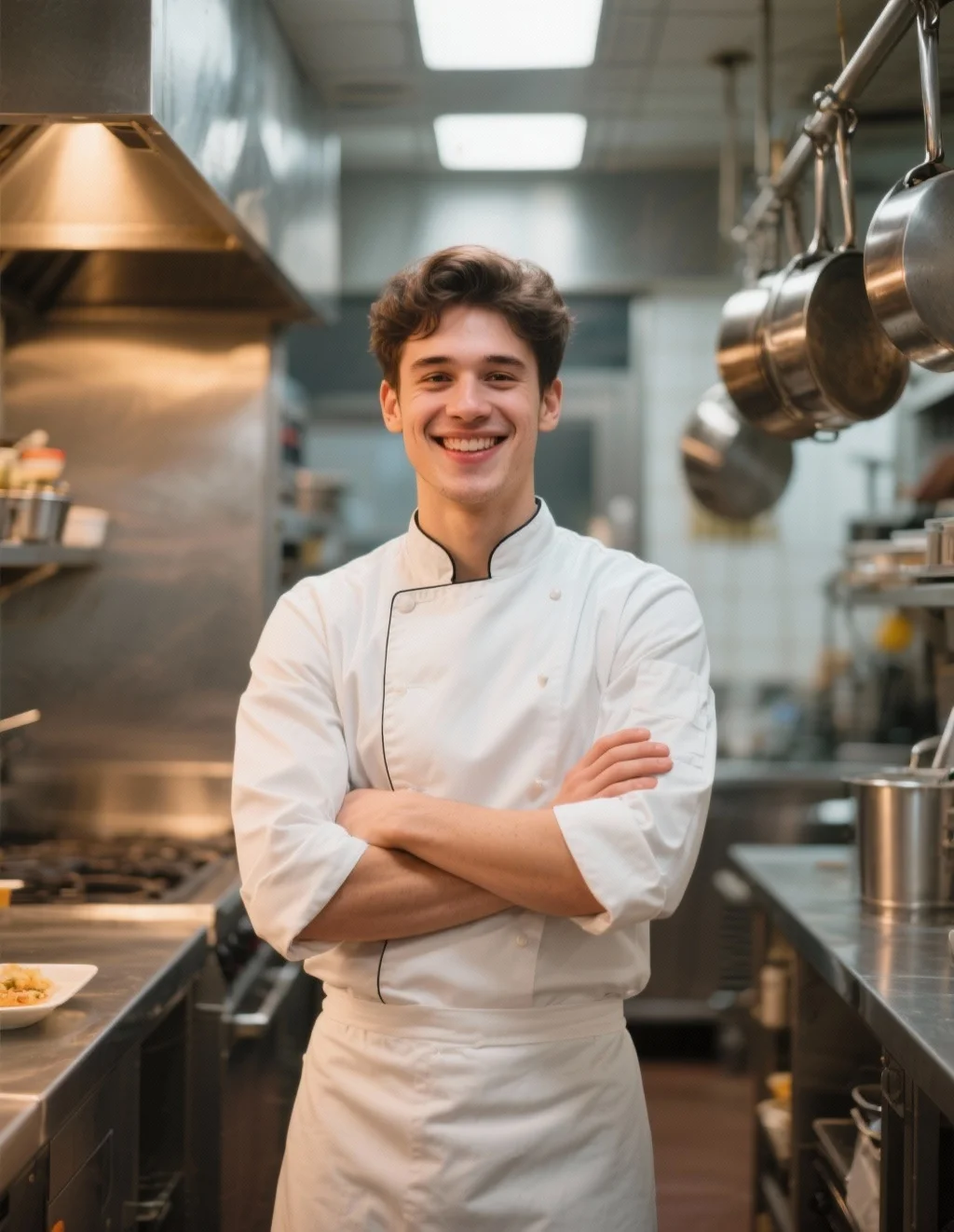
README
Wan 2.2 — Image-to-Video LoRA
Wan 2.2 Image-to-Video LoRA is a 14B-parameter I2V model that turns a single image into a short animated shot. Built on WAN AI’s Mixture of Experts (MoE) architecture, it uses high-noise and low-noise experts across denoising timesteps to preserve your source image while adding cinematic motion and atmosphere. It supports LoRA adapters on both the base model and individual noise experts for fine-grained style and character control.
Why it looks great
- Cinematic aesthetic: Trained for film-like lighting, color, and composition, ideal for music videos, promos, and hero shots.
- Motion that respects your image: Keeps core character and scene layout from the input image while adding natural camera moves and animation.
- Strong semantic understanding: Aligns motion with your prompt so the transformation (e.g., “the cat slowly deflates on stage”) follows your story rather than random noise.
- Expert-level MoE design: High-noise and low-noise experts allow detailed control via specialized LoRAs, giving more consistent style and finer texture.
Controls and Parameters
-
image (required): The starting image. This defines the main character, composition, and base style.
-
prompt (required): Describe how the scene should evolve: motion, expression, lighting changes, camera work, mood, and story beats.
-
resolution:
-
480p
-
720p
-
duration:
-
5 seconds
-
8 seconds
-
negative_prompt (optional): Things you want to avoid (e.g., “blurry”, “text on screen”, “distorted face”).
-
last_image (optional): Target image for the final frame; useful if you want the video to end on a specific pose or state.
-
seed:
-
−1 → random seed every run
LoRA Support
Wan 2.2 Image-to-Video LoRA supports three kinds of LoRA entry points. Each kind support up to three inputs:
- loras Global LoRAs that affect the whole denoising process (common for characters, global style, or film stock).
- high_noise_loras LoRAs that act mainly at early timesteps, influencing rough layout, pose, motion arcs, and large shapes.
- low_noise_loras LoRAs that act mainly at late timesteps, shaping fine details like texture, facial features, and micro-lighting.
Pricing
| Resolution | 5 s price | 8 s price |
|---|---|---|
| 480p | $0.20 | $0.32 |
| 720p | $0.35 | $0.56 |
How to Use
- Upload or paste the URL of your source image in the image field.
- Write a clear prompt describing how the video should start, evolve, and end (camera moves, actions, lighting changes, mood).
- (Optional) Add a negative_prompt to filter unwanted artifacts.
- (Optional) Add a last_image if you want the final frame to match a specific target.
- Choose resolution (480p or 720p) and duration (5 or 8 seconds).
- (Optional) Attach LoRAs:
- Click Add Item under loras, high_noise_loras, or low_noise_loras.
- Paste the LoRA path or URL and set the scale.
- Set seed:
- Use −1 to explore different variations.
- Use a fixed integer to iterate precisely on the same motion.
- Run the model, preview the result, and download the video.
LoRA Learning Resources
Wan 2.2 Image To Video Lora API — Quick start
Grab a WaveSpeedAI API key, then call POST https://api.wavespeed.ai/api/v3/wavespeed-ai/wan-2.2/image-to-video-lora with your input as JSON. The endpoint returns a prediction id; poll the prediction endpoint until status flips to completed, then read the output URL from data.outputs[0]. Examples for Wan 2.2 Image To Video Lora below.
HTTP example
# Submit the prediction
curl -X POST "https://api.wavespeed.ai/api/v3/wavespeed-ai/wan-2.2/image-to-video-lora" \
  -H "Content-Type: application/json" \
  -H "Authorization: Bearer $WAVESPEED_API_KEY" \
  -d '{
    "prompt": "A cinematic shot of a city at sunset, soft golden light",
    "image": "https://example.com/your-input.jpg",
    "resolution": "480p",
    "negative_prompt": "blurry, low quality, distorted",
    "duration": 5,
    "seed": -1
}'

# Response includes a prediction id. Poll for the result:
curl -X GET "https://api.wavespeed.ai/api/v3/predictions/{request_id}/result" \
  -H "Authorization: Bearer $WAVESPEED_API_KEY"

# When status is "completed", read the output from data.outputs[0].
Node.js example
// npm install wavespeed
const WaveSpeed = require('wavespeed');

const client = new WaveSpeed(); // reads WAVESPEED_API_KEY from env

const result = await client.run("wavespeed-ai/wan-2.2/image-to-video-lora", {
        "prompt": "A cinematic shot of a city at sunset, soft golden light",
        "image": "https://example.com/your-input.jpg",
        "resolution": "480p",
        "negative_prompt": "blurry, low quality, distorted",
        "duration": 5,
        "seed": -1
});

console.log(result.outputs[0]); // → URL of the generated output
Python example
# pip install wavespeed
import wavespeed

output = wavespeed.run(
    "wavespeed-ai/wan-2.2/image-to-video-lora",
    {
    "prompt": "A cinematic shot of a city at sunset, soft golden light",
    "image": "https://example.com/your-input.jpg",
    "resolution": "480p",
    "negative_prompt": "blurry, low quality, distorted",
    "duration": 5,
    "seed": -1
}
)

print(output["outputs"][0])  # → URL of the generated output
Wan 2.2 Image To Video Lora API — Frequently asked questions
What is the Wan 2.2 Image To Video Lora API?
Wan 2.2 Image To Video Lora is a WaveSpeedAI model for AI inference, exposed as a REST API on WaveSpeedAI. Wan-2.2/image-to-video-lora enables unlimited image-to-video generation from a single image, producing smooth, cinematic motion with clean detail. Supports custom LoRAs for style and character consistency. Ready-to-use REST inference API, best performance, no cold starts, affordable pricing. You can call it programmatically or try it from the playground above.
How do I call the Wan 2.2 Image To Video Lora API?
POST your input parameters to the model's REST endpoint (shown in the API tab of this playground) with your WaveSpeedAI API key in the Authorization header. Submission returns a prediction ID; poll the prediction endpoint until status flips to "completed", then read the output URL from the result. The playground generates a ready-to-paste code sample in Python, JavaScript, or cURL for whatever inputs you've set. Full request/response shape is documented at https://wavespeed.ai/docs/docs-api/wavespeed-ai/wan-2.2-image-to-video-lora.
How much does Wan 2.2 Image To Video Lora cost per run?
Wan 2.2 Image To Video Lora starts at $0.20 per run. That figure is the base price — the final charge scales with the parameters you set in the form (output size, length, count, references, or whatever knobs this model exposes), so a higher-quality or larger output costs more than a minimal one. The exact cost for your current input is shown live next to the Generate button before you submit, and the actual per-call charge is recorded on the prediction afterwards.
What inputs does Wan 2.2 Image To Video Lora accept?
Key inputs: `prompt`, `image`, `resolution`, `duration`, `seed`, `negative_prompt`. The full JSON schema (types, defaults, allowed values) is rendered above the Generate button and mirrored in the API reference at https://wavespeed.ai/docs/docs-api/wavespeed-ai/wan-2.2-image-to-video-lora.
How long does Wan 2.2 Image To Video Lora take to generate?
Average end-to-end generation time on WaveSpeedAI is around 243 seconds per request — measured across recent runs. Queue time scales with global demand; live status is visible in the prediction record.
Can I use Wan 2.2 Image To Video Lora outputs commercially?
Commercial usage rights depend on the model's license, set by its provider (WaveSpeedAI). The license summary appears on the model card above; see WaveSpeedAI's Terms of Service for platform-level conditions.