WAN 2.2 (14B) is an image-to-image model for high-resolution photorealistic image editing with exceptional precision and fidelity. Ready-to-use REST inference API, best performance, no coldstarts, affordable pricing.
Idle
$0.02per run·~50 / $1
ExamplesView all
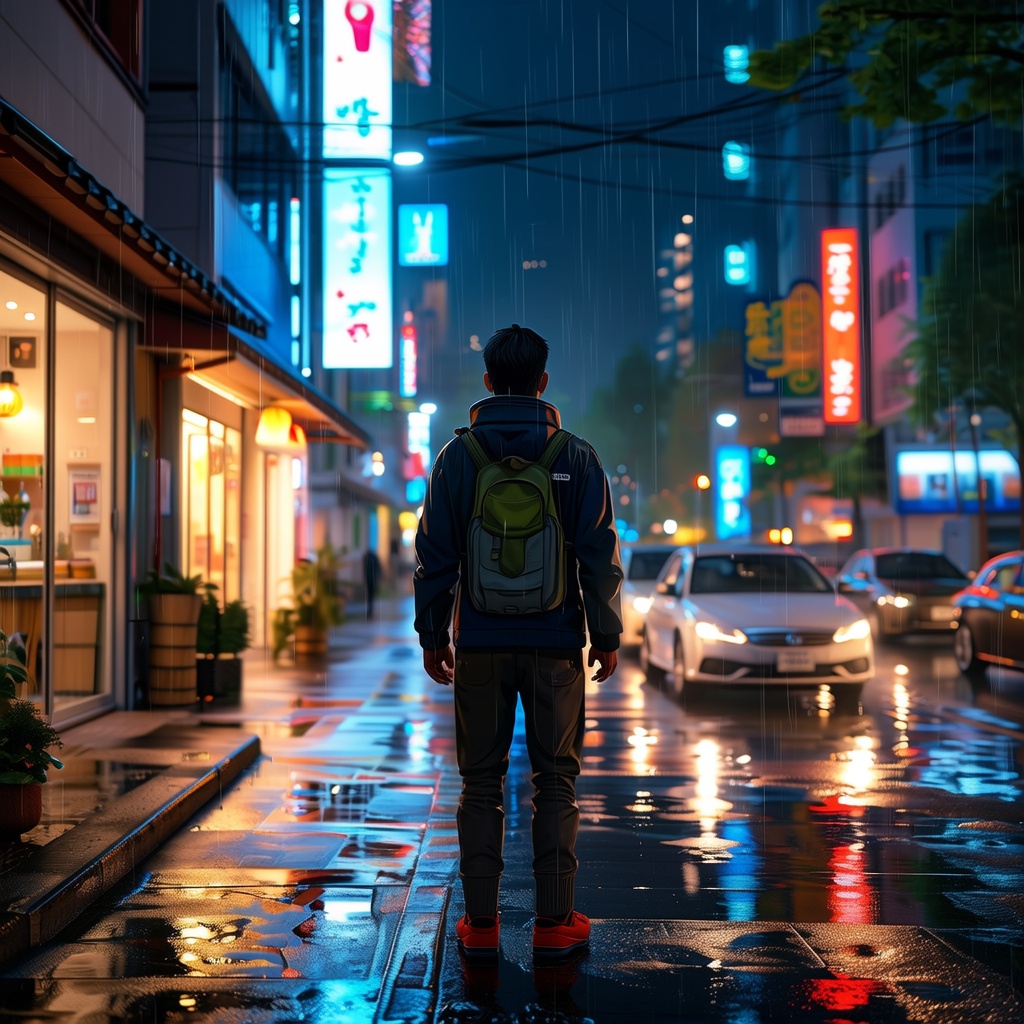
Convert to Japanese anime style with vivid colors, exaggerated lighting, and stylized raindrops
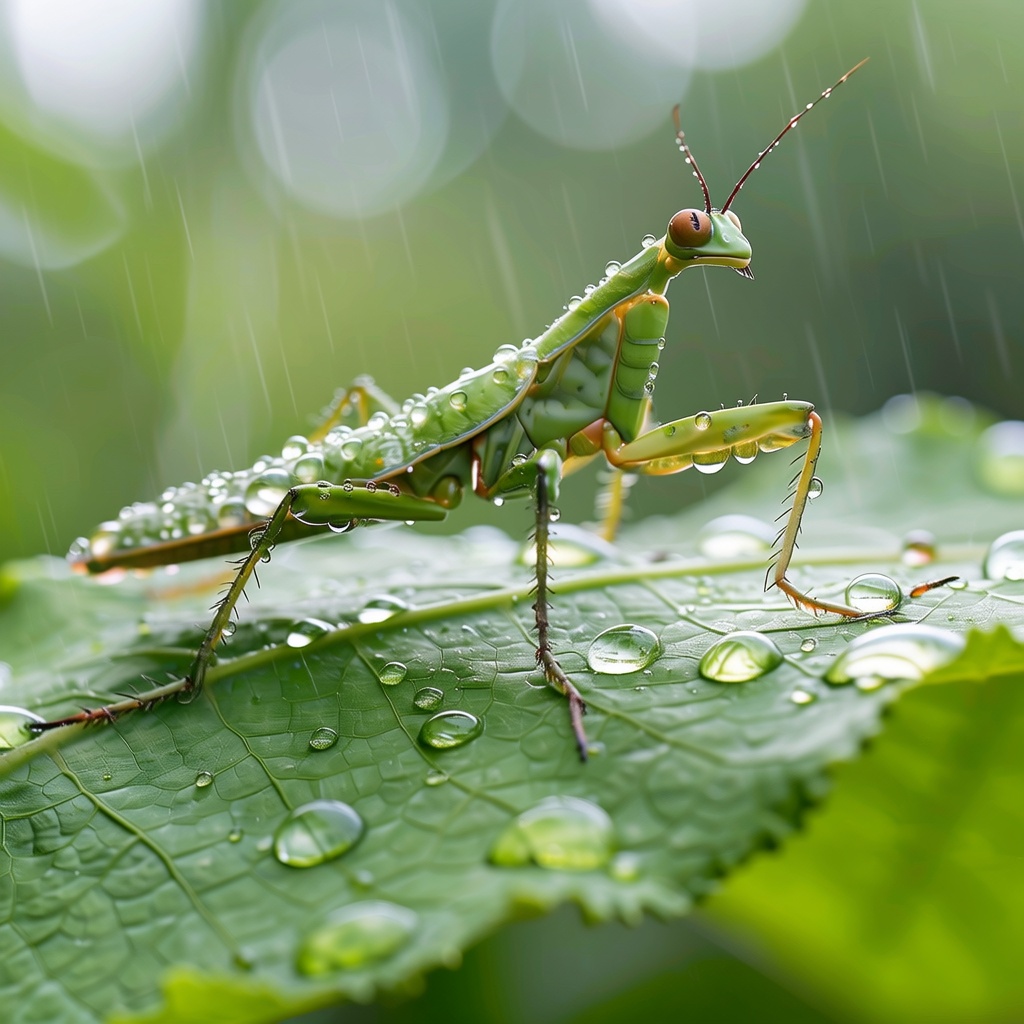
Convert to cinematic rainy forest scene with soft mist and dramatic lighting
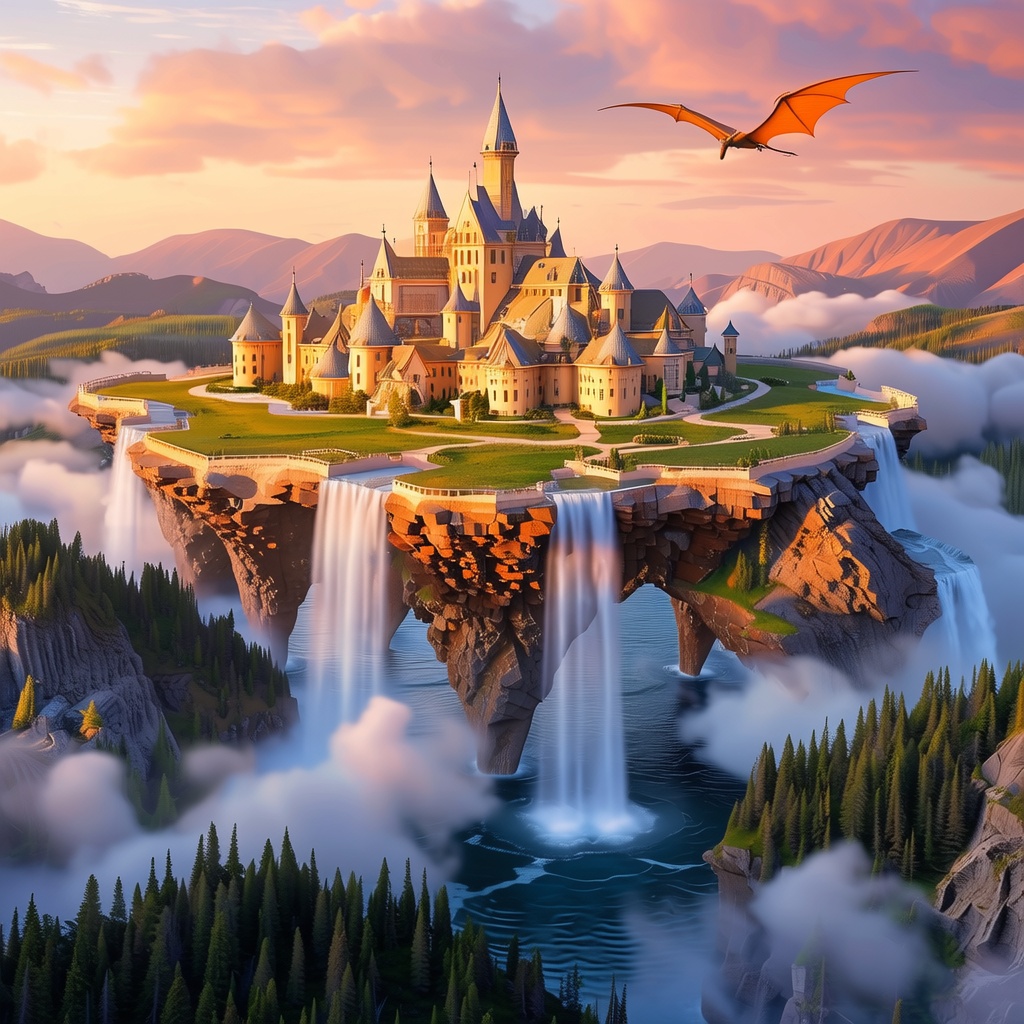
Transform into fantasy world with floating islands and dragon flying in the distance
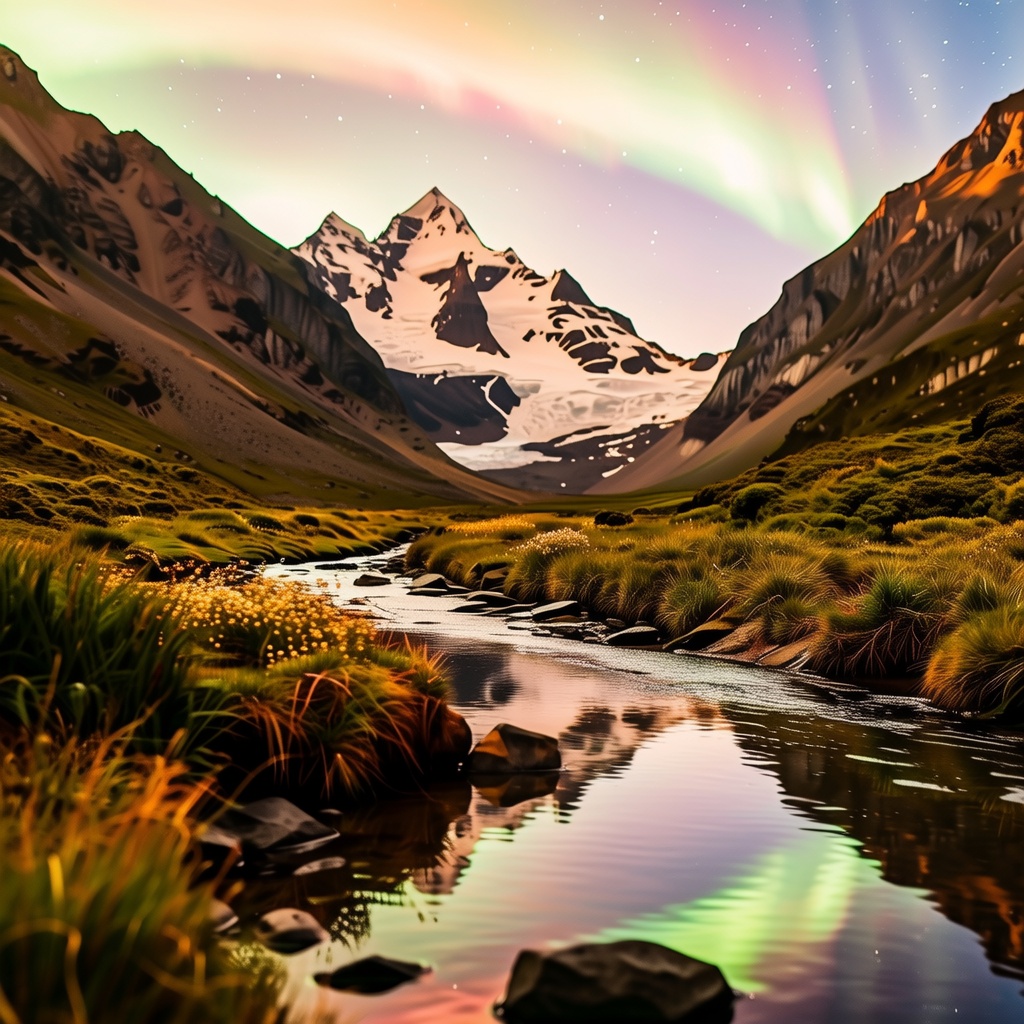
Turn into a night scene with snow-covered peaks and aurora borealis glowing in the sky
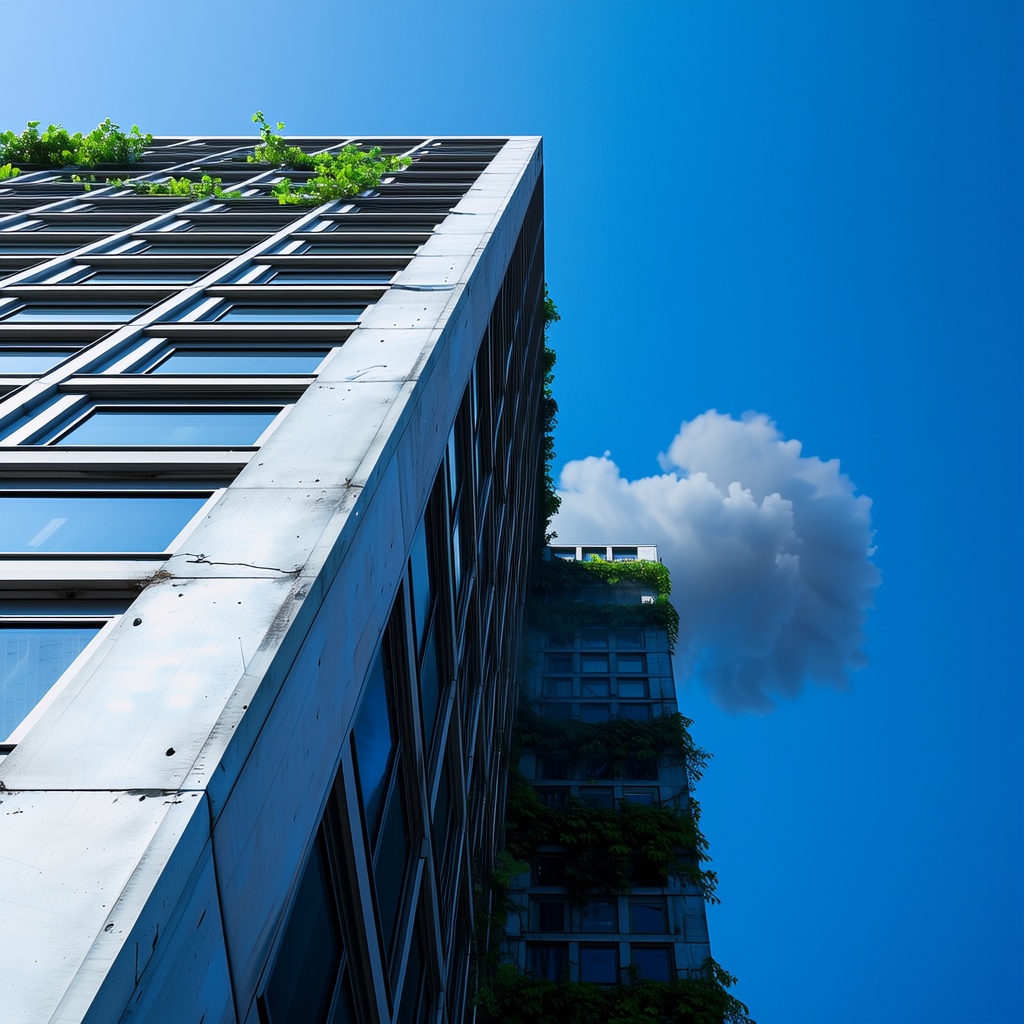
Change to post-apocalyptic ruin with vines, cracks, and smoke in the sky
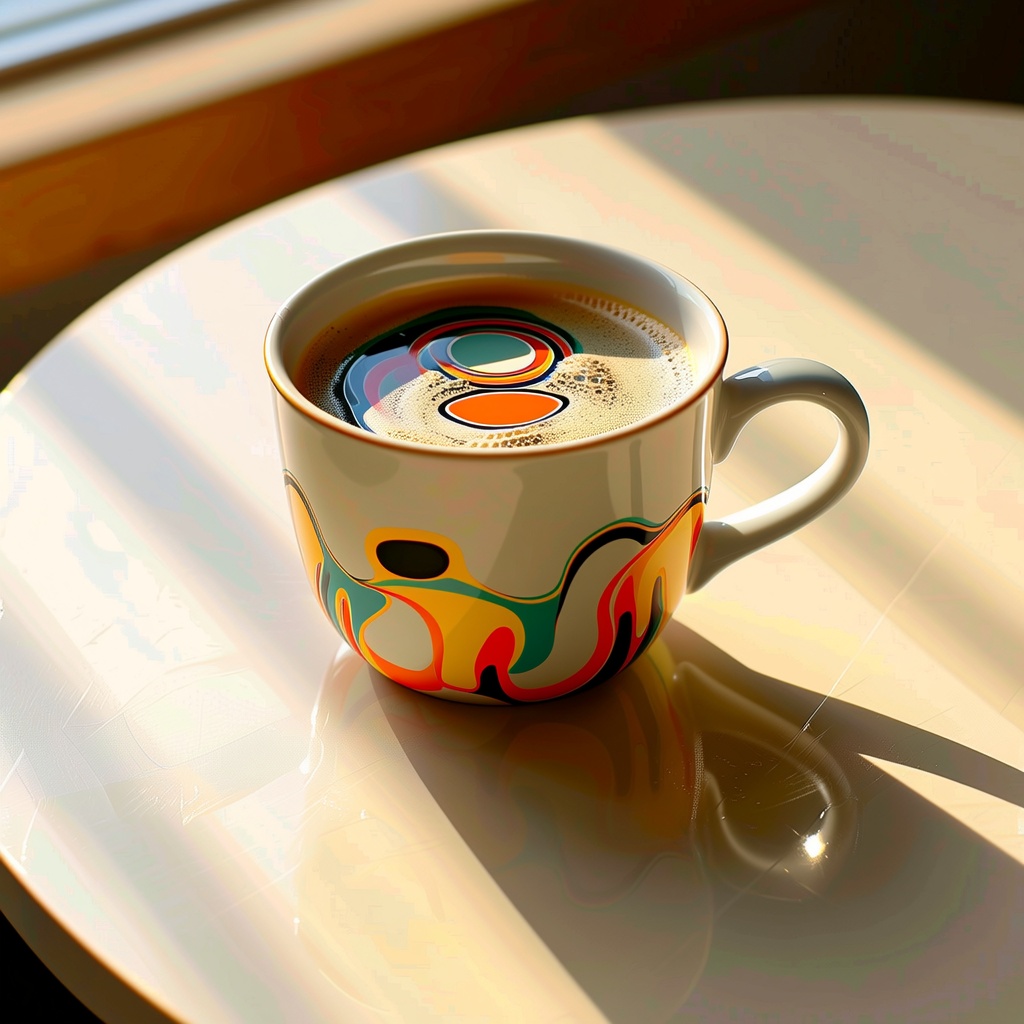
Convert into abstract painting with distorted colors and flowing shapes, surreal art style
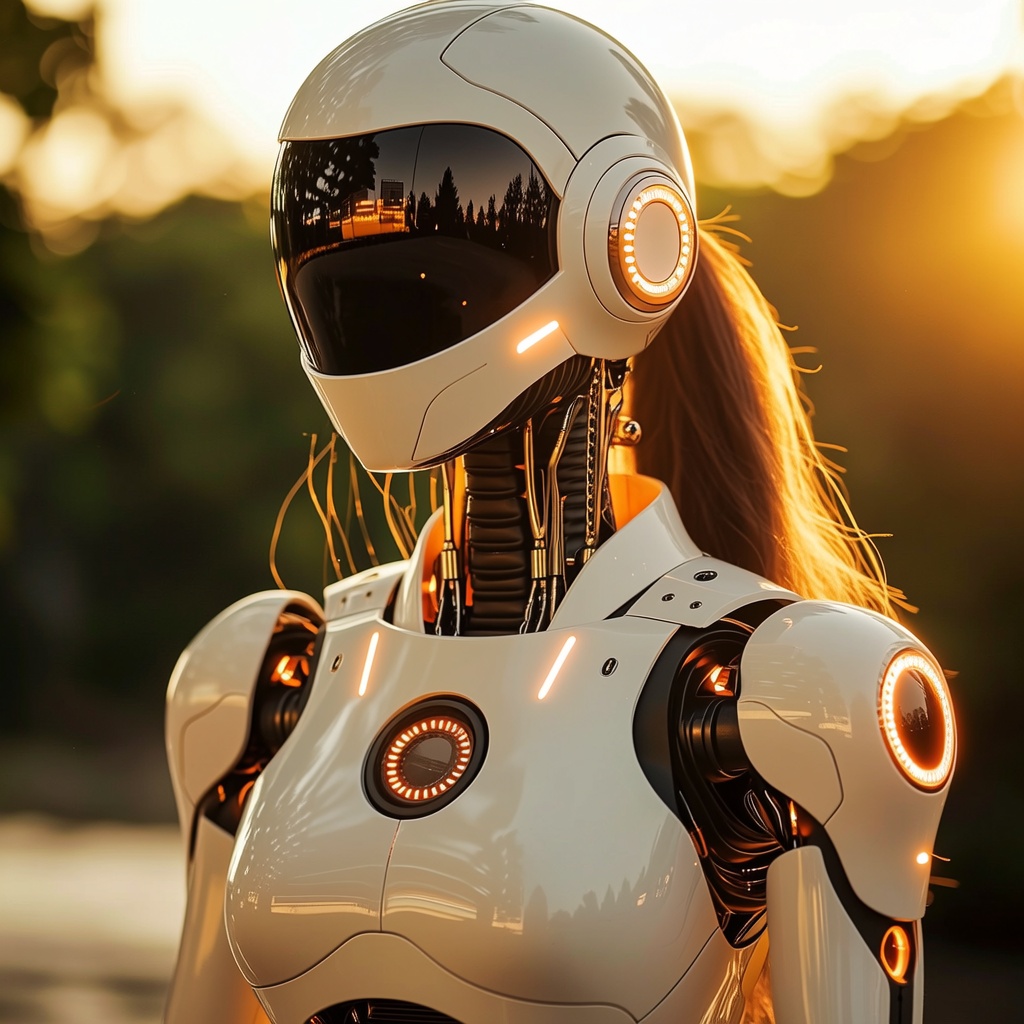
Transform her into a futuristic android with metallic textures, LED patterns, and sci-fi background
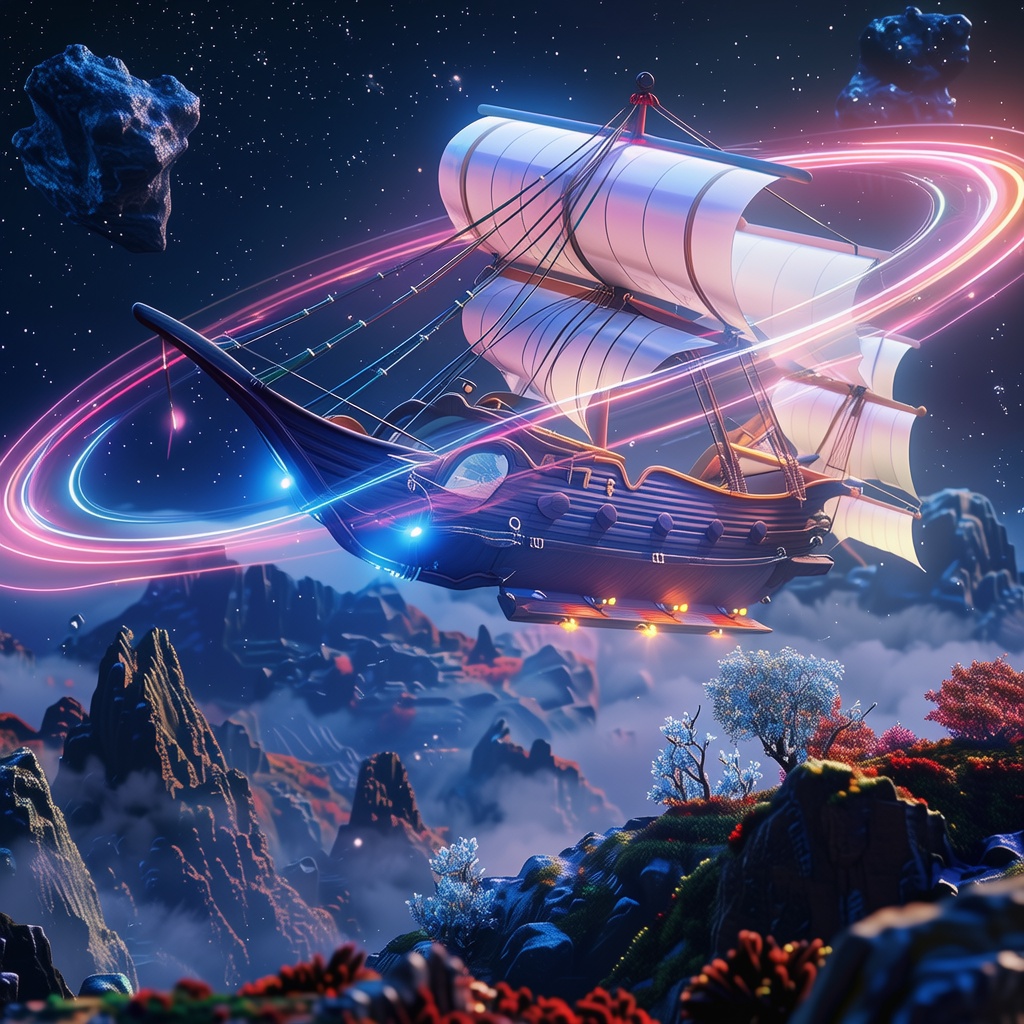
Reimagine as an ancient wooden warship sailing through foggy sea, cinematic lighting
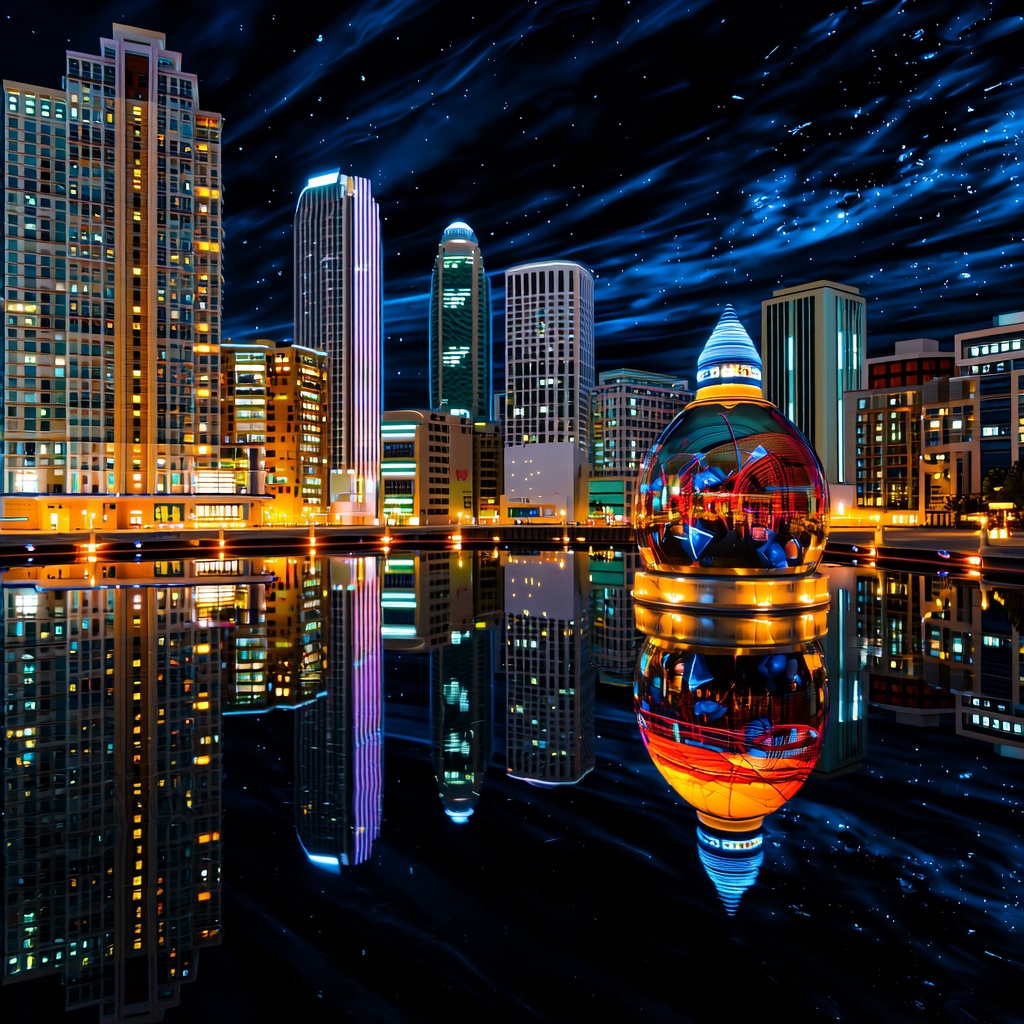
Convert to surreal dreamscape with floating buildings, inverted reflections, and glowing skies
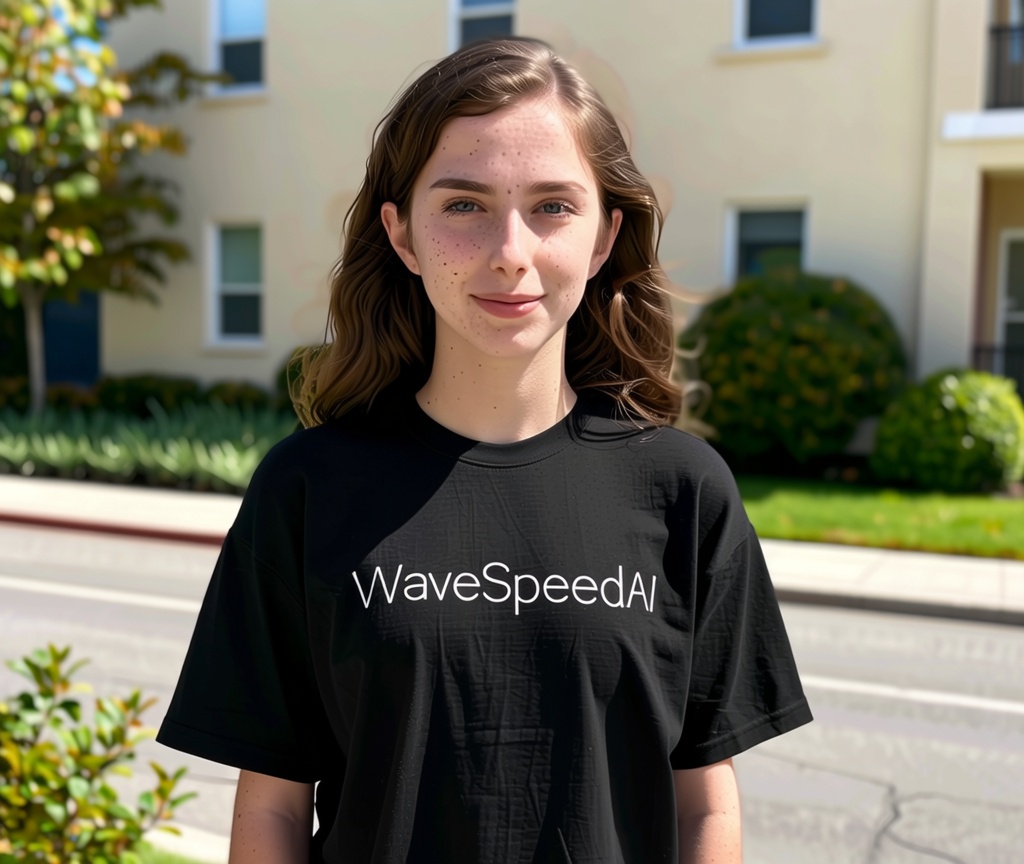
A young woman wearing a black T-shirt with the word "WaveSpeedAI" printed on the front in modern white font
Related Models


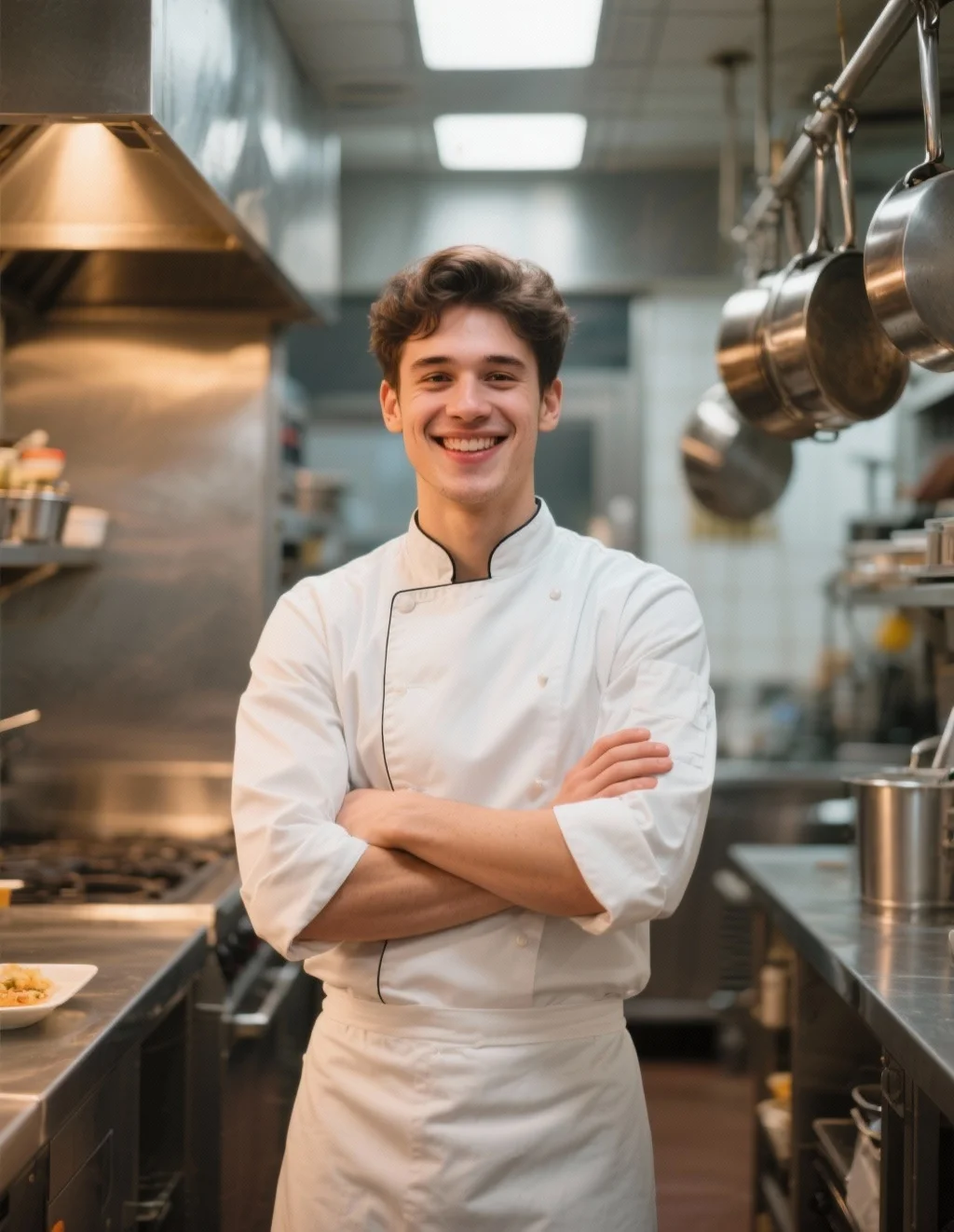
README
Wan 2.2 Image-to-Image
Wan 2.2 Image-to-Image is a versatile image transformation model that modifies existing images based on text prompts. Convert photos to different styles, apply artistic effects, or reimagine scenes while preserving the original composition and structure.
Why It Stands Out
- Style transformation: Convert images to different artistic styles like anime, oil painting, or photorealistic renders.
- Prompt-guided editing: Describe the changes you want and watch the image transform.
- Prompt Enhancer: Built-in AI-powered prompt optimization for better transformation results.
- Strength control: Fine-tune how much the original image is preserved versus transformed.
- Flexible resolution: Customize width and height for your desired output size.
- Multiple output formats: Export as JPEG, PNG, or other formats.
- Reproducibility: Use the seed parameter to recreate exact results.
Parameters
| Parameter | Required | Description |
|---|---|---|
| prompt | Yes | Text description of the transformation you want. |
| image | Yes | Source image (upload or public URL). |
| strength | No | How much to transform the image (0.0–1.0, default: 0.6). |
| width | No | Output width in pixels (default: 1024). |
| height | No | Output height in pixels (default: 1024). |
| seed | No | Set for reproducibility; -1 for random. |
| output_format | No | Output format: jpeg, png, etc. (default: jpeg). |
| enable_base64_output | No | Return base64 string instead of URL (API only). |
| enable_sync_mode | No | Wait for result before returning response (API only). |
How to Use
- Upload your source image — drag and drop a file or paste a public URL.
- Write a prompt describing the transformation you want. Use the Prompt Enhancer for AI-assisted optimization.
- Adjust strength — lower values (0.2–0.4) preserve more of the original; higher values (0.6–0.9) allow more dramatic changes.
- Set dimensions — adjust width and height as needed.
- Click Run and download your transformed image.
Best Use Cases
- Style Transfer — Convert photos to anime, watercolor, sketch, or other artistic styles.
- Photo Enhancement — Apply cinematic lighting, color grading, or atmospheric effects.
- Creative Reimagining — Transform scenes into different seasons, times of day, or moods.
- Content Creation — Generate stylized versions of images for social media and marketing.
- Concept Art — Quickly explore visual variations of reference images.
Pricing
| Output | Price |
|---|---|
| Per image | $0.02 |
Pro Tips for Best Quality
- Use lower strength (0.3–0.5) to preserve more details from the original image.
- Use higher strength (0.6–0.8) for dramatic style changes like photo-to-anime conversion.
- Be specific in your prompt — describe the style, lighting, colors, and mood you want.
- Start with default strength and adjust based on results.
- Fix the seed when iterating to compare different prompt variations.
Notes
- Ensure uploaded image URLs are publicly accessible.
- Processing time varies based on resolution and current queue load.
- Please ensure your prompts comply with content guidelines.
Wan 2.2 Image To Image API — Quick start
Grab a WaveSpeedAI API key, then call POST https://api.wavespeed.ai/api/v3/wavespeed-ai/wan-2.1/text-to-image with your input as JSON. The endpoint returns a prediction id; poll the prediction endpoint until status flips to completed, then read the output URL from data.outputs[0]. Examples for Wan 2.2 Image To Image below.
HTTP example
# Submit the prediction
curl -X POST "https://api.wavespeed.ai/api/v3/wavespeed-ai/wan-2.1/text-to-image" \
  -H "Content-Type: application/json" \
  -H "Authorization: Bearer $WAVESPEED_API_KEY" \
  -d '{
    "prompt": "A cinematic shot of a city at sunset, soft golden light",
    "image": "https://example.com/your-input.jpg",
    "strength": 0.6,
    "size": "1024*1024",
    "seed": -1,
    "output_format": "jpeg",
    "enable_base64_output": false,
    "enable_sync_mode": false
}'

# Response includes a prediction id. Poll for the result:
curl -X GET "https://api.wavespeed.ai/api/v3/predictions/{request_id}/result" \
  -H "Authorization: Bearer $WAVESPEED_API_KEY"

# When status is "completed", read the output from data.outputs[0].
Node.js example
// npm install wavespeed
const WaveSpeed = require('wavespeed');

const client = new WaveSpeed(); // reads WAVESPEED_API_KEY from env

const result = await client.run("wavespeed-ai/wan-2.2/image-to-image", {
        "prompt": "A cinematic shot of a city at sunset, soft golden light",
        "image": "https://example.com/your-input.jpg",
        "strength": 0.6,
        "size": "1024*1024",
        "seed": -1,
        "output_format": "jpeg",
        "enable_base64_output": false,
        "enable_sync_mode": false
});

console.log(result.outputs[0]); // → URL of the generated output
Python example
# pip install wavespeed
import wavespeed

output = wavespeed.run(
    "wavespeed-ai/wan-2.2/image-to-image",
    {
    "prompt": "A cinematic shot of a city at sunset, soft golden light",
    "image": "https://example.com/your-input.jpg",
    "strength": 0.6,
    "size": "1024*1024",
    "seed": -1,
    "output_format": "jpeg",
    "enable_base64_output": false,
    "enable_sync_mode": false
}
)

print(output["outputs"][0])  # → URL of the generated output
Wan 2.2 Image To Image API — Frequently asked questions
What is the Wan 2.2 Image To Image API?
Wan 2.2 Image To Image is a WaveSpeedAI model for image editing, exposed as a REST API on WaveSpeedAI. WAN 2.2 (14B) is an image-to-image model for high-resolution photorealistic image editing with exceptional precision and fidelity. Ready-to-use REST inference API, best performance, no coldstarts, affordable pricing. You can call it programmatically or try it from the playground above.
How do I call the Wan 2.2 Image To Image API?
POST your input parameters to the model's REST endpoint (shown in the API tab of this playground) with your WaveSpeedAI API key in the Authorization header. Submission returns a prediction ID; poll the prediction endpoint until status flips to "completed", then read the output URL from the result. The playground generates a ready-to-paste code sample in Python, JavaScript, or cURL for whatever inputs you've set. Full request/response shape is documented at https://wavespeed.ai/docs/docs-api/wavespeed-ai/wan-2.2-image-to-image.
How much does Wan 2.2 Image To Image cost per run?
Wan 2.2 Image To Image starts at $0.020 per run. That figure is the base price — the final charge scales with the parameters you set in the form (output size, length, count, references, or whatever knobs this model exposes), so a higher-quality or larger output costs more than a minimal one. The exact cost for your current input is shown live next to the Generate button before you submit, and the actual per-call charge is recorded on the prediction afterwards.
What inputs does Wan 2.2 Image To Image accept?
Key inputs: `prompt`, `image`, `size`, `seed`, `enable_base64_output`, `enable_sync_mode`. The full JSON schema (types, defaults, allowed values) is rendered above the Generate button and mirrored in the API reference at https://wavespeed.ai/docs/docs-api/wavespeed-ai/wan-2.2-image-to-image.
How long does Wan 2.2 Image To Image take to generate?
Average end-to-end generation time on WaveSpeedAI is around 6 seconds per request — measured across recent runs. Queue time scales with global demand; live status is visible in the prediction record.
Can I use Wan 2.2 Image To Image outputs commercially?
Commercial usage rights depend on the model's license, set by its provider (WaveSpeedAI). The license summary appears on the model card above; see WaveSpeedAI's Terms of Service for platform-level conditions.