Wan 2.1 creates unlimited text-to-video content at 480P from simple text prompts, ideal for prototyping and content generation. Ready-to-use REST inference API, best performance, no coldstarts, affordable pricing.
Idle
$0.2per run·~50 / $10
ExamplesView all
A cool street dancer, wearing a baggy hoodie and hip-hop pants, dancing in front of a graffiti wall, night neon background, quick camera cuts, urban trends.
树林里,一只狸花猫,以狩猎的姿势盯着前面的麻雀
Two Chinese women, one in red and one in white, stand over the bamboo holding swords against each other, their sleeves flutter, and for two seconds draw their swords like each other to stab and start fighting. Tsui Hark movie style.
树林里,一只狸花猫,以狩猎的姿势盯着树上的麻雀
Visual Flow: 0-1s: Twin silhouettes glide across bamboo tips, trailing red/white silk ribbons (slow-mo foot tap on leaves with dust particle FX). 1-2s: Mirror spin – blades cross in mid-air, sparking blue energy ripples (360°环绕镜头 + 徐克式冷光剑气). 2-3s: 交错俯冲时绸缎与竹叶共舞 (red fabric whips camera lens while green leaves shred into golden pixels). 3-4s: 借竹反弹凌空踢击,足尖气浪震碎下方竹节 (wire-free floating shot + 慢镜裂纹蔓延特效). 4-5s: 背对背定格于竹海之巅,夕阳将发簪与剑穗染成鎏金色 (戏剧性逆光剪影 + 徐克标志性雾化光晕). Style Keys: ● 徐克式武侠美学:青绿竹海 × 猩红绸缎 × 冷金属高光 ● 轻功物理:竹梢涟漪特效 (每踏一步生成环形能量波纹) ● 动态发饰:金步摇随动作高频颤动 (blender物理模拟细节点睛) Tech Boost: 丝绸动力学:用Marvelous Designer预设武侠飘带运动模式 数字竹海:SpeedTree生成可互动竹林,竹竿实时弯曲/断裂 水墨光效:After Effects添加2D手绘光斑层模拟胶片质感 Sound Design: 衣袂破风声 × 竹笛颤音 × 剑鞘共鸣低频 → 混合成武侠ASMR
4K saturn colony panorama: Dome cities under dust storm, rover convoys with realistic tread marks, sci-fi realism
An elder in a Yohji Yamamoto robe with moss texture in a temple by Antoni Gaudi, Kathe Kollwitz’s engraved patterns on walls, surreal element — clocks melt like Dali’s, dim #2A4066 light, High Angle shot, colors #FF6F61 and #F5E1A4, hyper realistic HDR, cinematic quality, 8K, --ar 9:16."
Capybara walking towards camera, slow motion, natural habitat, close-up
beautiful girl walking on the street.
Portrait of an old fisherman, weathered face, deep wrinkles, dramatic Rembrandt lighting, shallow depth of field, 85mm lens, authentic, hyperrealistic.
Related Models

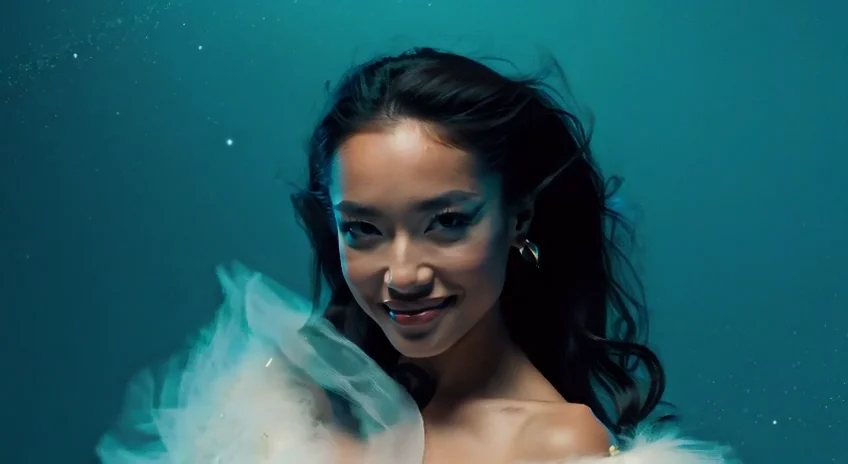
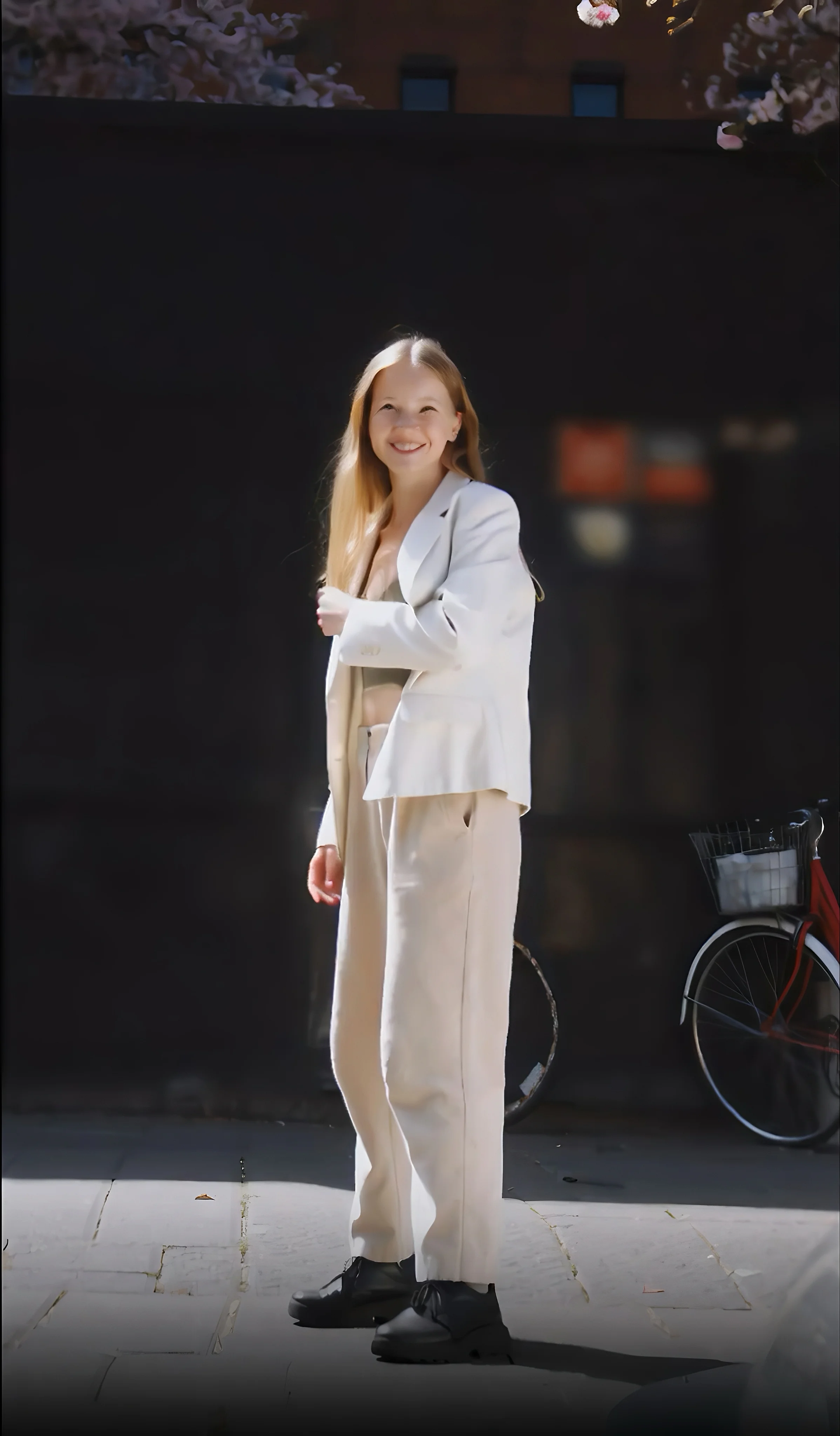
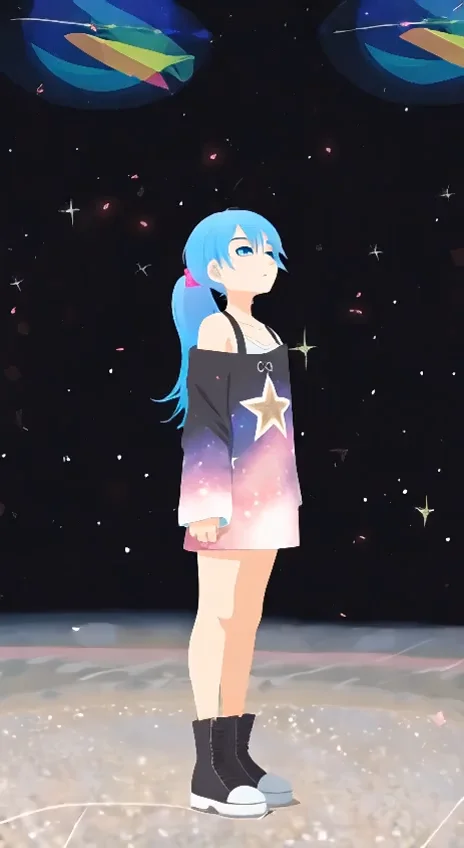


README
Wan 2.1 Text-to-Video 480p
Generate dynamic videos from text descriptions with Wan 2.1 Text-to-Video 480p. This efficient model transforms your written prompts into smooth, visually appealing 480p videos — perfect for quick iterations, social content, and cost-effective video generation at scale.
Why It Stands Out
- Pure text-to-video generation: No source image needed — simply describe your scene and watch it come to life.
- Fast and affordable: Optimized for speed and cost efficiency while maintaining strong visual quality.
- Prompt Enhancer: Built-in AI-powered prompt optimization helps you craft better descriptions for improved results.
- Negative prompt support: Exclude unwanted elements for cleaner, more controlled outputs.
- Flexible duration: Generate 5-second or 10-second clips depending on your needs.
- Reproducibility: Use the seed parameter to recreate exact results or iterate on variations.
Pricing
| Duration | Price |
|---|---|
| 5 seconds | $0.20 |
| 10 seconds | $0.30 |
Parameters
| Parameter | Required | Description |
|---|---|---|
| prompt | Yes | Text description of the video you want to generate. |
| negative_prompt | No | Elements to avoid in the generated video. |
| size | No | Output resolution (default: 832×480). |
| num_inference_steps | No | Quality/speed trade-off (default: 30). |
| duration | No | Video length in seconds: 5 or 10 (default: 5). |
| guidance_scale | No | Prompt adherence strength (default: 5). |
| flow_shift | No | Motion intensity control (default: 3). |
| seed | No | Set for reproducibility; -1 for random. |
How to Use
- Write a prompt describing the scene, action, and style you want. Use the Prompt Enhancer for AI-assisted optimization.
- Set parameters — adjust size, duration, guidance scale, and other settings as needed.
- Add a negative prompt (optional) to exclude unwanted elements.
- Click Run and wait for your video to generate.
- Preview and download the result.
Best Use Cases
- Social Media Content — Create quick, engaging video clips for TikTok, Reels, and Shorts.
- Rapid Prototyping — Test video concepts quickly before committing to higher resolutions.
- Marketing Previews — Generate draft videos for client approval at low cost.
- Content at Scale — Produce high volumes of video content affordably.
- Creative Exploration — Experiment with different prompts and styles without breaking the budget.
Pro Tips for Best Quality
- Be specific in your prompt — describe subject, action, environment, lighting, and camera movement.
- Use negative prompts to reduce common artifacts: blur, distortion, jitter, or watermarks.
- Start with lower inference steps for quick previews, then increase for final renders.
- Fix the seed when iterating to isolate the effect of parameter changes.
- Use 480p for drafts and testing, then upgrade to 720p for final delivery if needed.
Notes
- Processing time varies based on duration and current queue load.
- Please ensure your prompts comply with content guidelines.
Wan 2.1 T2v 480p API — Quick start
Grab a WaveSpeedAI API key, then call POST https://api.wavespeed.ai/api/v3/wavespeed-ai/wan-2.1/t2v-480p with your input as JSON. The endpoint returns a prediction id; poll the prediction endpoint until status flips to completed, then read the output URL from data.outputs[0]. Examples for Wan 2.1 T2v 480p below.
HTTP example
# Submit the prediction
curl -X POST "https://api.wavespeed.ai/api/v3/wavespeed-ai/wan-2.1/t2v-480p" \
  -H "Content-Type: application/json" \
  -H "Authorization: Bearer $WAVESPEED_API_KEY" \
  -d '{
    "prompt": "A cinematic shot of a city at sunset, soft golden light",
    "negative_prompt": "blurry, low quality, distorted",
    "size": "832*480",
    "num_inference_steps": 30,
    "duration": 5,
    "guidance_scale": 5,
    "flow_shift": 3,
    "seed": -1
}'

# Response includes a prediction id. Poll for the result:
curl -X GET "https://api.wavespeed.ai/api/v3/predictions/{request_id}/result" \
  -H "Authorization: Bearer $WAVESPEED_API_KEY"

# When status is "completed", read the output from data.outputs[0].
Node.js example
// npm install wavespeed
const WaveSpeed = require('wavespeed');

const client = new WaveSpeed(); // reads WAVESPEED_API_KEY from env

const result = await client.run("wavespeed-ai/wan-2.1/t2v-480p", {
        "prompt": "A cinematic shot of a city at sunset, soft golden light",
        "negative_prompt": "blurry, low quality, distorted",
        "size": "832*480",
        "num_inference_steps": 30,
        "duration": 5,
        "guidance_scale": 5,
        "flow_shift": 3,
        "seed": -1
});

console.log(result.outputs[0]); // → URL of the generated output
Python example
# pip install wavespeed
import wavespeed

output = wavespeed.run(
    "wavespeed-ai/wan-2.1/t2v-480p",
    {
    "prompt": "A cinematic shot of a city at sunset, soft golden light",
    "negative_prompt": "blurry, low quality, distorted",
    "size": "832*480",
    "num_inference_steps": 30,
    "duration": 5,
    "guidance_scale": 5,
    "flow_shift": 3,
    "seed": -1
}
)

print(output["outputs"][0])  # → URL of the generated output
Wan 2.1 T2v 480p API — Frequently asked questions
What is the Wan 2.1 T2v 480p API?
Wan 2.1 T2v 480p is a WaveSpeedAI model for video generation, exposed as a REST API on WaveSpeedAI. Wan 2.1 creates unlimited text-to-video content at 480P from simple text prompts, ideal for prototyping and content generation. Ready-to-use REST inference API, best performance, no coldstarts, affordable pricing. You can call it programmatically or try it from the playground above.
How do I call the Wan 2.1 T2v 480p API?
POST your input parameters to the model's REST endpoint (shown in the API tab of this playground) with your WaveSpeedAI API key in the Authorization header. Submission returns a prediction ID; poll the prediction endpoint until status flips to "completed", then read the output URL from the result. The playground generates a ready-to-paste code sample in Python, JavaScript, or cURL for whatever inputs you've set. Full request/response shape is documented at https://wavespeed.ai/docs/docs-api/wavespeed-ai/wan-2.1-t2v-480p.
How much does Wan 2.1 T2v 480p cost per run?
Wan 2.1 T2v 480p starts at $0.20 per run. That figure is the base price — the final charge scales with the parameters you set in the form (output size, length, count, references, or whatever knobs this model exposes), so a higher-quality or larger output costs more than a minimal one. The exact cost for your current input is shown live next to the Generate button before you submit, and the actual per-call charge is recorded on the prediction afterwards.
What inputs does Wan 2.1 T2v 480p accept?
Key inputs: `prompt`, `duration`, `size`, `seed`, `guidance_scale`, `num_inference_steps`. The full JSON schema (types, defaults, allowed values) is rendered above the Generate button and mirrored in the API reference at https://wavespeed.ai/docs/docs-api/wavespeed-ai/wan-2.1-t2v-480p.
How long does Wan 2.1 T2v 480p take to generate?
Average end-to-end generation time on WaveSpeedAI is around 54 seconds per request — measured across recent runs. Queue time scales with global demand; live status is visible in the prediction record.
Can I use Wan 2.1 T2v 480p outputs commercially?
Commercial usage rights depend on the model's license, set by its provider (WaveSpeedAI). The license summary appears on the model card above; see WaveSpeedAI's Terms of Service for platform-level conditions.