MoCha performs Video-To-Video character swaps using reference images, replacing a video's character without per-frame pose or depth maps. Ready-to-use REST inference API, no coldstarts, affordable pricing.
Idle
$0.2per run·~50 / $10
ExamplesView all
Replace the man in the video with the image. Just change the face. Make the details normally
Let the woman in the image sing the song naturally.
Replace the man in the video with the image I give you. Not only the face, but also the suit.
Replace the man in the video with the image I give you.
Change the man in the video to the image man. change the face and haircut
Related Models
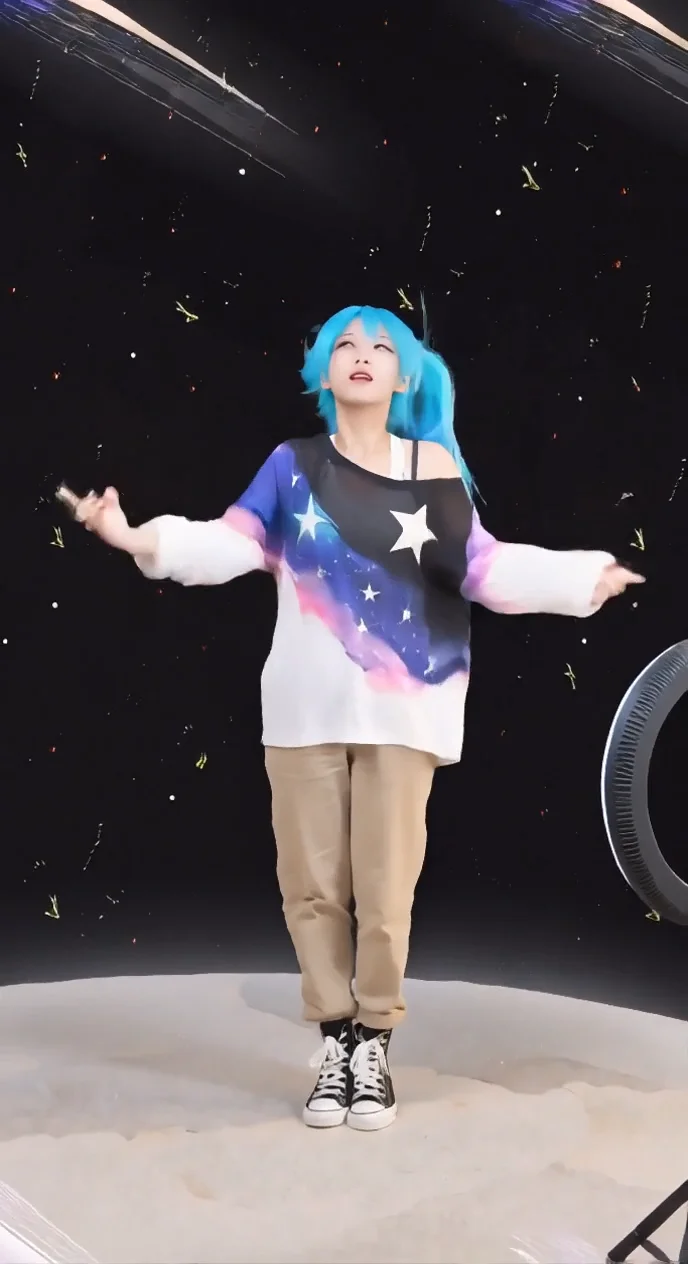
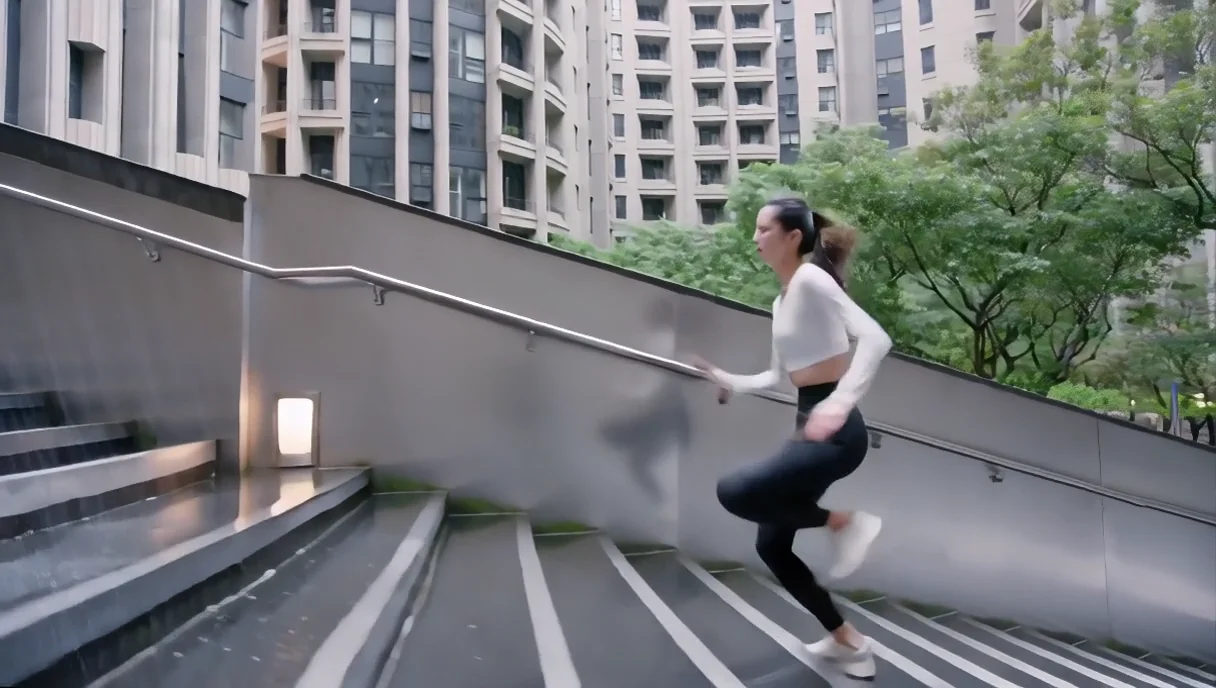
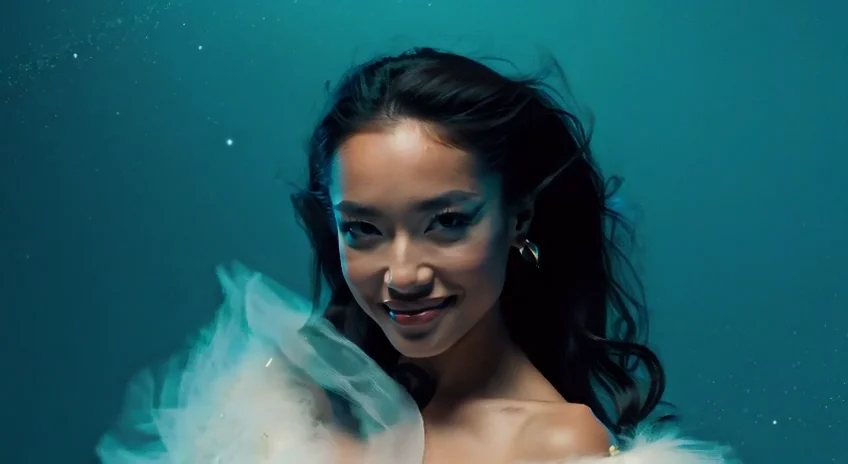
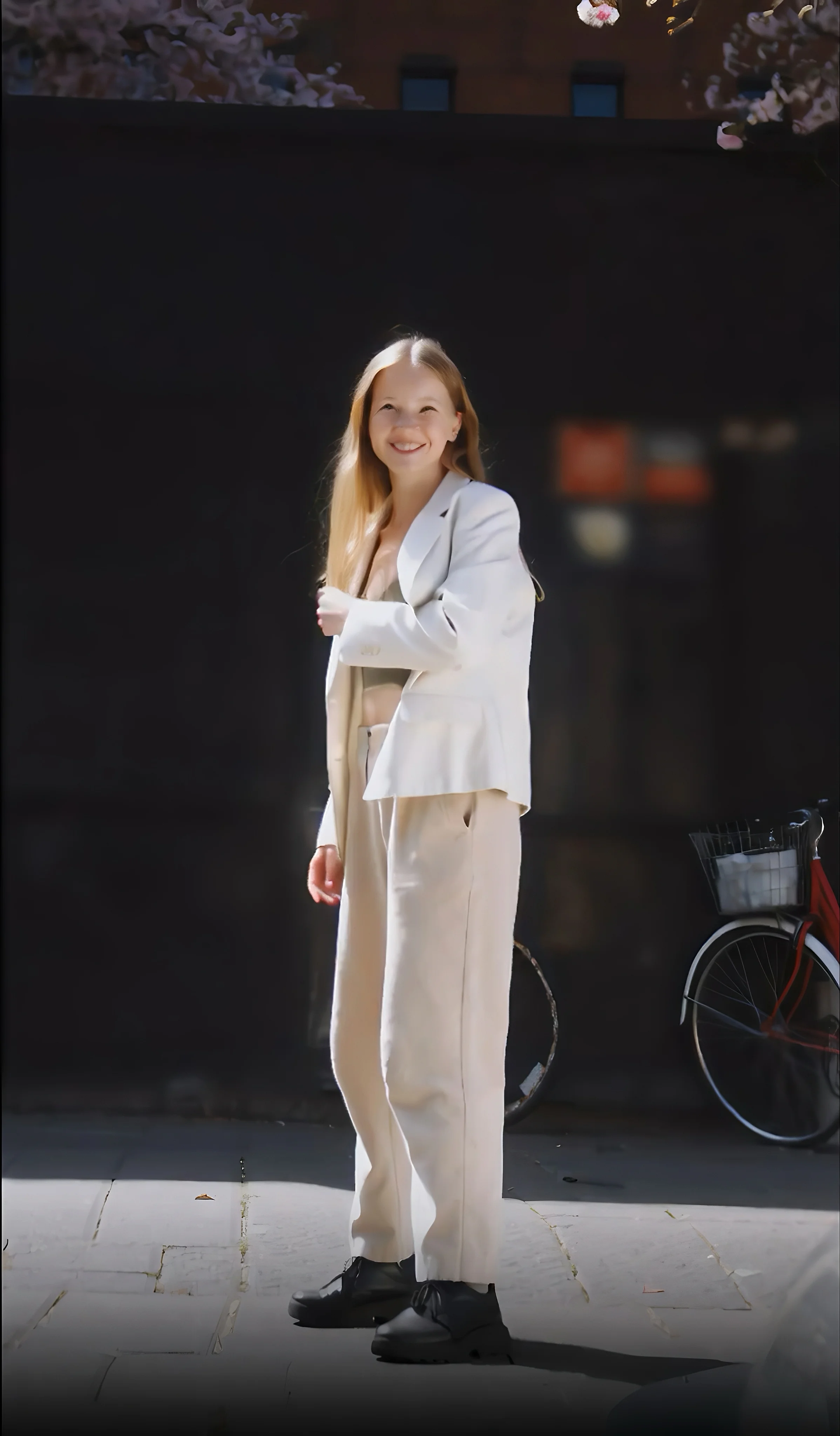
README
MoCha 🎭 — AI Video Character Replacement
MoCha is an end-to-end video character replacement system that seamlessly swaps the main character in a video with a new one provided via reference images. Unlike traditional methods, it requires no explicit per-frame structural guidance (such as pose or depth maps), while maintaining realistic motion, lighting, and facial expressions throughout the clip.
🌟 Key Features
-
🧠 Structure-Free Replacement No need for pose or depth maps — MoCha automatically aligns motion, expression, and body posture.
-
🎥 Motion Preservation Accurately transfers the source actor’s motion, emotion, and camera perspective to the target character.
-
🎨 Identity Consistency Maintains the new character’s facial identity, lighting, and style across frames without flickering.
-
⚙️ Easy Setup Works with a single image and a source video — no need for complex preprocessing or rigging.
-
💡 High Realism, Low Effort Perfect for film, advertising, digital avatars, and creative character transformation.
💰 Pricing
| Resolution | Price per 5s | Price per second | Max Length |
|---|---|---|---|
| 480p | $0.20 | $0.04 / s | 120 s |
| 720p | $0.40 | $0.08 / s | 120 s |
Billing Rules
- Minimum charge: 5 seconds - any video shorter than 5 seconds is billed as 5 seconds.
- Maximum billed duration: 120 seconds (2 minutes)
⚙️ How to Use
- Upload
image— A clear reference image of the new character (recommended formats: JPG / PNG, avoid WEBP). - Upload
video— The motion source; MoCha extracts pose and expression dynamics from this clip. - Add
prompt(optional) — Guide the output, e.g. “preserve outfit; natural expressions; no background changes.” - Select
resolution— Choose between 480p or 720p. - Generate — Wait a moment while MoCha processes the replacement.
- Review & Iterate — Fix a
seedto reproduce results, or vary it for A/B comparisons.
🧩 Tips for Best Results
- Match Pose & Composition: Keep your reference image’s camera angle, body orientation, and framing close to the target video.
- Keep Aspect Ratios Consistent: Use the same aspect ratio between your input image and video.
- Limit Video Length: For best stability, keep clips under 60 seconds — longer clips may show slight quality degradation.
- Lighting Consistency: Match lighting direction and tone between image and video to minimize blending artifacts.
Wan 2.1 Mocha API — Quick start
Grab a WaveSpeedAI API key, then call POST https://api.wavespeed.ai/api/v3/wavespeed-ai/wan-2.1/mocha with your input as JSON. The endpoint returns a prediction id; poll the prediction endpoint until status flips to completed, then read the output URL from data.outputs[0]. Examples for Wan 2.1 Mocha below.
HTTP example
# Submit the prediction
curl -X POST "https://api.wavespeed.ai/api/v3/wavespeed-ai/wan-2.1/mocha" \
  -H "Content-Type: application/json" \
  -H "Authorization: Bearer $WAVESPEED_API_KEY" \
  -d '{
    "image": "https://example.com/your-input.jpg",
    "video": "https://example.com/your-input.mp4",
    "prompt": "A cinematic shot of a city at sunset, soft golden light",
    "resolution": "480p",
    "seed": -1
}'

# Response includes a prediction id. Poll for the result:
curl -X GET "https://api.wavespeed.ai/api/v3/predictions/{request_id}/result" \
  -H "Authorization: Bearer $WAVESPEED_API_KEY"

# When status is "completed", read the output from data.outputs[0].
Node.js example
// npm install wavespeed
const WaveSpeed = require('wavespeed');

const client = new WaveSpeed(); // reads WAVESPEED_API_KEY from env

const result = await client.run("wavespeed-ai/wan-2.1/mocha", {
        "image": "https://example.com/your-input.jpg",
        "video": "https://example.com/your-input.mp4",
        "prompt": "A cinematic shot of a city at sunset, soft golden light",
        "resolution": "480p",
        "seed": -1
});

console.log(result.outputs[0]); // → URL of the generated output
Python example
# pip install wavespeed
import wavespeed

output = wavespeed.run(
    "wavespeed-ai/wan-2.1/mocha",
    {
    "image": "https://example.com/your-input.jpg",
    "video": "https://example.com/your-input.mp4",
    "prompt": "A cinematic shot of a city at sunset, soft golden light",
    "resolution": "480p",
    "seed": -1
}
)

print(output["outputs"][0])  # → URL of the generated output
Wan 2.1 Mocha API — Frequently asked questions
What is the Wan 2.1 Mocha API?
Wan 2.1 Mocha is a WaveSpeedAI model for video editing, exposed as a REST API on WaveSpeedAI. MoCha performs Video-To-Video character swaps using reference images, replacing a video's character without per-frame pose or depth maps. Ready-to-use REST inference API, no coldstarts, affordable pricing. You can call it programmatically or try it from the playground above.
How do I call the Wan 2.1 Mocha API?
POST your input parameters to the model's REST endpoint (shown in the API tab of this playground) with your WaveSpeedAI API key in the Authorization header. Submission returns a prediction ID; poll the prediction endpoint until status flips to "completed", then read the output URL from the result. The playground generates a ready-to-paste code sample in Python, JavaScript, or cURL for whatever inputs you've set. Full request/response shape is documented at https://wavespeed.ai/docs/docs-api/wavespeed-ai/wan-2.1-mocha.
How much does Wan 2.1 Mocha cost per run?
Wan 2.1 Mocha starts at $0.20 per run. That figure is the base price — the final charge scales with the parameters you set in the form (output size, length, count, references, or whatever knobs this model exposes), so a higher-quality or larger output costs more than a minimal one. The exact cost for your current input is shown live next to the Generate button before you submit, and the actual per-call charge is recorded on the prediction afterwards.
What inputs does Wan 2.1 Mocha accept?
Key inputs: `prompt`, `image`, `video`, `resolution`, `seed`. The full JSON schema (types, defaults, allowed values) is rendered above the Generate button and mirrored in the API reference at https://wavespeed.ai/docs/docs-api/wavespeed-ai/wan-2.1-mocha.
How long does Wan 2.1 Mocha take to generate?
Average end-to-end generation time on WaveSpeedAI is around 720 seconds per request — measured across recent runs. Queue time scales with global demand; live status is visible in the prediction record.
Can I use Wan 2.1 Mocha outputs commercially?
Commercial usage rights depend on the model's license, set by its provider (WaveSpeedAI). The license summary appears on the model card above; see WaveSpeedAI's Terms of Service for platform-level conditions.