LTX-2.3 with LoRA support is a DiT-based audio-video foundation model designed to generate synchronized video and audio with custom styles, motion, or likeness training. Improved audio and visual quality with enhanced prompt adherence. Ready-to-use REST inference API, best performance, no coldstarts, affordable pricing.
Idle
$0.1per run·~10 / $1
ExamplesView all
A medium close-up shot of a male engineer in a white lab coat and safety glasses seated at a workbench in a clean laboratory. He holds a soldering iron in his right hand and carefully applies it to a small electronic component with precise, steady movements. Thin wisps of solder smoke rise from the contact point. Simultaneously, the robotic arm to his left begins to move, its joints rotating smoothly one by one as it repositions toward a new target on the bench. The arm pauses, adjusts its angle with a slight mechanical whir, then holds still. The engineer glances briefly at the arm, then returns his focus to the soldering point. The camera slowly pushes in toward the workbench, framing both the man's hands and the robotic arm in the same shot. Lab ambient hum, faint mechanical servo sounds, and soft solder sizzle fill the audio.
A sleek, modern drone glides smoothly through the dense urban skyline, its camera capturing sweeping aerial views of towering skyscrapers, winding streets, and bustling sidewalks below. The drone moves at a slow, steady pace, as if surveying the city with quiet precision. Its shadow flickers across the pavement, while the sun casts long, dramatic shadows from the buildings. The sky is clear and blue, with occasional wisps of clouds. The scene is cinematic, with a realistic, high-definition visual style, emphasizing motion and scale. Shot from a high-angle perspective, capturing the drone’s trajectory as it weaves between structures.
A cinematic wide shot of a weathered white spacecraft drifting through deep space. Its thrusters fire with a steady blue-white exhaust trail streaming behind the rear engine. The ship slowly rolls into a banking turn, its cross-shaped hull catching the light of a distant star on the left side. Hull panels and surface details catch the light as it rotates. The camera orbits slowly around the vessel from a high angle, revealing the cockpit viewport and the pilot silhouette inside. Stars drift past in the background. The ship accelerates forward, exhaust trail brightening and lengthening as it pulls away. Deep low engine rumble and the hiss of thrusters fill the audio against a silent black void.
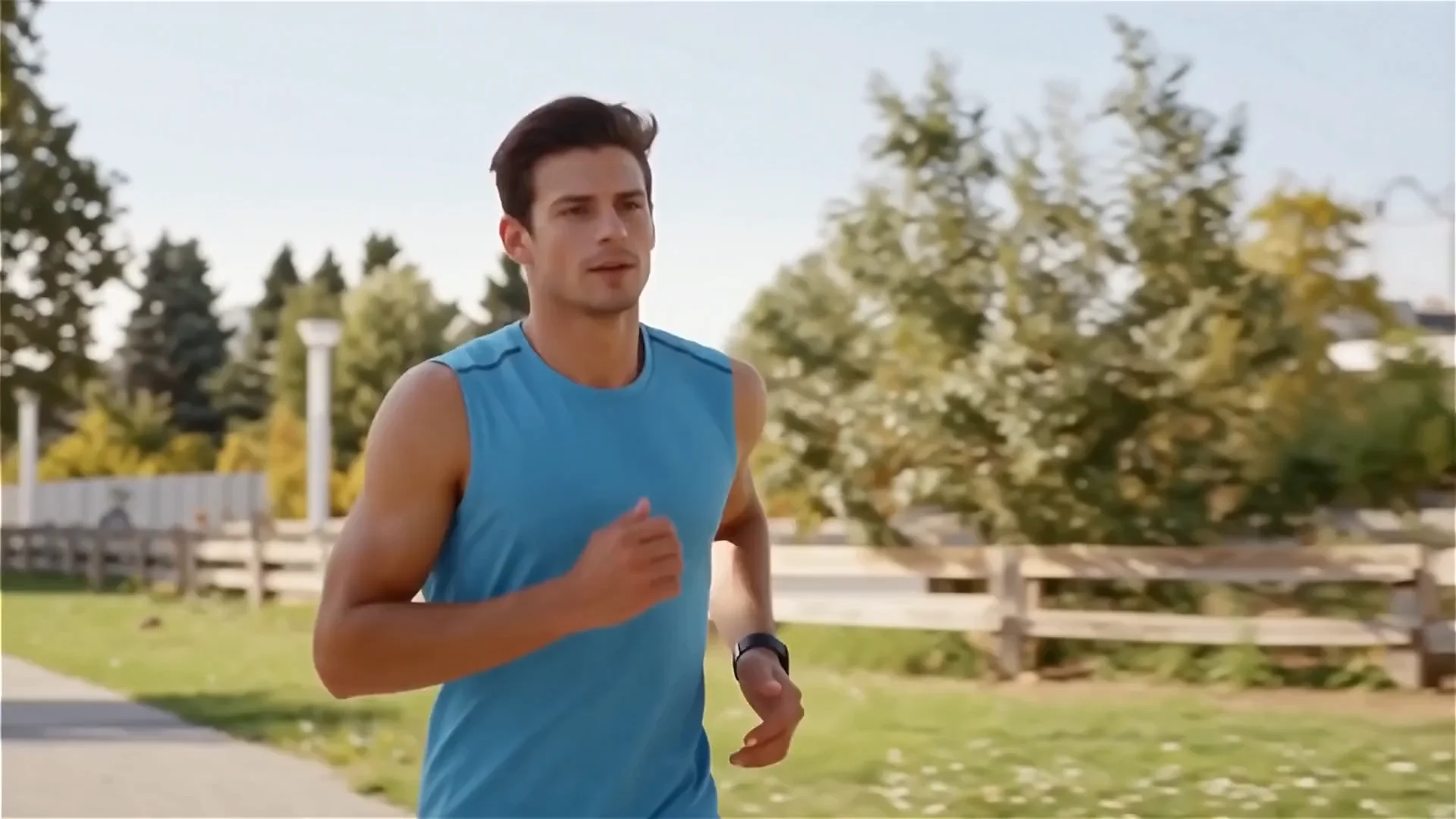
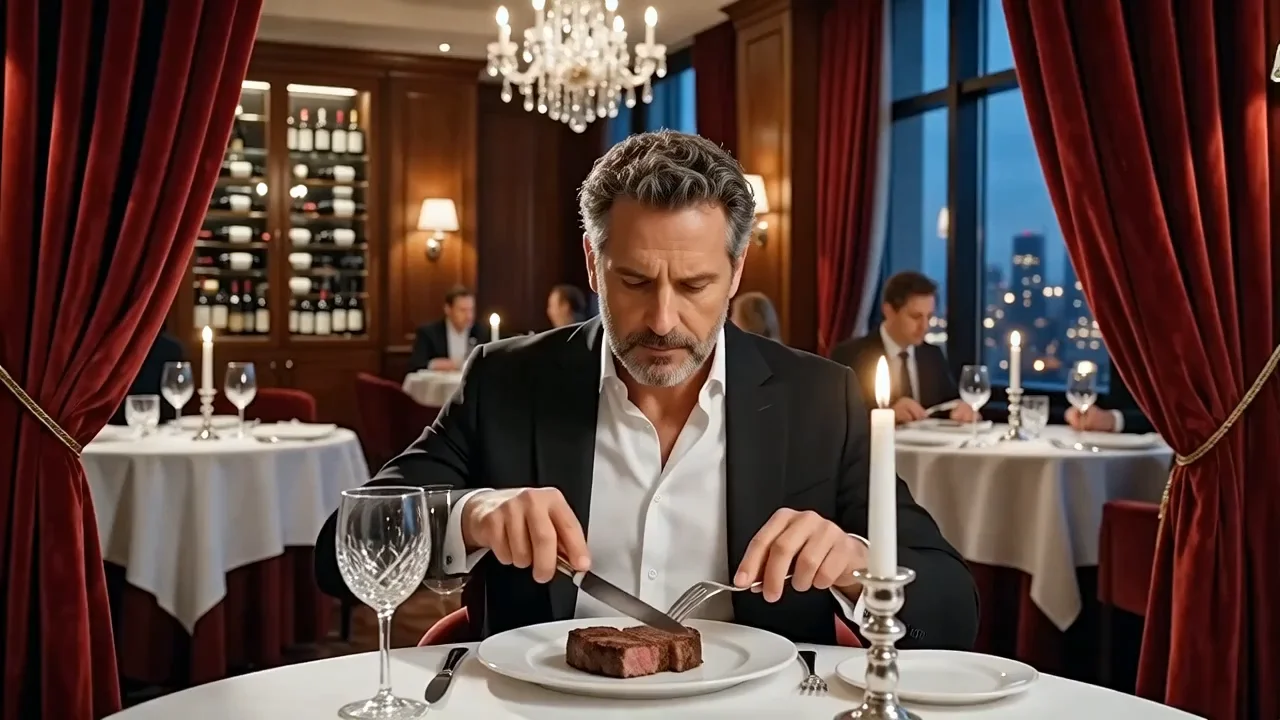
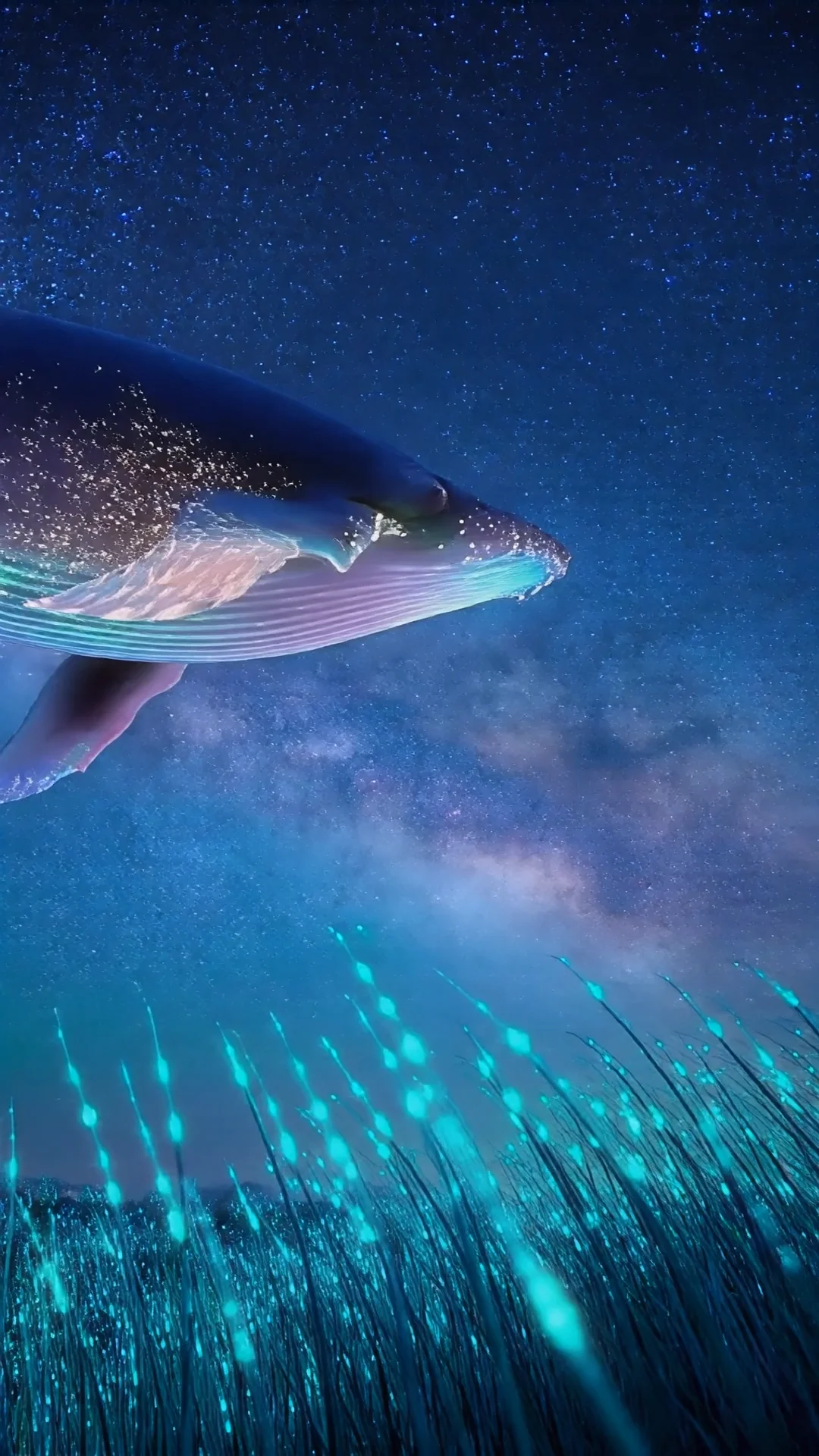
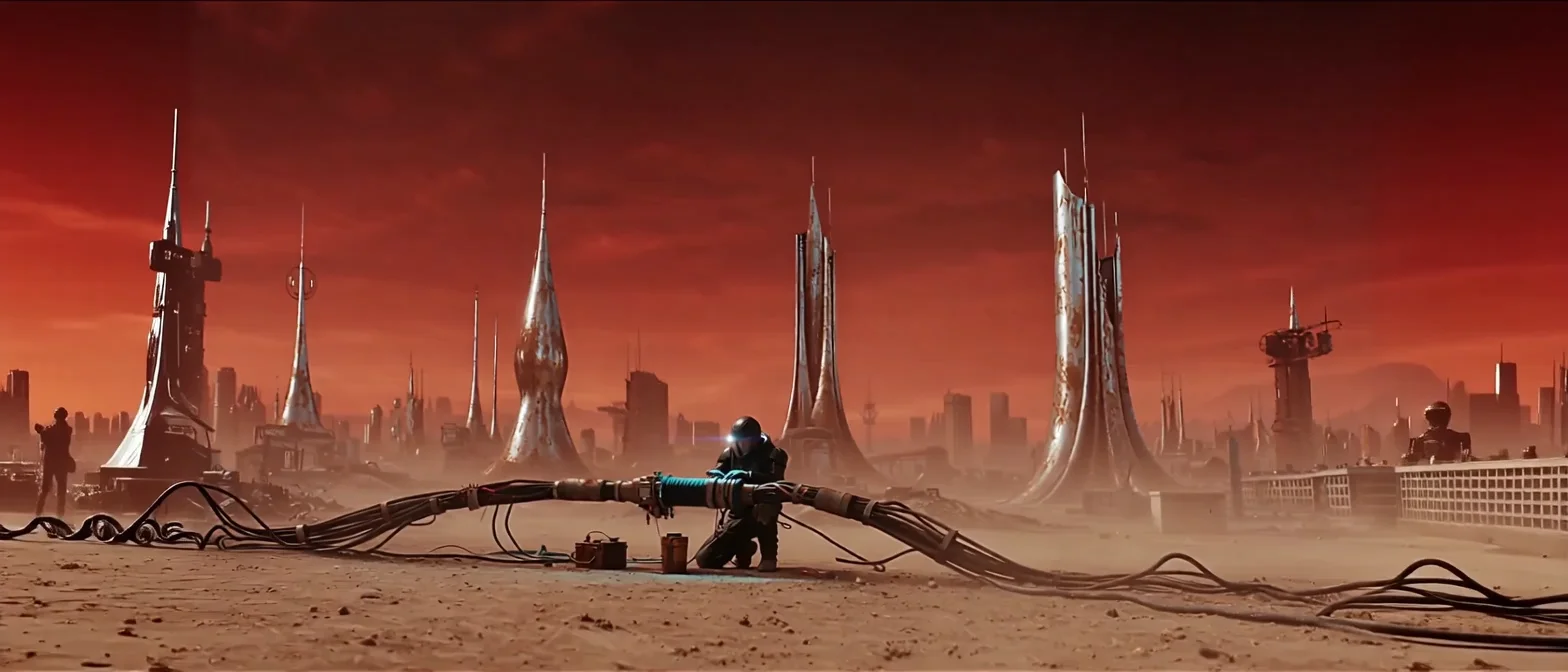
Related Models

README
LTX-2.3 Image-to-Video LoRA
LTX-2.3 is a significant update to the LTX-2 model, featuring improved audio and visual quality with enhanced prompt adherence. As a DiT-based (Diffusion Transformer) audio-video foundation model, it animates your input image into a high-fidelity video with synchronized audio generated in a single pass.
Why Choose This?
-
Improved quality Enhanced audio and visual quality compared to LTX-2, with better prompt adherence and more coherent outputs.
-
Image-conditioned video with audio Transforms a static image into a moving video with synchronized audio in a single model pass.
-
Preserves input composition Maintains the subject, framing, and lighting of your reference image while adding natural motion.
-
DiT-based architecture Built on Diffusion Transformer technology for detailed, temporally consistent video generation.
-
Flexible resolution Supports 480p, 720p, and 1080p outputs to balance quality and cost.
-
Variable duration Generate clips from 5 to 20 seconds.
Parameters
| Parameter | Required | Description |
|---|---|---|
| image | Yes | Reference image to animate (JPG or PNG) |
| loras | No | List of LoRA models to apply (max 3, each with path and scale) |
| prompt | Yes | Text description of motion, action, and audio cues |
| resolution | No | Output resolution: 480p, 720p (default), or 1080p |
| duration | No | Video length in seconds (5-20) |
| seed | No | Random seed for reproducibility (-1 for random) |
Resolution Options
| Resolution | Best For |
|---|---|
| 480p | Fast previews, iteration, lowest cost |
| 720p | Balanced quality and cost (default) |
| 1080p | Final delivery, maximum detail |
How to Use
- Upload your image — the reference image that defines subject, composition, and lighting.
- Write your prompt — describe the motion, camera movement, and audio cues.
- Select resolution — 480p for iteration, 720p for balance, 1080p for final output.
- Set duration — 5-20 seconds based on your content needs.
- Run — submit and download the animated video with synchronized audio.
Pricing
| Resolution | 5s | 10s | 15s | 20s |
|---|---|---|---|---|
| 480p | $0.15 | $0.30 | $0.45 | $0.60 |
| 720p | $0.20 | $0.40 | $0.60 | $0.80 |
| 1080p | $0.25 | $0.50 | $0.75 | $1.00 |
Best Use Cases
- Product Animation — Bring product photos to life with subtle motion and ambient audio.
- Portrait Animation — Animate headshots and portraits with natural movement.
- Social Media — Create engaging animated content from static images.
- Marketing — Transform key visuals into video ads with cohesive sound.
- Storytelling — Animate storyboard frames or concept art.
Pro Tips
- Audio is automatic — sound is generated based on visual motion and prompt context.
- Describe specific audio when needed (e.g., "rain", "jazz", "crowd noise").
- Use high-quality, sharp, well-exposed images for best results.
- Keep motion prompts simple — one clear action per prompt yields better results.
- Iterate at 480p to dial in motion, then render at higher resolution for final output.
- Use fixed seed when comparing prompt variations to isolate changes.
Notes
- Maximum video duration is 20 seconds.
- Width & height must be divisible by 32, frame count must be divisible by 8 + 1.
- The aspect ratio of output video is influenced by your input image.
- For longer content, generate multiple clips and edit together.
Related Models
- LTX-2.3 Text-to-Video — Generate video with audio from text only.
- LTX-2 19B Image-to-Video — Previous generation model.
Ltx 2.3 Image To Video Lora API — Quick start
Grab a WaveSpeedAI API key, then call POST https://api.wavespeed.ai/api/v3/wavespeed-ai/ltx-2.3/image-to-video-lora with your input as JSON. The endpoint returns a prediction id; poll the prediction endpoint until status flips to completed, then read the output URL from data.outputs[0]. Examples for Ltx 2.3 Image To Video Lora below.
HTTP example
# Submit the prediction
curl -X POST "https://api.wavespeed.ai/api/v3/wavespeed-ai/ltx-2.3/image-to-video-lora" \
  -H "Content-Type: application/json" \
  -H "Authorization: Bearer $WAVESPEED_API_KEY" \
  -d '{
    "prompt": "A cinematic shot of a city at sunset, soft golden light",
    "image": "https://example.com/your-input.jpg",
    "resolution": "720p",
    "duration": 5,
    "seed": -1
}'

# Response includes a prediction id. Poll for the result:
curl -X GET "https://api.wavespeed.ai/api/v3/predictions/{request_id}/result" \
  -H "Authorization: Bearer $WAVESPEED_API_KEY"

# When status is "completed", read the output from data.outputs[0].
Node.js example
// npm install wavespeed
const WaveSpeed = require('wavespeed');

const client = new WaveSpeed(); // reads WAVESPEED_API_KEY from env

const result = await client.run("wavespeed-ai/ltx-2.3/image-to-video-lora", {
        "prompt": "A cinematic shot of a city at sunset, soft golden light",
        "image": "https://example.com/your-input.jpg",
        "resolution": "720p",
        "duration": 5,
        "seed": -1
});

console.log(result.outputs[0]); // → URL of the generated output
Python example
# pip install wavespeed
import wavespeed

output = wavespeed.run(
    "wavespeed-ai/ltx-2.3/image-to-video-lora",
    {
    "prompt": "A cinematic shot of a city at sunset, soft golden light",
    "image": "https://example.com/your-input.jpg",
    "resolution": "720p",
    "duration": 5,
    "seed": -1
}
)

print(output["outputs"][0])  # → URL of the generated output
Ltx 2.3 Image To Video Lora API — Frequently asked questions
What is the Ltx 2.3 Image To Video Lora API?
Ltx 2.3 Image To Video Lora is a WaveSpeedAI model for AI inference, exposed as a REST API on WaveSpeedAI. LTX-2.3 with LoRA support is a DiT-based audio-video foundation model designed to generate synchronized video and audio with custom styles, motion, or likeness training. Improved audio and visual quality with enhanced prompt adherence. Ready-to-use REST inference API, best performance, no coldstarts, affordable pricing. You can call it programmatically or try it from the playground above.
How do I call the Ltx 2.3 Image To Video Lora API?
POST your input parameters to the model's REST endpoint (shown in the API tab of this playground) with your WaveSpeedAI API key in the Authorization header. Submission returns a prediction ID; poll the prediction endpoint until status flips to "completed", then read the output URL from the result. The playground generates a ready-to-paste code sample in Python, JavaScript, or cURL for whatever inputs you've set. Full request/response shape is documented at https://wavespeed.ai/docs/docs-api/wavespeed-ai/ltx-2.3-image-to-video-lora.
How much does Ltx 2.3 Image To Video Lora cost per run?
Ltx 2.3 Image To Video Lora starts at $0.10 per run. That figure is the base price — the final charge scales with the parameters you set in the form (output size, length, count, references, or whatever knobs this model exposes), so a higher-quality or larger output costs more than a minimal one. The exact cost for your current input is shown live next to the Generate button before you submit, and the actual per-call charge is recorded on the prediction afterwards.
What inputs does Ltx 2.3 Image To Video Lora accept?
Key inputs: `prompt`, `image`, `resolution`, `duration`, `seed`, `loras`. The full JSON schema (types, defaults, allowed values) is rendered above the Generate button and mirrored in the API reference at https://wavespeed.ai/docs/docs-api/wavespeed-ai/ltx-2.3-image-to-video-lora.
How do I get started with the Ltx 2.3 Image To Video Lora API?
Sign up for a free WaveSpeedAI account to claim starter credits, copy your API key from /accesskey, then call the endpoint shown in the API tab of the playground. The playground also auto-generates a code sample in Python, JavaScript, or cURL for the parameters you've set.
Can I use Ltx 2.3 Image To Video Lora outputs commercially?
Commercial usage rights depend on the model's license, set by its provider (WaveSpeedAI). The license summary appears on the model card above; see WaveSpeedAI's Terms of Service for platform-level conditions.