Fast FLUX.1 Kontext [dev] endpoint with LoRA support for rapid image editing using pre-trained adapters for brand and style. Ready-to-use REST inference API, best performance, no coldstarts, affordable pricing.
Idle
$0.03per run·~33 / $1
ExamplesView all

a dog frstingln illustration
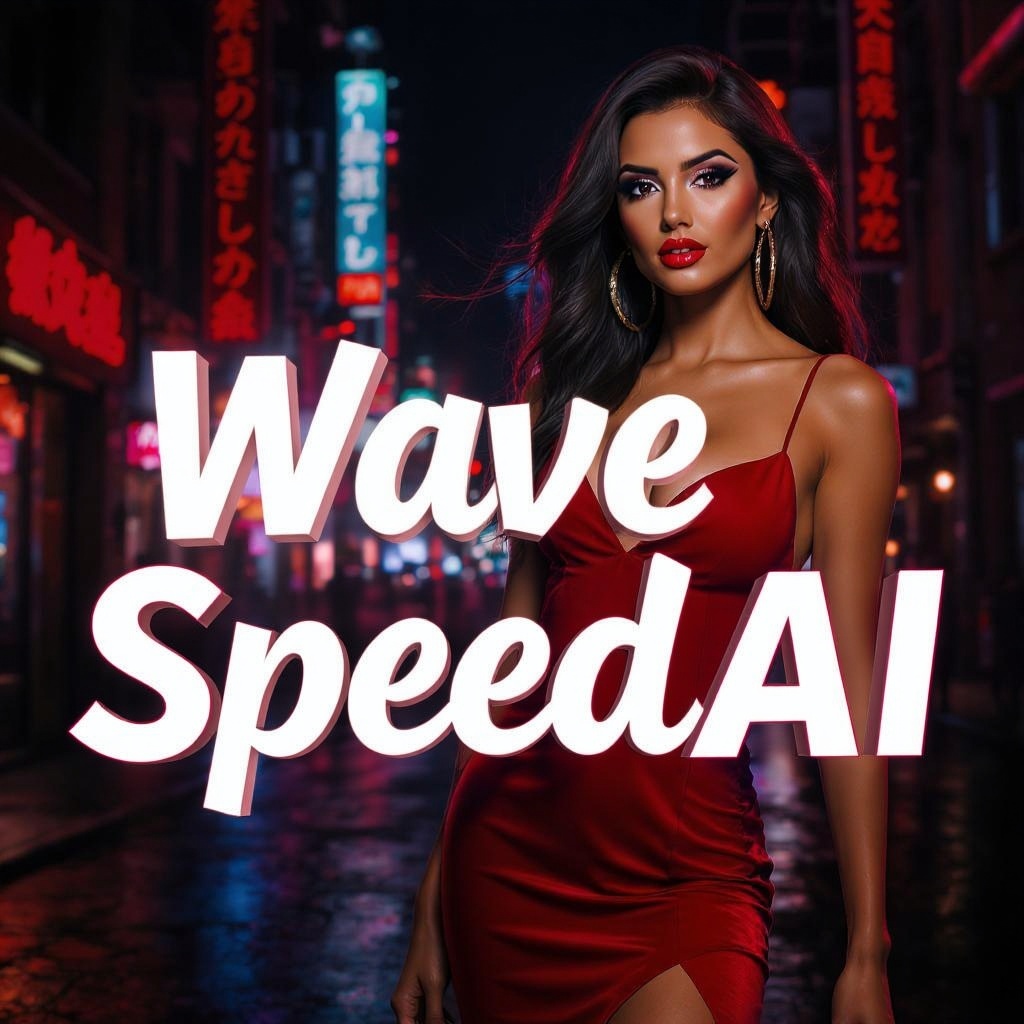
Replace 'Feel POWER' with 'WaveSpeedAI'

Transform the image into detailed anime style. Keep the original composition and layout, but render all characters with smooth outlines, large expressive eyes, vibrant hair colors, and soft cel-shading. Background should resemble high-quality anime scenes — painterly skies, stylized lighting, and subtle gradients. Make it feel like a frame from a cinematic anime.

Turn it into a lego style

Turning clothes into bikinis

change the car color to pink

v3ct0r style, simple flat vector art, isolated on white bg, Mona Lisa

v3ct0r style, simple flat vector art, isolated on white bg, a girl

Mona Lisa, blockprint style

A young man with sunglasses, portrait, blockprint style
Related Models






README
FLUX Kontext Dev LoRA — wavespeed-ai/flux-kontext-dev-lora
FLUX Kontext Dev LoRA is an instruction-based image-to-image editing model with built-in LoRA support. Provide a source image plus a natural-language edit request, and optionally attach up to 3 LoRAs to steer style, subject consistency, or domain-specific aesthetics during the edit.
Key capabilities
- Image-to-image editing from a source image + text instruction
- LoRA-enabled inference: apply up to 3 LoRAs via input parameters
- Works for both local edits (specific changes) and global transforms (overall look)
- Ideal for batch consistency: reuse the same LoRA set for a stable visual identity
Pricing
$0.03 per image.
Cost per run = num_images × $0.03 Example: num_images = 4 → $0.12
Inputs and outputs
Input:
- One source image (upload or public URL)
- One edit instruction (prompt)
- Optional: up to 3 LoRA items
Output:
- One or more edited images (controlled by num_images)
Parameters
Core:
- prompt: Edit instruction describing what to change and what to preserve
- image: Source image
- width / height: Output resolution
- num_inference_steps: More steps can improve fidelity but increases latency
- guidance_scale: Higher values follow the prompt more strongly; too high may over-edit
- num_images: Number of variations generated per run
- seed: Fixed value for reproducibility; -1 for random
- output_format: jpeg or png
LoRA (up to 3 items):
-
loras: A list of LoRA entries (max 3)
-
path: Either owner/model-name or a direct.safetensors URL from the Internet
-
scale: LoRA strength (typically start around 0.6–1.0 and adjust)
Prompting guide
Use “preserve + edit + constraints” and let LoRAs drive the look:
Template: Keep [what must stay]. Change [what to edit]. Ensure [constraints]. Apply the LoRA style consistently without changing identity.
Example prompts
- Keep the person’s face, hairstyle, and pose unchanged. Replace the background with a clean studio gradient. Match lighting and shadows.
- Keep the product shape and label layout unchanged. Replace only the label text with “WaveSpeedAI”. Preserve typography perspective and print texture.
- Remove small blemishes and reduce glare on the forehead while keeping natural skin texture and pores.
Best practices
- Use fewer LoRAs when possible; add a second/third only if you need combined effects.
- If results drift or over-style, reduce LoRA scale or guidance_scale and strengthen the preserve clause.
- For consistent batches, keep the same LoRA set and scales, and fix seed when comparing prompt variants.
Flux Kontext Dev Lora API — Quick start
Grab a WaveSpeedAI API key, then call POST https://api.wavespeed.ai/api/v3/wavespeed-ai/flux-kontext-dev-lora with your input as JSON. The endpoint returns a prediction id; poll the prediction endpoint until status flips to completed, then read the output URL from data.outputs[0]. Examples for Flux Kontext Dev Lora below.
HTTP example
# Submit the prediction
curl -X POST "https://api.wavespeed.ai/api/v3/wavespeed-ai/flux-kontext-dev-lora" \
  -H "Content-Type: application/json" \
  -H "Authorization: Bearer $WAVESPEED_API_KEY" \
  -d '{
    "prompt": "A cinematic shot of a city at sunset, soft golden light",
    "image": "https://example.com/your-input.jpg",
    "num_inference_steps": 28,
    "guidance_scale": 2.5,
    "num_images": 1,
    "seed": -1,
    "output_format": "jpeg",
    "enable_base64_output": false,
    "enable_sync_mode": false
}'

# Response includes a prediction id. Poll for the result:
curl -X GET "https://api.wavespeed.ai/api/v3/predictions/{request_id}/result" \
  -H "Authorization: Bearer $WAVESPEED_API_KEY"

# When status is "completed", read the output from data.outputs[0].
Node.js example
// npm install wavespeed
const WaveSpeed = require('wavespeed');

const client = new WaveSpeed(); // reads WAVESPEED_API_KEY from env

const result = await client.run("wavespeed-ai/flux-kontext-dev-lora", {
        "prompt": "A cinematic shot of a city at sunset, soft golden light",
        "image": "https://example.com/your-input.jpg",
        "num_inference_steps": 28,
        "guidance_scale": 2.5,
        "num_images": 1,
        "seed": -1,
        "output_format": "jpeg",
        "enable_base64_output": false,
        "enable_sync_mode": false
});

console.log(result.outputs[0]); // → URL of the generated output
Python example
# pip install wavespeed
import wavespeed

output = wavespeed.run(
    "wavespeed-ai/flux-kontext-dev-lora",
    {
    "prompt": "A cinematic shot of a city at sunset, soft golden light",
    "image": "https://example.com/your-input.jpg",
    "num_inference_steps": 28,
    "guidance_scale": 2.5,
    "num_images": 1,
    "seed": -1,
    "output_format": "jpeg",
    "enable_base64_output": false,
    "enable_sync_mode": false
}
)

print(output["outputs"][0])  # → URL of the generated output
Flux Kontext Dev Lora API — Frequently asked questions
What is the Flux Kontext Dev Lora API?
Flux Kontext Dev Lora is a WaveSpeedAI model for AI inference, exposed as a REST API on WaveSpeedAI. Fast FLUX.1 Kontext [dev] endpoint with LoRA support for rapid image editing using pre-trained adapters for brand and style. Ready-to-use REST inference API, best performance, no coldstarts, affordable pricing. You can call it programmatically or try it from the playground above.
How do I call the Flux Kontext Dev Lora API?
POST your input parameters to the model's REST endpoint (shown in the API tab of this playground) with your WaveSpeedAI API key in the Authorization header. Submission returns a prediction ID; poll the prediction endpoint until status flips to "completed", then read the output URL from the result. The playground generates a ready-to-paste code sample in Python, JavaScript, or cURL for whatever inputs you've set. Full request/response shape is documented at https://wavespeed.ai/docs/docs-api/wavespeed-ai/flux-kontext-dev-lora.
How much does Flux Kontext Dev Lora cost per run?
Flux Kontext Dev Lora starts at $0.030 per run. That figure is the base price — the final charge scales with the parameters you set in the form (output size, length, count, references, or whatever knobs this model exposes), so a higher-quality or larger output costs more than a minimal one. The exact cost for your current input is shown live next to the Generate button before you submit, and the actual per-call charge is recorded on the prediction afterwards.
What inputs does Flux Kontext Dev Lora accept?
Key inputs: `prompt`, `image`, `size`, `seed`, `guidance_scale`, `num_inference_steps`. The full JSON schema (types, defaults, allowed values) is rendered above the Generate button and mirrored in the API reference at https://wavespeed.ai/docs/docs-api/wavespeed-ai/flux-kontext-dev-lora.
How long does Flux Kontext Dev Lora take to generate?
Average end-to-end generation time on WaveSpeedAI is around 18 seconds per request — measured across recent runs. Queue time scales with global demand; live status is visible in the prediction record.
Can I use Flux Kontext Dev Lora outputs commercially?
Commercial usage rights depend on the model's license, set by its provider (WaveSpeedAI). The license summary appears on the model card above; see WaveSpeedAI's Terms of Service for platform-level conditions.