Vidu Text to Video converts text prompts into high-quality 720p videos with exceptional visual fidelity and diverse motion dynamics. Ready-to-use REST inference API, best performance, no coldstarts, affordable pricing.
Idle
$0.2per run·~50 / $10
ExamplesView all
In a narrow, rain-slicked alley of a futuristic Tokyo, steam rises from grates. A cyborg samurai, wearing a modern tactical kimono, slowly draws his high-frequency energy katana from its sheath. The blade hums and glows with intense pink energy, casting vibrant reflections on the wet ground and his chrome prosthetic arm. Extreme detail, cinematic atmosphere.
Extreme macro shot of a miniature Victorian city inside a glass bottle. A tiny steam train is chugging along a track built into the bottle's inner wall, puffing out cotton-like steam. Sunlight from outside shines through the glass, creating warm light spots on the tiny streets.
In a futuristic cyberpunk city, neon billboards flicker in the rain. A sleek, high-speed hovercar weaves between skyscrapers, dodging laser fire. Rain streaks across its windows, with other flying vehicles and blurred city lights in the background. Cinematic, high-speed motion shot.
A little girl in a futuristic holographic zoo curiously reaches out, trying to touch a lifelike, giant holographic whale. The whale swims gracefully through the air, emitting a soft blue glow. Other holographic creatures and excited visitors are visible in the background, all in awe. Soft, dreamy camera shot.
In a cozy, retro cat cafe, a ginger cat wearing a tiny apron clumsily pushes a tray with coffee and cookies. It waddles past several sunlit tables, as amused customers take out their phones to snap pictures. Camera follows the cat.
Focus on a windowsill in a city apartment, where a tiny seed begins to sprout and grow rapidly. Vines and green leaves spread outwards from the window, gradually covering the surrounding grey concrete walls, forming a miniature urban forest. Time-lapse effect, with alternating sunlight and rain.
In a dimly lit, smoky, vintage jazz bar, a female singer in a shimmering crimson gown sings soulfully with her eyes closed, holding a classic microphone. The camera slowly pushes in on her profile, with the soft blur of the band and the warm gleam of a saxophone in the background.
At dusk, with the sky painted in orange and purple hues, a couple dances a passionate tango barefoot on the wet, empty sand. The waves gently lap at their feet as their bodies create elegant silhouettes against the setting sun. The camera circles them.
Inside a speeding, vintage luxury train car, a man sits on a velvet seat, gazing at the passing landscape. His contemplative face is reflected in the window pane. Light from outside periodically sweeps across him and the glass of whiskey in his hand.
Related Models

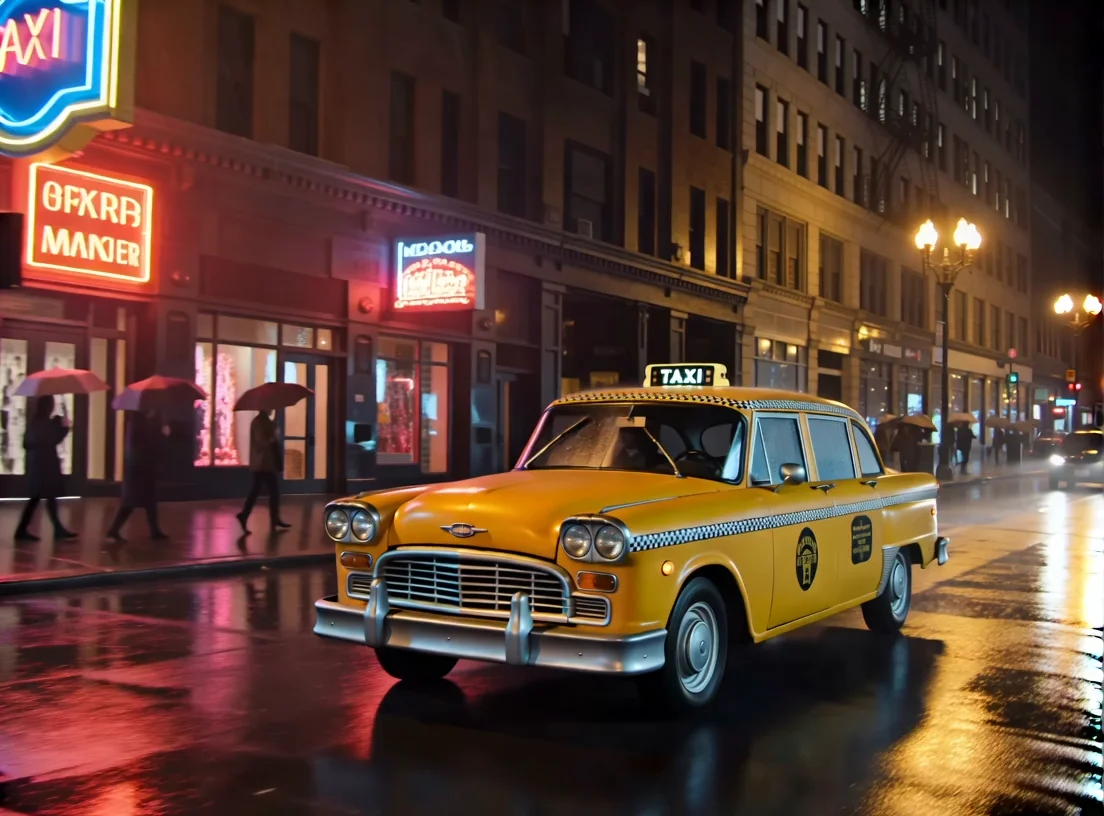


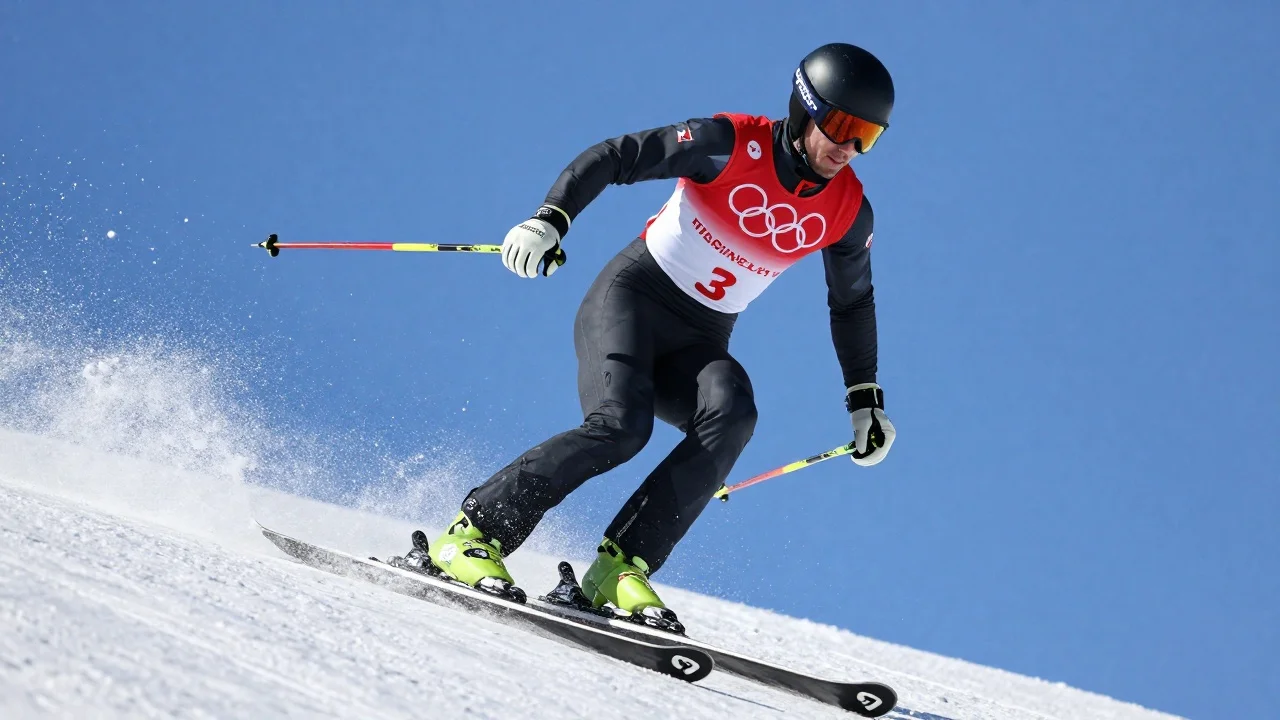
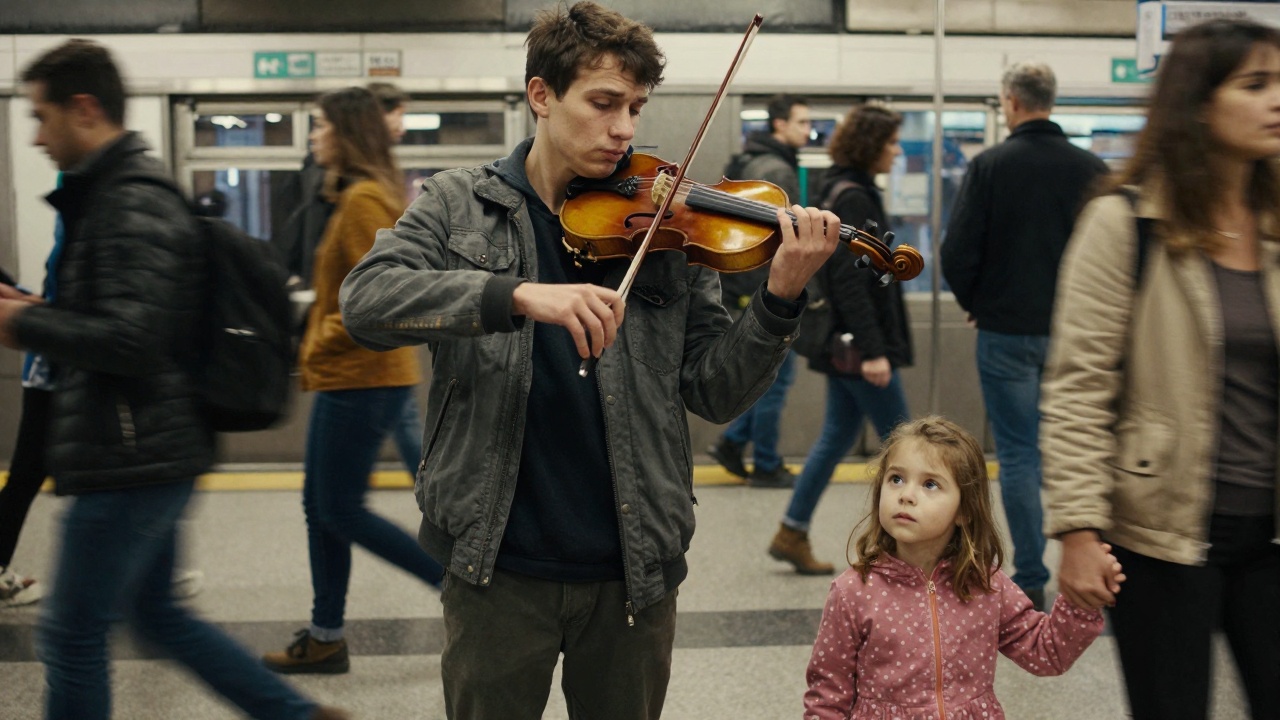
README
🎬 Vidu Text-to-Video
Vidu Text-to-Video transforms your text prompts into high-quality, cinematic 720p videos — complete with expressive motion, dynamic lighting, and natural camera movement. Built for creators, storytellers, and developers, Vidu delivers smooth, detailed, and visually coherent motion sequences directly from text input.
🌟 Why it looks amazing
- Cinematic generation: produces film-like shots with realistic motion and depth of field.
- High temporal consistency: ensures clean transitions with minimal flicker or distortion.
- Motion diversity: supports subtle gestures, expressive movement, and camera motion for natural flow.
- Text-guided direction: interprets complex scene descriptions with strong semantic alignment.
- 720p output: optimized for crisp detail and creative flexibility.
⚙️ Parameters and Controls
-
prompt — describe your scene (e.g., “A cat walking through a neon-lit alley at night”).
-
movement_amplitude — control motion strength:
-
auto(default): model decides best motion level. -
small: subtle, gentle movements (good for portraits or still scenes). -
medium: balanced camera and subject motion. -
large: cinematic, dramatic, or action-heavy movement. -
seed — set for reproducible results (leave blank for random).
💰 Pricing
| Resolution | Duration | Cost per Clip |
|---|---|---|
| 720p | 4s | $0.20 |
🚀 How to Use
- ✍️ Write your prompt describing the scene or action.
- 🎥 Choose your movement amplitude (auto, small, medium, or large).
- 🎲 Optionally set a seed for reproducibility.
- ▶️ Click Run ($0.20) to generate your video.
💡 Pro Tips
- Use vivid verbs and adjectives for better motion understanding.
- For subtle portraits, pick small amplitude; for dynamic shots, choose large.
- Keep your prompt concise but descriptive — focus on subject, setting, and style.
- Adjust seed values to explore different visual interpretations of the same prompt.
Text To Video API — Quick start
Grab a WaveSpeedAI API key, then call POST https://api.wavespeed.ai/api/v3/vidu/text-to-video with your input as JSON. The endpoint returns a prediction id; poll the prediction endpoint until status flips to completed, then read the output URL from data.outputs[0]. Examples for Text To Video below.
HTTP example
# Submit the prediction
curl -X POST "https://api.wavespeed.ai/api/v3/vidu/text-to-video" \
  -H "Content-Type: application/json" \
  -H "Authorization: Bearer $WAVESPEED_API_KEY" \
  -d '{
    "prompt": "A cinematic shot of a city at sunset, soft golden light",
    "movement_amplitude": "auto",
    "seed": 0
}'

# Response includes a prediction id. Poll for the result:
curl -X GET "https://api.wavespeed.ai/api/v3/predictions/{request_id}/result" \
  -H "Authorization: Bearer $WAVESPEED_API_KEY"

# When status is "completed", read the output from data.outputs[0].
Node.js example
// npm install wavespeed
const WaveSpeed = require('wavespeed');

const client = new WaveSpeed(); // reads WAVESPEED_API_KEY from env

const result = await client.run("vidu/text-to-video", {
        "prompt": "A cinematic shot of a city at sunset, soft golden light",
        "movement_amplitude": "auto",
        "seed": 0
});

console.log(result.outputs[0]); // → URL of the generated output
Python example
# pip install wavespeed
import wavespeed

output = wavespeed.run(
    "vidu/text-to-video",
    {
    "prompt": "A cinematic shot of a city at sunset, soft golden light",
    "movement_amplitude": "auto",
    "seed": 0
}
)

print(output["outputs"][0])  # → URL of the generated output
Text To Video API — Frequently asked questions
What is the Text To Video API?
Text To Video is a Vidu model for video generation, exposed as a REST API on WaveSpeedAI. Vidu Text to Video converts text prompts into high-quality 720p videos with exceptional visual fidelity and diverse motion dynamics. Ready-to-use REST inference API, best performance, no coldstarts, affordable pricing. You can call it programmatically or try it from the playground above.
How do I call the Text To Video API?
POST your input parameters to the model's REST endpoint (shown in the API tab of this playground) with your WaveSpeedAI API key in the Authorization header. Submission returns a prediction ID; poll the prediction endpoint until status flips to "completed", then read the output URL from the result. The playground generates a ready-to-paste code sample in Python, JavaScript, or cURL for whatever inputs you've set. Full request/response shape is documented at https://wavespeed.ai/docs/docs-api/vidu/vidu-text-to-video.
How much does Text To Video cost per run?
Text To Video starts at $0.20 per run. That figure is the base price — the final charge scales with the parameters you set in the form (output size, length, count, references, or whatever knobs this model exposes), so a higher-quality or larger output costs more than a minimal one. The exact cost for your current input is shown live next to the Generate button before you submit, and the actual per-call charge is recorded on the prediction afterwards.
What inputs does Text To Video accept?
Key inputs: `prompt`, `seed`, `movement_amplitude`. The full JSON schema (types, defaults, allowed values) is rendered above the Generate button and mirrored in the API reference at https://wavespeed.ai/docs/docs-api/vidu/vidu-text-to-video.
How long does Text To Video take to generate?
Average end-to-end generation time on WaveSpeedAI is around 309 seconds per request — measured across recent runs. Queue time scales with global demand; live status is visible in the prediction record.
Can I use Text To Video outputs commercially?
Commercial usage rights depend on the model's license, set by its provider (Vidu). The license summary appears on the model card above; see WaveSpeedAI's Terms of Service for platform-level conditions.