Luma Ray 2 turns images into high-quality videos at multiple output sizes with advanced prompt optimization for precise control. Ready-to-use REST inference API, best performance, no coldstarts, affordable pricing.
Idle
$0.4per run·~25 / $10
ExamplesView all
A close-up of a woman reading a book by a sunlit window, soft morning light casting warm highlights on her skin, gentle particles floating in the air, camera slowly pushing in from side angle, intimate and serene atmosphere, bokeh in the background, ultra-real detail
Laundry day on a quiet balcony, colorful clothes swaying in the breeze, a woman watering her plants, soft ambient light, distant birds chirping
Early morning in a sunlit kitchen, steam rising from a fresh cup of coffee, cat stretching on the windowsill, soft shadows cast on wooden floors, distant city sounds
A father and daughter preparing dinner in a cozy apartment kitchen, chopping vegetables, oil sizzling in the pan, casual conversation, natural warm lighting
A teenager skateboarding in a suburban neighborhood at golden hour, close-up of worn sneakers, wide shot of empty streets, lens flares and long shadows
Quiet evening in a bookstore café, pages turning, barista steaming milk, warm lighting, soft jazz playing in the background, close-up of hands writing in a notebook
A slow walk through a weekend street market, close-ups of handmade crafts, smiling vendors, sound of footsteps and quiet chatter, sun filtering through tree leaves
A rainy afternoon in a busy city, people under umbrellas, reflections on the wet pavement, cars passing by, cinematic bokeh from traffic lights
Picnic in a city park, sandwiches unwrapped, people lounging on checkered blankets, bees buzzing near lemonade cups, gentle breeze through trees
Aerial view of a dense forest in early morning mist, golden sunlight breaking through the trees, god rays illuminating particles in the air, smooth cinematic camera movement, volumetric lighting, hyperrealism, tranquil and immersive
Related Models
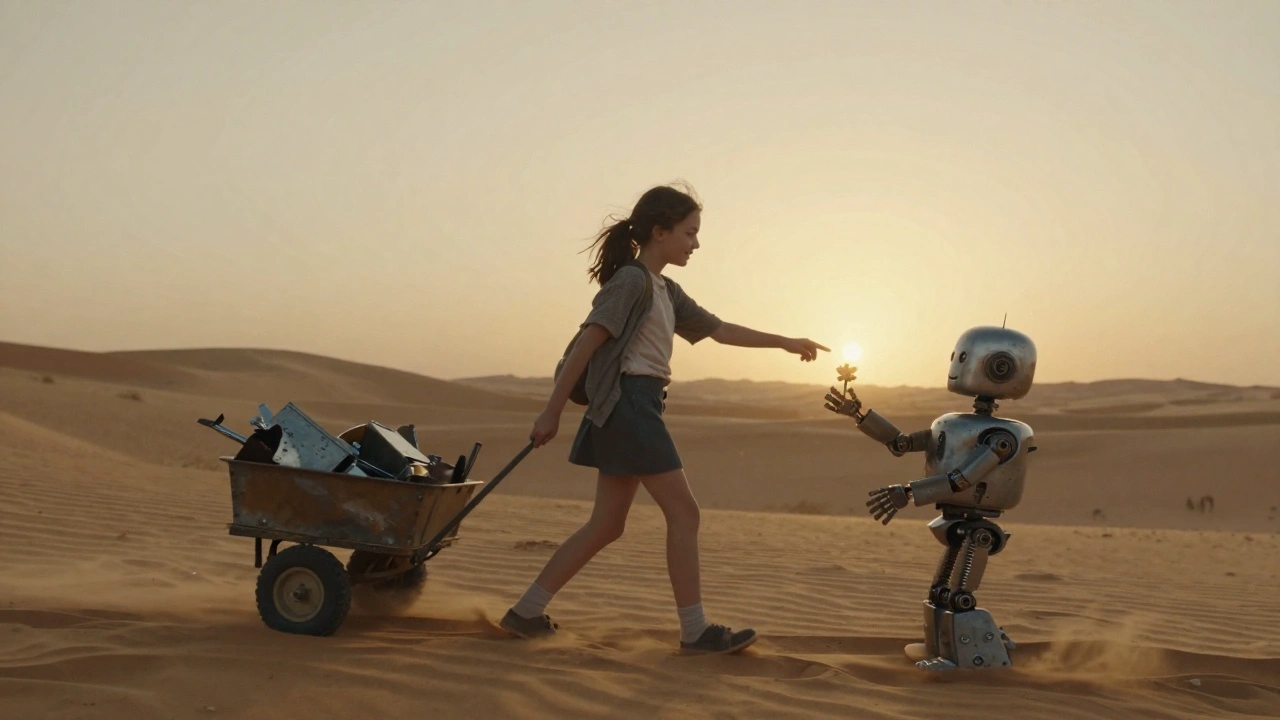

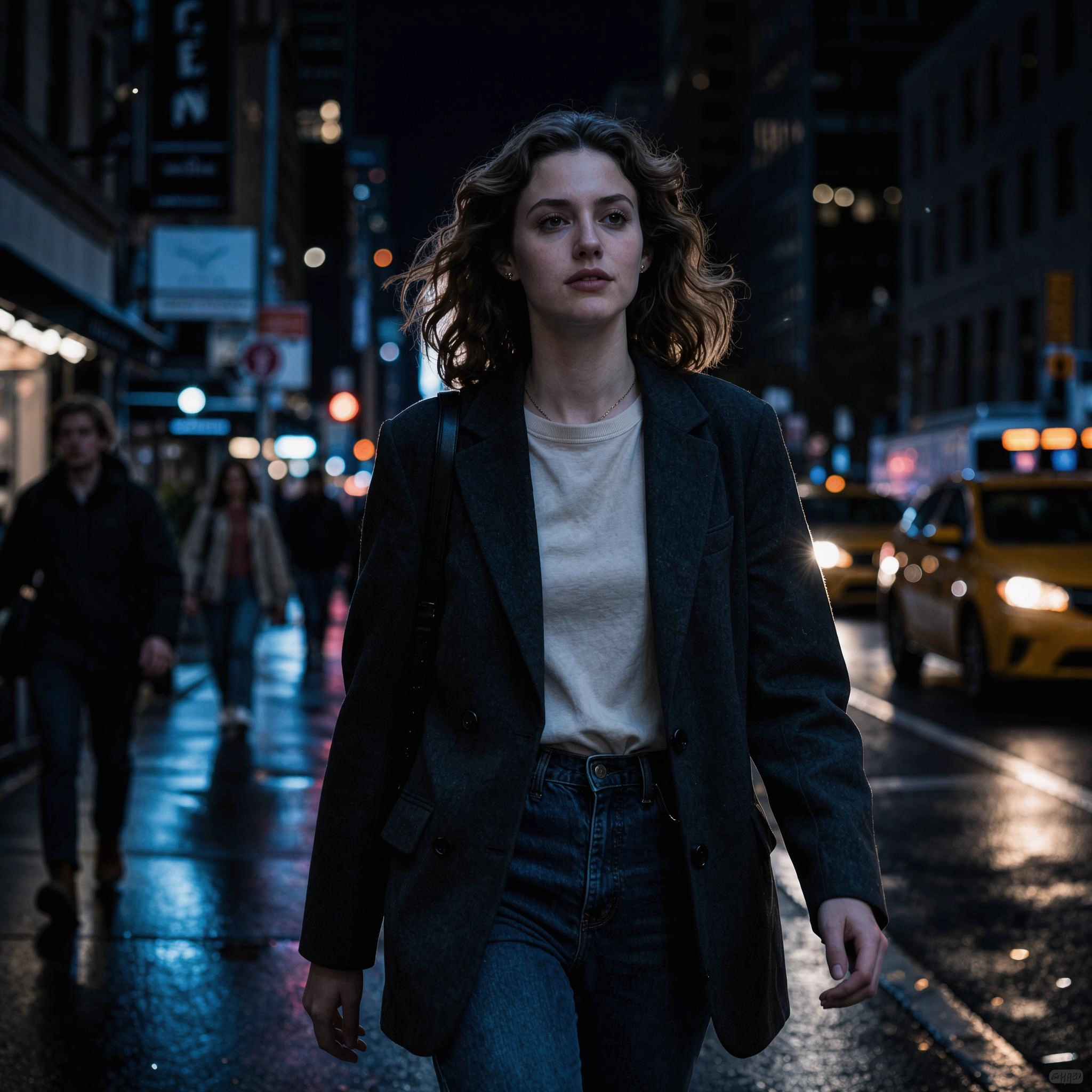
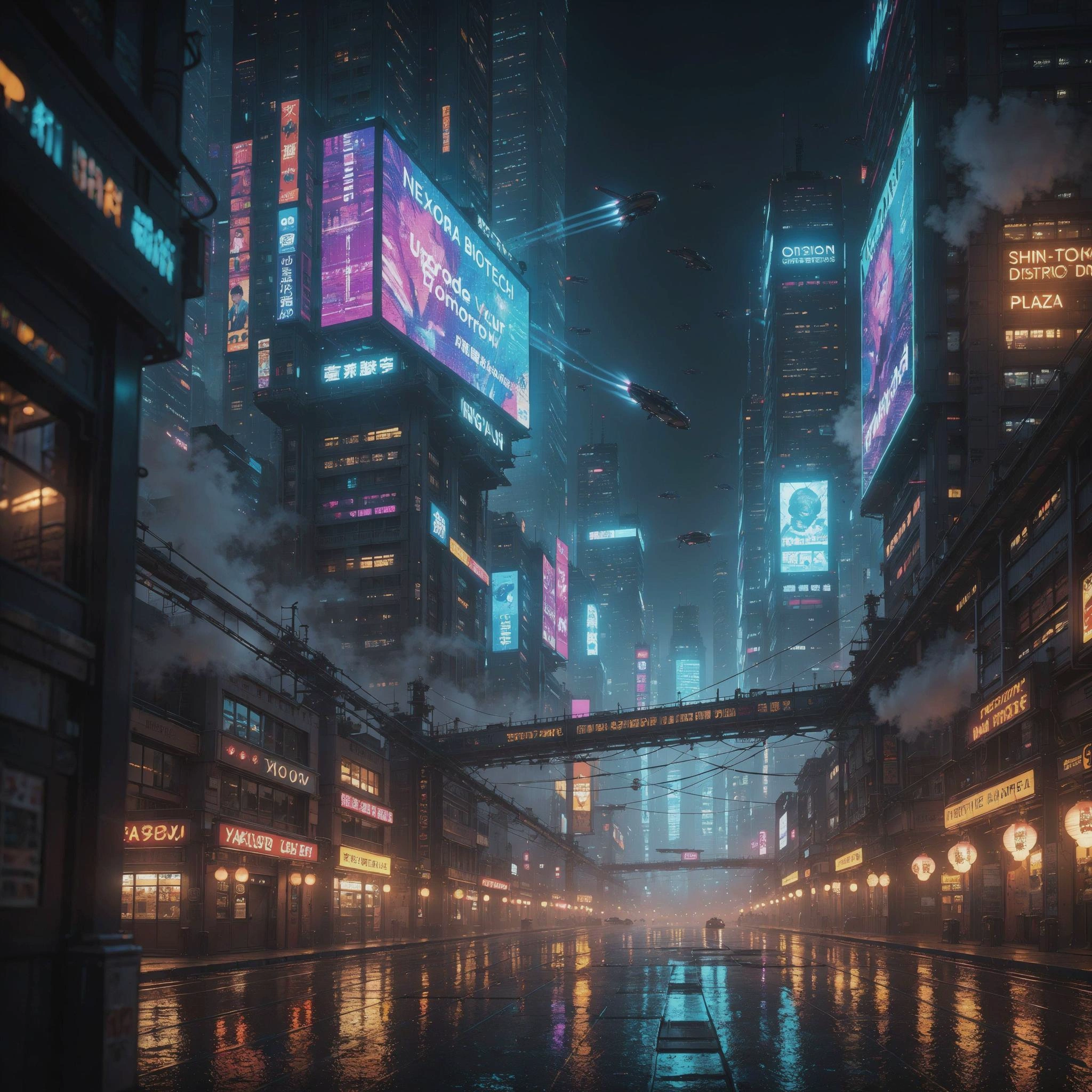

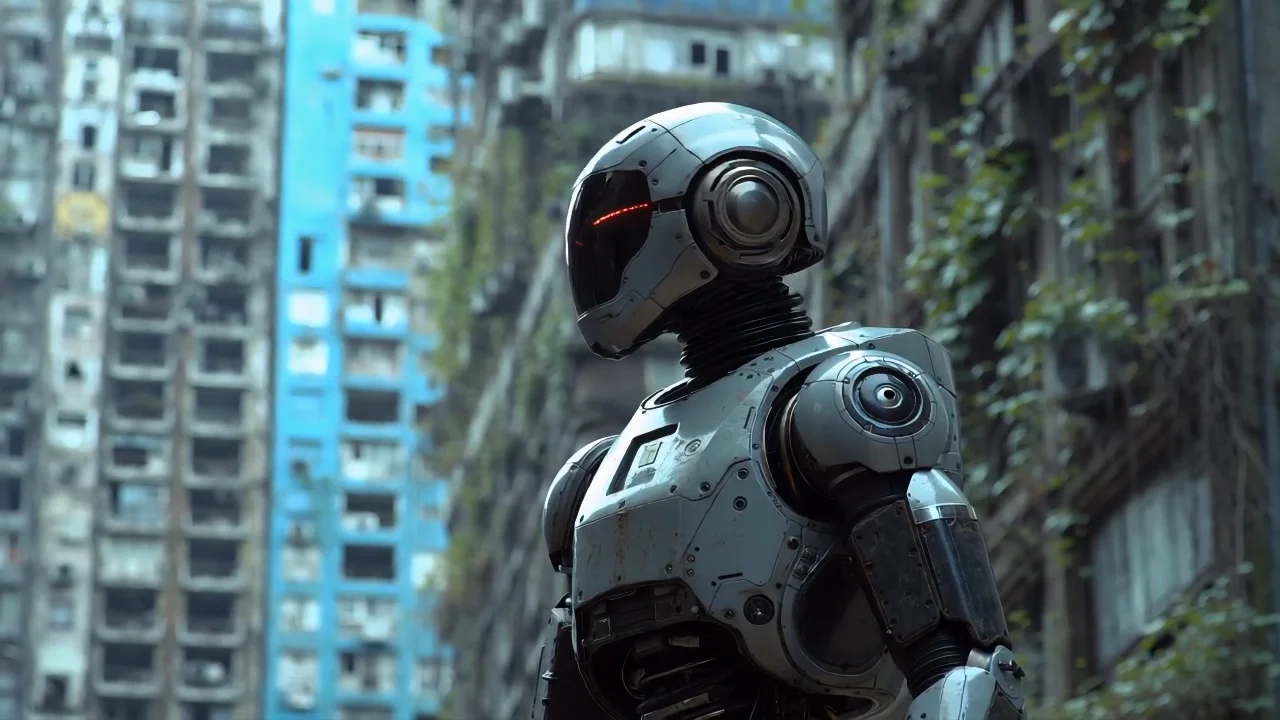
README
Luma Ray 2 Image-to-Video
Transform images into premium cinematic videos with Luma Ray 2 — the flagship image-to-video model from Luma Labs. Delivering the highest quality output with exceptional detail, natural motion, and sophisticated camera work, Ray 2 is the choice for professional content creation.
Looking for faster generation? Try Luma Ray 2 Flash I2V for speed-optimized output.
Why It Looks Great
- Premium quality: Luma's highest-fidelity image-to-video generation.
- Exceptional detail: Preserves and enhances fine details from source images.
- Natural motion: Creates believable, physically accurate movements.
- Lifestyle mastery: Excels at everyday scenes with warmth and authenticity.
- 720p HD output: Sharp, professional-quality video in landscape or portrait.
- Extended duration: Generate up to 10 seconds of video.
- Prompt Enhancer: Built-in tool to refine your motion descriptions.
Parameters
| Parameter | Required | Description |
|---|---|---|
| image | Yes | Source image to animate (upload or public URL). |
| prompt | Yes | Text description of the motion and atmosphere you want. |
| size | No | Output dimensions: 1280×720 (landscape) or 720×1280 (portrait). Default: 1280×720. |
| duration | No | Video length: 5 or 10 seconds. Default: 5. |
How to Use
- Upload your image — drag and drop or paste a public URL.
- Write your prompt — describe the motion, ambient details, and atmosphere.
- Use Prompt Enhancer (optional) — click to enrich your description.
- Choose size — select landscape (1280×720) or portrait (720×1280).
- Set duration — choose 5 or 10 seconds.
- Run — click the button to generate.
- Download — preview and save your video.
Pricing
Per 5-second billing based on duration.
| Duration | Calculation | Cost |
|---|---|---|
| 5 seconds | 5 ÷ 5 × $0.40 | $0.40 |
| 10 seconds | 10 ÷ 5 × $0.40 | $0.80 |
Size Options
| Size | Orientation | Best For |
|---|---|---|
| 1280×720 | Landscape | YouTube, presentations, cinematic content |
| 720×1280 | Portrait | TikTok, Instagram Reels, Stories, mobile |
Best Use Cases
- Lifestyle Content — Create warm, authentic scenes of everyday life.
- Professional Production — Generate client-ready video for commercial use.
- Ambient Scenes — Animate peaceful, atmospheric environments.
- Marketing & Advertising — Produce premium video from product photography.
- Final Deliverables — Maximum quality for projects where output matters.
Example Prompts
- "Laundry day on a quiet balcony, colorful clothes swaying in the breeze, a woman watering her plants, soft ambient light, distant birds chirping"
- "Morning coffee ritual, steam rising from cup, gentle hand movements, warm kitchen light"
- "Cat stretching lazily on a sunlit windowsill, dust particles floating, peaceful afternoon"
- "Street musician playing guitar, fingers moving on strings, passersby walking, urban atmosphere"
- "Chef garnishing a dish, precise hand movements, professional kitchen, steam and focus"
Model Comparison
| Model | Cost (5s) | Speed | Best For |
|---|---|---|---|
| Ray 2 I2V | $0.40 | Standard | Maximum quality, final deliverables |
| Ray 2 Flash I2V | $0.20 | Fast | Rapid iteration, dreamy content |
| Ray 1.6 I2V | $0.20 | Standard | Cinematic, dramatic content |
Pro Tips for Best Results
- Ray 2 excels at lifestyle and ambient scenes — describe sensory details.
- Include ambient sounds in prompts: "birds chirping", "distant traffic", "wind rustling".
- Describe subtle movements: "swaying in the breeze", "steam rising", "gentle movements".
- Use for final deliverables — test concepts with Ray 2 Flash first.
- Combine multiple action elements for richer, more dynamic scenes.
- Perfect for content that needs warmth, authenticity, and natural feeling.
Notes
- Duration options are 5 or 10 seconds.
- If using a URL, ensure it is publicly accessible.
- Ray 2 delivers Luma's highest quality — ideal for professional work.
- Premium pricing reflects superior output quality.
Ray 2 I2v API — Quick start
Grab a WaveSpeedAI API key, then call POST https://api.wavespeed.ai/api/v3/luma/ray-2-i2v with your input as JSON. The endpoint returns a prediction id; poll the prediction endpoint until status flips to completed, then read the output URL from data.outputs[0]. Examples for Ray 2 I2v below.
HTTP example
# Submit the prediction
curl -X POST "https://api.wavespeed.ai/api/v3/luma/ray-2-i2v" \
  -H "Content-Type: application/json" \
  -H "Authorization: Bearer $WAVESPEED_API_KEY" \
  -d '{
    "prompt": "A cinematic shot of a city at sunset, soft golden light",
    "image": "https://example.com/your-input.jpg",
    "size": "1280*720",
    "duration": 5
}'

# Response includes a prediction id. Poll for the result:
curl -X GET "https://api.wavespeed.ai/api/v3/predictions/{request_id}/result" \
  -H "Authorization: Bearer $WAVESPEED_API_KEY"

# When status is "completed", read the output from data.outputs[0].
Node.js example
// npm install wavespeed
const WaveSpeed = require('wavespeed');

const client = new WaveSpeed(); // reads WAVESPEED_API_KEY from env

const result = await client.run("luma/ray-2-i2v", {
        "prompt": "A cinematic shot of a city at sunset, soft golden light",
        "image": "https://example.com/your-input.jpg",
        "size": "1280*720",
        "duration": 5
});

console.log(result.outputs[0]); // → URL of the generated output
Python example
# pip install wavespeed
import wavespeed

output = wavespeed.run(
    "luma/ray-2-i2v",
    {
    "prompt": "A cinematic shot of a city at sunset, soft golden light",
    "image": "https://example.com/your-input.jpg",
    "size": "1280*720",
    "duration": 5
}
)

print(output["outputs"][0])  # → URL of the generated output
Ray 2 I2v API — Frequently asked questions
What is the Ray 2 I2v API?
Ray 2 I2v is a Luma model for video generation from images, exposed as a REST API on WaveSpeedAI. Luma Ray 2 turns images into high-quality videos at multiple output sizes with advanced prompt optimization for precise control. Ready-to-use REST inference API, best performance, no coldstarts, affordable pricing. You can call it programmatically or try it from the playground above.
How do I call the Ray 2 I2v API?
POST your input parameters to the model's REST endpoint (shown in the API tab of this playground) with your WaveSpeedAI API key in the Authorization header. Submission returns a prediction ID; poll the prediction endpoint until status flips to "completed", then read the output URL from the result. The playground generates a ready-to-paste code sample in Python, JavaScript, or cURL for whatever inputs you've set. Full request/response shape is documented at https://wavespeed.ai/docs/docs-api/luma/luma-ray-2-i2v.
How much does Ray 2 I2v cost per run?
Ray 2 I2v starts at $0.40 per run. That figure is the base price — the final charge scales with the parameters you set in the form (output size, length, count, references, or whatever knobs this model exposes), so a higher-quality or larger output costs more than a minimal one. The exact cost for your current input is shown live next to the Generate button before you submit, and the actual per-call charge is recorded on the prediction afterwards.
What inputs does Ray 2 I2v accept?
Key inputs: `prompt`, `image`, `duration`, `size`. The full JSON schema (types, defaults, allowed values) is rendered above the Generate button and mirrored in the API reference at https://wavespeed.ai/docs/docs-api/luma/luma-ray-2-i2v.
How long does Ray 2 I2v take to generate?
Average end-to-end generation time on WaveSpeedAI is around 123 seconds per request — measured across recent runs. Queue time scales with global demand; live status is visible in the prediction record.
Can I use Ray 2 I2v outputs commercially?
Commercial usage rights depend on the model's license, set by its provider (Luma). The license summary appears on the model card above; see WaveSpeedAI's Terms of Service for platform-level conditions.