Luma Ray 1.6 generates high-quality videos from text prompts, with support for multiple sizes and advanced prompt optimization. Ready-to-use REST inference API, best performance, no coldstarts, affordable pricing.
Idle
$0.3per run·~33 / $10
ExamplesView all
A luminous deer walks through a forest made of giant, translucent crystals. The crystals refract moonlight, casting colorful light patterns on the ground. Magical, tranquil atmosphere, cinematic, 4K, camera follows the deer's movement slowly.
Grandmother teaching her granddaughter how to knit, soft sunlight through lace curtains, close-up of hands, quiet and loving atmosphere
Father helping his son ride a bicycle for the first time in a suburban park, laughter, shaky bike wheels, cheering in the background
Young couple assembling IKEA furniture in a messy living room, instruction sheet on the floor, casual bickering and giggles
Student sitting in a corner of a public library, flipping through a thick novel, warm reading lamp, ambient silence and turning pages
Freelancer working at home at night, typing on laptop, cat curled up nearby, gentle hum of electronics and lo-fi beats
Young man walking alone on a rainy sidewalk, neon lights reflecting in puddles, hood pulled up, melancholic mood
Man buying vegetables at a farmers' market, vendors calling out, fresh produce on display, sunlight filtering through tents
Fashionable young woman riding an escalator in a department store, shopping bags in hand, overhead ambient mall music
An astronaut performs a spacewalk in front of a massive, softly glowing nebula. The Earth is reflected in their helmet's visor. Epic, serene, and lonely atmosphere, wide-angle shot, camera slowly pans to reveal the vastness of space.
Related Models



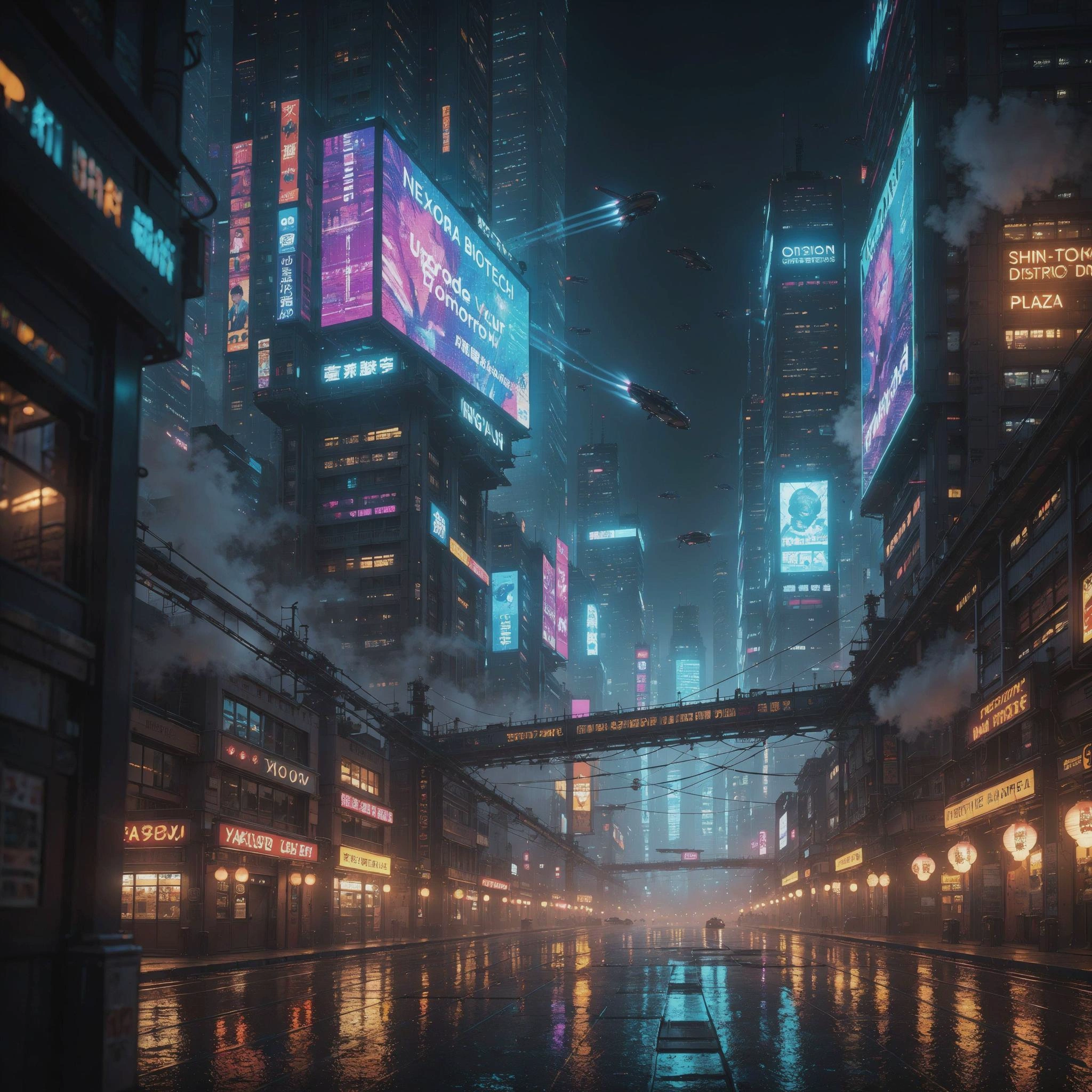

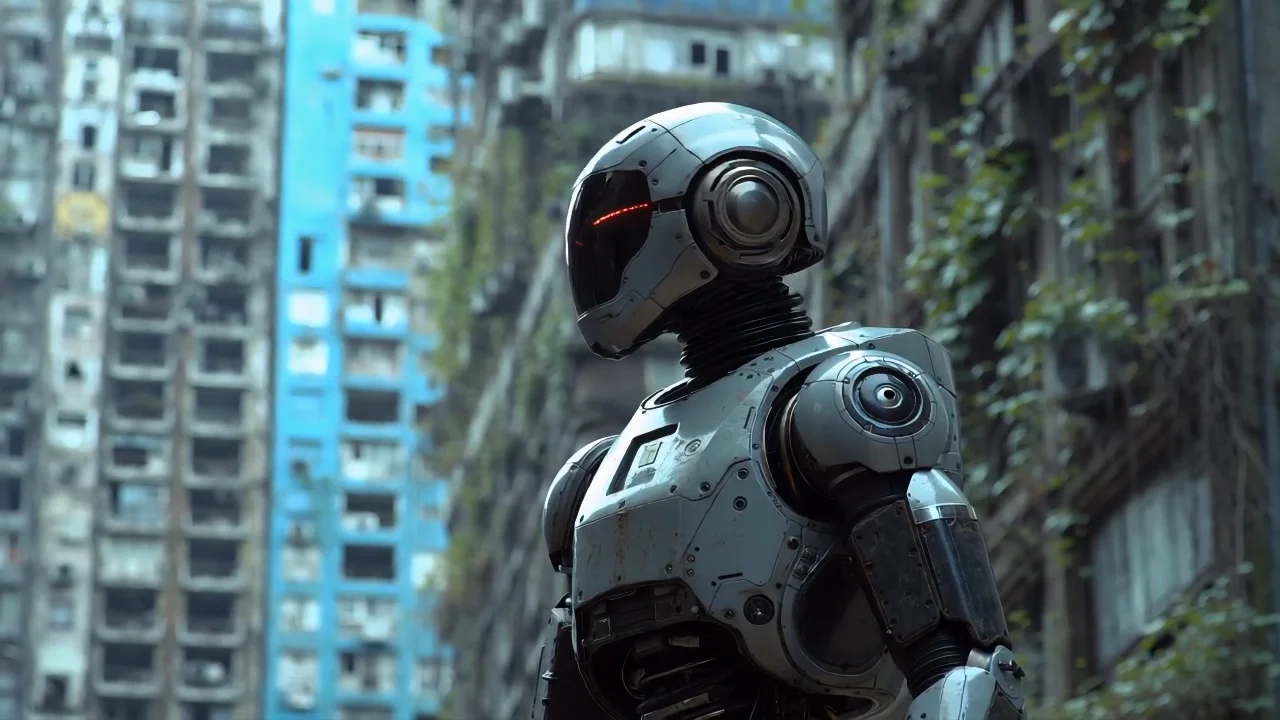
README
Luma Ray 1.6 Text-to-Video
Create cinematic videos from pure imagination with Luma Ray 1.6 Text-to-Video. Simply describe your scene and watch it come to life — no source images required. Ray 1.6 excels at magical, fantastical, and visually stunning content with professional-grade camera work.
Need to animate an existing image? Try Luma Ray 1.6 I2V for image-to-video generation.
Why It Looks Great
- Pure text-to-video: Generate complete videos from descriptions alone — no images needed.
- Cinematic quality: Creates movie-grade videos with dramatic lighting and composition.
- Fantasy & magical: Excels at luminous, ethereal, and fantastical scenes.
- Advanced camera work: Supports tracking shots, following movements, and dynamic angles.
- 720p HD output: Sharp, professional-quality video in landscape or portrait.
- Extended duration: Generate up to 10 seconds of video.
- Prompt Enhancer: Built-in tool to refine your descriptions automatically.
Parameters
| Parameter | Required | Description |
|---|---|---|
| prompt | Yes | Text description of the scene, action, and atmosphere you want. |
| size | No | Output dimensions: 1280×720 (landscape) or 720×1280 (portrait). Default: 1280×720. |
| duration | No | Video length: 5 or 10 seconds. Default: 5. |
How to Use
- Write your prompt — describe the scene, camera movements, and atmosphere in detail.
- Use Prompt Enhancer (optional) — click to automatically enrich your description.
- Choose size — select landscape (1280×720) or portrait (720×1280).
- Set duration — choose 5 or 10 seconds.
- Run — click the button to generate.
- Download — preview and save your video.
Pricing
Per 5-second billing based on duration.
| Duration | Calculation | Cost |
|---|---|---|
| 5 seconds | 5 ÷ 5 × $0.30 | $0.30 |
| 10 seconds | 10 ÷ 5 × $0.30 | $0.60 |
Size Options
| Size | Orientation | Best For |
|---|---|---|
| 1280×720 | Landscape | YouTube, presentations, cinematic content |
| 720×1280 | Portrait | TikTok, Instagram Reels, Stories, mobile |
Best Use Cases
- Fantasy & Magical Content — Create ethereal, luminous, and fantastical scenes.
- Cinematic Sequences — Generate movie-quality video from imagination.
- Nature & Wildlife — Produce stunning wildlife and nature footage.
- Music Videos — Create visually stunning sequences for audio content.
- Concept Visualization — Bring imaginative ideas to life without source material.
Example Prompts
- "A luminous deer walks through a forest made of giant, translucent crystals. The crystals refract moonlight, casting colorful light patterns on the ground. Magical, tranquil atmosphere, cinematic, 4K, camera follows the deer's movement slowly."
- "Dragon soaring through clouds at sunset, golden light on scales, epic aerial shot"
- "Bioluminescent jellyfish floating in deep ocean, ethereal glow, slow graceful movement"
- "Ancient temple emerging from mist at dawn, time-lapse clouds, mystical atmosphere"
- "Phoenix rising from flames, sparks and embers swirling, dramatic slow motion"
Model Comparison
| Model | Type | Cost (5s) | Best For |
|---|---|---|---|
| Ray 1.6 T2V | Text-to-Video | $0.30 | Pure imagination, fantasy scenes |
| Ray 1.6 I2V | Image-to-Video | $0.20 | Animating existing images |
Pro Tips for Best Results
- Ray excels at magical and fantastical content — embrace the ethereal.
- Include cinematic direction: "camera follows", "tracking shot", "slow motion".
- Describe light qualities: "luminous", "refract moonlight", "colorful light patterns".
- Add atmosphere keywords: "magical", "tranquil", "cinematic", "4K".
- Combine subject action with camera movement for dynamic results.
- Fantasy creatures, glowing elements, and nature scenes work exceptionally well.
Notes
- Duration options are 5 or 10 seconds.
- Text-to-video costs more than image-to-video due to full scene generation.
- Enable Safety Checker for content that will be publicly shared.
- Ray 1.6 delivers Luma's latest and most capable video generation.
Ray 1.6 T2v API — Quick start
Grab a WaveSpeedAI API key, then call POST https://api.wavespeed.ai/api/v3/luma/ray-1.6-t2v with your input as JSON. The endpoint returns a prediction id; poll the prediction endpoint until status flips to completed, then read the output URL from data.outputs[0]. Examples for Ray 1.6 T2v below.
HTTP example
# Submit the prediction
curl -X POST "https://api.wavespeed.ai/api/v3/luma/ray-1.6-t2v" \
  -H "Content-Type: application/json" \
  -H "Authorization: Bearer $WAVESPEED_API_KEY" \
  -d '{
    "prompt": "A cinematic shot of a city at sunset, soft golden light",
    "size": "1280*720",
    "duration": 5
}'

# Response includes a prediction id. Poll for the result:
curl -X GET "https://api.wavespeed.ai/api/v3/predictions/{request_id}/result" \
  -H "Authorization: Bearer $WAVESPEED_API_KEY"

# When status is "completed", read the output from data.outputs[0].
Node.js example
// npm install wavespeed
const WaveSpeed = require('wavespeed');

const client = new WaveSpeed(); // reads WAVESPEED_API_KEY from env

const result = await client.run("luma/ray-1.6-t2v", {
        "prompt": "A cinematic shot of a city at sunset, soft golden light",
        "size": "1280*720",
        "duration": 5
});

console.log(result.outputs[0]); // → URL of the generated output
Python example
# pip install wavespeed
import wavespeed

output = wavespeed.run(
    "luma/ray-1.6-t2v",
    {
    "prompt": "A cinematic shot of a city at sunset, soft golden light",
    "size": "1280*720",
    "duration": 5
}
)

print(output["outputs"][0])  # → URL of the generated output
Ray 1.6 T2v API — Frequently asked questions
What is the Ray 1.6 T2v API?
Ray 1.6 T2v is a Luma model for video generation, exposed as a REST API on WaveSpeedAI. Luma Ray 1.6 generates high-quality videos from text prompts, with support for multiple sizes and advanced prompt optimization. Ready-to-use REST inference API, best performance, no coldstarts, affordable pricing. You can call it programmatically or try it from the playground above.
How do I call the Ray 1.6 T2v API?
POST your input parameters to the model's REST endpoint (shown in the API tab of this playground) with your WaveSpeedAI API key in the Authorization header. Submission returns a prediction ID; poll the prediction endpoint until status flips to "completed", then read the output URL from the result. The playground generates a ready-to-paste code sample in Python, JavaScript, or cURL for whatever inputs you've set. Full request/response shape is documented at https://wavespeed.ai/docs/docs-api/luma/luma-ray-1.6-t2v.
How much does Ray 1.6 T2v cost per run?
Ray 1.6 T2v starts at $0.30 per run. That figure is the base price — the final charge scales with the parameters you set in the form (output size, length, count, references, or whatever knobs this model exposes), so a higher-quality or larger output costs more than a minimal one. The exact cost for your current input is shown live next to the Generate button before you submit, and the actual per-call charge is recorded on the prediction afterwards.
What inputs does Ray 1.6 T2v accept?
Key inputs: `prompt`, `duration`, `size`. The full JSON schema (types, defaults, allowed values) is rendered above the Generate button and mirrored in the API reference at https://wavespeed.ai/docs/docs-api/luma/luma-ray-1.6-t2v.
How long does Ray 1.6 T2v take to generate?
Average end-to-end generation time on WaveSpeedAI is around 110 seconds per request — measured across recent runs. Queue time scales with global demand; live status is visible in the prediction record.
Can I use Ray 1.6 T2v outputs commercially?
Commercial usage rights depend on the model's license, set by its provider (Luma). The license summary appears on the model card above; see WaveSpeedAI's Terms of Service for platform-level conditions.