Kling Omni Video O1 (Standard) is Kuaishou's first unified multi-modal video model with MVL (Multi-modal Visual Language) technology. Text-to-Video mode generates cinematic videos from text prompts with subject consistency, natural physics simulation, and precise semantic understanding. Ready-to-use REST API, best performance, no coldstarts, affordable pricing.
Idle
$0.42per run·~23 / $10
ExamplesView all
Neon reflections shimmer on the glass door of a small convenience store at night. Inside, a young cashier stacks instant ramen while a tiny radio plays old pop music. Refrigerators hum steadily, and their soft buzzing fills the empty aisles. A college student walks in, brushing raindrops off his jacket. As he grabs an energy drink, he jokes, "You must think I live here at this point." The cashier laughs: "Third time today. Finals week must be brutal." Their voices feel natural, grounded, mixed with the beeping of the barcode scanner. As he pays, he sighs, "If I survive this exam, I'm coming back for every snack in this store." The cashier replies, "Deal—just don't drink all the coffee tonight." Rain taps against the glass again as he leaves, the small bell chiming above the door before the scene fades.
Soft afternoon light filters through tall trees as a young woman sits on a park bench tying the shoelaces of her running shoes. A golden retriever circles her excitedly, its collar jingling. A distant fountain splashes rhythmically while children laugh somewhere off-screen. The dog nudges a bright red ball toward her. She picks it up and tosses it across the grass. Leaves rustle; birds chirp overhead. The camera follows the dog's sprint in a smooth tracking shot as it bounds joyfully toward the ball, gripping it in its mouth before racing back. Returning to the bench, the dog drops the ball into her hands and flops against her legs with a satisfied huff. Wind brushes through the nearby bushes, and bicycles pass faintly in the distance. She pats its head, smiling softly as the ambient park noises settle into a peaceful hush.
A young man sits motionless in the subway carriage, surrounded by blurred figures hurrying past in a flurry of movement.
A character adorned with blooming flowers and wearing a black top hat dances gracefully across the frame, with the camera gliding smoothly to follow every movement. A soft, warm golden glow emanates from the character’s figure, drifting gently in sync with the dance—blending seamlessly with light and shadow to weave a dreamlike, mysterious atmosphere brimming with poetic charm and visual dynamism.
A mechanical butterfly flutters through an abandoned library, its wings projecting holographic ancient text that illuminates dusty bookshelves. Cyberpunk style, warm orange and cool blue contrasting light, 8K ultra HD, cinematic quality, dynamic tracking shot following the butterfly's flight.
Related Models

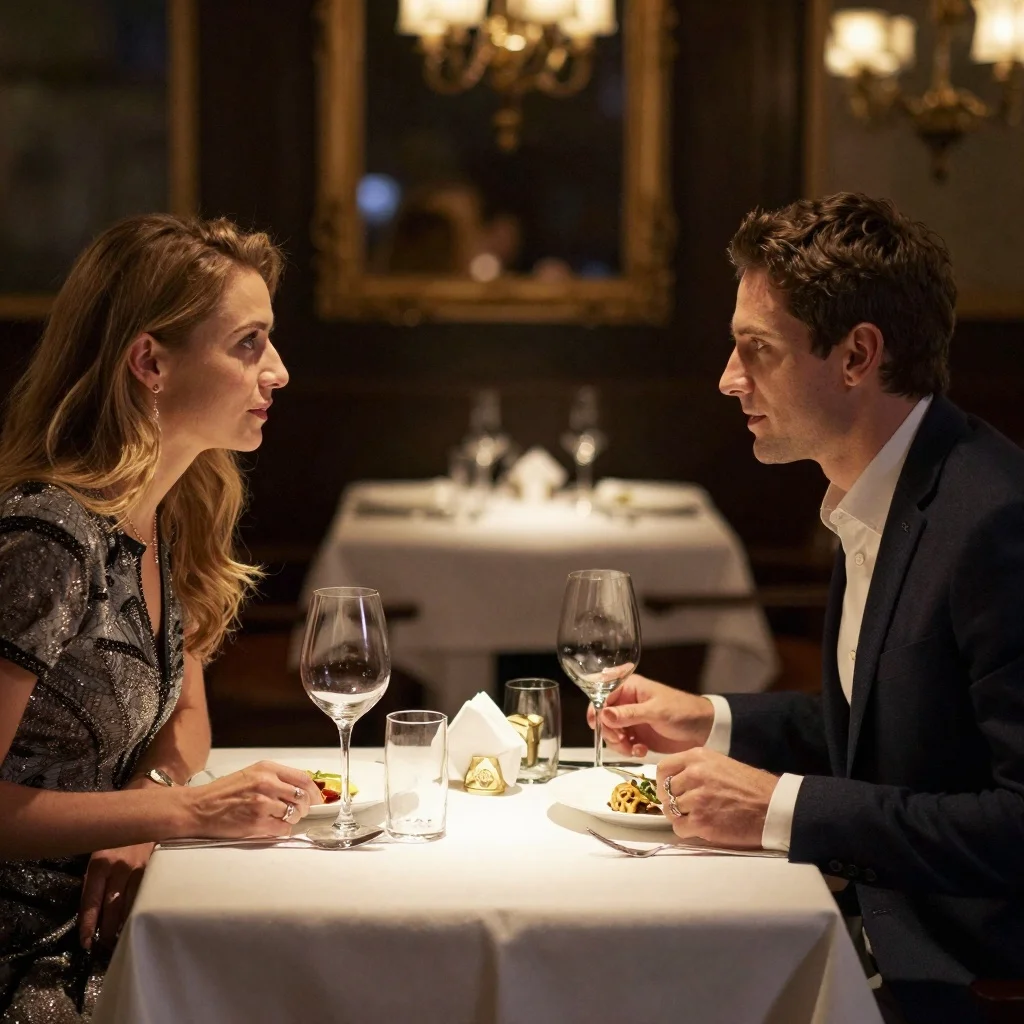
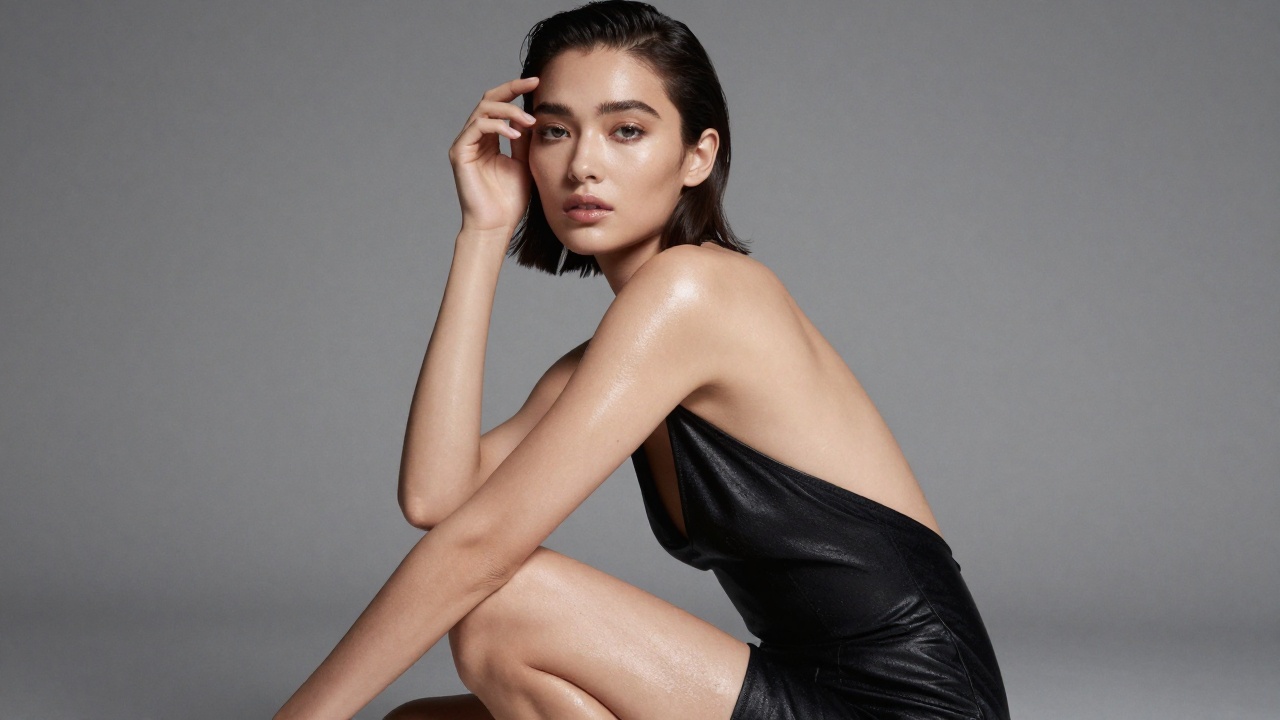
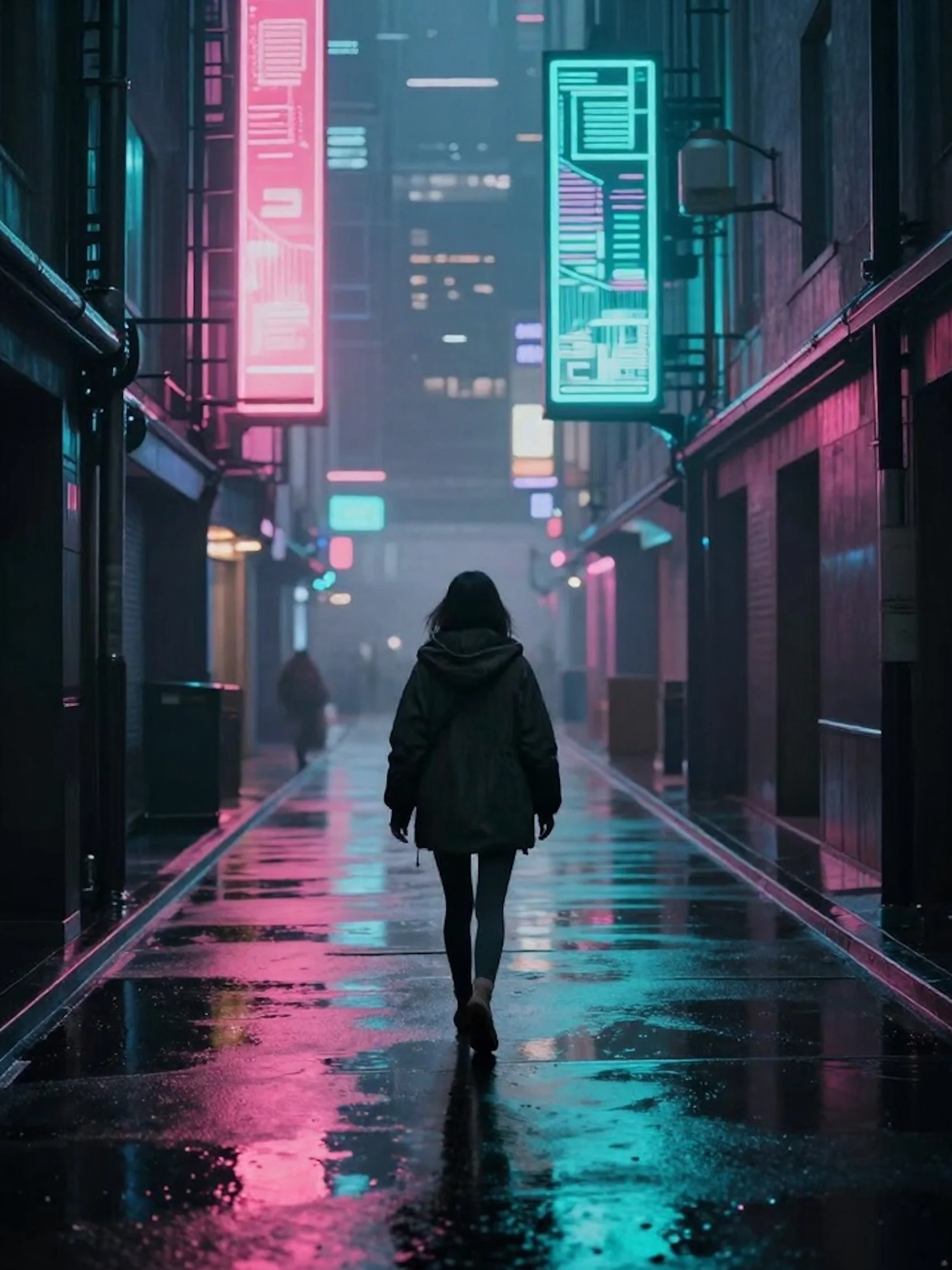
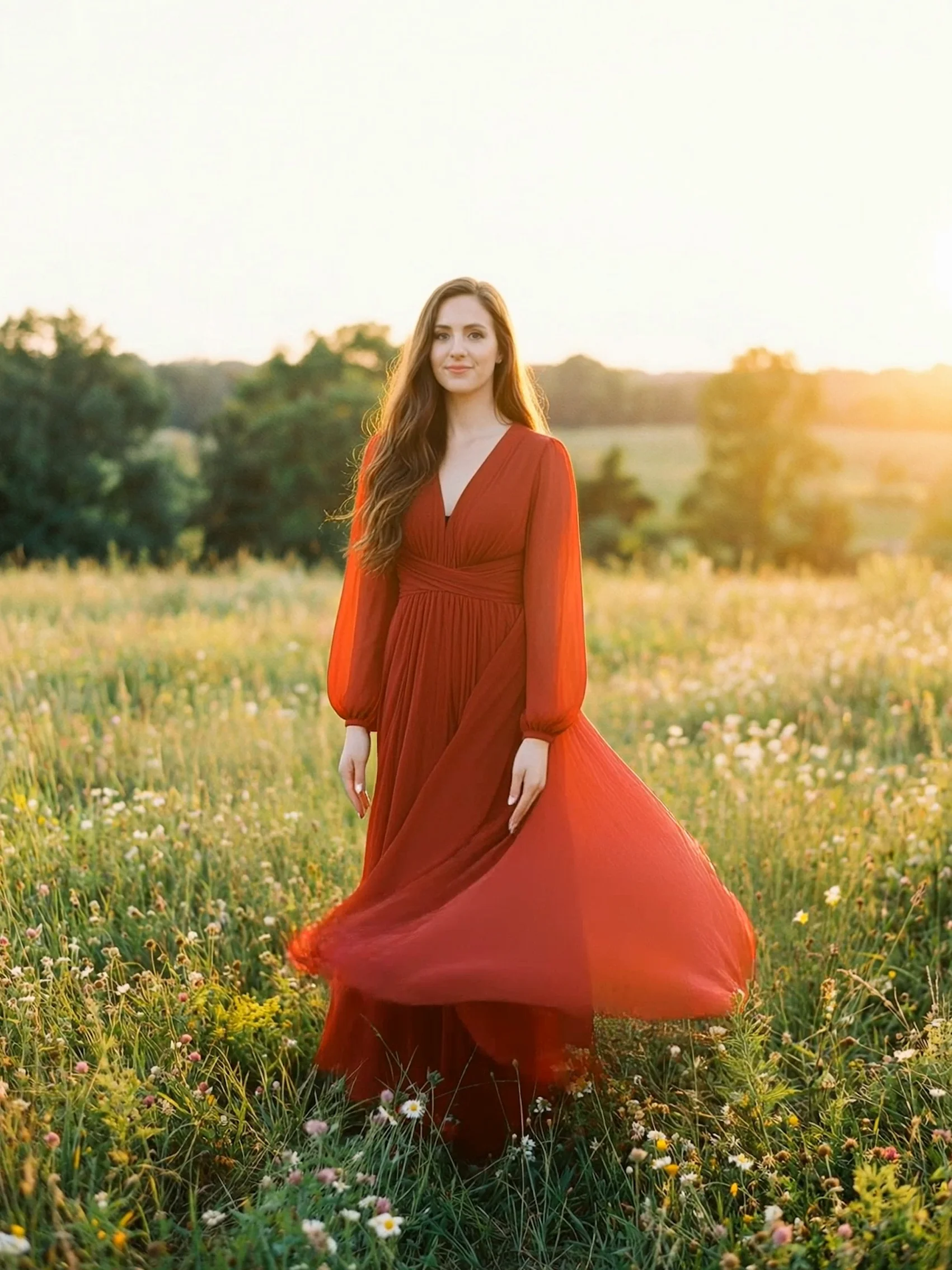
README
Kling Omni Video O1 — Text-to-Video (Standard)
Kling Omni Video O1 is Kuaishou's unified multi-modal video generation model, optimized for stable production use and cost efficiency. The Text-to-Video mode transforms natural language prompts into high-quality videos with coherent motion, accurate semantic understanding, and consistent visual output.
Why Kling Video O1 (Standard)
Unified Creative Engine
The model supports multiple video generation and editing workflows within a single system:
- Text-to-video generation
- Image-to-video transformation
- Reference-based video creation
- Video editing and modification
- Shot extension and scene continuation
Multi-Modal Visual Language (MVL)
The model interprets instructions through MVL, enabling understanding of:
- Natural language descriptions
- Visual context and references
- Subject identity and appearance
- Scene structure and motion dynamics
Subject Consistency
Maintains stable characters, objects, and scene attributes across frames, ensuring reliable and repeatable results suitable for production workflows.
Core Features
- Cinematic-quality video generation with natural motion
- Stable temporal consistency across the entire sequence
- Accurate semantic understanding of text prompts
- Support for multiple resolutions and output durations
- Standard optimization for balanced quality, speed, and cost
How to Use
- Write Your Prompt Describe the scene, action, camera movement, and overall mood.
Example: "A young woman walking through a neon-lit Tokyo street at night, rain reflecting city lights, cinematic tracking shot"
-
Set Parameters Choose the desired duration, and aspect ratio.
-
Generate Submit the request and receive a coherent video generated from text.
Pricing
| duration | price |
|---|---|
| 5s | $0.42 |
| 10s | $0.84 |
Billed based on the selected output duration. Pricing is optimized for standard production workloads.
Pro Tips
- Use clear and descriptive prompts
- Specify camera movement and framing for better motion quality
- Include lighting, environment, and atmosphere details
- Suitable for large-scale generation and cost-sensitive use cases
Kling O1 series models
-
kwaivgi/kling-video-o1-std — Video Edit — Edit videos with natural-language instructions for precise, context-aware changes like object removal, scene adjustments, and style refinement while preserving motion consistency.
-
kwaivgi/kling-video-o1-std — Reference to Video — Generate new videos guided by a reference video to match its style, identity, or motion patterns, ideal for consistent visual storytelling and content iteration.
-
kwaivgi/kling-video-o1-std — Image to Video — Animate a single image into a high-quality video clip with smooth motion and coherent scene continuity, perfect for marketing creatives and social content.
Kling Video O1 Std Text To Video API — Quick start
Grab a WaveSpeedAI API key, then call POST https://api.wavespeed.ai/api/v3/kwaivgi/kling-video-o1-std/text-to-video with your input as JSON. The endpoint returns a prediction id; poll the prediction endpoint until status flips to completed, then read the output URL from data.outputs[0]. Examples for Kling Video O1 Std Text To Video below.
HTTP example
# Submit the prediction
curl -X POST "https://api.wavespeed.ai/api/v3/kwaivgi/kling-video-o1-std/text-to-video" \
  -H "Content-Type: application/json" \
  -H "Authorization: Bearer $WAVESPEED_API_KEY" \
  -d '{
    "prompt": "A cinematic shot of a city at sunset, soft golden light",
    "aspect_ratio": "16:9",
    "duration": 5
}'

# Response includes a prediction id. Poll for the result:
curl -X GET "https://api.wavespeed.ai/api/v3/predictions/{request_id}/result" \
  -H "Authorization: Bearer $WAVESPEED_API_KEY"

# When status is "completed", read the output from data.outputs[0].
Node.js example
// npm install wavespeed
const WaveSpeed = require('wavespeed');

const client = new WaveSpeed(); // reads WAVESPEED_API_KEY from env

const result = await client.run("kwaivgi/kling-video-o1-std/text-to-video", {
        "prompt": "A cinematic shot of a city at sunset, soft golden light",
        "aspect_ratio": "16:9",
        "duration": 5
});

console.log(result.outputs[0]); // → URL of the generated output
Python example
# pip install wavespeed
import wavespeed

output = wavespeed.run(
    "kwaivgi/kling-video-o1-std/text-to-video",
    {
    "prompt": "A cinematic shot of a city at sunset, soft golden light",
    "aspect_ratio": "16:9",
    "duration": 5
}
)

print(output["outputs"][0])  # → URL of the generated output
Kling Video O1 Std Text To Video API — Frequently asked questions
What is the Kling Video O1 Std Text To Video API?
Kling Video O1 Std Text To Video is a Kuaishou model for video generation, exposed as a REST API on WaveSpeedAI. Kling Omni Video O1 (Standard) is Kuaishou's first unified multi-modal video model with MVL (Multi-modal Visual Language) technology. Text-to-Video mode generates cinematic videos from text prompts with subject consistency, natural physics simulation, and precise semantic understanding. Ready-to-use REST API, best performance, no coldstarts, affordable pricing. You can call it programmatically or try it from the playground above.
How do I call the Kling Video O1 Std Text To Video API?
POST your input parameters to the model's REST endpoint (shown in the API tab of this playground) with your WaveSpeedAI API key in the Authorization header. Submission returns a prediction ID; poll the prediction endpoint until status flips to "completed", then read the output URL from the result. The playground generates a ready-to-paste code sample in Python, JavaScript, or cURL for whatever inputs you've set. Full request/response shape is documented at https://wavespeed.ai/docs/docs-api/kwaivgi/kwaivgi-kling-video-o1-std-text-to-video.
How much does Kling Video O1 Std Text To Video cost per run?
Kling Video O1 Std Text To Video starts at $0.42 per run. That figure is the base price — the final charge scales with the parameters you set in the form (output size, length, count, references, or whatever knobs this model exposes), so a higher-quality or larger output costs more than a minimal one. The exact cost for your current input is shown live next to the Generate button before you submit, and the actual per-call charge is recorded on the prediction afterwards.
What inputs does Kling Video O1 Std Text To Video accept?
Key inputs: `prompt`, `aspect_ratio`, `duration`. The full JSON schema (types, defaults, allowed values) is rendered above the Generate button and mirrored in the API reference at https://wavespeed.ai/docs/docs-api/kwaivgi/kwaivgi-kling-video-o1-std-text-to-video.
How long does Kling Video O1 Std Text To Video take to generate?
Average end-to-end generation time on WaveSpeedAI is around 105 seconds per request — measured across recent runs. Queue time scales with global demand; live status is visible in the prediction record.
Can I use Kling Video O1 Std Text To Video outputs commercially?
Commercial usage rights depend on the model's license, set by its provider (Kuaishou). The license summary appears on the model card above; see WaveSpeedAI's Terms of Service for platform-level conditions.