Kling 3.0 Standard Motion Control transfers motion from reference videos to animate still images. Upload a character image and a motion clip (dance, action, gesture), and the model extracts the movement to generate smooth, realistic video. Ready-to-use REST inference API, best performance, no cold starts, affordable pricing.
Idle
$0.63per run·~15 / $10
ExamplesView all
Related Models


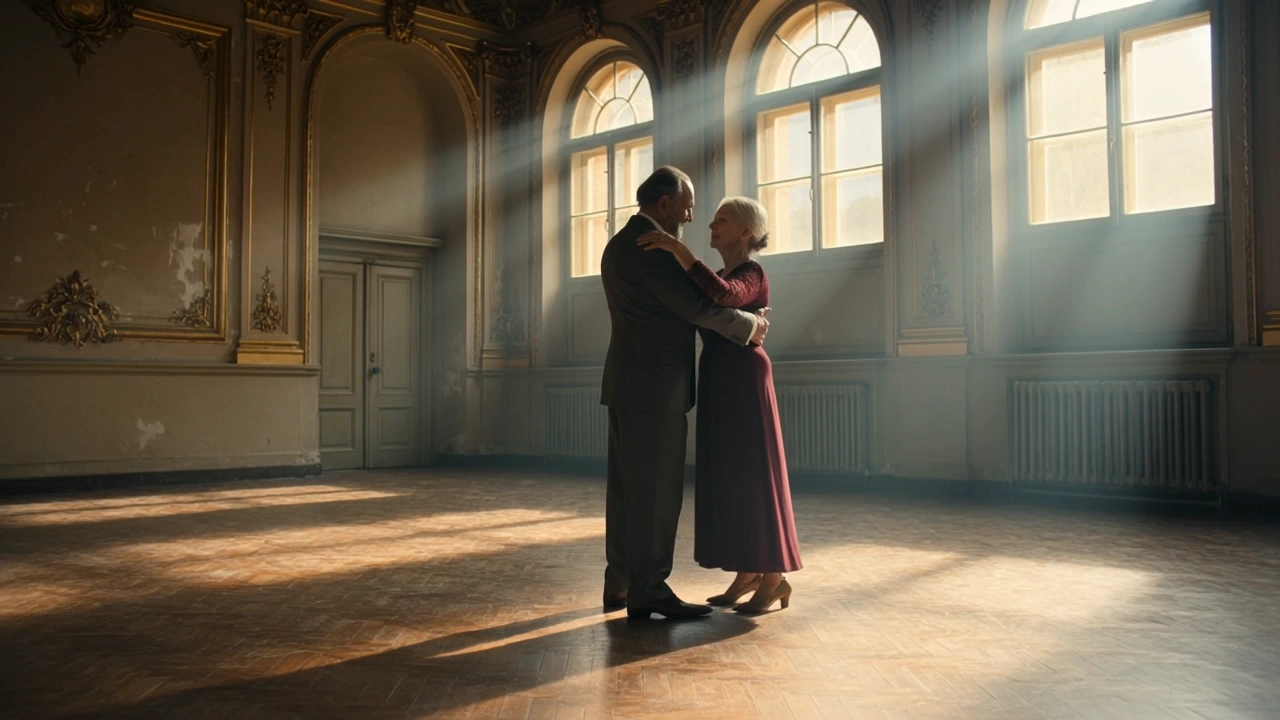
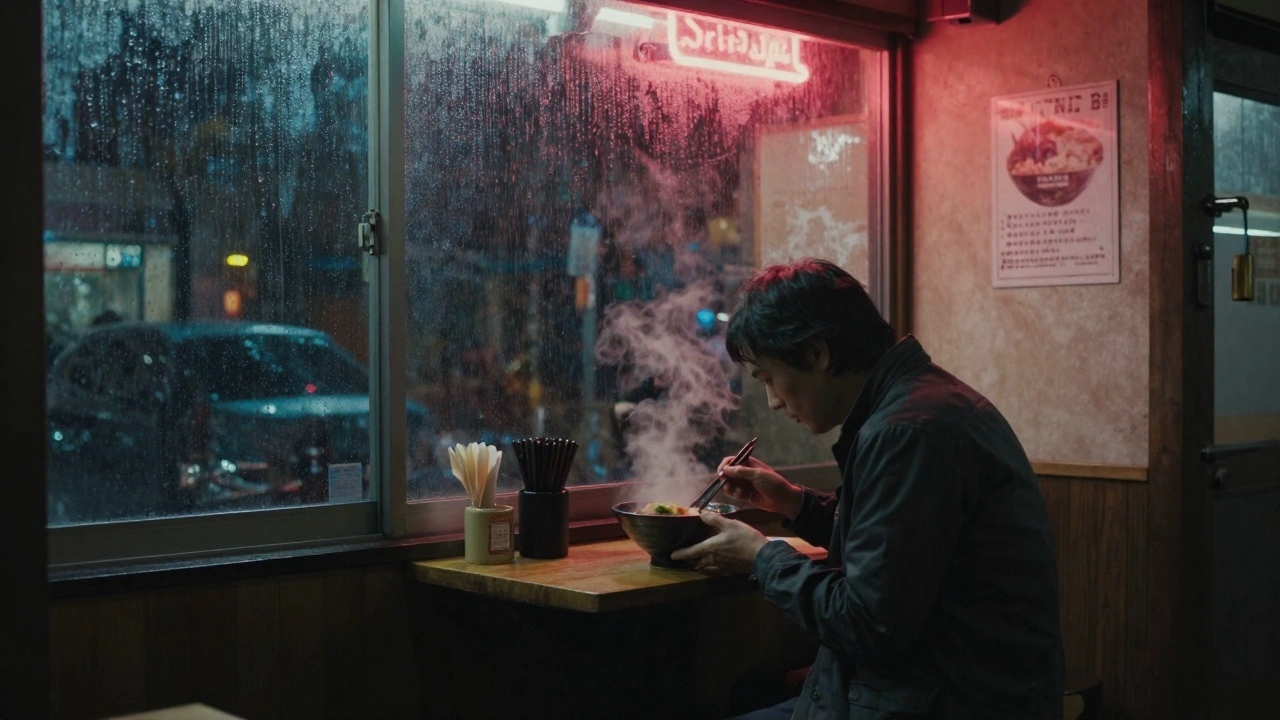

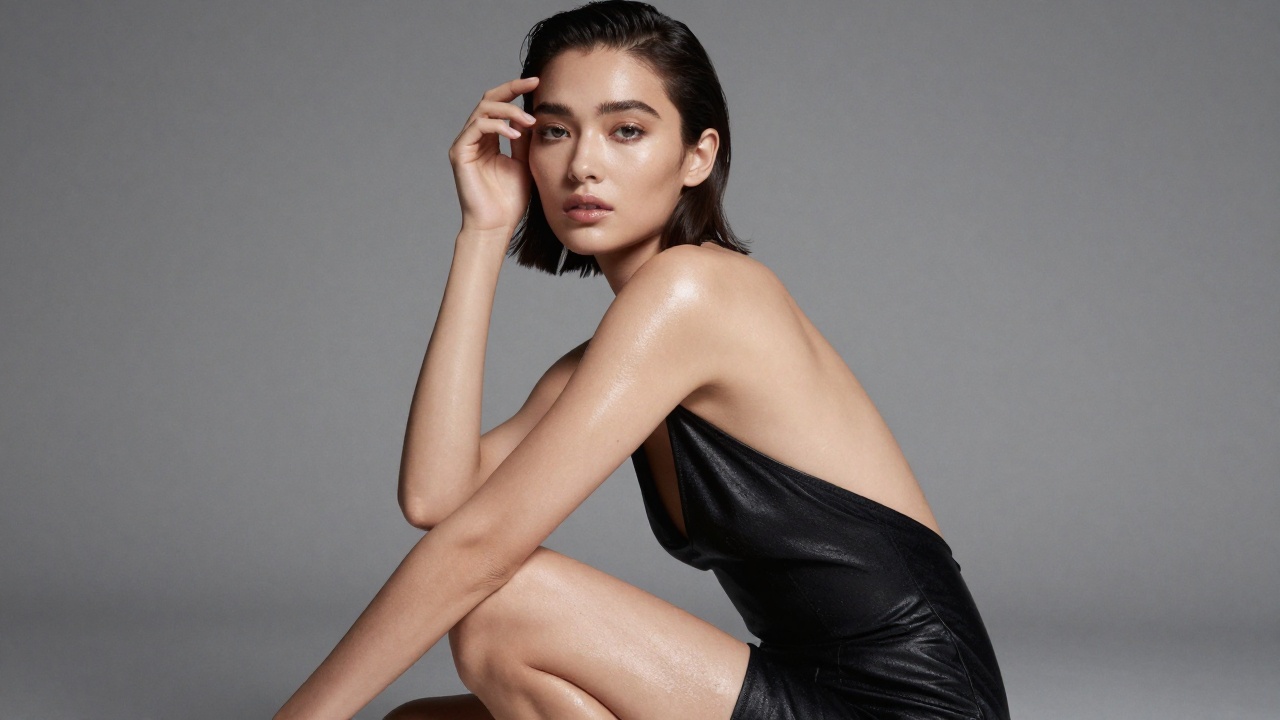
README
Kling V3.0 Std Motion Control
Kling V3.0 Std Motion Control transfers motion from a driving video to a character image, creating videos where your character performs the actions in the reference video. Upload a character image and a motion video — the model generates a new video with the character mimicking the movements.
Why Choose This?
-
Motion transfer Apply movements from any driving video to your character image.
-
Character preservation Maintains the visual identity of your character throughout the animation.
-
Flexible orientation Choose whether the character follows the image or video orientation.
-
Audio preservation Option to keep the original video sound in the output.
-
Prompt guidance Optional prompts to refine the motion transfer style.
-
Prompt Enhancer Built-in tool to automatically improve your descriptions.
Parameters
| Parameter | Required | Description |
|---|---|---|
| image | Yes | Character reference image (URL or upload) |
| video | Yes | Driving video with motion to transfer (URL or upload) |
| character_orientation | Yes | Orientation mode: "image" or "video" |
| prompt | No | Optional text to guide the motion transfer |
| negative_prompt | No | Elements to avoid in the output |
| keep_original_sound | No | Retain original video audio (default: enabled) |
How to Use
- Upload character image — provide the character you want to animate.
- Upload driving video — provide the video with the motion to transfer.
- Select character_orientation — choose "image" or "video":
- image: Character follows the image's orientation (max video: 10s)
- video: Character follows the video's orientation (max video: 30s)
- Add prompt (optional) — describe any style or motion preferences.
- Add negative prompt (optional) — specify elements to avoid.
- Keep original sound (optional) — toggle to retain or remove audio.
- Run — submit and download your motion-controlled video.
Pricing
| Duration | Cost |
|---|---|
| ≤3 s | $0.378 |
| 5 s | $0.63 |
| 10 s | $1.26 |
| 20 s | $2.52 |
| 30 s (max) | $3.78 |
Billing Rules
- Minimum charge: 3 seconds
- Maximum duration: 30 seconds (or 10 seconds if character_orientation = "image")
- Rate: $0.63 per 5 seconds
Best Use Cases
- Character Animation — Bring still characters to life with real-world movements.
- Virtual Presenters — Create talking or moving avatars from reference images.
- Dance Videos — Transfer dance moves to custom characters.
- Content Creation — Generate engaging videos with consistent character identity.
- Gaming & Entertainment — Animate game characters or mascots.
Pro Tips
- Use clear, front-facing character images for best identity preservation.
- Ensure the driving video has clear, visible movements for accurate transfer.
- Choose "image" orientation when character pose should match the reference image.
- Choose "video" orientation for longer videos (up to 30s) or when following video perspective.
- Enable keep_original_sound to sync audio with the transferred motion.
- Use negative_prompt to avoid unwanted artifacts or style elements.
Notes
- image, video, and character_orientation are all required fields.
- character_orientation = "image": Maximum video duration is 10 seconds.
- character_orientation = "video": Maximum video duration is 30 seconds.
- Minimum billing duration: 3 seconds.
- Ensure uploaded file URLs are publicly accessible.
- A longer reference video does not guarantee an output of the same length. For example, a 10-second driving video may still produce a shorter result if the upstream model only extracts part of the video as valid continuous motion.
Related Models
- Kling V3.0 Pro Motion Control — Pro tier with enhanced quality.
- DreamActor V2 — motion transfer model.
- Kling V3.0 Std Image-to-Video — Standard image-to-video generation.
Kling v3.0 Std Motion Control API — Quick start
Grab a WaveSpeedAI API key, then call POST https://api.wavespeed.ai/api/v3/kwaivgi/kling-v3.0-std/motion-control with your input as JSON. The endpoint returns a prediction id; poll the prediction endpoint until status flips to completed, then read the output URL from data.outputs[0]. Examples for Kling v3.0 Std Motion Control below.
HTTP example
# Submit the prediction
curl -X POST "https://api.wavespeed.ai/api/v3/kwaivgi/kling-v3.0-std/motion-control" \
  -H "Content-Type: application/json" \
  -H "Authorization: Bearer $WAVESPEED_API_KEY" \
  -d '{
    "image": "https://example.com/your-input.jpg",
    "video": "https://example.com/your-input.mp4",
    "character_orientation": "video",
    "prompt": "A cinematic shot of a city at sunset, soft golden light",
    "negative_prompt": "blurry, low quality, distorted",
    "keep_original_sound": true
}'

# Response includes a prediction id. Poll for the result:
curl -X GET "https://api.wavespeed.ai/api/v3/predictions/{request_id}/result" \
  -H "Authorization: Bearer $WAVESPEED_API_KEY"

# When status is "completed", read the output from data.outputs[0].
Node.js example
// npm install wavespeed
const WaveSpeed = require('wavespeed');

const client = new WaveSpeed(); // reads WAVESPEED_API_KEY from env

const result = await client.run("kwaivgi/kling-v3.0-std/motion-control", {
        "image": "https://example.com/your-input.jpg",
        "video": "https://example.com/your-input.mp4",
        "character_orientation": "video",
        "prompt": "A cinematic shot of a city at sunset, soft golden light",
        "negative_prompt": "blurry, low quality, distorted",
        "keep_original_sound": true
});

console.log(result.outputs[0]); // → URL of the generated output
Python example
# pip install wavespeed
import wavespeed

output = wavespeed.run(
    "kwaivgi/kling-v3.0-std/motion-control",
    {
    "image": "https://example.com/your-input.jpg",
    "video": "https://example.com/your-input.mp4",
    "character_orientation": "video",
    "prompt": "A cinematic shot of a city at sunset, soft golden light",
    "negative_prompt": "blurry, low quality, distorted",
    "keep_original_sound": true
}
)

print(output["outputs"][0])  # → URL of the generated output
Kling v3.0 Std Motion Control API — Frequently asked questions
What is the Kling v3.0 Std Motion Control API?
Kling v3.0 Std Motion Control is a Kuaishou model for pose / motion driven video, exposed as a REST API on WaveSpeedAI. Kling 3.0 Standard Motion Control transfers motion from reference videos to animate still images. Upload a character image and a motion clip (dance, action, gesture), and the model extracts the movement to generate smooth, realistic video. Ready-to-use REST inference API, best performance, no cold starts, affordable pricing. You can call it programmatically or try it from the playground above.
How do I call the Kling v3.0 Std Motion Control API?
POST your input parameters to the model's REST endpoint (shown in the API tab of this playground) with your WaveSpeedAI API key in the Authorization header. Submission returns a prediction ID; poll the prediction endpoint until status flips to "completed", then read the output URL from the result. The playground generates a ready-to-paste code sample in Python, JavaScript, or cURL for whatever inputs you've set. Full request/response shape is documented at https://wavespeed.ai/docs/docs-api/kwaivgi/kwaivgi-kling-v3.0-std-motion-control.
How much does Kling v3.0 Std Motion Control cost per run?
Kling v3.0 Std Motion Control starts at $0.63 per run. That figure is the base price — the final charge scales with the parameters you set in the form (output size, length, count, references, or whatever knobs this model exposes), so a higher-quality or larger output costs more than a minimal one. The exact cost for your current input is shown live next to the Generate button before you submit, and the actual per-call charge is recorded on the prediction afterwards.
What inputs does Kling v3.0 Std Motion Control accept?
Key inputs: `prompt`, `image`, `video`, `negative_prompt`, `character_orientation`, `element_list`. The full JSON schema (types, defaults, allowed values) is rendered above the Generate button and mirrored in the API reference at https://wavespeed.ai/docs/docs-api/kwaivgi/kwaivgi-kling-v3.0-std-motion-control.
How do I get started with the Kling v3.0 Std Motion Control API?
Sign up for a free WaveSpeedAI account to claim starter credits, copy your API key from /accesskey, then call the endpoint shown in the API tab of the playground. The playground also auto-generates a code sample in Python, JavaScript, or cURL for the parameters you've set.
Can I use Kling v3.0 Std Motion Control outputs commercially?
Commercial usage rights depend on the model's license, set by its provider (Kuaishou). The license summary appears on the model card above; see WaveSpeedAI's Terms of Service for platform-level conditions.