Kling 2.6 Standard Motion Control transfers motion from reference videos to animate still images. Upload a character image and a motion clip (dance, action, gesture), and the model extracts the movement to generate smooth, realistic video. Ready-to-use REST inference API, best performance, no cold starts, affordable pricing.
Idle
$0.21per run·~47 / $10
ExamplesView all
Related Models

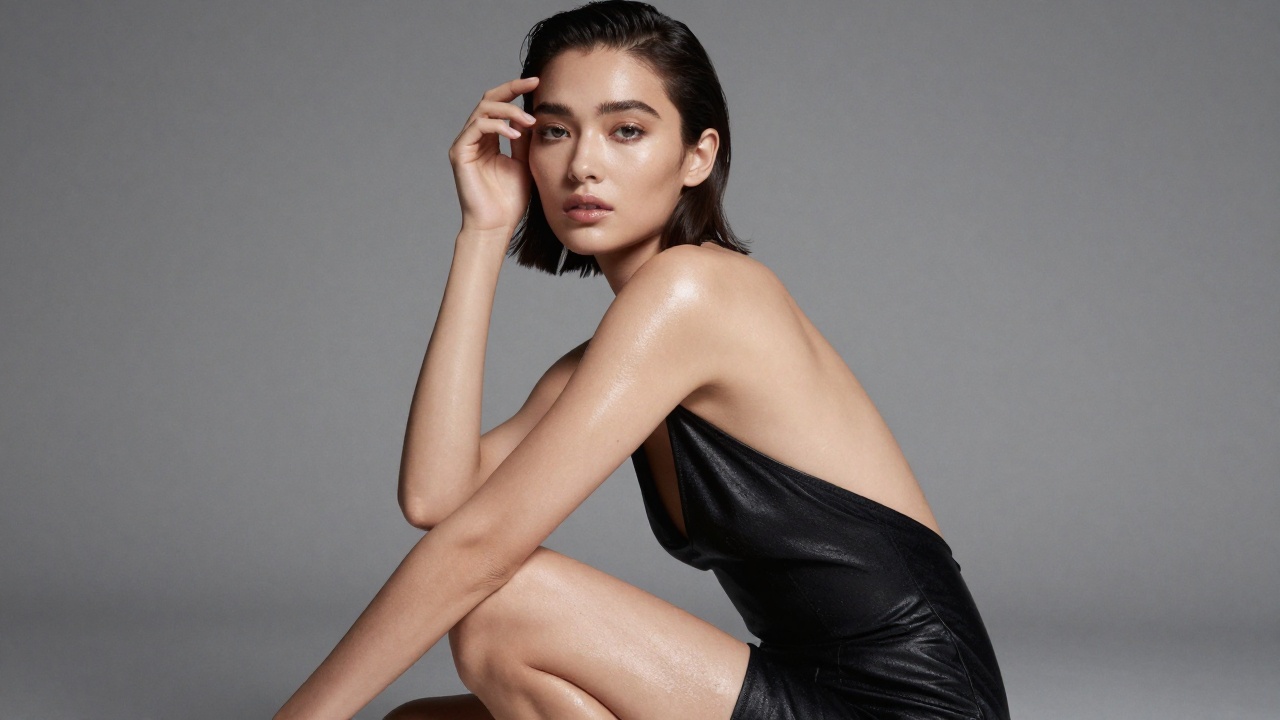
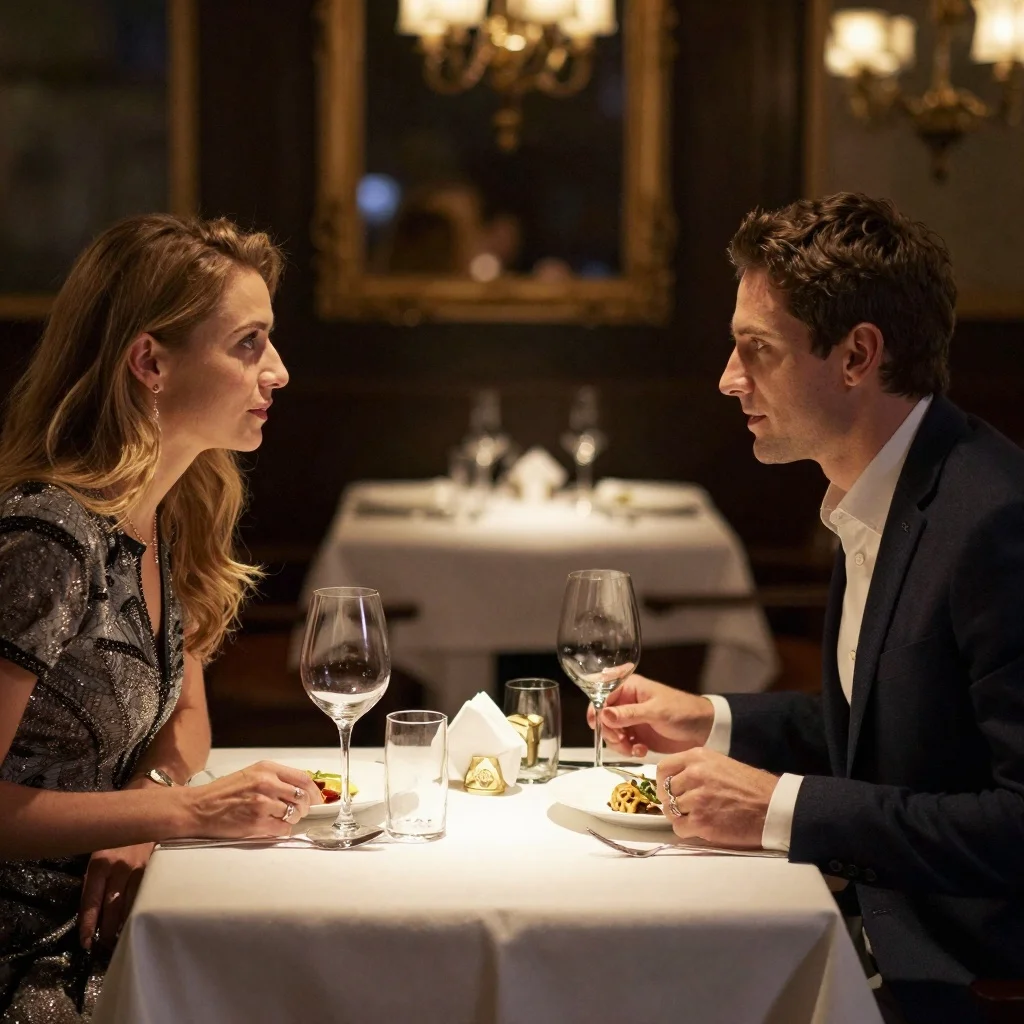
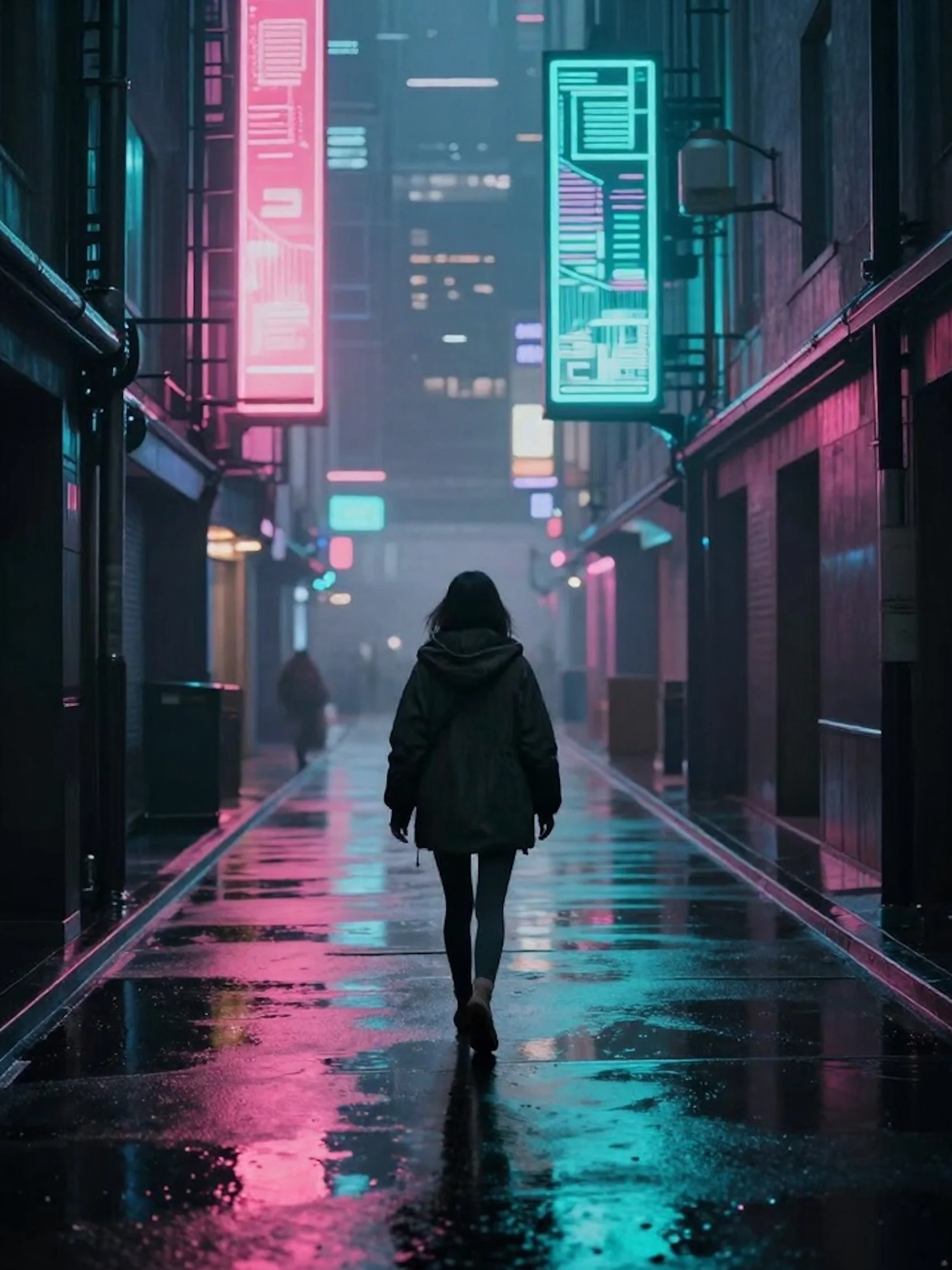
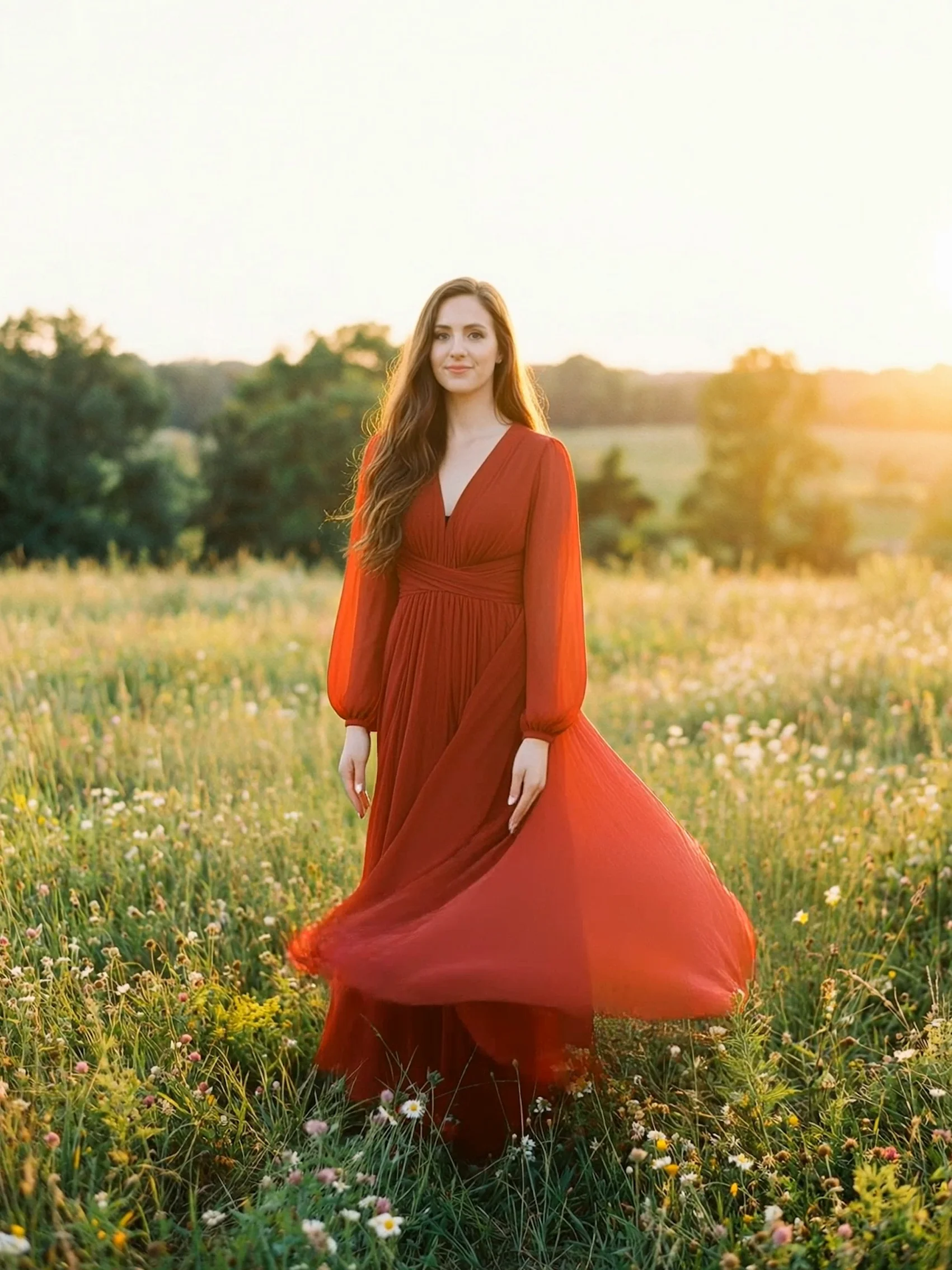
README
Kling V2.6 Standard Motion Control
Transfer motion from any video onto your character with Kling V2.6 Motion Control. Upload a reference image of your subject and a motion video — the model generates your character performing those exact movements. Perfect for dance videos, action sequences, and character animation.
Why It Looks Great
- Precise motion transfer: Accurately maps movements from reference video to your character.
- Character preservation: Maintains your subject's identity and appearance.
- Audio retention: Option to keep the original video's sound.
- Extended duration: Supports videos up to 30 seconds.
- Orientation control: Specify character facing direction for better results.
- Prompt Enhancer: Refine scene descriptions for enhanced output.
Parameters
| Parameter | Required | Description |
|---|---|---|
| image | Yes | Reference image of your character/person. |
| video | Yes | Motion reference video to transfer movements from. |
| character_orientation | Yes | Direction character is facing (front, side, back). |
| prompt | No | Additional scene description or style guidance. |
| negative_prompt | No | Elements to avoid in the generated video. |
| keep_original_sound | No | Retain audio from the original motion video. |
How to Use
- Upload character image — a clear image of your subject.
- Upload motion video — the video with movements to transfer.
- Select character orientation — Generate the orientation of the characters in the video, which can be selected to match the image or the video.
- Write prompt (optional) — add scene details or style guidance.
- Add negative prompt (optional) — specify what to avoid.
- Toggle audio — check to keep original video sound.
- Run — click the button to generate.
- Download — preview and save your video.
Pricing
Per 3-second billing based on video duration. Minimum 3 seconds, maximum 30 seconds.
| Duration | Calculation | Cost |
|---|---|---|
| 3 seconds (min) | 3 ÷ 3 × $0.21 | $0.21 |
| 6 seconds | 6 ÷ 3 × $0.21 | $0.42 |
| 10 seconds | 10 ÷ 3 × $0.21 | $0.70 |
| 15 seconds | 15 ÷ 3 × $0.21 | $1.05 |
| 30 seconds (max) | 30 ÷ 3 × $0.21 | $2.10 |
Best Use Cases
- Dance Videos — Transfer choreography onto any character.
- Action Sequences — Apply stunts and movements to your subjects.
- Character Animation — Animate illustrated or AI-generated characters.
- Content Creation — Create viral-ready videos with custom performers.
- Virtual Influencers — Bring virtual characters to life with real motion.
- Music Videos — Sync character movements to music performances.
Example Workflows
- Upload anime character + dance video → Anime character performs the dance
- Upload portrait photo + workout video → Person performs exercise routine
- Upload mascot image + wave gesture → Mascot waves naturally
- Upload product character + presentation motion → Animated product spokesperson
Character Orientation Guide
| Orientation | When to Use |
|---|---|
| Front | Character facing camera directly |
| Side | Character in profile view |
| Back | Character facing away from camera |
Pro Tips for Best Results
- Use clear, well-lit character images with visible full body or upper body.
- Match character orientation to their actual pose in the image.
- Motion videos with clear, distinct movements work best.
- Keep original sound for dance videos synced to music.
- Use prompts to add environmental context or style details.
- Shorter clips (3-10s) often produce more consistent results.
Notes
- Minimum video duration is 3 seconds; maximum is 30 seconds.
- If using URLs, ensure they are publicly accessible.
- Processing time scales with video duration.
- Best results come from motion videos with clear human movements.
More Models to Try
-
Kling V2.6 Pro Motion Control — Professional-grade motion transfer that maps movements from any reference video onto your character with superior quality and precision.
-
Wan 2.2 Animate — Transform static images into dynamic videos with AI-powered animation, bringing photos and illustrations to life with natural motion.
-
Wan 2.2 Fun Control — Creative pose and motion control for image-to-video generation, enabling playful character animations with customizable movements.
Kling v2.6 Std Motion Control API — Quick start
Grab a WaveSpeedAI API key, then call POST https://api.wavespeed.ai/api/v3/kwaivgi/kling-v2.6-std/motion-control with your input as JSON. The endpoint returns a prediction id; poll the prediction endpoint until status flips to completed, then read the output URL from data.outputs[0]. Examples for Kling v2.6 Std Motion Control below.
HTTP example
# Submit the prediction
curl -X POST "https://api.wavespeed.ai/api/v3/kwaivgi/kling-v2.6-std/motion-control" \
  -H "Content-Type: application/json" \
  -H "Authorization: Bearer $WAVESPEED_API_KEY" \
  -d '{
    "image": "https://example.com/your-input.jpg",
    "video": "https://example.com/your-input.mp4",
    "character_orientation": "video",
    "prompt": "A cinematic shot of a city at sunset, soft golden light",
    "negative_prompt": "blurry, low quality, distorted",
    "keep_original_sound": true
}'

# Response includes a prediction id. Poll for the result:
curl -X GET "https://api.wavespeed.ai/api/v3/predictions/{request_id}/result" \
  -H "Authorization: Bearer $WAVESPEED_API_KEY"

# When status is "completed", read the output from data.outputs[0].
Node.js example
// npm install wavespeed
const WaveSpeed = require('wavespeed');

const client = new WaveSpeed(); // reads WAVESPEED_API_KEY from env

const result = await client.run("kwaivgi/kling-v2.6-std/motion-control", {
        "image": "https://example.com/your-input.jpg",
        "video": "https://example.com/your-input.mp4",
        "character_orientation": "video",
        "prompt": "A cinematic shot of a city at sunset, soft golden light",
        "negative_prompt": "blurry, low quality, distorted",
        "keep_original_sound": true
});

console.log(result.outputs[0]); // → URL of the generated output
Python example
# pip install wavespeed
import wavespeed

output = wavespeed.run(
    "kwaivgi/kling-v2.6-std/motion-control",
    {
    "image": "https://example.com/your-input.jpg",
    "video": "https://example.com/your-input.mp4",
    "character_orientation": "video",
    "prompt": "A cinematic shot of a city at sunset, soft golden light",
    "negative_prompt": "blurry, low quality, distorted",
    "keep_original_sound": true
}
)

print(output["outputs"][0])  # → URL of the generated output
Kling v2.6 Std Motion Control API — Frequently asked questions
What is the Kling v2.6 Std Motion Control API?
Kling v2.6 Std Motion Control is a Kuaishou model for pose / motion driven video, exposed as a REST API on WaveSpeedAI. Kling 2.6 Standard Motion Control transfers motion from reference videos to animate still images. Upload a character image and a motion clip (dance, action, gesture), and the model extracts the movement to generate smooth, realistic video. Ready-to-use REST inference API, best performance, no cold starts, affordable pricing. You can call it programmatically or try it from the playground above.
How do I call the Kling v2.6 Std Motion Control API?
POST your input parameters to the model's REST endpoint (shown in the API tab of this playground) with your WaveSpeedAI API key in the Authorization header. Submission returns a prediction ID; poll the prediction endpoint until status flips to "completed", then read the output URL from the result. The playground generates a ready-to-paste code sample in Python, JavaScript, or cURL for whatever inputs you've set. Full request/response shape is documented at https://wavespeed.ai/docs/docs-api/kwaivgi/kwaivgi-kling-v2.6-std-motion-control.
How much does Kling v2.6 Std Motion Control cost per run?
Kling v2.6 Std Motion Control starts at $0.21 per run. That figure is the base price — the final charge scales with the parameters you set in the form (output size, length, count, references, or whatever knobs this model exposes), so a higher-quality or larger output costs more than a minimal one. The exact cost for your current input is shown live next to the Generate button before you submit, and the actual per-call charge is recorded on the prediction afterwards.
What inputs does Kling v2.6 Std Motion Control accept?
Key inputs: `prompt`, `image`, `video`, `negative_prompt`, `character_orientation`, `keep_original_sound`. The full JSON schema (types, defaults, allowed values) is rendered above the Generate button and mirrored in the API reference at https://wavespeed.ai/docs/docs-api/kwaivgi/kwaivgi-kling-v2.6-std-motion-control.
How long does Kling v2.6 Std Motion Control take to generate?
Average end-to-end generation time on WaveSpeedAI is around 575 seconds per request — measured across recent runs. Queue time scales with global demand; live status is visible in the prediction record.
Can I use Kling v2.6 Std Motion Control outputs commercially?
Commercial usage rights depend on the model's license, set by its provider (Kuaishou). The license summary appears on the model card above; see WaveSpeedAI's Terms of Service for platform-level conditions.