Kling 2.5 Turbo Pro converts images to cinematic videos with fluid motion, dynamic effects, and precise prompt-driven motion for seamless transitions. Ready-to-use REST inference API, best performance, no coldstarts, affordable pricing.
Idle
$0.35per run·~28 / $10
ExamplesView all
A young female artist on a hillside is painting on an easel, facing a field of lavender. She smiles to herself as she dabs a stroke of purple onto the canvas, a light breeze rustling her hair. Cinematography: Begins over-the-shoulder to show her painting, then slowly pans to her profile, capturing her focused and content expression. Style & Atmosphere: Bright, soft, and artistic. The lighting is late afternoon sun, soft and angled, creating a golden rim light on everything. Environment & Details: The thick texture of the oil paint on the canvas is visible. The distant lavender field sways in the breeze. Technical Specs: 4K, high Color Rendering Index (CRI), emulating a cinematic prime lens for soft, beautiful bokeh.
Create a dynamic transformation sequence where the futuristic sports car in the first frame gradually shifts into a humanoid transforming robot seen in the last frame. Show the mechanical parts unfolding, panels splitting and rotating, wheels sliding into the legs, the car hood rising into the robot’s chest, and glowing blue energy lines activating throughout the transformation. Maintain the sleek metallic textures, neon lights, and cyberpunk city reflections. The motion should feel smooth, mechanical, and powerful — like a high-tech transformation scene from a sci-fi action film.
A kind elderly man sits in a rocking chair on his porch, smiling as he throws a tennis ball. A golden retriever excitedly dashes onto the lawn, leaps to catch the ball mid-air, and happily trots back. Cinematography: A static medium shot captures the entire interaction. It cuts to a slow-motion close-up of the dog's leap, shot with a high-speed camera, then cuts back to normal speed. Style & Atmosphere: Heartwarming, nostalgic, and peaceful. The lighting is the soft glow of late afternoon, casting a golden hue over the scene. Environment & Details: The kind wrinkles on the man's smiling face, the dog's golden fur ruffling in the breeze, the weathered wood of the porch. Technical Specs: 4K, with segments in 60fps for slow motion, soft colors, with a light vintage film filter.
At a sunny weekend farmers' market, a vendor hands a fresh apple to a customer, and they share a smile. The background is filled with a bustling, out-of-focus crowd. Cinematography: A handheld medium shot, with the focus locked on the interaction between the vendor and customer. The background activity is kept in a natural, shallow depth of field. The camera has a slight 'breathing' feel, as if you are there. Style & Atmosphere: Vibrant, authentic, and warm. The sunlight is bright, colors are saturated, and the scene is filled with the joy of community life. Environment & Details: The background is full of life, with colorful produce stacked high and sunlight creating bokeh through the umbrellas. Technical Specs: 4K, 30fps, simulating a 50mm lens perspective, vivid and lively colors.
A 1920s steam train begins to move slowly, emitting a massive cloud of white steam from its smokestack, as people in period clothing on the platform wave goodbye. Cinematography: A static, long take from a tripod that begins still and then performs a slow, smooth pan to follow the front of the engine as it departs. Style & Atmosphere: Nostalgic and sentimental, with the texture of an old film, including subtle flickering and scratch effects. Environment & Details: The steam envelops half the platform, obscuring figures, while gas lamps cast a dim, yellow light. Technical Specs: High-contrast black and white, or sepia tone, 24fps, emulating 35mm film.
An elderly man with deep wrinkles sits by a window, his gaze fixed on something far away. His mouth twitches almost imperceptibly as if lost in memory, and a single tear slowly rolls down from the corner of his eye. Cinematography: An extreme close-up (ECU) that pans slowly from his profile to a full-frontal view. The shot executes a rack focus, shifting from his glistening eye to the descending tear. Style & Atmosphere: Rembrandt lighting, with a single key light illuminating one side of his face, creating dramatic contrast and shadow; the mood is profound and contemplative. Environment & Details: The background through the window is soft and out of focus. Motes of dust float in the beam of light. Technical Specs: hyper-detailed, sharp skin texture, 85mm portrait lens effect, extremely shallow depth of field.
Related Models
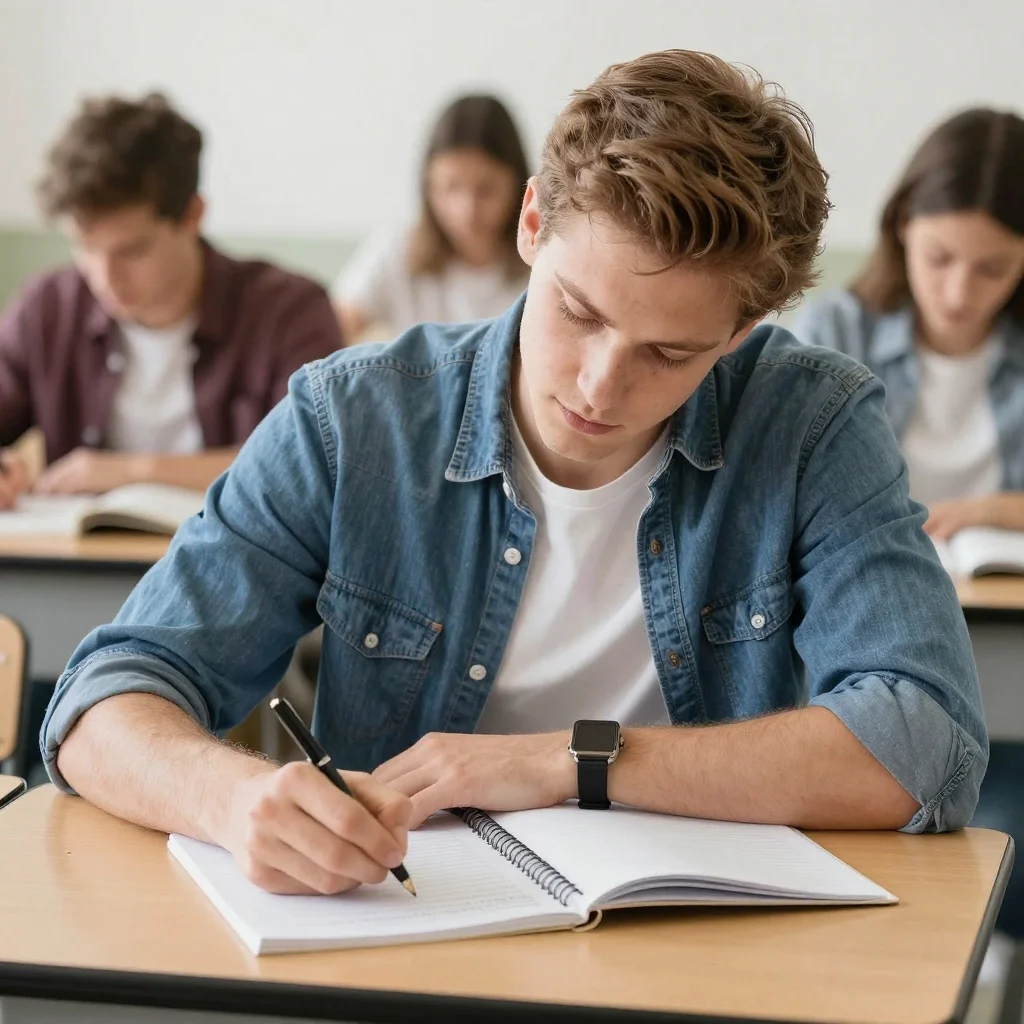
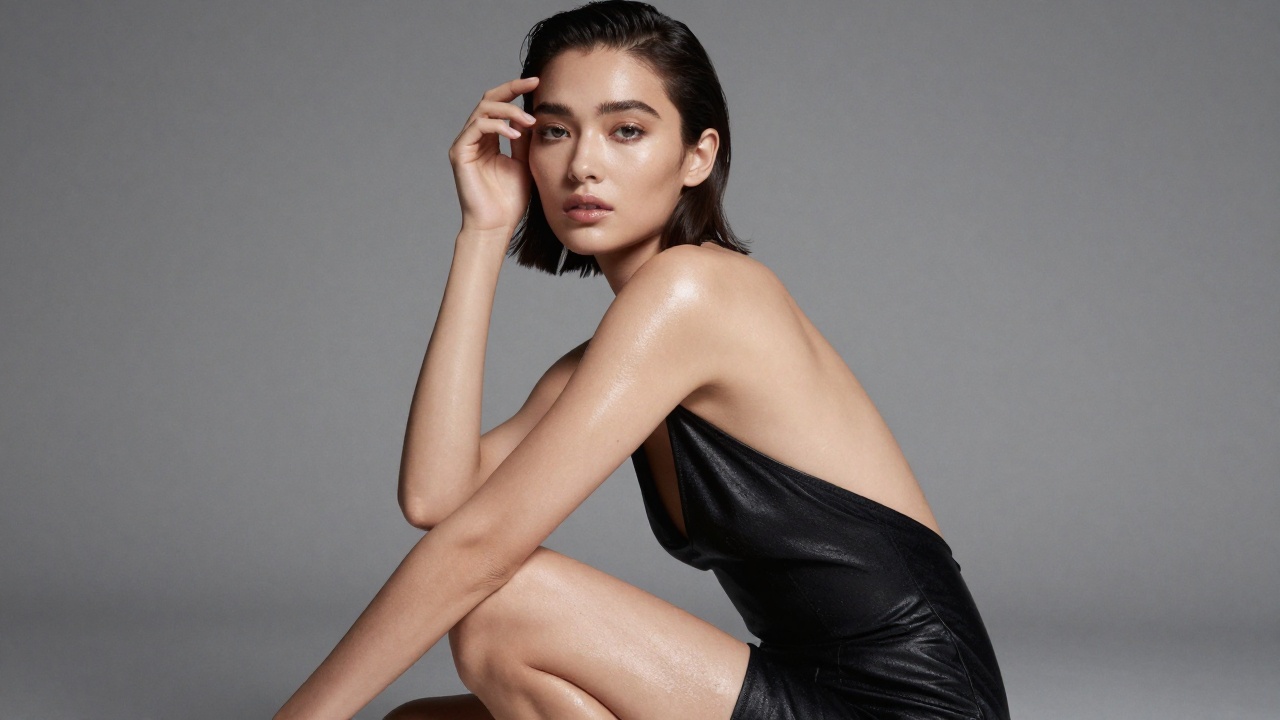
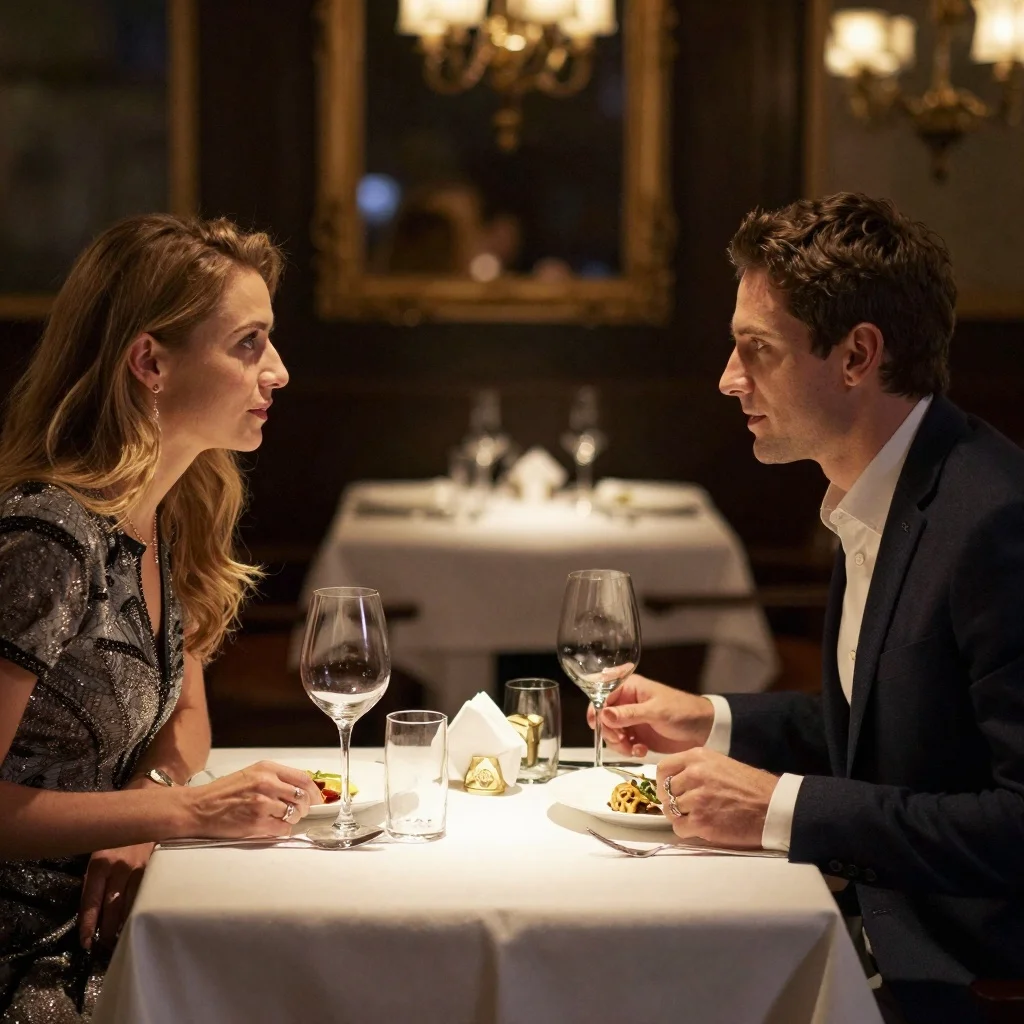
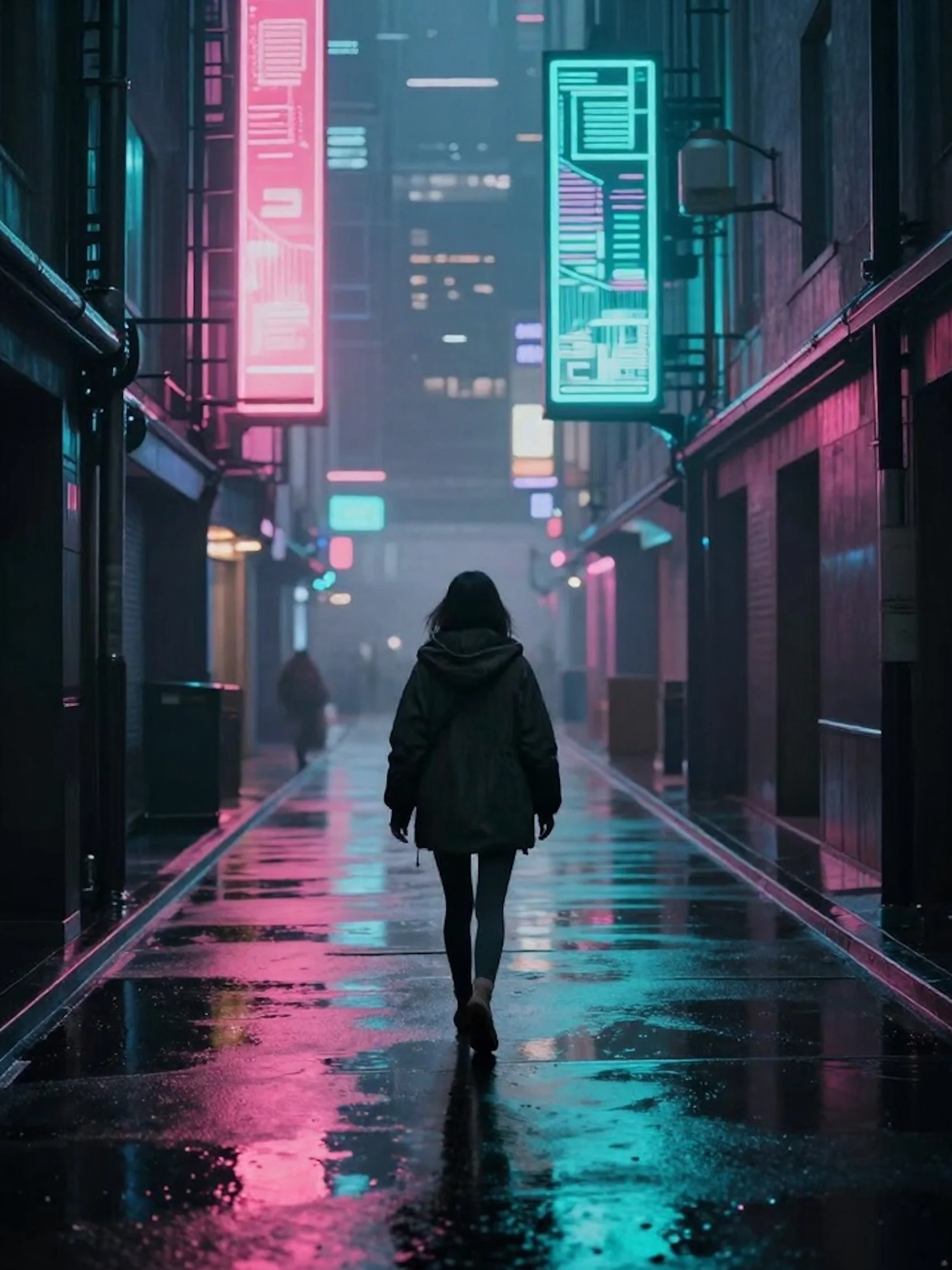
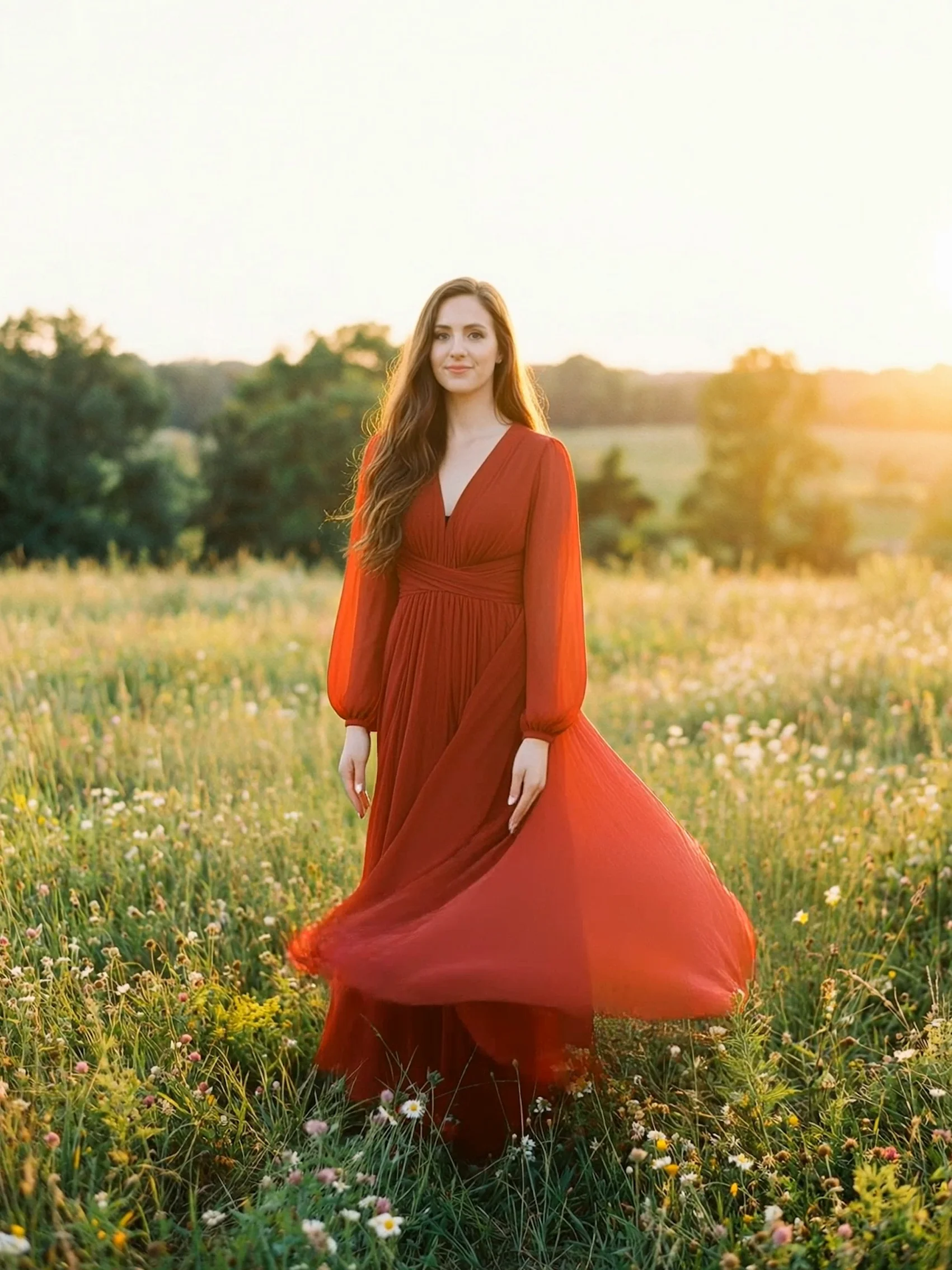
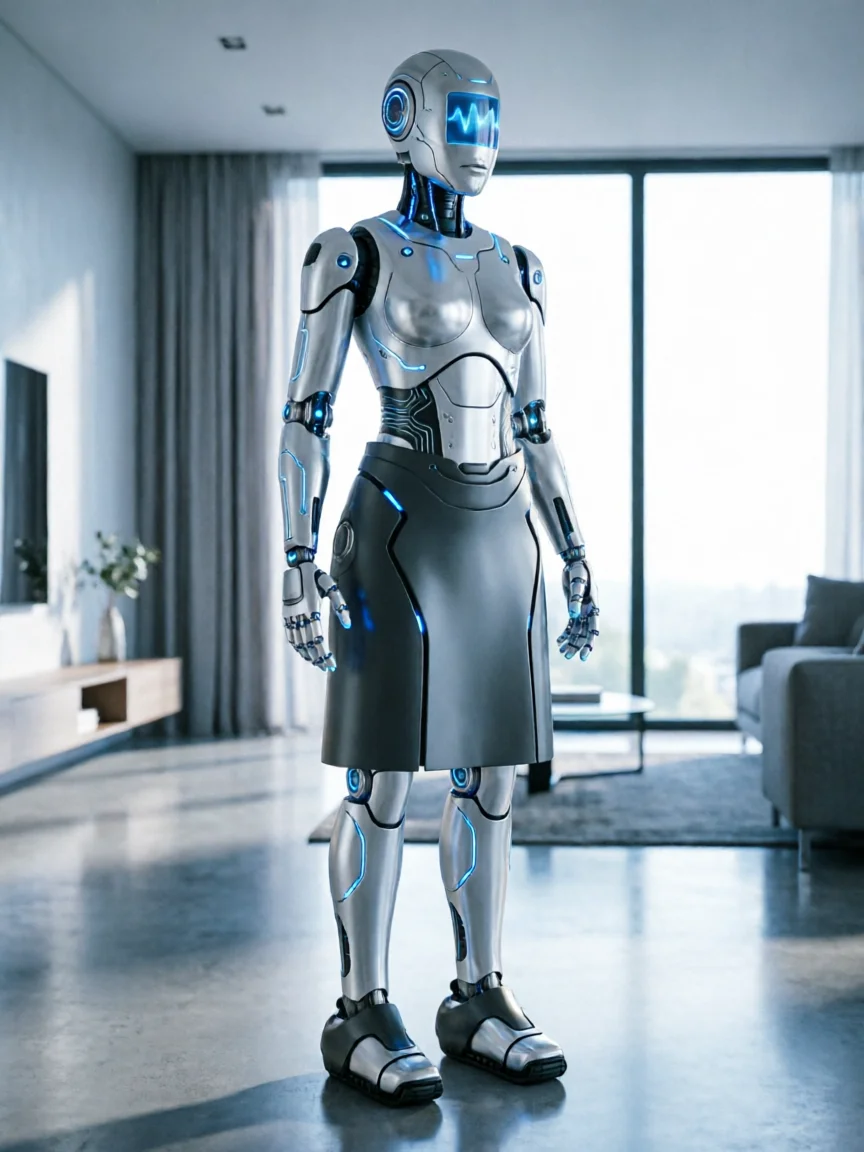
README
Kling 2.5 Turbo Pro (Image-to-Video)
Kling 2.5 Turbo Pro turns a single image and a text prompt into cinematic video with fluid motion and accurate intent. A new text-timing engine, improved dynamics, and faster inference enable high-speed action and complex camera moves with stable frames, while refined conditioning preserves palette, lighting, and mood.
This version additionally supports first–last frame control: you can specify both a starting image and an ending image, and the model will animate a smooth transformation between them.
What makes it stand out?
-
Better prompt understanding Precisely parses multi-step, causal instructions and turns a single image and prompt into coherent, well-paced shots that stay true to your creative idea.
-
More realistic look and greater stability Improved dynamics and balanced training data closely mimic real-world motion, even at high speeds and with complex camera moves. Playback is smooth with fewer jitters, tears, and dropped details.
-
Detail and style consistency Refined image conditioning maintains color, lighting, brushwork, and mood, keeping frames visually unified even during aggressive motion or transitions.
-
First–last frame animation When you provide both an initial image and a last_image, Kling 2.5 Turbo Pro treats them as keyframes and generates a video that naturally evolves from the first to the last frame.
Inputs
-
image (required) The starting frame of your video. Composition, style, and subject are primarily taken from this image.
-
last_image (optional) An optional target frame. If provided, the model interpolates between image and last_image, creating a smooth visual evolution from start to end.
-
prompt (required) Text description of the scene, actions, camera movement, and style.
-
negative_prompt (optional) Things you want the model to avoid (for example, blur, text overlays, distortions).
-
guidance_scale Controls how strongly the model follows the prompt versus being more free-form. Lower values = more creative variation; higher values = stricter adherence to the prompt.
-
duration Length of the generated video:
-
5 seconds
-
10 seconds
Output: a single video clip of the chosen duration, animated from the initial image (and optionally toward the last_image) according to your prompt.
Designed For
- Marketing and brand teams – Consistent, on-brand motion spots, feature demos, and campaign assets.
- Creators / YouTubers / Shorts teams – Strong narrative motion that boosts watch-through and engagement.
- Film / animation studios – Previz, style tests, and technique exploration with reliable dynamics.
- Education and training – Turn static diagrams or slides into clear, animated explainers.
Pricing
| Duration | Price |
|---|---|
| 5 s | $0.35 |
| 10 s | $0.70 |
How to Use
- Upload or paste the URL of your image as the starting frame.
- (Optional) Upload a last_image if you want the video to end on a specific frame or design.
- Write your prompt, specifying subject, scene, motion, and style.
- (Optional) Add a negative_prompt to filter out unwanted artifacts or styles.
- Adjust guidance_scale to balance between strict prompt following and looser creativity.
- Choose the duration (5 s or 10 s).
- Run the model, preview the result, then iterate by tweaking the prompt, images, or guidance_scale until you reach the desired look.
Kling v2.5 Turbo Pro Image To Video API — Quick start
Grab a WaveSpeedAI API key, then call POST https://api.wavespeed.ai/api/v3/kwaivgi/kling-v2.5-turbo-pro/image-to-video with your input as JSON. The endpoint returns a prediction id; poll the prediction endpoint until status flips to completed, then read the output URL from data.outputs[0]. Examples for Kling v2.5 Turbo Pro Image To Video below.
HTTP example
# Submit the prediction
curl -X POST "https://api.wavespeed.ai/api/v3/kwaivgi/kling-v2.5-turbo-pro/image-to-video" \
  -H "Content-Type: application/json" \
  -H "Authorization: Bearer $WAVESPEED_API_KEY" \
  -d '{
    "prompt": "A cinematic shot of a city at sunset, soft golden light",
    "image": "https://example.com/your-input.jpg",
    "negative_prompt": "blurry, low quality, distorted",
    "guidance_scale": 0.5,
    "duration": 5
}'

# Response includes a prediction id. Poll for the result:
curl -X GET "https://api.wavespeed.ai/api/v3/predictions/{request_id}/result" \
  -H "Authorization: Bearer $WAVESPEED_API_KEY"

# When status is "completed", read the output from data.outputs[0].
Node.js example
// npm install wavespeed
const WaveSpeed = require('wavespeed');

const client = new WaveSpeed(); // reads WAVESPEED_API_KEY from env

const result = await client.run("kwaivgi/kling-v2.5-turbo-pro/image-to-video", {
        "prompt": "A cinematic shot of a city at sunset, soft golden light",
        "image": "https://example.com/your-input.jpg",
        "negative_prompt": "blurry, low quality, distorted",
        "guidance_scale": 0.5,
        "duration": 5
});

console.log(result.outputs[0]); // → URL of the generated output
Python example
# pip install wavespeed
import wavespeed

output = wavespeed.run(
    "kwaivgi/kling-v2.5-turbo-pro/image-to-video",
    {
    "prompt": "A cinematic shot of a city at sunset, soft golden light",
    "image": "https://example.com/your-input.jpg",
    "negative_prompt": "blurry, low quality, distorted",
    "guidance_scale": 0.5,
    "duration": 5
}
)

print(output["outputs"][0])  # → URL of the generated output
Kling v2.5 Turbo Pro Image To Video API — Frequently asked questions
What is the Kling v2.5 Turbo Pro Image To Video API?
Kling v2.5 Turbo Pro Image To Video is a Kuaishou model for video generation from images, exposed as a REST API on WaveSpeedAI. Kling 2.5 Turbo Pro converts images to cinematic videos with fluid motion, dynamic effects, and precise prompt-driven motion for seamless transitions. Ready-to-use REST inference API, best performance, no coldstarts, affordable pricing. You can call it programmatically or try it from the playground above.
How do I call the Kling v2.5 Turbo Pro Image To Video API?
POST your input parameters to the model's REST endpoint (shown in the API tab of this playground) with your WaveSpeedAI API key in the Authorization header. Submission returns a prediction ID; poll the prediction endpoint until status flips to "completed", then read the output URL from the result. The playground generates a ready-to-paste code sample in Python, JavaScript, or cURL for whatever inputs you've set. Full request/response shape is documented at https://wavespeed.ai/docs/docs-api/kwaivgi/kwaivgi-kling-v2.5-turbo-pro-image-to-video.
How much does Kling v2.5 Turbo Pro Image To Video cost per run?
Kling v2.5 Turbo Pro Image To Video starts at $0.35 per run. That figure is the base price — the final charge scales with the parameters you set in the form (output size, length, count, references, or whatever knobs this model exposes), so a higher-quality or larger output costs more than a minimal one. The exact cost for your current input is shown live next to the Generate button before you submit, and the actual per-call charge is recorded on the prediction afterwards.
What inputs does Kling v2.5 Turbo Pro Image To Video accept?
Key inputs: `prompt`, `image`, `duration`, `guidance_scale`, `negative_prompt`, `last_image`. The full JSON schema (types, defaults, allowed values) is rendered above the Generate button and mirrored in the API reference at https://wavespeed.ai/docs/docs-api/kwaivgi/kwaivgi-kling-v2.5-turbo-pro-image-to-video.
How long does Kling v2.5 Turbo Pro Image To Video take to generate?
Average end-to-end generation time on WaveSpeedAI is around 70 seconds per request — measured across recent runs. Queue time scales with global demand; live status is visible in the prediction record.
Can I use Kling v2.5 Turbo Pro Image To Video outputs commercially?
Commercial usage rights depend on the model's license, set by its provider (Kuaishou). The license summary appears on the model card above; see WaveSpeedAI's Terms of Service for platform-level conditions.