Google Veo 3.1 is an Image-to-Video model that converts images into high-quality videos with native 1080P output for enhanced detail and creative flexibility. Ready-to-use REST inference API, best performance, no coldstarts, affordable pricing.
Idle
$3.2per run
ExamplesView all
Context: A Panda named Bamboo and a Red Fox named Tweed host a casual, witty podcast called "Quantum Quibbles." Task: Write the absolute shortest, most punchy opening exchange for an episode on quantum entanglement. Focus only on quick introductions and the topic title. Panda (Bamboo): "Welcome to Quantum Quibbles! I'm Bamboo." Red Fox (Tweed): "And I'm Tweed!" Panda (Bamboo): "Today: Quantum Entanglement!" Red Fox (Tweed): "Let's dive in."
The paper ball becomes a flyable paper airplane under a series of changes.
An Olympic sprinter is neck-and-neck with a towering ostrich wearing a racing bib, running a 100-meter dash on a blue track, low angle shot, intense competition.
The agent suddenly breaks into a full-speed, desperate sprint, immediately joined by a team of chasing figures. The editing is fast-paced, high-octane action movie montage. Rapid succession of quick cuts, low-angle tracking shots, intense focus pull, bright, sun-drenched lighting creating harsh shadows.
A young man in a sharp grey suit, carrying a brown leather briefcase, is confidently walking down a sunlit city street with classic architecture. The ambient city sounds – distant traffic hum, a faint murmur of conversations – are present. Suddenly, a comical 'THWACK' sound is heard as he slips dramatically on a discarded banana peel on the pavement, his expression shifting instantaneously from calm to wide-eyed surprise and alarm. A sharp, audible gasp escapes his lips. In the next moment, he falls through a shimmering, unexpected portal that opens up beneath him with a soft, ethereal 'WHOOSH,' transitioning from the bright city scene into a surreal, entirely black, void-like space. As he flails in mid-air within this dark dimension, letting out a startled 'AAAAHHH!' numerous ripe yellow bananas rain down from above, comically pelting him with soft thuds and splats. The lighting in the void is stark, highlighting the bright yellow bananas against the deep black. The scene should capture both the initial comedic slip and the abrupt, fantastical shift into the banana-filled alternate reality, with a strong sense of dynamic movement and the character's heightened fear and shock.
Related Models


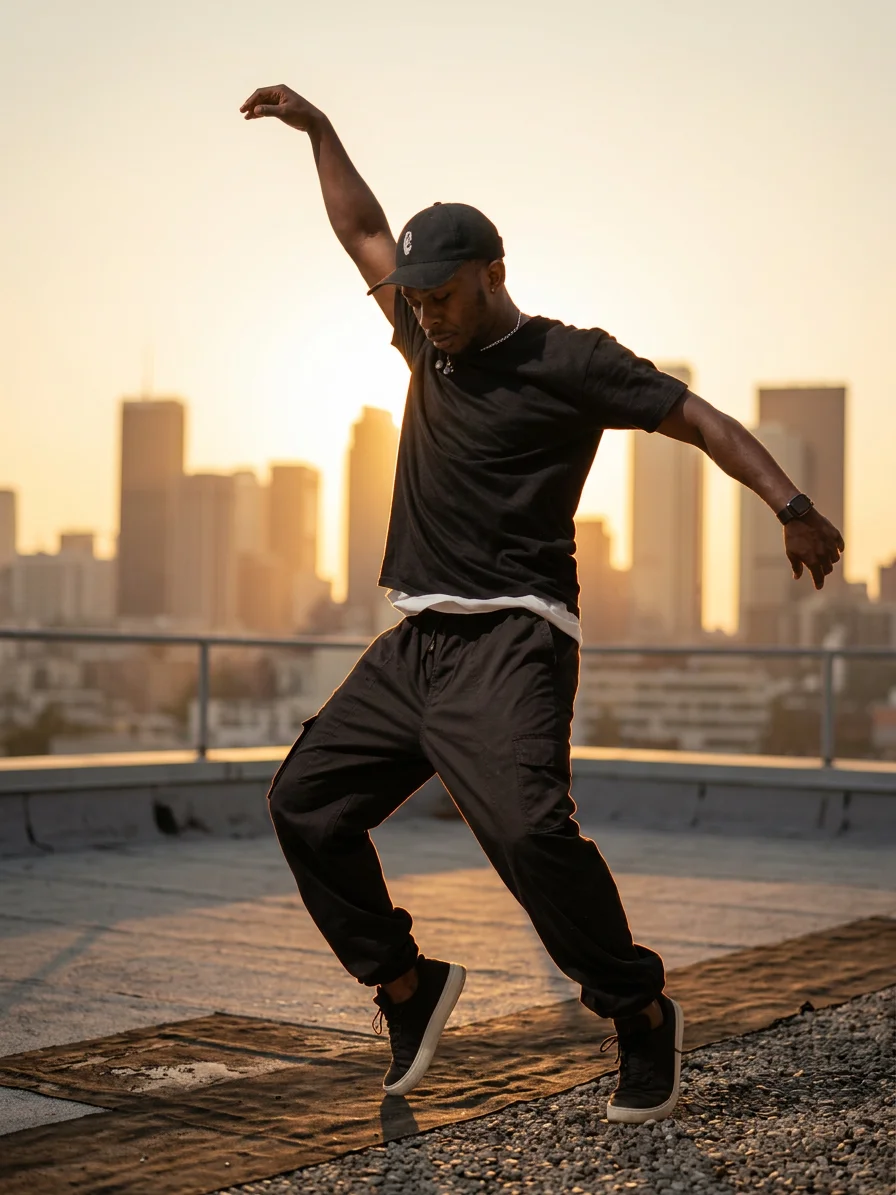
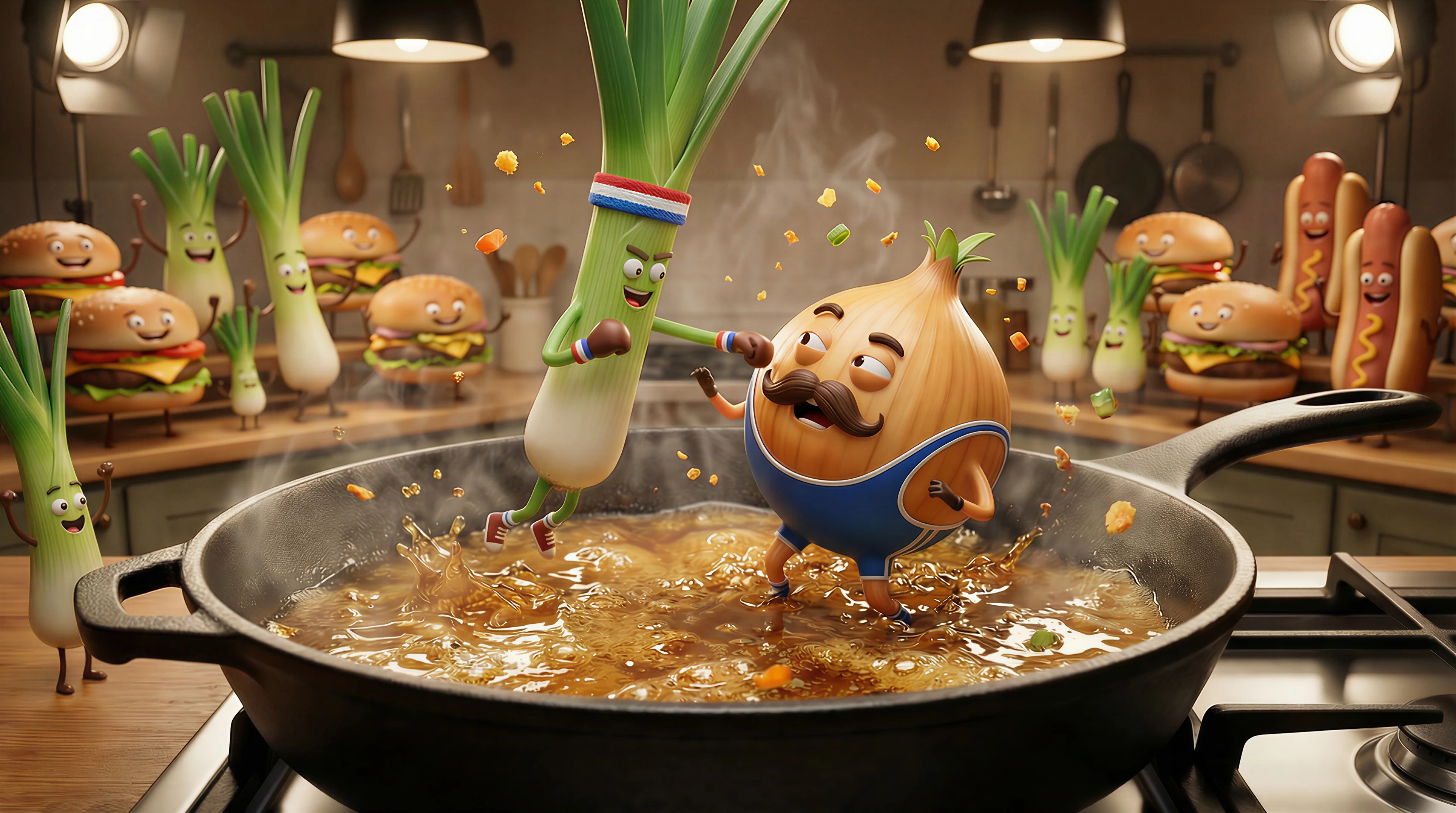
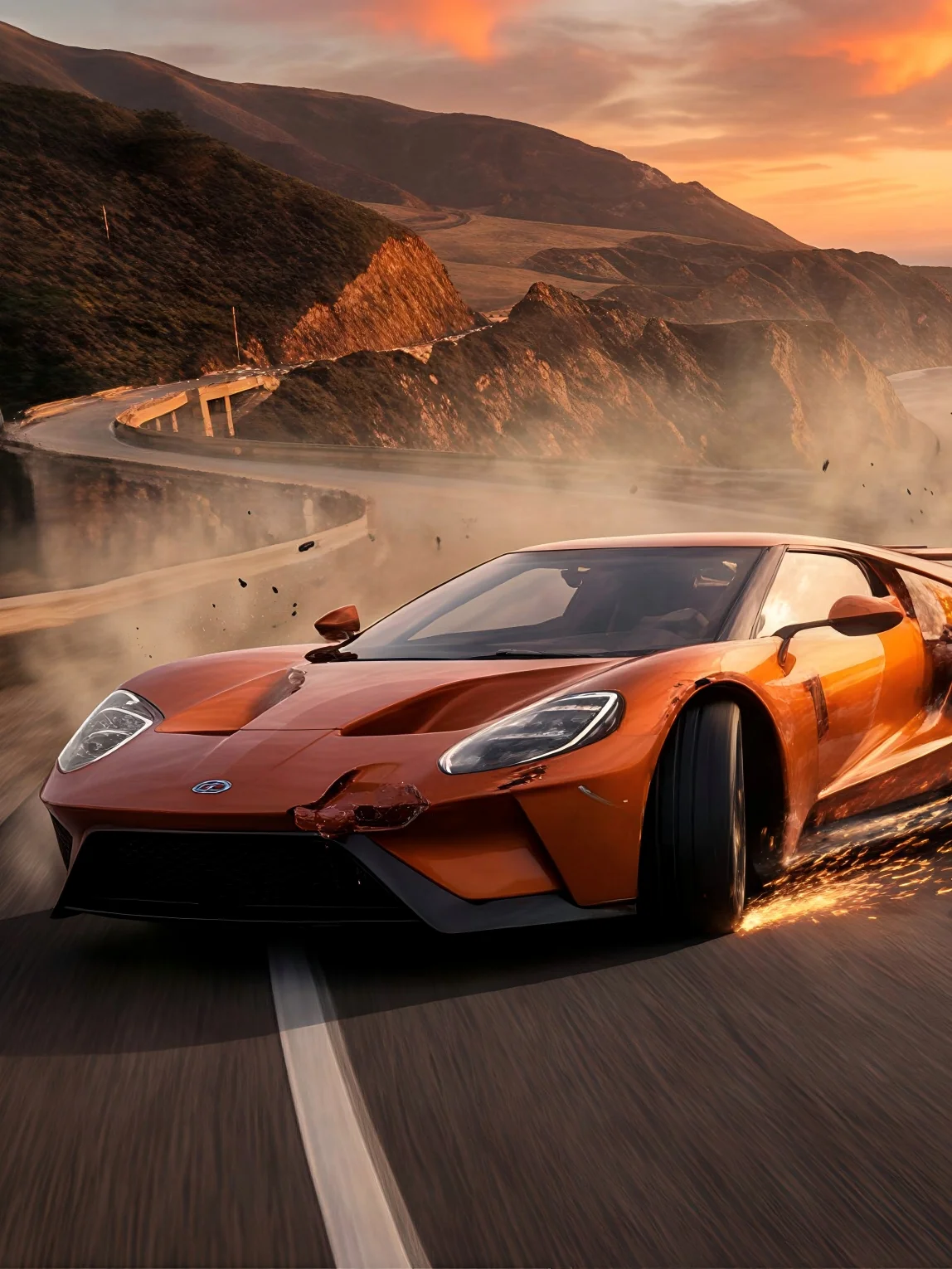
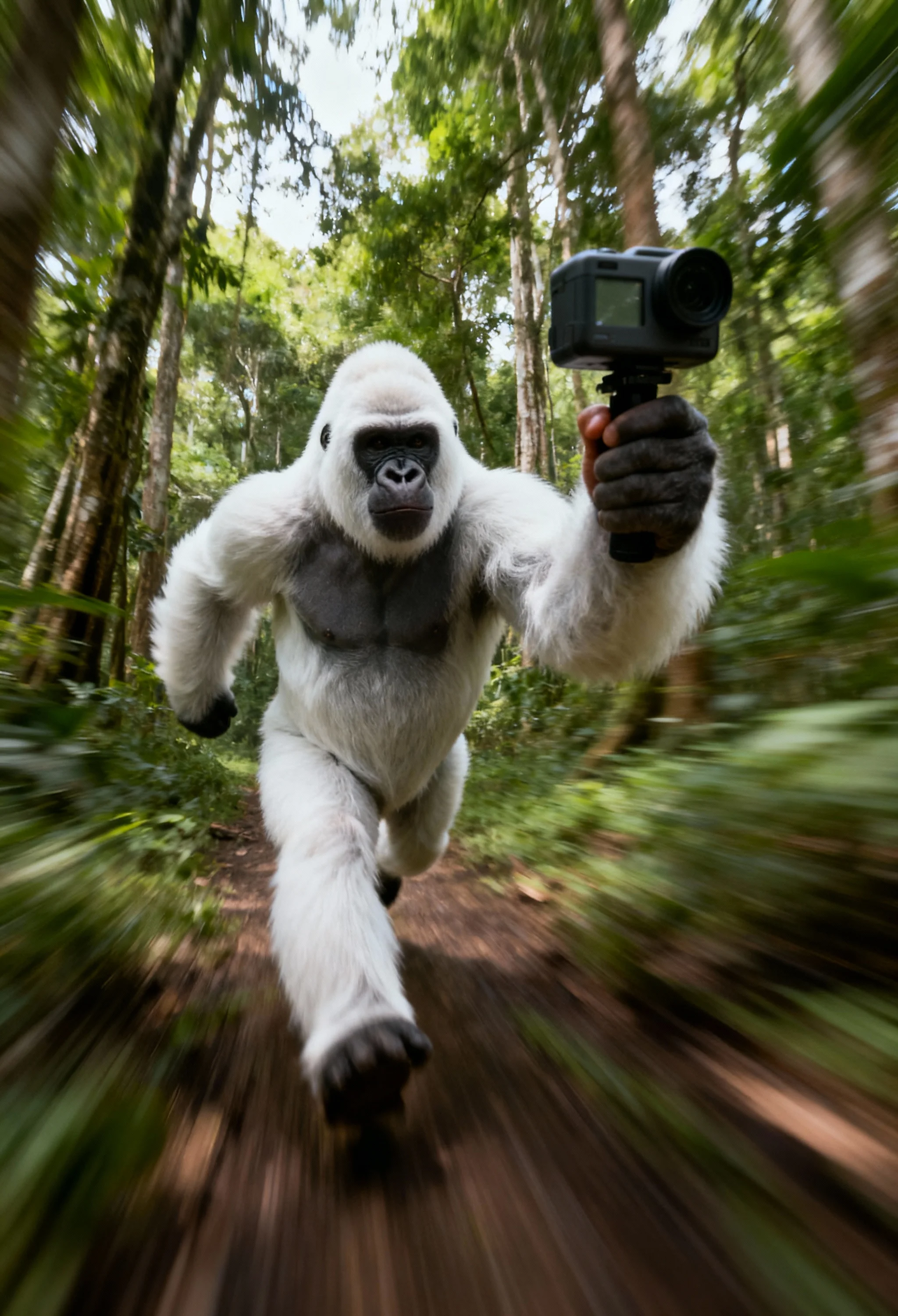
README
🎞️ Google Veo 3.1 — Image-to-Video (I2V) Model
Veo 3.1 I2V is Google DeepMind’s latest image-to-video generation model — an evolution of Veo’s cinematic foundation. It transforms a single still image or a pair of start & end frames into a high-fidelity 1080p motion sequence with natural movement, realistic lighting, and synchronized contextual audio.
Perfect for storyboarding, concept animation, and creative scene development, Veo 3.1 I2V captures the feeling of camera motion and environmental change while preserving your image’s style and composition.
🌟 Why it stands out
-
🎬 Cinematic Motion Generation Animates still images with realistic subject and camera movement — from subtle pans to sweeping transitions.
-
🪄 Frame Interpolation Supports single-frame animation and two-frame transitions — letting you morph from one image to another with fluid continuity.
-
🔊 Native Audio Support Adds synchronized ambient sound, dialogue, or music automatically aligned with visual motion.
-
🧠 Contextual Understanding Interprets both image content and prompt text to guide scene flow and atmosphere.
-
📐 High-Resolution Output Generates at 720p or 1080p, 24 FPS, and supports landscape (16:9) or portrait (9:16) aspect ratios.
⚙️ Key Parameters
- prompt — Describe motion or story context (e.g., “Slow dolly zoom on a city skyline as sunset light fades”).
- image — Provide a starting frame (JPEG / PNG / WEBP).
- lastFrame (optional) — Provide an ending frame to create an interpolation-style transition.
- durationSeconds — Choose video length: 4s, 6s, or 8s.
- resolution — 720p or 1080p.
- aspectRatio — Landscape (16:9) or Portrait (9:16).
💰 Pricing (Preview Stage)
| Model | Description | Input Type | Output | Price |
|---|---|---|---|---|
| Veo 3.1 (Video + Audio) | Generate videos with synchronized sound | Image / Image Pair | Video + Audio | $0.40 / sec |
| Veo 3.1 (Video only) | Generate silent motion sequences | Image / Image Pair | Video | $0.20 / sec |
💡 Typical cost: ~$3.20 for an 8-second 1080p video (standard mode). Without audio needs $1.60.
🚀 How to Use
- 🖼️ Upload your starting image Use a clear, well-lit frame.
- 🔁 (Optional) Add a last frame Provide an ending image if you want a smooth transition.
- ✍️ Write your prompt Describe the motion or transformation (e.g., “camera slowly zooms out as night falls”).
- ⚙️ Set parameters Choose duration (4s / 6s / 8s), resolution (720p / 1080p), and aspect ratio (16:9 or 9:16).
- ▶️ Generate video Submit your request — Veo 3.1 I2V will produce motion, lighting, and audio automatically.
💡 Pro Tips
- Use consistent framing between start and end images for smoother interpolation.
- Add camera verbs like “pan,” “tilt,” “dolly,” for cinematic control.
- Keep prompts concise and clear — focus on movement and lighting.
- For realistic transitions, limit drastic composition or color shifts between frames.
- To ensure repeatability, use the same random seed value.
🧾 Notes & Limitations
- Supported durations: 4, 6, or 8 seconds.
- Frame rate: 24 FPS (fixed).
- Generation time: ~2–3 minutes for 8s @1080p.
Veo3.1 Image To Video API — Quick start
Grab a WaveSpeedAI API key, then call POST https://api.wavespeed.ai/api/v3/google/veo3.1/image-to-video with your input as JSON. The endpoint returns a prediction id; poll the prediction endpoint until status flips to completed, then read the output URL from data.outputs[0]. Examples for Veo3.1 Image To Video below.
HTTP example
# Submit the prediction
curl -X POST "https://api.wavespeed.ai/api/v3/google/veo3.1/image-to-video" \
  -H "Content-Type: application/json" \
  -H "Authorization: Bearer $WAVESPEED_API_KEY" \
  -d '{
    "prompt": "A cinematic shot of a city at sunset, soft golden light",
    "image": "https://example.com/your-input.jpg",
    "aspect_ratio": "16:9",
    "duration": 8,
    "resolution": "1080p",
    "generate_audio": true,
    "negative_prompt": "blurry, low quality, distorted",
    "seed": 0
}'

# Response includes a prediction id. Poll for the result:
curl -X GET "https://api.wavespeed.ai/api/v3/predictions/{request_id}/result" \
  -H "Authorization: Bearer $WAVESPEED_API_KEY"

# When status is "completed", read the output from data.outputs[0].
Node.js example
// npm install wavespeed
const WaveSpeed = require('wavespeed');

const client = new WaveSpeed(); // reads WAVESPEED_API_KEY from env

const result = await client.run("google/veo3.1/image-to-video", {
        "prompt": "A cinematic shot of a city at sunset, soft golden light",
        "image": "https://example.com/your-input.jpg",
        "aspect_ratio": "16:9",
        "duration": 8,
        "resolution": "1080p",
        "generate_audio": true,
        "negative_prompt": "blurry, low quality, distorted",
        "seed": 0
});

console.log(result.outputs[0]); // → URL of the generated output
Python example
# pip install wavespeed
import wavespeed

output = wavespeed.run(
    "google/veo3.1/image-to-video",
    {
    "prompt": "A cinematic shot of a city at sunset, soft golden light",
    "image": "https://example.com/your-input.jpg",
    "aspect_ratio": "16:9",
    "duration": 8,
    "resolution": "1080p",
    "generate_audio": true,
    "negative_prompt": "blurry, low quality, distorted",
    "seed": 0
}
)

print(output["outputs"][0])  # → URL of the generated output
Veo3.1 Image To Video API — Frequently asked questions
What is the Veo3.1 Image To Video API?
Veo3.1 Image To Video is a Google model for video generation from images, exposed as a REST API on WaveSpeedAI. Google Veo 3.1 is an Image-to-Video model that converts images into high-quality videos with native 1080P output for enhanced detail and creative flexibility. Ready-to-use REST inference API, best performance, no coldstarts, affordable pricing. You can call it programmatically or try it from the playground above.
How do I call the Veo3.1 Image To Video API?
POST your input parameters to the model's REST endpoint (shown in the API tab of this playground) with your WaveSpeedAI API key in the Authorization header. Submission returns a prediction ID; poll the prediction endpoint until status flips to "completed", then read the output URL from the result. The playground generates a ready-to-paste code sample in Python, JavaScript, or cURL for whatever inputs you've set. Full request/response shape is documented at https://wavespeed.ai/docs/docs-api/google/google-veo3.1-image-to-video.
How much does Veo3.1 Image To Video cost per run?
Veo3.1 Image To Video starts at $3.20 per run. That figure is the base price — the final charge scales with the parameters you set in the form (output size, length, count, references, or whatever knobs this model exposes), so a higher-quality or larger output costs more than a minimal one. The exact cost for your current input is shown live next to the Generate button before you submit, and the actual per-call charge is recorded on the prediction afterwards.
What inputs does Veo3.1 Image To Video accept?
Key inputs: `prompt`, `image`, `aspect_ratio`, `resolution`, `duration`, `seed`. The full JSON schema (types, defaults, allowed values) is rendered above the Generate button and mirrored in the API reference at https://wavespeed.ai/docs/docs-api/google/google-veo3.1-image-to-video.
How long does Veo3.1 Image To Video take to generate?
Average end-to-end generation time on WaveSpeedAI is around 100 seconds per request — measured across recent runs. Queue time scales with global demand; live status is visible in the prediction record.
Can I use Veo3.1 Image To Video outputs commercially?
Commercial usage rights depend on the model's license, set by its provider (Google). The license summary appears on the model card above; see WaveSpeedAI's Terms of Service for platform-level conditions.