Seedream 4.0: 4K image generation and editing with character and object consistency and sequential multi-image outputs. Ready-to-use REST inference API, best performance, no coldstarts, affordable pricing.
Idle


$0.027per run·~37 / $1
ExamplesView all
Generate a series of 2 magazine photoshoots for these two models.

Based on this character, generate 3 images depicting this girl's life in a cyberpunk-style city.

Generate a series of 4 different hairstyle images for this girl.

Generate a series of 3 images depicting the love story of these two individuals.

Generate a series of 3 images depicting this little girl at ages 25, 45, and 65.

Generate a series of 3 images for this character: left view, once view, and right view.

Based on this character, generate a series of 4 story images.

Generate a set of American manga storyboards based on the reference image.
Related Models
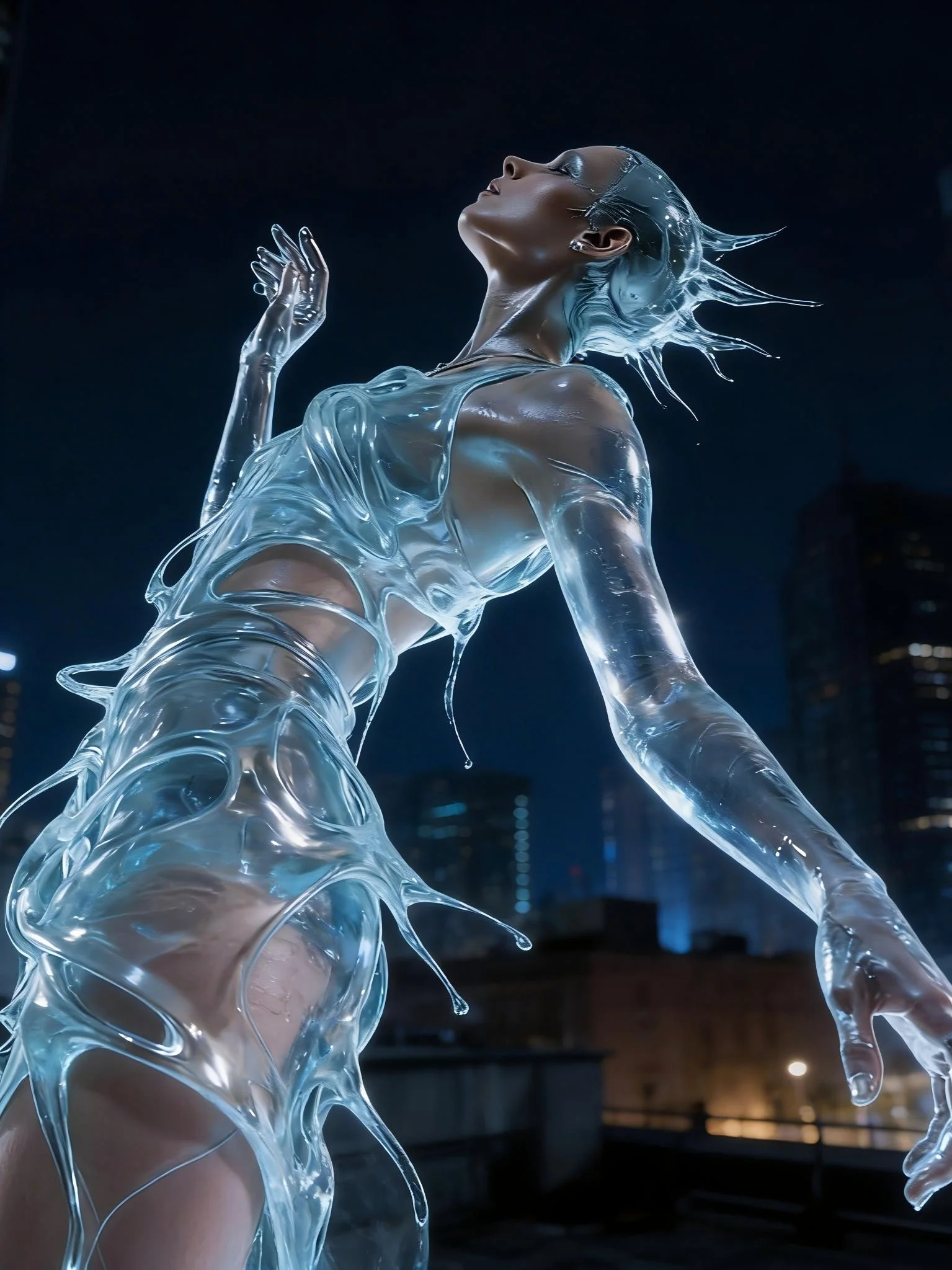
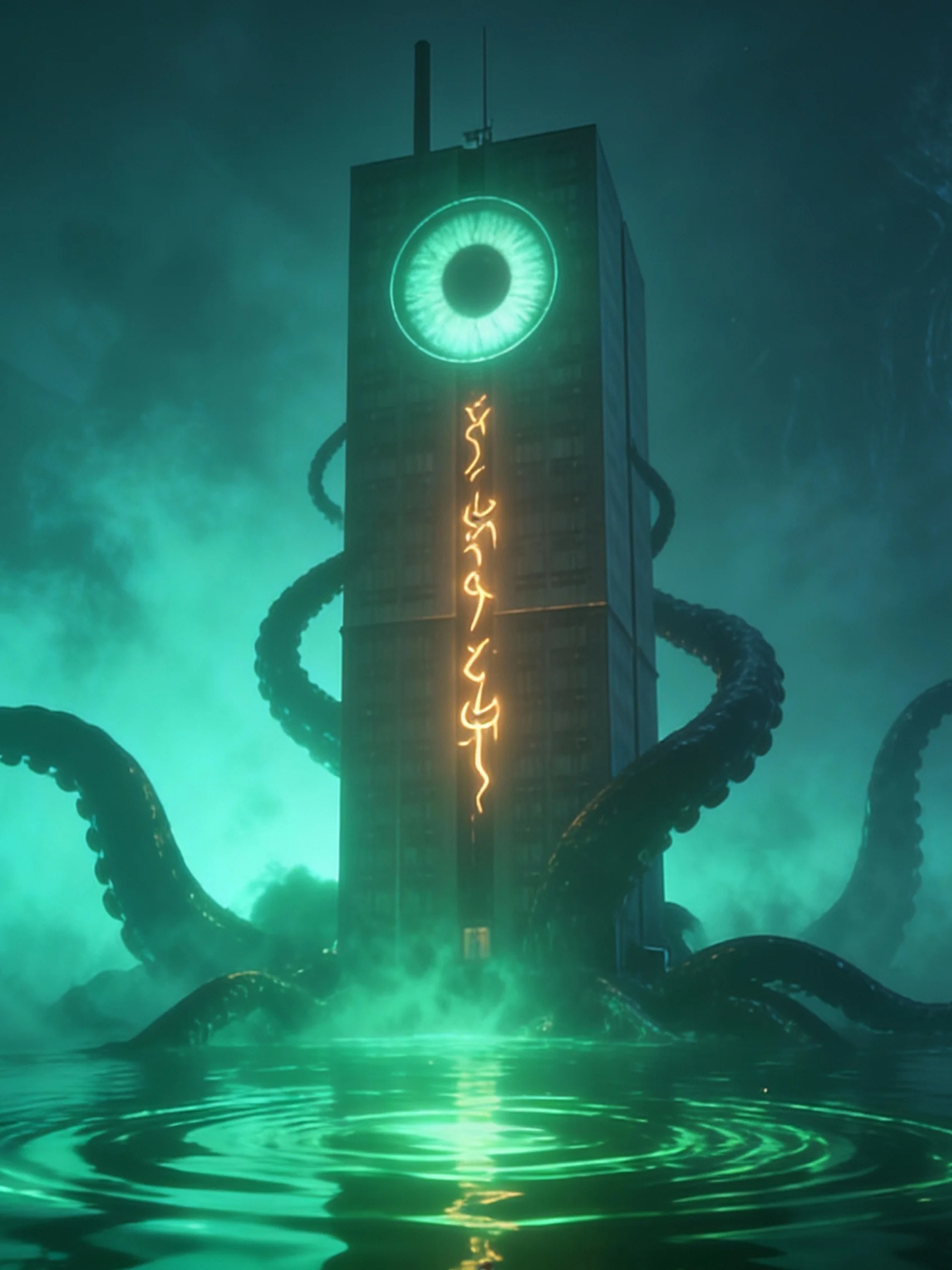



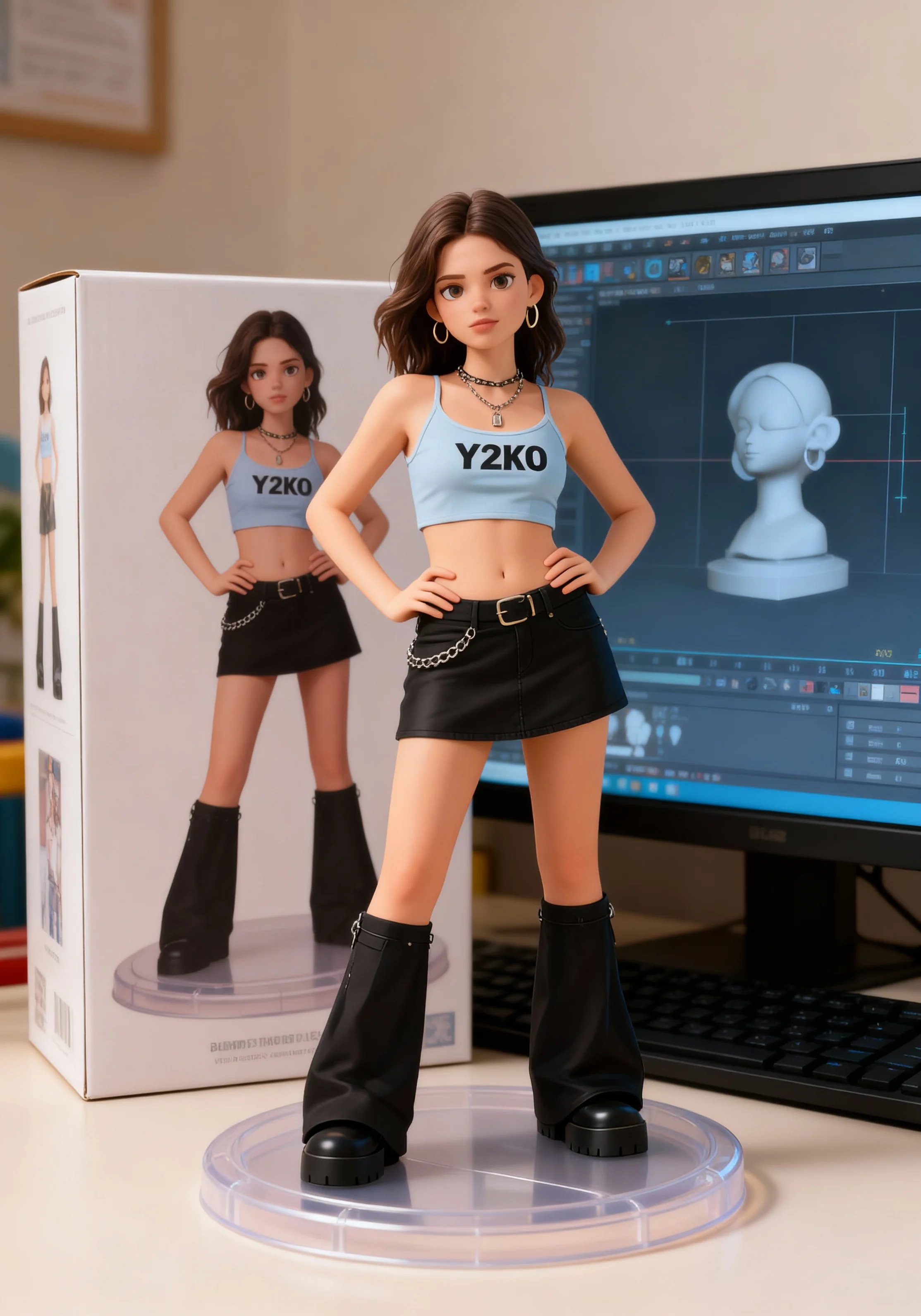
README
Seedream V4 Edit Sequential
What is it?
Seedream v4 Edit Sequential is image-to-image model for editing a source image and generating a sequence/group of consistent outputs in one pass. It’s built for high feature retention (identity, logos, layout) and cross-image style continuity—ideal for matched sets, story panels, or product variants.
What makes it stand out?
- I2I + sequential in one pipeline – Edit a single source and produce N coherent images (series/panels) without switching models.
- Five core strengths – Precise instruction editing, high feature retention, deep scene understanding, ultra-fast inference, ultra-high-res output.
- Consistency controls – Strong identity/style preservation across all images in the set.
- Rich edit ops – Add/remove elements, attribute/style change, structural tweaks (e.g., pose/face swap), texture/brush/frame edits.
Designed for
- Commercial design — Posters, apparel, packaging, e-commerce sets; fast, brand-safe varianting.
- Entertainment IP — Character look-dev, key art sequences with locked identity.
- Fine art & Illustration — Multi-piece series with coherent palette and linework.
- Architecture — Material/lighting variations across consistent viewpoints.
- Brand content — Campaign sets and social carousels with fixed logo/palette.
How to use
- Inputs: Upload several source images.
- Prompt: Write the instruction and repeat the same N in text (e.g., “a series of N images / Panels 1–N”) to lock count & continuity.
- Count: Set max_images = N for the number of images.
- Control the size: the max size is 8192 * 8192.
- Generate → review → iterate (reuse or change seed for A/B).
Please Note: Declare the number of images twice — max_images = N and inside the prompt!
Price
- $0.027 per image.
- Total price = max_images * $0.027
Prompting guide
- Edit instruction (per set) Replace [object A] with [object B]; keep [logo/identity/features]; preserve [lighting/style].
- Sequential consistency (count locked) Generate a series of [N] edited images (Panels 1–[N]) from the source, maintaining the same [character/product/logo] identity, palette, and composition style.
Panel 1 — [edit/shot] Panel 2 — [edit/shot] ... Panel N — [edit/shot]
- Terminology Use precise, domain-native terms (photography, fashion, architecture) to match expectations.
Example (product variant set, N=4)
Set max_images = 4 and use:
Generate a series of 4 edited images (Panels 1–4) from the source photo, keeping the same shoe model and logo placement. Maintain identical angle, lighting, and background; change only the colorway per panel:
Panel 1 — classic white + black swoosh
Panel 2 — navy + gold accents
Panel 3 — matte red + white outsole
Panel 4 — forest green + gum sole
Ensure consistent proportions, stitching detail, and material texture across all 4 panels.
Note
Please set the max_image first, and then input how many images you want to generate in prompt! Such as:
- max_image = 4.
- Prompt: I want to generate 4 images... + (your prompt)
Recommended Resolutions
| Aspect Ratio | Exact (W×H) | Exact Pixels | Rounded (W×H, ÷64) | Rounded Pixels |
|---|---|---|---|---|
| 1:1 | 1448 × 1448 | 2,096,704 | 1408 × 1408 | 1,982,464 |
| 3:2 | 1773 × 1182 | 2,095,686 | 1728 × 1152 | 1,990,656 |
| 4:3 | 1672 × 1254 | 2,096,688 | 1664 × 1216 | 2,023,424 |
| 16:9 | 1936 × 1089 | 2,108,304 | 1920 × 1088 | 2,088,960 |
| 21:9 | 2212 × 948 | 2,096,976 | 2176 × 960 | 2,088,960 |
| 1:1 | 1024 × 1024 | 1,048,576 | 1024 × 1024 | 1,048,576 |
| 3:2 | 1254 × 836 | 1,048,344 | 1216 × 832 | 1,011,712 |
| 4:3 | 1182 × 887 | 1,048,434 | 1152 × 896 | 1,032,192 |
| 16:9 | 1365 × 768 | 1,048,320 | 1344 × 768 | 1,032,192 |
| 21:9 | 1564 × 670 | 1,047,880 | 1536 × 640 | 983,040 |
| 1:1 | 323 × 323 | 104,329 | 320 × 320 | 102,400 |
| 3:2 | 397 × 264 | 104,808 | 384 × 256 | 98,304 |
| 4:3 | 374 × 280 | 104,720 | 448 × 320 | 143,360 |
| 16:9 | 432 × 243 | 104,976 | 448 × 256 | 114,688 |
| 21:9 | 495 × 212 | 104,940 | 576 × 256 | 147,456 |
Seedream v4 Edit Sequential API — Quick start
Grab a WaveSpeedAI API key, then call POST https://api.wavespeed.ai/api/v3/bytedance/seedream-v4/edit-sequential with your input as JSON. The endpoint returns a prediction id; poll the prediction endpoint until status flips to completed, then read the output URL from data.outputs[0]. Examples for Seedream v4 Edit Sequential below.
HTTP example
# Submit the prediction
curl -X POST "https://api.wavespeed.ai/api/v3/bytedance/seedream-v4/edit-sequential" \
  -H "Content-Type: application/json" \
  -H "Authorization: Bearer $WAVESPEED_API_KEY" \
  -d '{
    "prompt": "A cinematic shot of a city at sunset, soft golden light",
    "max_images": 1,
    "enable_base64_output": false,
    "enable_sync_mode": false
}'

# Response includes a prediction id. Poll for the result:
curl -X GET "https://api.wavespeed.ai/api/v3/predictions/{request_id}/result" \
  -H "Authorization: Bearer $WAVESPEED_API_KEY"

# When status is "completed", read the output from data.outputs[0].
Node.js example
// npm install wavespeed
const WaveSpeed = require('wavespeed');

const client = new WaveSpeed(); // reads WAVESPEED_API_KEY from env

const result = await client.run("bytedance/seedream-v4/edit-sequential", {
        "prompt": "A cinematic shot of a city at sunset, soft golden light",
        "max_images": 1,
        "enable_base64_output": false,
        "enable_sync_mode": false
});

console.log(result.outputs[0]); // → URL of the generated output
Python example
# pip install wavespeed
import wavespeed

output = wavespeed.run(
    "bytedance/seedream-v4/edit-sequential",
    {
    "prompt": "A cinematic shot of a city at sunset, soft golden light",
    "max_images": 1,
    "enable_base64_output": false,
    "enable_sync_mode": false
}
)

print(output["outputs"][0])  # → URL of the generated output
Seedream v4 Edit Sequential API — Frequently asked questions
What is the Seedream v4 Edit Sequential API?
Seedream v4 Edit Sequential is a ByteDance model for image editing, exposed as a REST API on WaveSpeedAI. Seedream 4.0: 4K image generation and editing with character and object consistency and sequential multi-image outputs. Ready-to-use REST inference API, best performance, no coldstarts, affordable pricing. You can call it programmatically or try it from the playground above.
How do I call the Seedream v4 Edit Sequential API?
POST your input parameters to the model's REST endpoint (shown in the API tab of this playground) with your WaveSpeedAI API key in the Authorization header. Submission returns a prediction ID; poll the prediction endpoint until status flips to "completed", then read the output URL from the result. The playground generates a ready-to-paste code sample in Python, JavaScript, or cURL for whatever inputs you've set. Full request/response shape is documented at https://wavespeed.ai/docs/docs-api/bytedance/bytedance-seedream-v4-edit-sequential.
How much does Seedream v4 Edit Sequential cost per run?
Seedream v4 Edit Sequential starts at $0.027 per run. That figure is the base price — the final charge scales with the parameters you set in the form (output size, length, count, references, or whatever knobs this model exposes), so a higher-quality or larger output costs more than a minimal one. The exact cost for your current input is shown live next to the Generate button before you submit, and the actual per-call charge is recorded on the prediction afterwards.
What inputs does Seedream v4 Edit Sequential accept?
Key inputs: `prompt`, `images`, `enable_base64_output`, `enable_sync_mode`, `max_images`. The full JSON schema (types, defaults, allowed values) is rendered above the Generate button and mirrored in the API reference at https://wavespeed.ai/docs/docs-api/bytedance/bytedance-seedream-v4-edit-sequential.
How long does Seedream v4 Edit Sequential take to generate?
Average end-to-end generation time on WaveSpeedAI is around 70 seconds per request — measured across recent runs. Queue time scales with global demand; live status is visible in the prediction record.
Can I use Seedream v4 Edit Sequential outputs commercially?
Commercial usage rights depend on the model's license, set by its provider (ByteDance). The license summary appears on the model card above; see WaveSpeedAI's Terms of Service for platform-level conditions.