WAN 2.7 Text-to-Image Pro generates high-quality images up to 4K from text prompts with thinking mode for enhanced image quality. Ready-to-use REST inference API, best performance, no coldstarts, affordable pricing.
Idle
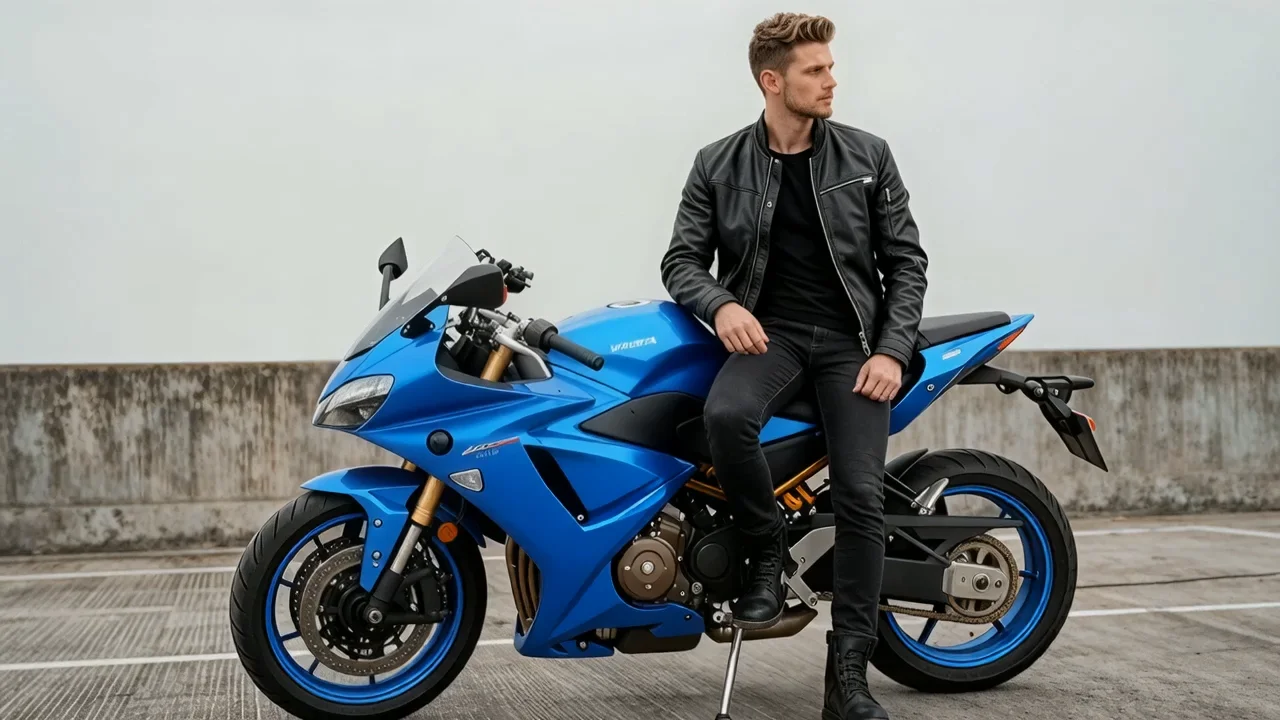
![Lookbook photo of a model wearing a [dark leather bomber jacket], minimalist studio, soft side light, confident pose, magazine cover aesthetic, clean backdrop, subtle film grain, high fashion. With a "Fashion Magazine" book name in art word style at the bottom](https://static.wavespeed.ai/examples/547b706ac3f445f0b521797d7a24a2d5/1.png)
$0.075per run·~13 / $1
ExamplesView all
![[High-end Wireless Headphones], centered on pure white background, studio high-key lighting, crisp hard shadow, commercial packshot, 35mm perspective, ultra-sharp details, subtle floor reflection, dust-free, 8k, realistic product photography](https://static.wavespeed.ai/examples/0359a2c6e8e740bb95c61b510915c688/1.png)
Related Models

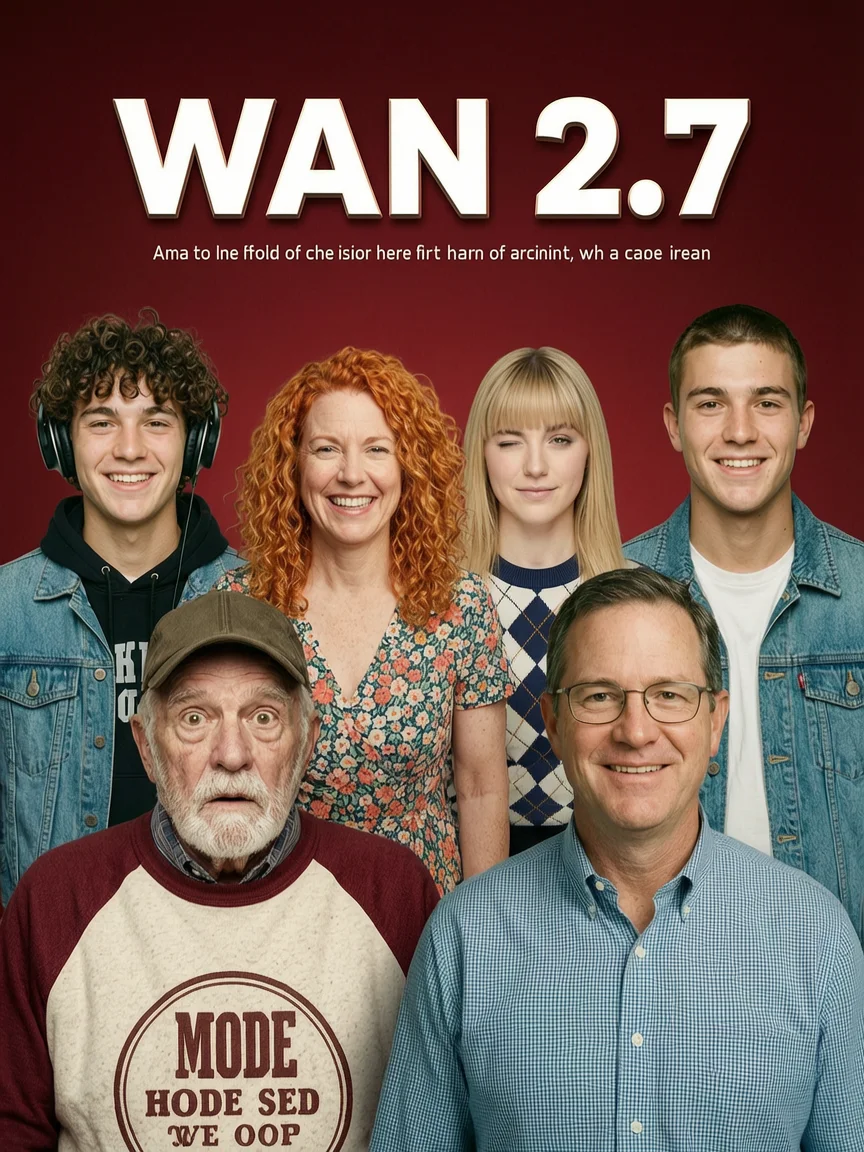
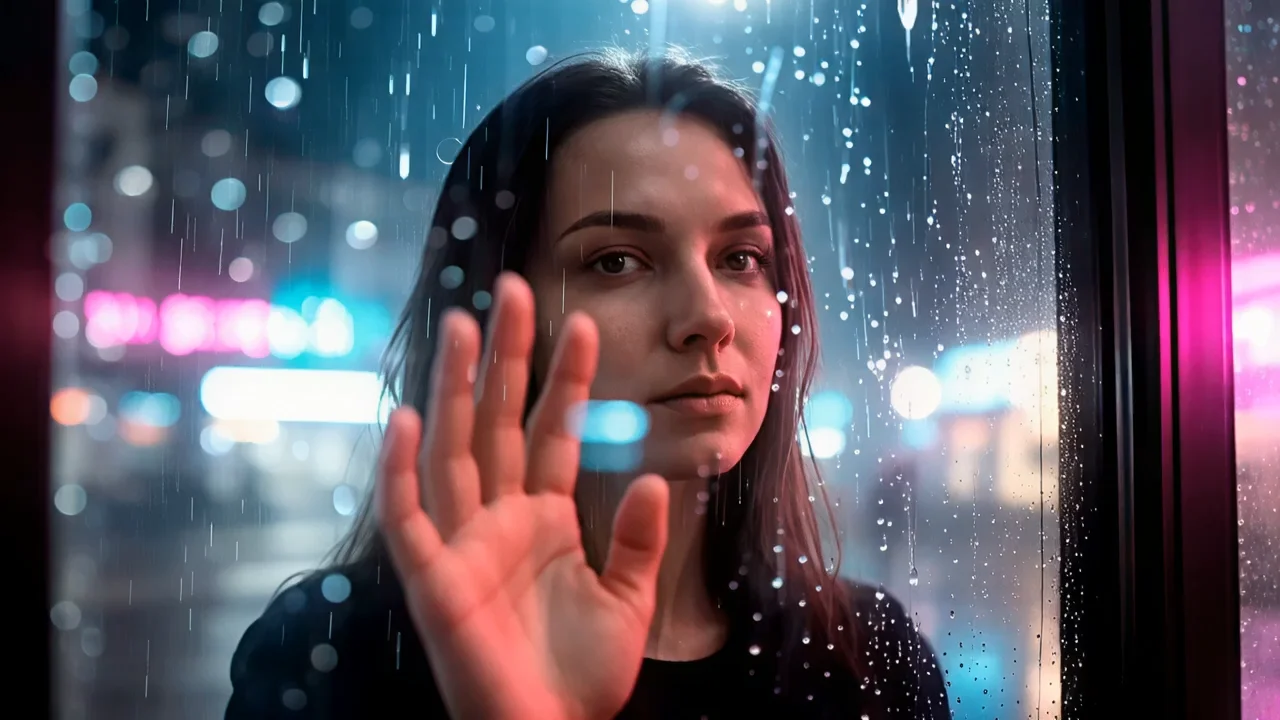
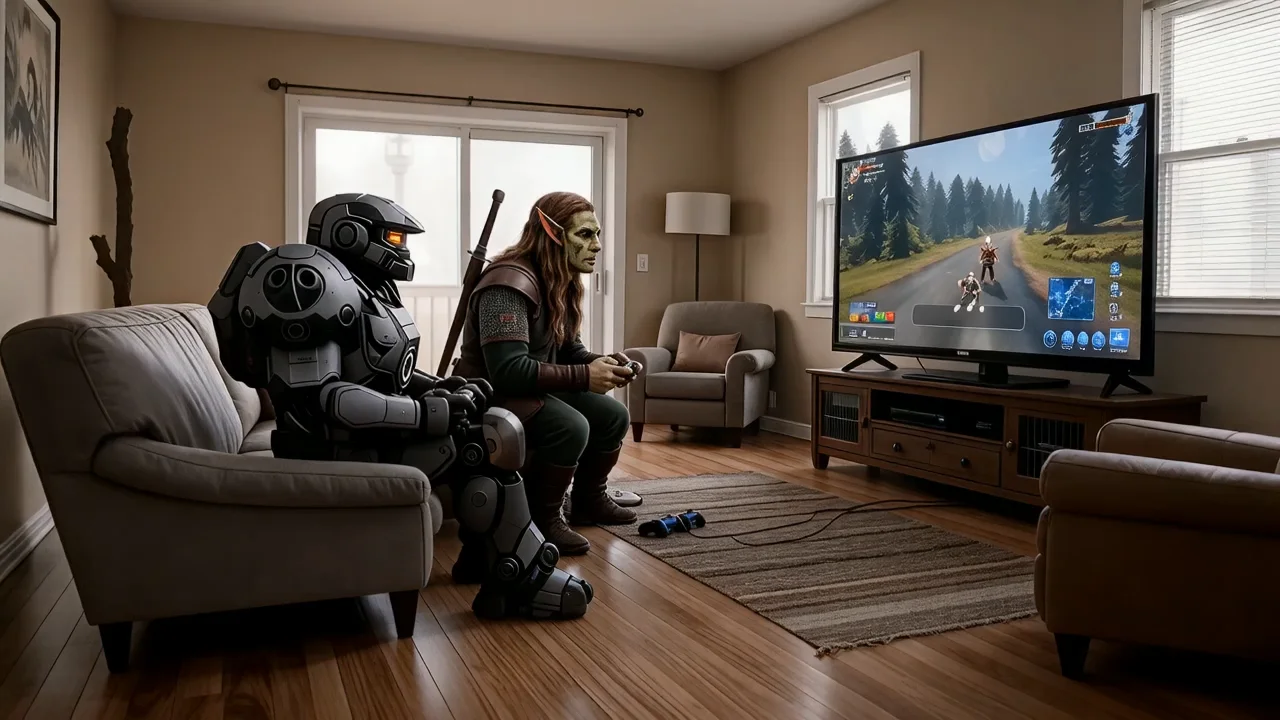
README
Wan 2.7 Text-to-Image Pro
Wan 2.7 Text-to-Image Pro is the professional tier of text-to-image generation model, supporting output resolutions up to 4K (4096×4096). With built-in thinking mode for enhanced reasoning and custom size control, it delivers higher-fidelity compositions ideal for print-ready assets, large-format displays, and any workflow where resolution and quality are the priority.
- Looking for a lower-cost option? Try Wan 2.7 Text-to-Image
Why Choose This?
-
Up to 4K resolution output Generate images up to 4096×4096 pixels — ideal for print, large-format displays, and high-DPI screens where standard resolution falls short.
-
Thinking mode for smarter generation Built-in thinking mode enables the model to reason about prompt intent before generating, producing more coherent compositions and better prompt adherence.
-
Custom size output Set output width and height directly (512–8192 per dimension) to match banners, thumbnails, posters, or social formats exactly.
-
Seeded iteration Use a fixed seed to refine style and layout with more repeatable variations.
-
Prompt Enhancer Built-in tool to automatically improve your text descriptions for richer results.
Parameters
| Parameter | Required | Description |
|---|---|---|
| prompt | Yes | Text description of the image subject, scene, style, lighting, and mood. |
| size | No | Output dimensions (width × height). Range: 512–8192 per dimension. Default: 1024×1024. |
| thinking_mode | No | Enable thinking mode for enhanced reasoning and better image quality. Default: enabled. |
| seed | No | Fixed seed for repeatable iterations. Use -1 for a random seed. |
How to Use
- Write your prompt — describe the subject, setting, and style. Use the Prompt Enhancer for better results.
- Choose a size — select a preset aspect ratio or set custom width and height. Examples: 2048×2048 for square, 4096×2048 for ultra-wide, 2048×4096 for tall posters.
- Set thinking_mode — leave enabled (default) for best quality, or disable for faster generation.
- Set seed (optional) — fix a seed to make iterative prompt refinements more comparable.
- Submit — review the result and iterate as needed.
Pricing
Just $0.075 per generated image.
Best Use Cases
- Print & Large Format — Generate 4K-resolution assets for magazines, posters, and physical print campaigns.
- Fashion & Lookbook — Produce high-detail model and product images at magazine-cover quality.
- Marketing & Advertising — Create polished campaign visuals at production-ready resolutions.
- Product Visualization — Generate fine-textured, high-fidelity product imagery for e-commerce and presentations.
- Concept Art — Render detailed scene compositions with complex lighting, materials, and environments.
Pro Tips
- Structure your prompt as subject + environment + style: "A modern tea shop interior, warm afternoon light, minimalist wood design, cinematic photography."
- Add camera and composition cues when framing matters: "wide shot, shallow depth of field, 35mm film look."
- For 4K outputs, include fine detail cues (textures, materials, lighting) to take full advantage of the higher resolution.
- Keep thinking_mode enabled for best results — disable it only if generation speed is the priority.
- Fix a seed while tweaking your prompt to isolate the effect of each change.
Notes
- Only prompt is required; all other parameters are optional.
- Output size range is 512–8192 pixels per dimension, with total pixels between 768×768 and 4096×4096 and aspect ratio between 1:8 and 8:1.
- Thinking mode is enabled by default and improves quality but adds some latency.
- Higher resolutions (e.g. 4096×4096) will take longer to generate than standard sizes.
Related Models
- Wan 2.7 Text-to-Image — Standard version at lower cost for everyday generation needs.
- Wan 2.6 Text-to-Image — Previous generation Wan text-to-image model with prompt expansion support.
- Seedream V4 Text-to-Image — Style-consistent text-to-image for posters, campaigns, and brand-friendly illustration batches.
- FLUX.2 Dev Text-to-Image — High-quality text-to-image with strong prompt adherence and fine detail for creative and production workflows.