WAN 2.6 Image-Edit turns prompts into precise photo edits—adjusting color and lighting, restyling aesthetics, replacing backgrounds, removing objects, and refining details while preserving subject identity. Built for stable, repeatable image-to-image pipelines. Ready-to-use REST API, best performance, no cold starts, affordable pricing.
Idle

$0.035per run·~28 / $1
ExamplesView all
black and white style, just like the old 60s style

Change the nurse into a doctor.
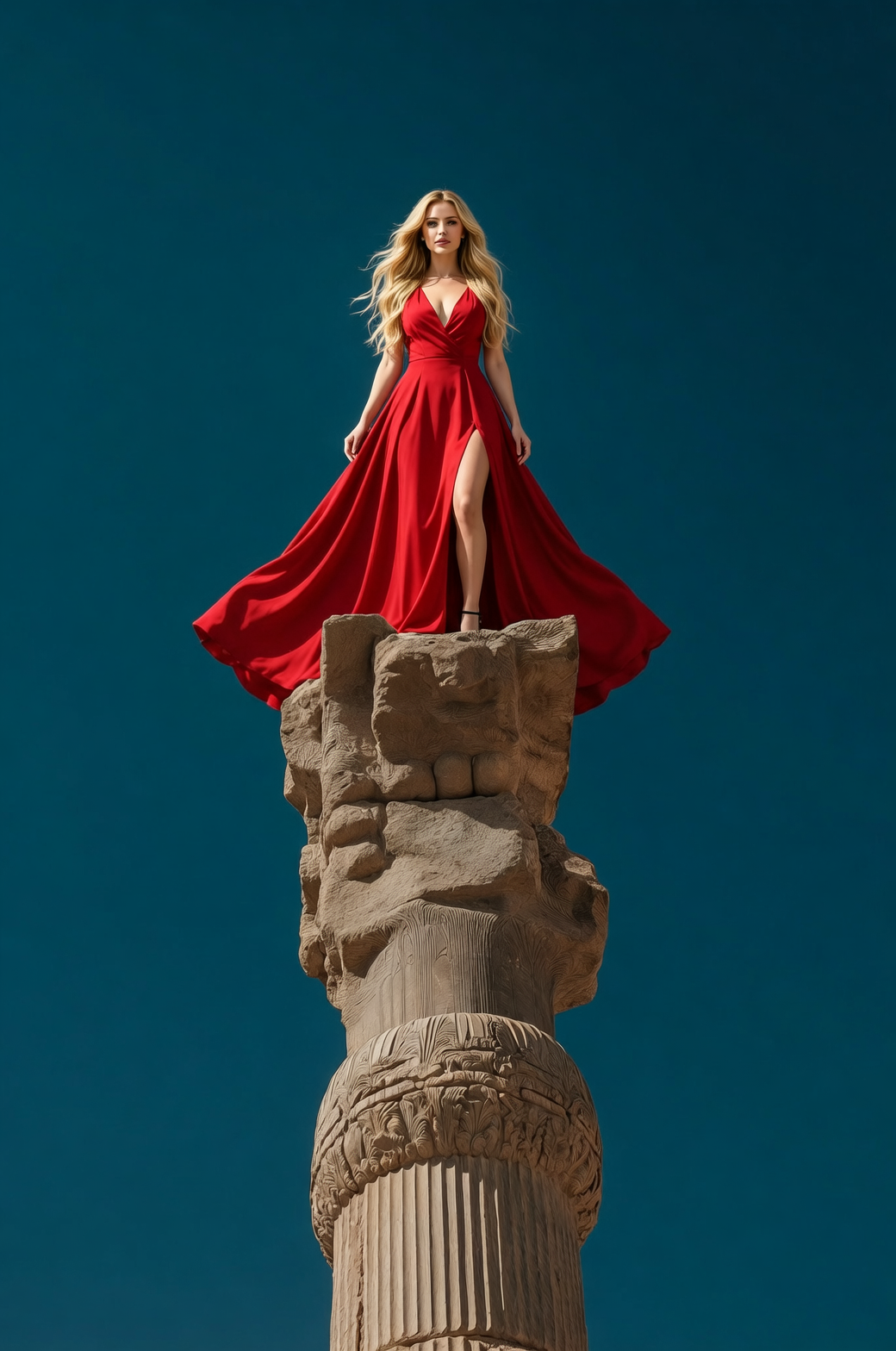
Replace the man with a beautiful woman with long blonde hair and a low-cut red dress.
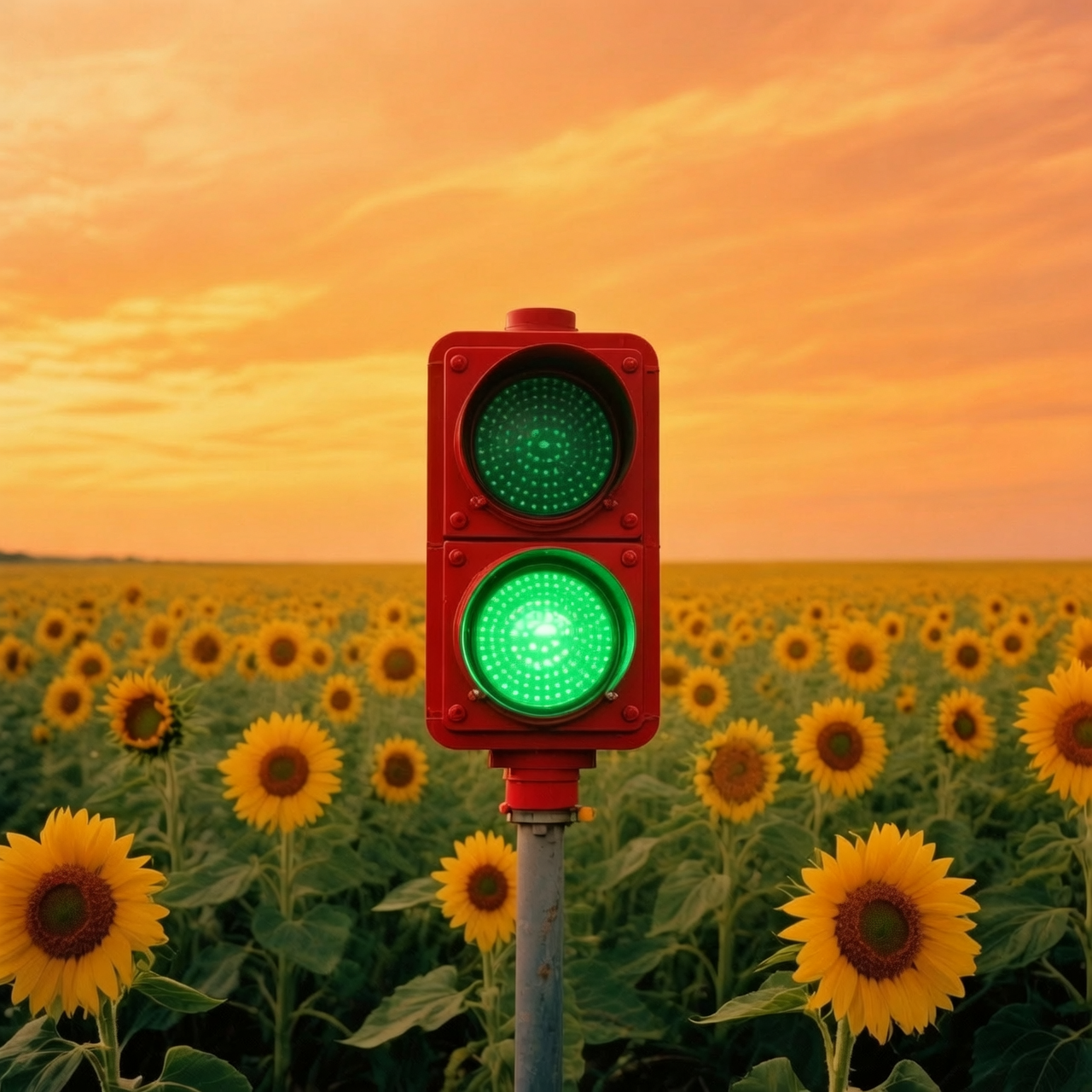
Delete all text and change the red light to green light.
Related Models

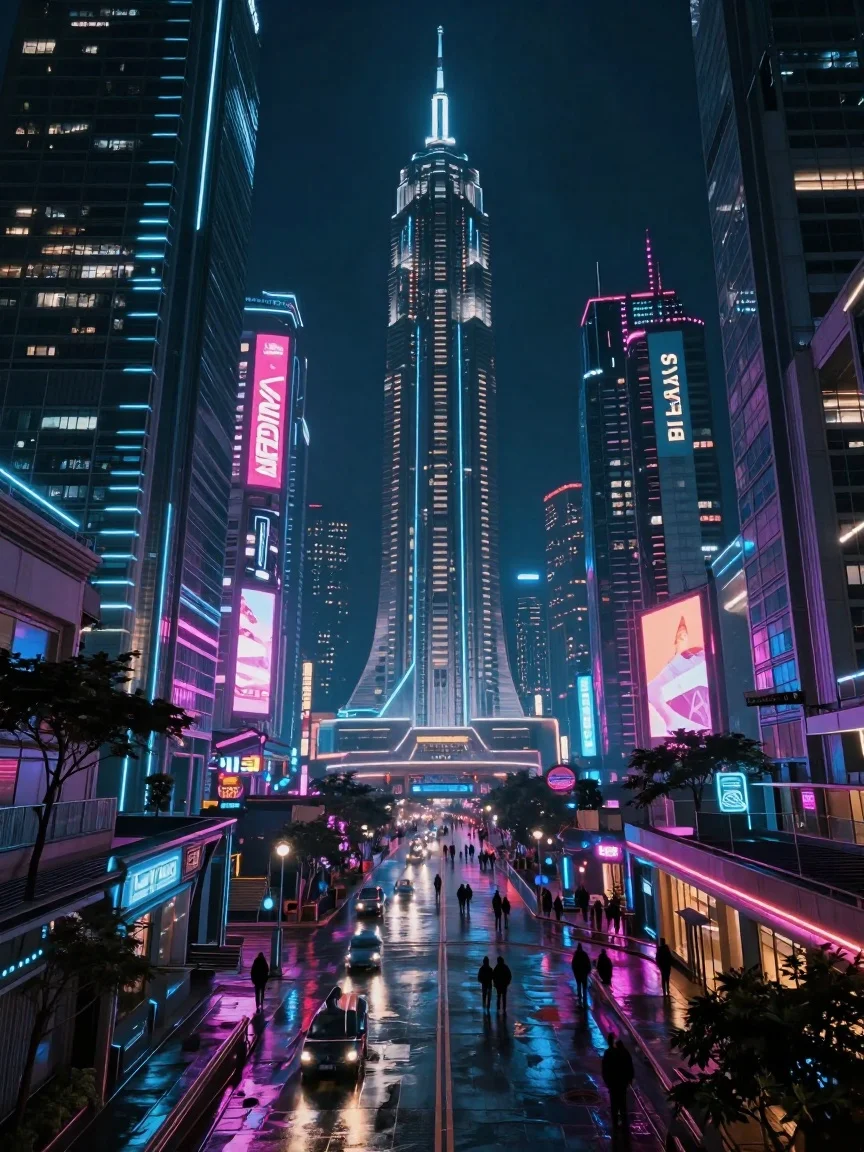
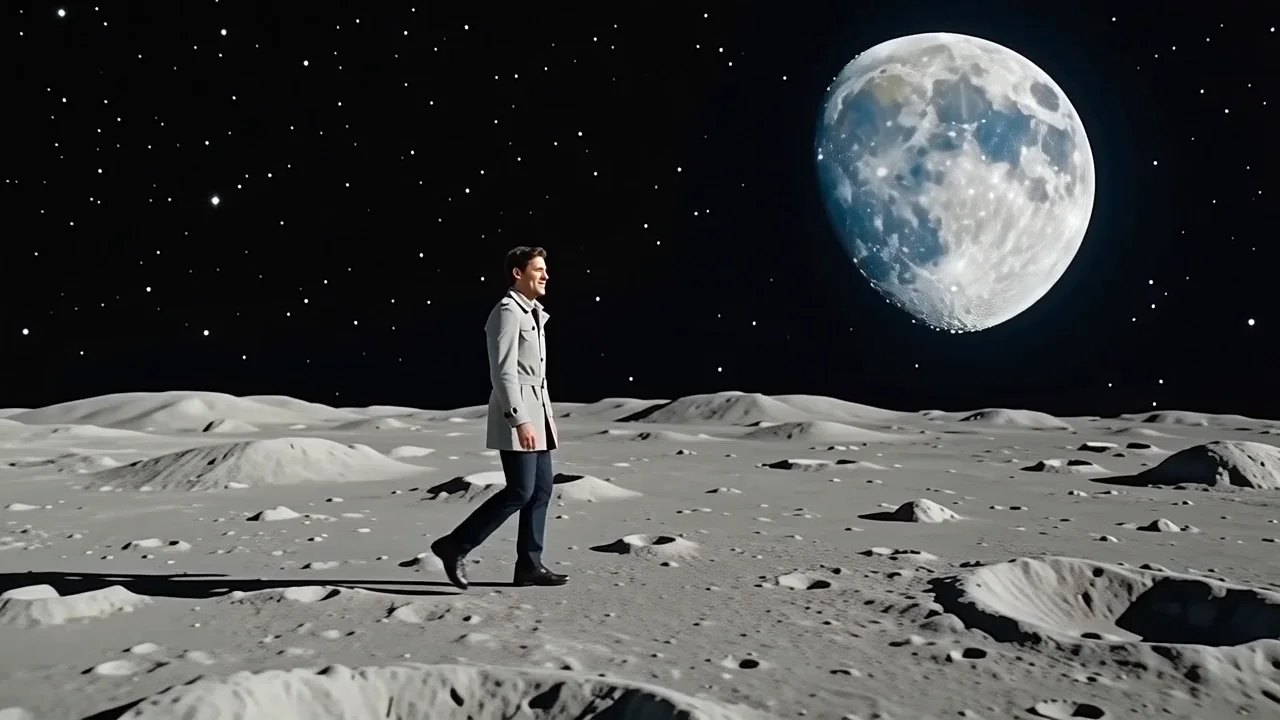
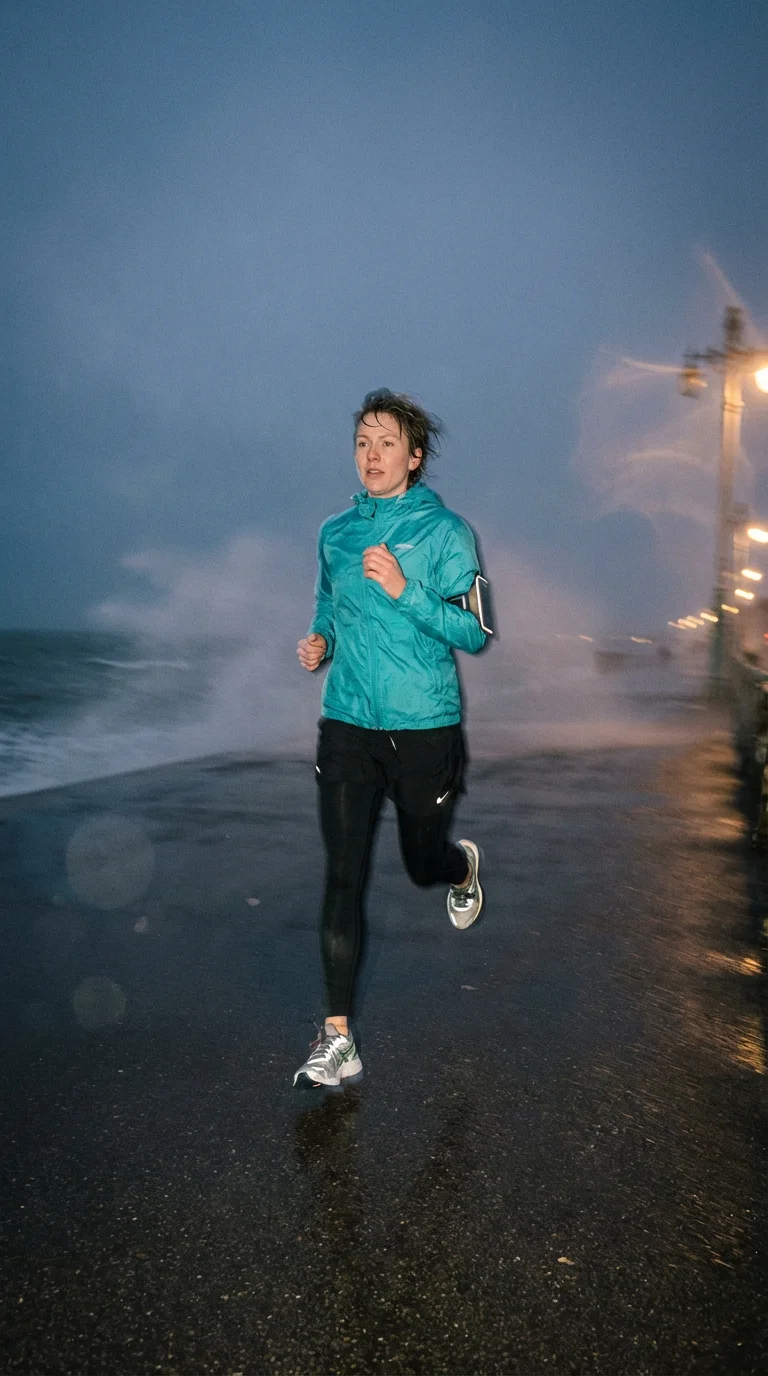
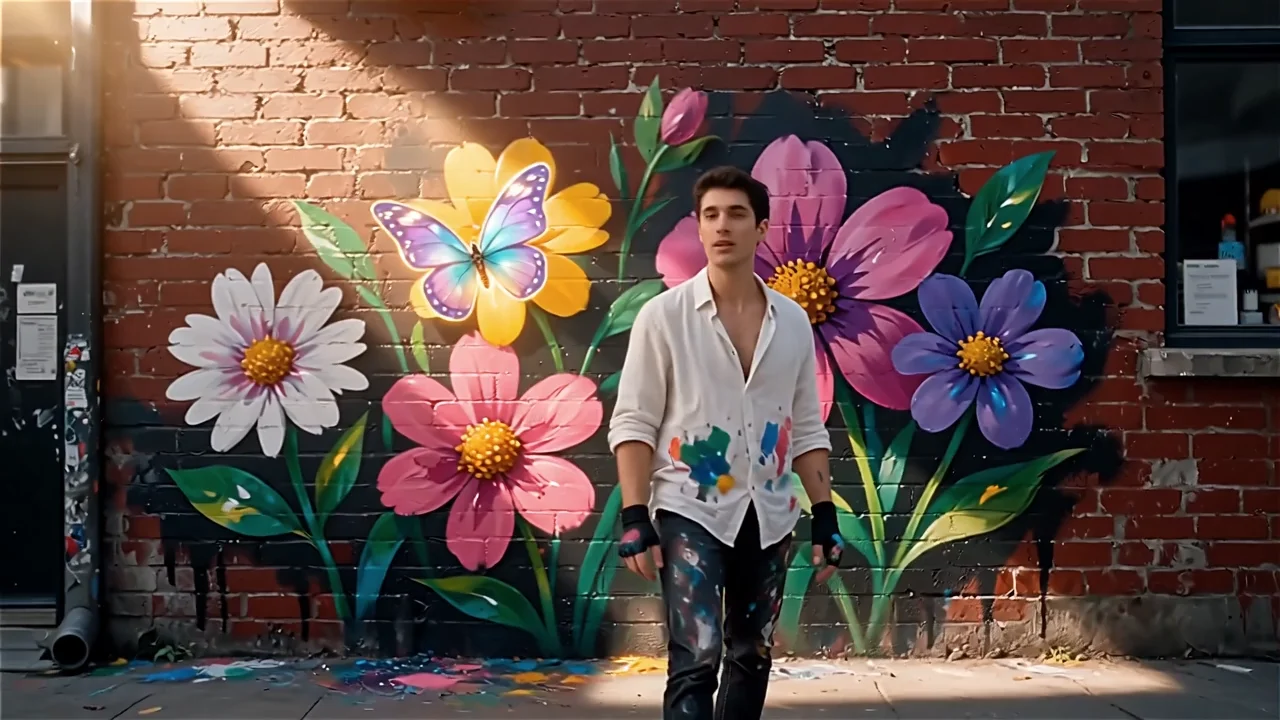

README
WAN 2.6 Image Edit
WAN 2.6 Image Edit (/wan-2.6/image-edit) is a prompt-driven image-to-image editing model for making targeted changes to an existing image. Upload one or more reference images, describe the edit in plain English, and the model returns an updated image while aiming to preserve the original structure, subject identity, and composition.
It’s a strong fit for fast creative iteration: changing clothing, colors, materials, background mood, adding/removing simple objects, and applying style adjustments without rebuilding the entire scene.
Why it stands out
- Prompt-based edits with strong intent-following for common creative workflows.
- Designed to preserve composition and key subject features while applying localized changes.
- Multi-image reference support for style/subject/background guidance (useful for fusion edits).
- Seed control for repeatable outputs and more consistent iteration.
- Negative prompting support to reduce artifacts (text, watermarks, extra fingers, etc.).
Capabilities
- Image-to-image editing from natural-language instructions
- Multi-image reference editing (1–4 inputs recommended, depending on workflow)
- Style shifts, background swaps, object addition/removal, and material/color changes
- More stable iterative refinement when using a fixed seed
Parameters
| Parameter | Description |
|---|---|
| prompt* | The edit instruction describing what to change and what to keep (e.g., “change the jacket to leather, keep face and pose unchanged”). |
| images* | One or more input images to edit (uploaded files or public URLs). |
| seed | Optional integer for reproducibility; use a fixed seed to iterate with smaller prompt changes. |
| negative_prompt | Optional list of things you don’t want (e.g., “text, watermark, extra fingers, blurry face”). |
How to use
- Upload one or more images (the main image to edit; optionally add style/background references).
- Write a clear prompt with two parts:
- What to change (the edit)
- What must stay the same (constraints) Example: “Replace the background with a rainy Tokyo street at night, keep the person’s face and pose unchanged.”
- Optional: add a negative_prompt to reduce unwanted artifacts.
- Optional: set a fixed seed to make iterations more comparable.
- Run the model, preview the output, and iterate step-by-step if needed.
Pricing
- $0.035 per run
Notes
-
If edits spill into areas you want to preserve, strengthen constraints: “keep the face unchanged”, “keep the background intact”, “do not alter the text”.
-
If outputs look inconsistent, try:
-
simplifying the prompt
-
using a fixed seed
-
iterating with smaller changes
Related Models
- WAN 2.5 Image Edit — Previous WAN image-edit model with a similar prompt-driven workflow for fast image revisions.
- Qwen Image Edit — General-purpose AI image editing with strong prompt adherence for everyday creative and product workflows.
- Qwen Image Edit Plus — Higher-quality image editing variant for cleaner results and better detail retention on complex scenes.
- Google Nano Banana Pro (Edit) — High-fidelity image editing with strong composition preservation and reliable text handling.
Wan 2.6 Image Edit API — Quick start
Grab a WaveSpeedAI API key, then call POST https://api.wavespeed.ai/api/v3/alibaba/wan-2.6/image-edit with your input as JSON. The endpoint returns a prediction id; poll the prediction endpoint until status flips to completed, then read the output URL from data.outputs[0]. Examples for Wan 2.6 Image Edit below.
HTTP example
# Submit the prediction
curl -X POST "https://api.wavespeed.ai/api/v3/alibaba/wan-2.6/image-edit" \
  -H "Content-Type: application/json" \
  -H "Authorization: Bearer $WAVESPEED_API_KEY" \
  -d '{
    "prompt": "A cinematic shot of a city at sunset, soft golden light",
    "seed": -1,
    "enable_prompt_expansion": false
}'

# Response includes a prediction id. Poll for the result:
curl -X GET "https://api.wavespeed.ai/api/v3/predictions/{request_id}/result" \
  -H "Authorization: Bearer $WAVESPEED_API_KEY"

# When status is "completed", read the output from data.outputs[0].
Node.js example
// npm install wavespeed
const WaveSpeed = require('wavespeed');

const client = new WaveSpeed(); // reads WAVESPEED_API_KEY from env

const result = await client.run("alibaba/wan-2.6/image-edit", {
        "prompt": "A cinematic shot of a city at sunset, soft golden light",
        "seed": -1,
        "enable_prompt_expansion": false
});

console.log(result.outputs[0]); // → URL of the generated output
Python example
# pip install wavespeed
import wavespeed

output = wavespeed.run(
    "alibaba/wan-2.6/image-edit",
    {
    "prompt": "A cinematic shot of a city at sunset, soft golden light",
    "seed": -1,
    "enable_prompt_expansion": false
}
)

print(output["outputs"][0])  # → URL of the generated output
Wan 2.6 Image Edit API — Frequently asked questions
What is the Wan 2.6 Image Edit API?
Wan 2.6 Image Edit is a Alibaba model for image editing, exposed as a REST API on WaveSpeedAI. WAN 2.6 Image-Edit turns prompts into precise photo edits—adjusting color and lighting, restyling aesthetics, replacing backgrounds, removing objects, and refining details while preserving subject identity. Built for stable, repeatable image-to-image pipelines. Ready-to-use REST API, best performance, no cold starts, affordable pricing. You can call it programmatically or try it from the playground above.
How do I call the Wan 2.6 Image Edit API?
POST your input parameters to the model's REST endpoint (shown in the API tab of this playground) with your WaveSpeedAI API key in the Authorization header. Submission returns a prediction ID; poll the prediction endpoint until status flips to "completed", then read the output URL from the result. The playground generates a ready-to-paste code sample in Python, JavaScript, or cURL for whatever inputs you've set. Full request/response shape is documented at https://wavespeed.ai/docs/docs-api/alibaba/alibaba-wan-2.6-image-edit.
How much does Wan 2.6 Image Edit cost per run?
Wan 2.6 Image Edit starts at $0.035 per run. That figure is the base price — the final charge scales with the parameters you set in the form (output size, length, count, references, or whatever knobs this model exposes), so a higher-quality or larger output costs more than a minimal one. The exact cost for your current input is shown live next to the Generate button before you submit, and the actual per-call charge is recorded on the prediction afterwards.
What inputs does Wan 2.6 Image Edit accept?
Key inputs: `prompt`, `images`, `seed`, `enable_prompt_expansion`. The full JSON schema (types, defaults, allowed values) is rendered above the Generate button and mirrored in the API reference at https://wavespeed.ai/docs/docs-api/alibaba/alibaba-wan-2.6-image-edit.
How long does Wan 2.6 Image Edit take to generate?
Average end-to-end generation time on WaveSpeedAI is around 28 seconds per request — measured across recent runs. Queue time scales with global demand; live status is visible in the prediction record.
Can I use Wan 2.6 Image Edit outputs commercially?
Commercial usage rights depend on the model's license, set by its provider (Alibaba). The license summary appears on the model card above; see WaveSpeedAI's Terms of Service for platform-level conditions.