
WAN 2.2 LoRA Image to Video - Apply Custom Styles to AI Videos
Generate AI videos with personalized styles using LoRA. Upload images and apply a trained style model to WAN 2.2 for unique videos with consistent visual identity.
What is LoRA and why use it for video generation?
LoRA is a lightweight style adapter trained on your images, clips, or visual direction. With WAN 2.2 image-to-video, it lets you keep a specific character, brand look, anime style, or art direction consistent while the base model handles motion and scene generation.
Instead of rewriting prompts for every output, reuse a trained adapter to apply the same visual identity across many AI videos.
LoRA version vs standard WAN 2.2.
Use the LoRA path when style consistency matters more than one-off generation.
Best when you want a strong general image-to-video model without an added style adapter.
Flexible motion from a prompt and image.
Best when you trained or selected a LoRA and need the generated video to follow that style.
More consistent characters, brands, or visual language.
LoRA adds a repeatable layer of style control on top of the base image and prompt.
Less style drift across repeated generations.
A custom adapter helps teams keep campaigns, series, or product videos visually aligned.
Reusable style direction for video batches.
Build a repeatable WAN 2.2 LoRA video workflow.
Start from an image, attach a trained style adapter, tune the LoRA scale, then generate image-to-video outputs that preserve a recognizable look across variations.
Upload the image
Start with the still image that should become the first frame or visual anchor for the video.
Attach the LoRA
Use a trained LoRA adapter to apply the character, brand, anime, or art style you want repeated.
Tune the strength
Adjust scale values so the LoRA is visible without overpowering motion, faces, or scene details.
Batch variations
Reuse the same adapter across multiple prompts or reference images to build a consistent video set.
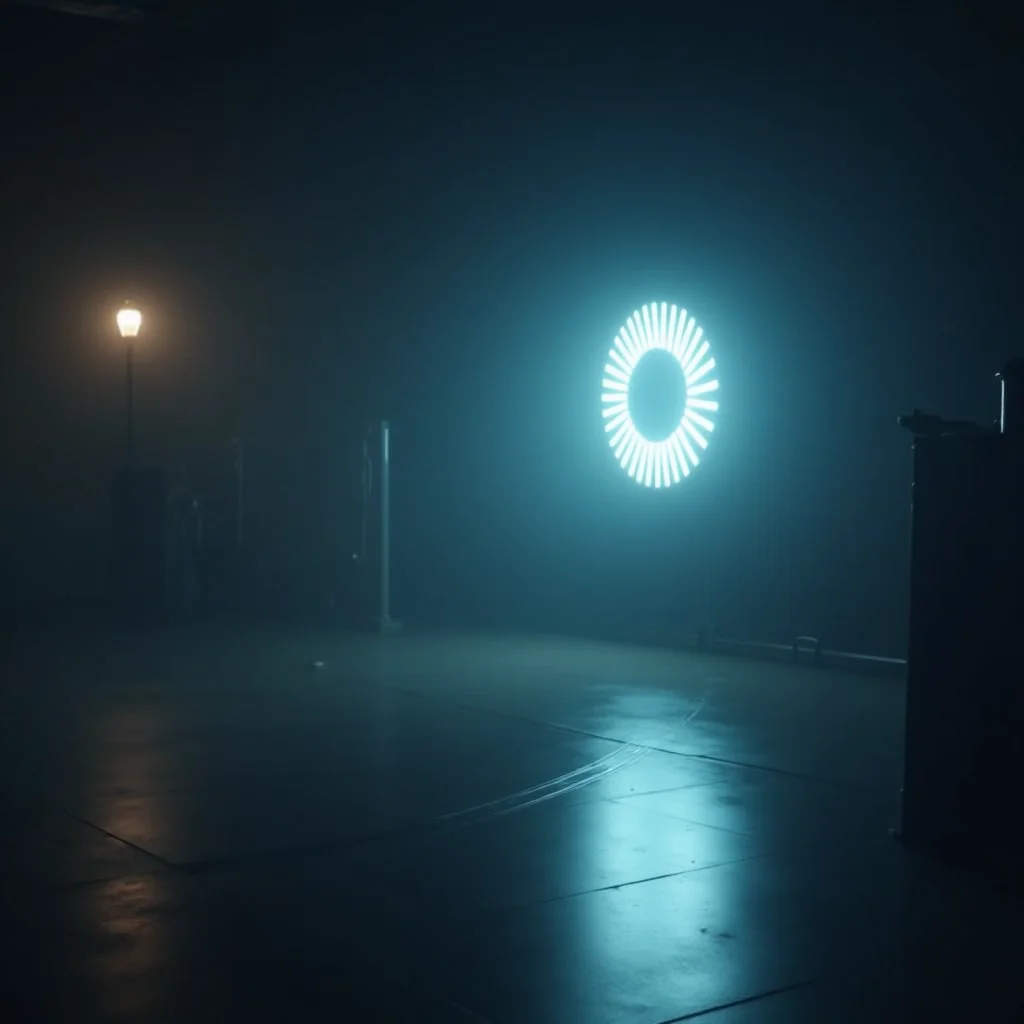
Keep the visual identity moving.
WAN 2.2 LoRA is useful when a still reference is only the start. The adapter carries a trained style into motion so your videos feel like they belong to the same series.
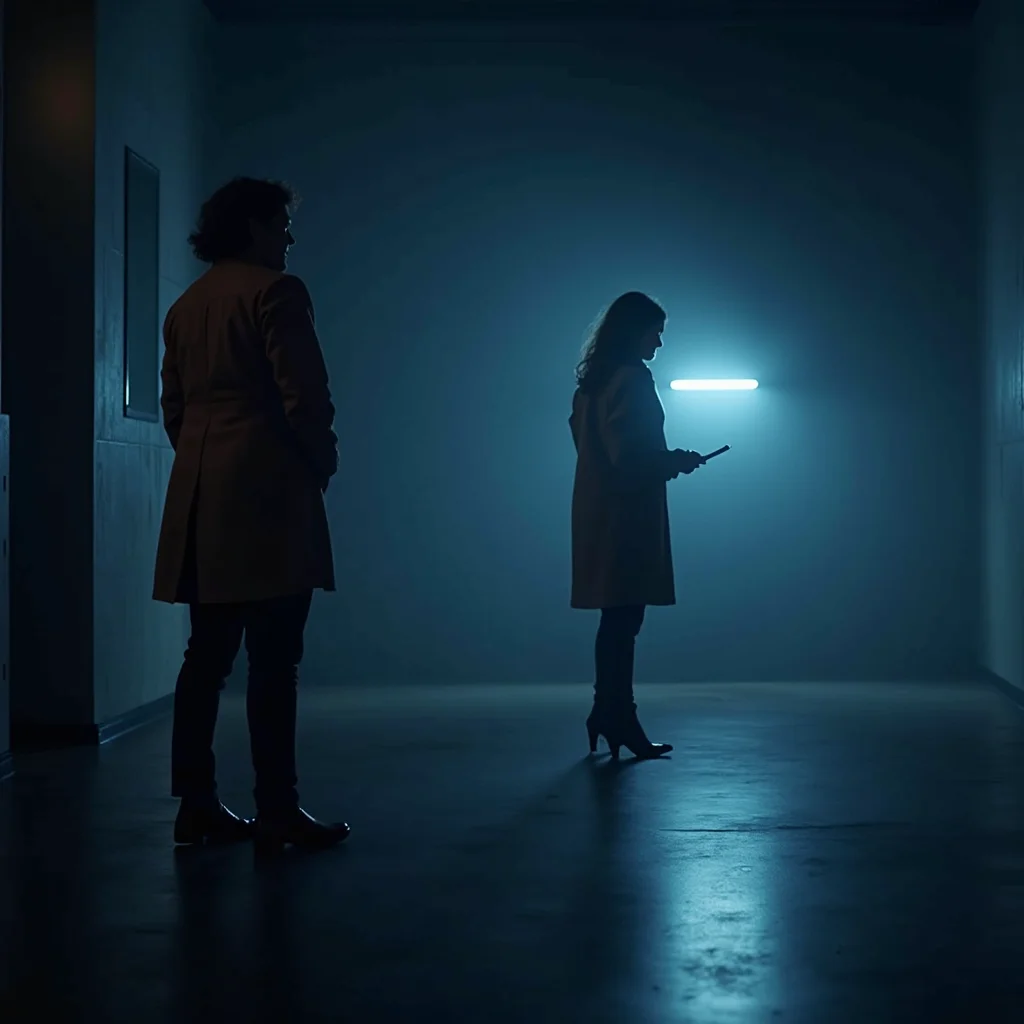
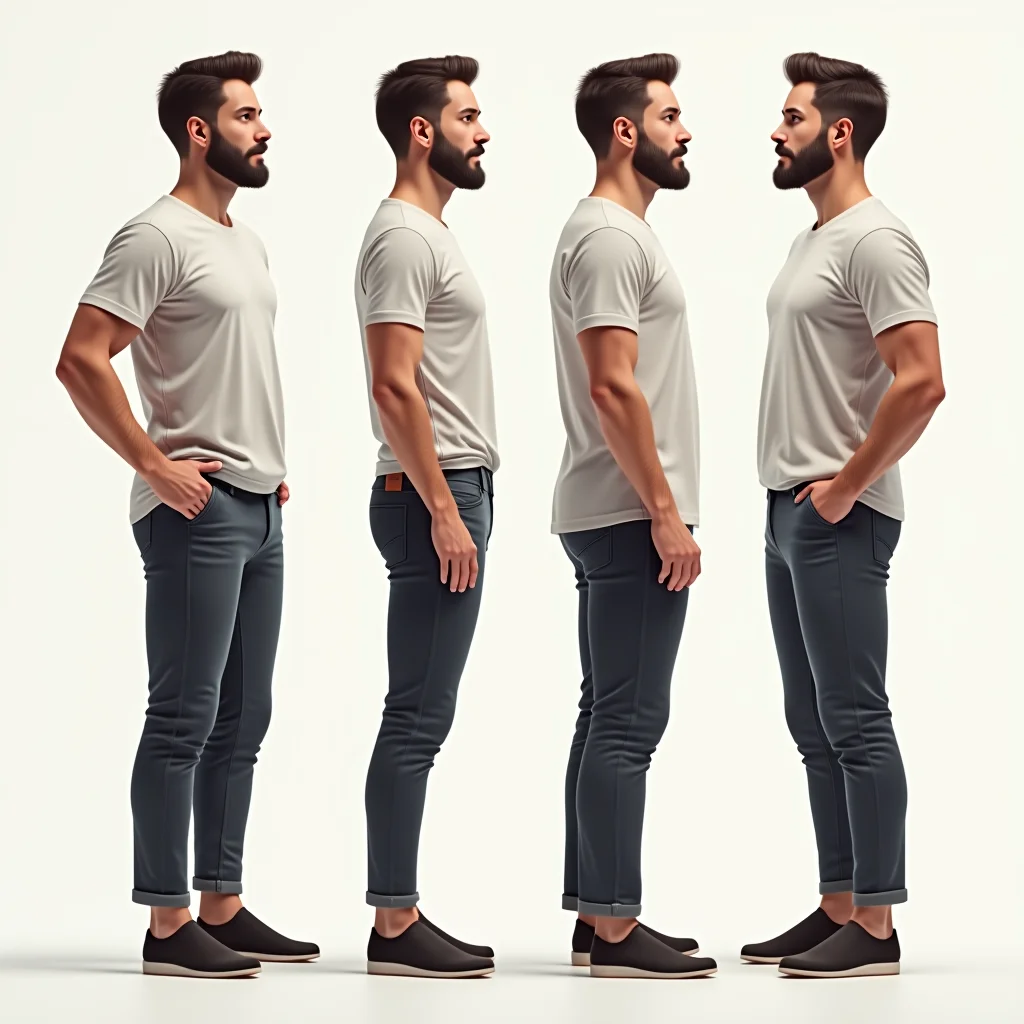
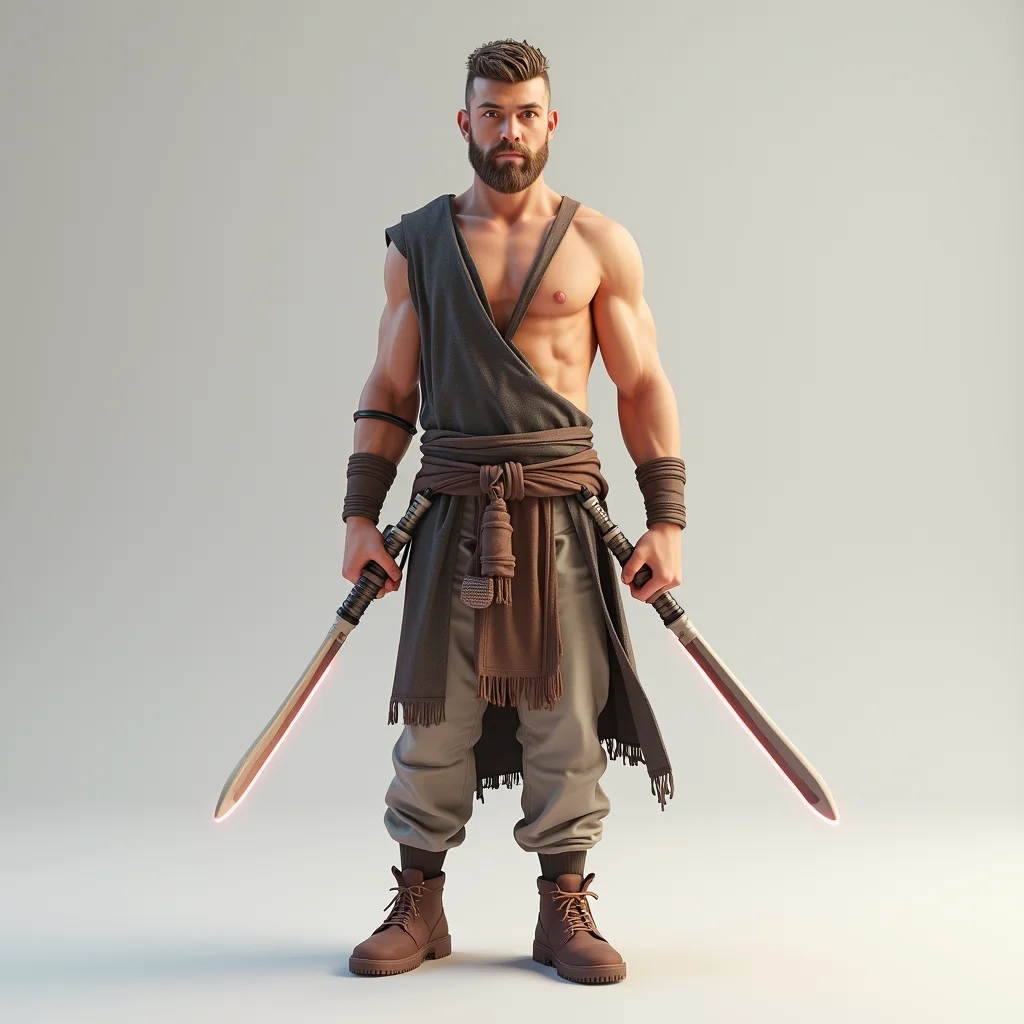
Test prompts that expose the LoRA effect.
Use scenes that reveal whether the adapter preserves style, character detail, lighting, and motion quality.
Animate this product image in our neon cyberpunk brand style, slow camera push, glossy reflections.
Turn the character reference into a short anime-style walking shot with consistent costume details.
Create a cinematic fashion clip using this trained editorial style LoRA and soft handheld motion.
Generate a painterly art-video variation while preserving the same color palette and brush texture.
Use the LoRA style model to keep the mascot identity consistent while changing the background.
Apply the trained campaign look to this still image and create a smooth five-second reveal.
Where WAN 2.2 LoRA works best.
This is especially useful when you want creative freedom but still need the same style, character, or brand language to survive across multiple generated videos.
You have a visual style worth repeating and need image-to-video outputs that feel consistent instead of starting from scratch every time.
Standard WAN 2.2 is strong for flexible one-off videos. WAN 2.2 LoRA is stronger when a trained style, character, or campaign identity needs to stay visible in every output.
How to use WAN 2.2 LoRA.
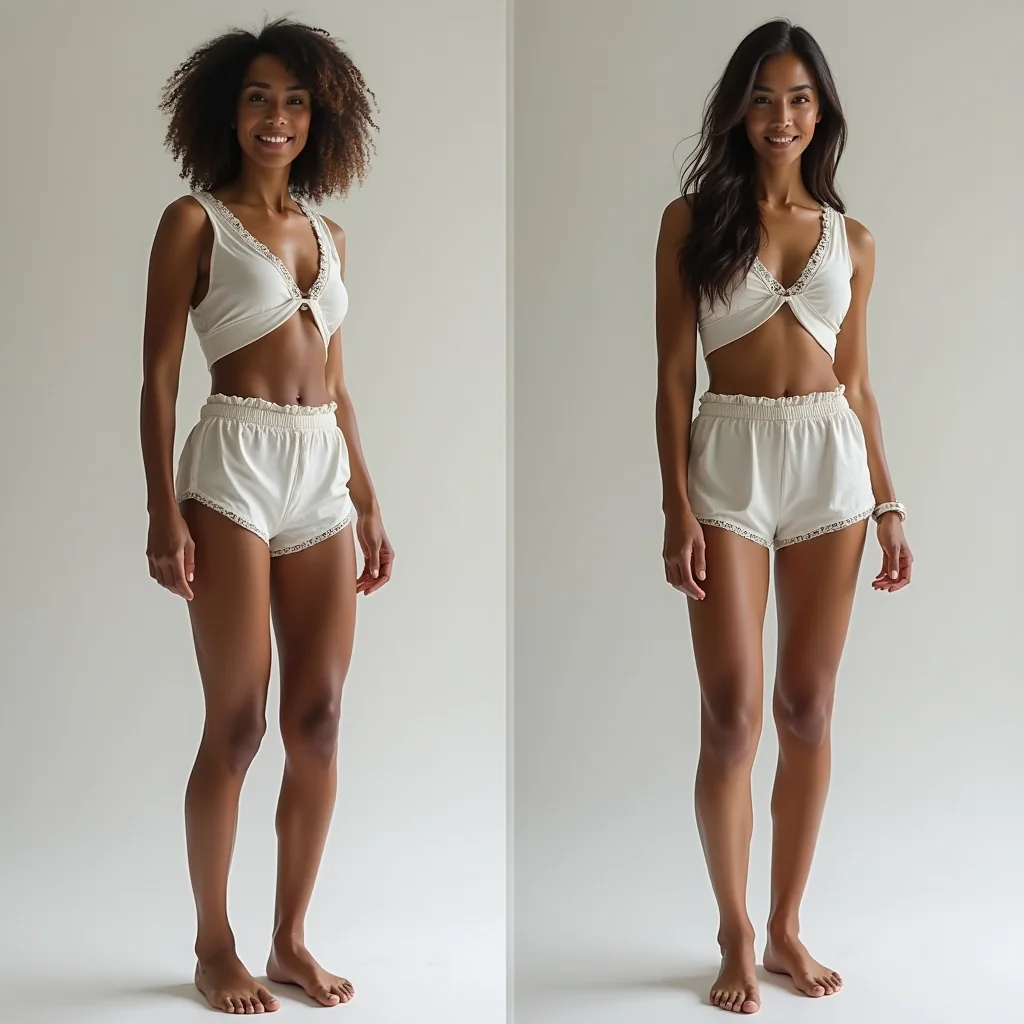
Upload a starting image
Choose the source image that defines the subject, composition, or first-frame direction.
Select your WAN 2.2 LoRA
Attach the trained adapter and set the LoRA scale so the custom style appears clearly.
Generate and compare videos
Review motion, style strength, and identity consistency before creating more variations.
WAN 2.2 LoRA FAQ
Why does WAN 2.2 LoRA output two adapter files?+
WAN 2.2's MoE architecture processes generation in two stages. The high-noise adapter handles early structure, and the low-noise adapter handles fine detail. Using both in inference produces better output than either alone.
Can I use a WAN 2.2 LoRA with WAN 2.1 endpoints?+
No. LoRA adapters are model-specific. A WAN 2.2 LoRA only works with WAN 2.2 inference endpoints. The two model families have different parameter sizes and architectures.
How many images do I need?+
10 to 20 is the standard range. Fewer than 10 often produces underfitted results. More than 30 rarely improves quality and increases training time without meaningful benefit for most use cases.
What scale value should I use in inference?+
Start at 1.0. If the LoRA effect is too strong and distorting outputs, lower to 0.8. If the effect is barely visible, try 1.2. Avoid going above 1.5 without testing, as high scale values can cause visual artifacts.
Can I train on video content for motion patterns?+
Yes. Use the WAN 2.2 I2V LoRA trainer with video clips rather than images. This produces adapters optimized for image-to-video generation with the motion or style captured from your training clips.
How do I include my LoRA in Hugging Face for easy reference?+
Download the `.safetensors` files from the training output URL and upload to a Hugging Face repository. Reference them as `owner/repo-name` in subsequent inference calls.