Kling 3.0 API
Kuaishou Kling 3.0 — long-form video generation (up to 30 seconds in a single pass) with industry-leading character identity preservation.
About the Kling 3.0 API
What Kling 3.0 does, how it fits in the Kuaishou model lineup, and why teams reach for it.
Kling 3.0 is a video generation model from Kuaishou, available through the WaveSpeedAI REST API. Kuaishou Kling 3.0 — long-form video generation (up to 30 seconds in a single pass) with industry-leading character identity preservation.
The Kling 3.0 family on WaveSpeedAI ships 8 REST endpoints covering Text-To-Video, Motion-Control, Image-To-Video workflows. Each variant carries its own pricing, parameter knobs, and example outputs — pick the one that matches your input modality and production constraints, or call several from the same API key to compose multi-step pipelines.
Run Kling 3.0 through the same API key, billing account, and rate-limit envelope you use for the other 1,000+ AI models on WaveSpeedAI. No separate vendor setup, no per-provider SDKs, no per-vendor rate-limit envelopes — one integration covers everything from text-to-image and text-to-video through audio synthesis, 3D generation, upscaling, and editing.
All Kling 3.0 API endpoints
8 endpoints available now on WaveSpeedAI — pick the variant that matches your workflow.

Text To Video
Kling V3.0 4K delivers top-tier 4K text-to-video generation with smooth motion, cinematic visuals, accurate prompt adherence, and optional audio. Supports flexible aspect ratios, multi-prompt, and element references. Ready-to-use REST inference API, best performance, no cold starts, affordable pricing.

Text To Video
Kling 3.0 Pro delivers top-tier text-to-video generation with smooth motion, cinematic visuals, accurate prompt adherence, and native audio for ready-to-share clips. Ready-to-use REST inference API, best performance, no cold starts, affordable pricing.

Text To Video
Kling 3.0 Standard delivers high-quality text-to-video generation with smooth motion, cinematic visuals, accurate prompt adherence, and native audio for ready-to-share clips. Ready-to-use REST inference API, best performance, no cold starts, affordable pricing.
Motion Control
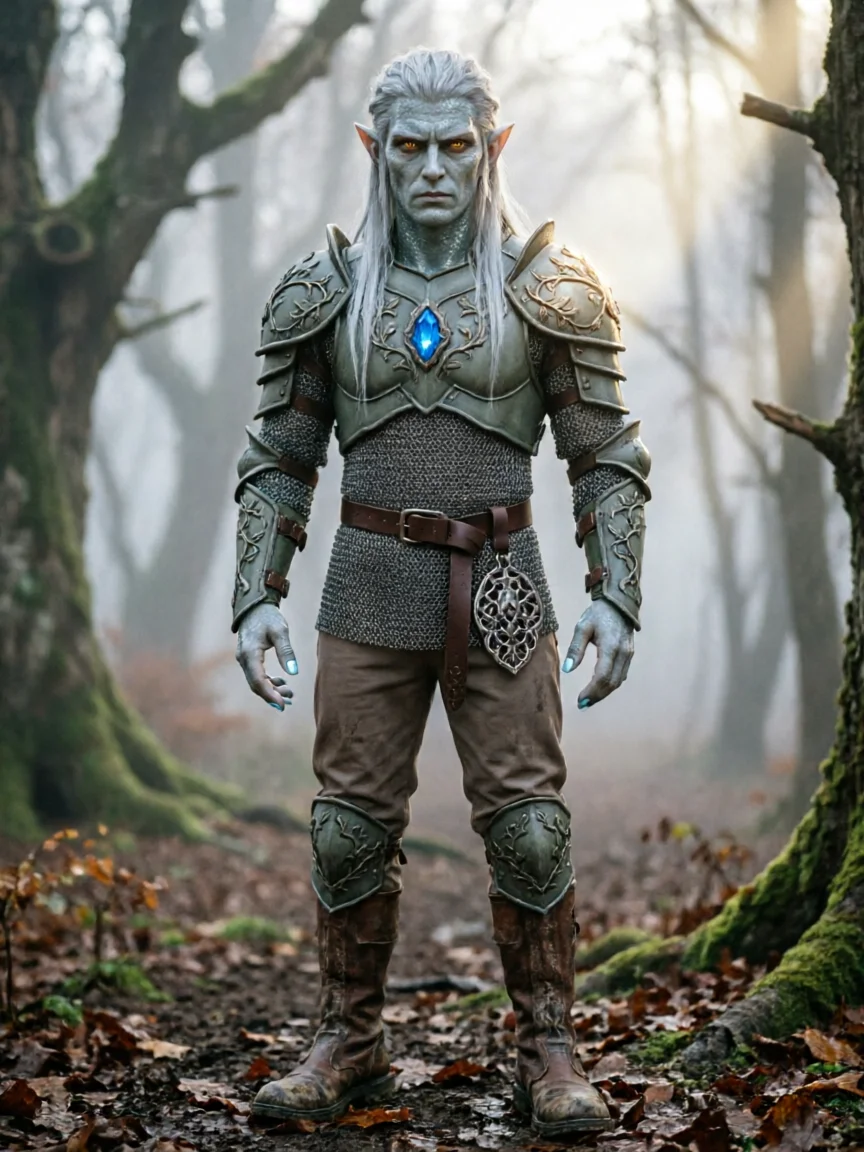
Kling 3.0 Standard Motion Control transfers motion from reference videos to animate still images. Upload a character image and a motion clip (dance, action, gesture), and the model extracts the movement to generate smooth, realistic video. Ready-to-use REST inference API, best performance, no cold starts, affordable pricing.

Motion Control
Kling 3.0 Standard Motion Control transfers motion from reference videos to animate still images. Upload a character image and a motion clip (dance, action, gesture), and the model extracts the movement to generate smooth, realistic video. Ready-to-use REST inference API, best performance, no cold starts, affordable pricing.

Image To Video
Kling V3.0 4K delivers top-tier 4K image-to-video generation with smooth motion, cinematic visuals, accurate prompt adherence, and optional audio. Supports start/end frame control, multi-prompt, and element references. Ready-to-use REST inference API, best performance, no cold starts, affordable pricing.

Image To Video
Kling 3.0 Pro delivers top-tier image-to-video generation with smooth motion, cinematic visuals, accurate prompt adherence, and native audio for ready-to-share clips. Ready-to-use REST inference API, best performance, no cold starts, affordable pricing.

Image To Video
Kling 3.0 Standard delivers high-quality image-to-video generation with smooth motion, cinematic visuals, accurate prompt adherence, and native audio for ready-to-share clips. Ready-to-use REST inference API, best performance, no cold starts, affordable pricing.
See Kling 3.0 in action
Real outputs generated by the Kling 3.0 API. Hover any video to preview, click to open the full-size viewer.
How to use the Kling 3.0 API
Four steps from signup to a finished generation. Full Python, Node.js, and cURL examples are in the API section below.
- 1
Get an API key
Sign up for a WaveSpeedAI account and copy your API key from the dashboard. New accounts come with free starter credits — enough to run the playground a few dozen times before billing kicks in.
- 2
Submit a prediction
POST your input as JSON to https://api.wavespeed.ai/api/v3/kwaivgi/kling-v3.0-std/text-to-video. The endpoint returns a prediction id immediately — generations are async so you don't hold an open connection during inference.
- 3
Poll for completion
GET https://api.wavespeed.ai/api/v3/predictions/{request_id}/result every 1-2 seconds. The response includes a status field; keep polling until it flips from "queued" or "processing" to "completed".
- 4
Read the output URL
Once status is "completed", read the URL from data.outputs[0]. The URL points to your generated media on the WaveSpeedAI CDN — image, video, audio, or 3D file depending on the Kling 3.0 variant you called.
What you can build with Kling 3.0
Common workflows developers and creators use the Kling 3.0 API for.
Long-form storyboarding
Generate up to 30 seconds in a single pass — useful for full storyboard beats, music video sections, and narrative scenes that need temporal coherence beyond the 5-8 second window of competing models.
Music video sequences
Music videos benefit from longer continuous shots that match musical phrasing — Kling 3.0 holds visual coherence across the kind of 15-30s segments that match a typical chorus or verse.
Character-driven narrative
Strong identity preservation makes Kling 3.0 reliable for multi-character scenes where each character has to remain recognizable across the full duration.
Pre-visualization for film and games
Long takes are useful for animatic / previz work where a scene needs to play out at near-real timing — Kling 3.0 generates closer-to-cut-length clips than most competitors.
Tips for prompting Kling 3.0
Practical advice for getting better outputs from Kling 3.0 — drawn from the patterns that work across video models in production pipelines.
Be specific about camera moves
Mention concrete cinematography vocabulary — orbit, dolly-in, push-in, pan-left, crane shot, handheld follow. Generic prompts produce static or arbitrary camera choices; named camera moves map directly to motion intent in the model's training data and dramatically improve shot quality.
Anchor character identity with reference images
If your prompt depends on a specific person, character, or product, upload a reference image alongside the prompt. Without a reference, identity drifts across frames and across shots — the same character ends up looking like a slightly different person each generation.
Describe lighting and time of day
Lighting cues like 'golden hour, soft warm directional light' or 'overcast diffused light, slate-grey sky' improve quality and consistency far more than vague quality modifiers. Lighting is one of the strongest priors the model conditions on.
Use negative prompts to suppress common failure modes
Useful negatives for video: 'frame flicker, motion blur, watermark, text artifacts, distorted hands, low resolution, jpeg compression'. Negative prompts cost nothing and noticeably reduce the rate of generations you'd otherwise re-roll.
Pick the shortest duration that captures your beat
Most prompts work best at 5-8 seconds. Longer clips amplify temporal inconsistencies (subject morphing, environment drift). If you need a 20-second sequence, generate three 6-8 second clips and edit them together — quality stays higher than one long generation.
Match aspect ratio to platform up front
9:16 for TikTok / Reels / Shorts, 16:9 for landscape feeds and YouTube, 1:1 for post grids. Models train slightly differently per aspect ratio — cropping a 16:9 to 9:16 after the fact loses both fidelity and the composition the model intended.
Kling 3.0 API pricing
Pricing is per-output. The final charge scales with the parameters you set in each variant's playground (resolution, duration, output count, references).
| Endpoint | Type | Starting price |
|---|---|---|
| kwaivgi/kling-v3.0-4k/text-to-video | text-to-video | $2.10 |
| kwaivgi/kling-v3.0-pro/text-to-video | text-to-video | $0.56 |
| kwaivgi/kling-v3.0-std/text-to-video | text-to-video | $0.42 |
| kwaivgi/kling-v3.0-std/motion-control | motion-control | $0.63 |
| kwaivgi/kling-v3.0-pro/motion-control | motion-control | $0.84 |
| kwaivgi/kling-v3.0-4k/image-to-video | image-to-video | $2.10 |
| kwaivgi/kling-v3.0-pro/image-to-video | image-to-video | $0.56 |
| kwaivgi/kling-v3.0-std/image-to-video | image-to-video | $0.42 |
Call the Kling 3.0 API
Sign up for an API key at wavespeed.ai/accesskey, then submit a prediction via REST. The playground generates ready-to-paste samples for any combination of inputs.
HTTP example
# 1. Submit a prediction
curl -X POST "https://api.wavespeed.ai/api/v3/kwaivgi/kling-v3.0-std/text-to-video" \
  -H "Content-Type: application/json" \
  -H "Authorization: Bearer $WAVESPEED_API_KEY" \
  -d '{}'

# 2. Poll the result until status = "completed"
curl -X GET "https://api.wavespeed.ai/api/v3/predictions/{request_id}/result" \
  -H "Authorization: Bearer $WAVESPEED_API_KEY"

# Read the output URL from data.outputs[0].
Node.js example
// npm install wavespeed
const WaveSpeed = require('wavespeed');
const client = new WaveSpeed(); // reads WAVESPEED_API_KEY

const result = await client.run("kwaivgi/kling-v3.0-std/text-to-video", {});
console.log(result.outputs[0]); // → URL of the generated output
Python example
# pip install wavespeed
import wavespeed

output = wavespeed.run(
    "kwaivgi/kling-v3.0-std/text-to-video",
    {}
)
print(output["outputs"][0])  # → URL of the generated output
Kling 3.0 vs alternatives
When to pick Kling 3.0 over similar models on WaveSpeedAI.
Kling 3.0 vs Seedance 2.0
Seedance 2.0 has stronger cinematic camera language and native audio synthesis. Kling 3.0 wins on take length (up to 30s continuous) and character identity preservation across the full duration.
Kling 3.0 vs Veo 3.1
Veo 3.1 leads on photorealism and human faces. Kling 3.0 is typically cheaper per second and handles longer continuous takes more reliably.
Kling 3.0 vs Wan 2.7
Wan 2.7 has multi-modal input (text + image + video + audio) and open weights. Kling 3.0 wins on take length, character identity, and pricing for long-form work.
Kling 3.0 API — Frequently asked questions
Pricing, license, integration — common questions about running Kling 3.0 on WaveSpeedAI.
What is the Kling 3.0 API?
Kling 3.0 is a Kuaishou video generation model exposed as a REST API on WaveSpeedAI. Kuaishou Kling 3.0 — long-form video generation (up to 30 seconds in a single pass) with industry-leading character identity preservation. You can call it programmatically or try it from the playground linked above.
How do I call the Kling 3.0 API?
Sign up for a WaveSpeedAI account, copy your API key from /accesskey, then POST to https://api.wavespeed.ai/api/v3/kwaivgi/kling-v3.0-std/text-to-video with your input as JSON. The endpoint returns a prediction id; poll the prediction endpoint until status flips to "completed", then read the output URL from data.outputs[0]. Full Python / Node.js / cURL examples are above.
How much does the Kling 3.0 API cost?
Kling 3.0 starts at $0.42 per run. The exact cost scales with the parameters you set (resolution, duration, output count, references). The live cost preview next to the Generate button in the playground shows the exact price for your current input.
Which Kling 3.0 variants are available?
WaveSpeedAI hosts 8 Kling 3.0 endpoints: kwaivgi/kling-v3.0-4k/text-to-video, kwaivgi/kling-v3.0-pro/text-to-video, kwaivgi/kling-v3.0-std/text-to-video, kwaivgi/kling-v3.0-std/motion-control, kwaivgi/kling-v3.0-pro/motion-control, kwaivgi/kling-v3.0-4k/image-to-video, kwaivgi/kling-v3.0-pro/image-to-video, kwaivgi/kling-v3.0-std/image-to-video. Each variant has its own playground page and pricing.
Can I use Kling 3.0 outputs commercially?
Commercial usage rights follow the Kuaishou model license. Most Kuaishou models permit commercial output use; see each model's playground page for the specific license summary, and WaveSpeedAI's Terms of Service for platform-level conditions.
Why use Kling 3.0 on WaveSpeedAI instead of going direct?
One API key + one billing account across Kling 3.0 AND 1,000+ other AI models from other providers. No per-vendor SDK setup, no separate rate-limit envelopes, no rewrite-per-vendor integration code. Pricing is typically at parity with or below Kuaishou's direct API.
About Kuaishou
The team behind Kling 3.0 and the broader Kuaishou model lineup on WaveSpeedAI.
Kuaishou is a major Chinese short-video platform and the team behind the Kling family of video generation models. Kling is best known for long-form continuous video — up to 30 seconds in a single generation — with strong character identity preservation, useful when storyboarding multi-shot sequences from a reference person.
Start building with Kling 3.0 on WaveSpeedAI
Free starter credits on signup. One API key across 1,000+ AI models from Kuaishou and every other provider.